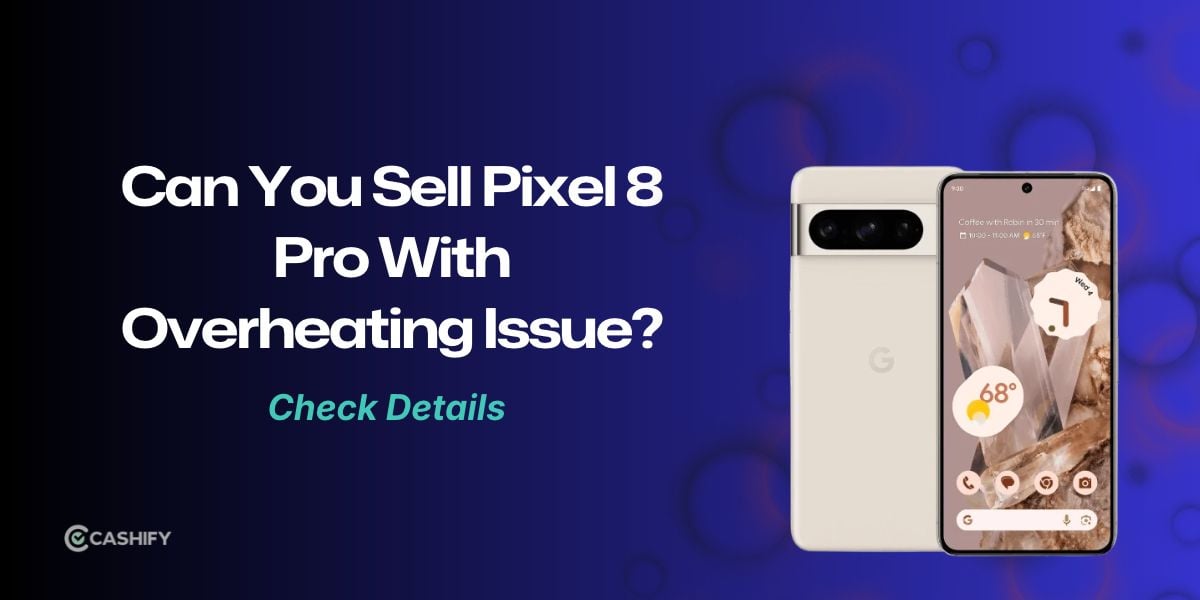
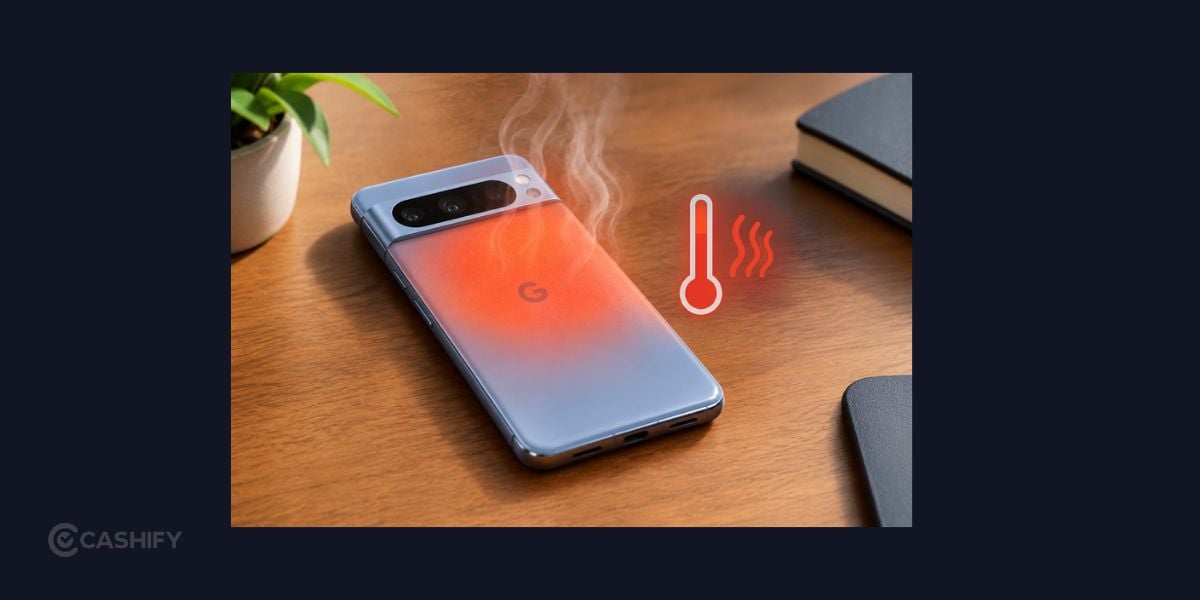
The Pixel 8 Pro overheating issue can be frustrating, especially when your phone gets warm during everyday tasks instead of just gaming or recording videos. Powered by Google's Tensor G3 chip, the Pixel 8 Pro can heat up during demanding activities, extended 5G use, charging, or after a software update.
Occasional warmth is normal, but frequent temperature warnings or heating during light use shouldn't be ignored. Before spending money on repairs or replacing your phone, here are some fixes to try and signs that it's time to get your device checked.
Also Read: Selling Galaxy S23 With Pink Line: Should You Repair Or Sell It?
Why Is Your Pixel 8 Pro Overheating?
Understanding what triggers the Google Pixel 8 Pro overheating problem can help you find the right solution instead of changing settings randomly.
Heavy Apps And Gaming
Gaming, recording 4K videos, using navigation, and making long video calls put extra pressure on your phone's processor and other components. The device may become warm during these activities, particularly when you use several demanding apps without a break.
Weak Network Signals
Using mobile data for extended periods can increase power consumption, especially when the network signal is weak. If your phone heats up during your commute or in areas with poor reception, network activity could be contributing to the problem.
Recent Software Updates
After a major Android update, your phone may temporarily use more resources while completing background tasks. App updates and data restoration can also increase power consumption. However, persistent heating shouldn't automatically be blamed on an update.
Charging And Environmental Heat
Charging naturally generates heat. Using your phone for gaming or video recording while it's plugged in can make the situation worse. Direct sunlight, hot surroundings, and thick cases that trap heat may also contribute.
How To Fix Pixel 8 Pro Overheating At Home
If Pixel 8 Pro overheating happens repeatedly, try these practical fixes one at a time to identify what helps.
1. Let Your Phone Cool Down
If your phone feels excessively hot, stop using it and disconnect the charger. Move it away from sunlight and place it in a cool, well-ventilated area until it returns to a comfortable temperature.
Avoid putting it in a refrigerator or freezer, or cooling it rapidly with ice or water. Sudden temperature changes and moisture can damage the device.
2. Restart Your Phone
A background process or unresponsive app may be consuming more resources than necessary. Restarting your Pixel 8 Pro can help clear temporary software issues.
After restarting, use your phone normally and check whether the heating returns. If the problem started after installing a particular app, notice whether the temperature rises when you open it.
3. Check battery Usage
An app running continuously in the background can contribute to heating and battery drain.
Open Settings > Battery > Battery usage and review which apps consume the most power. If a recently installed app shows unusually high usage, update it, restrict its background activity, or uninstall it temporarily to see whether the situation improves.
Remember that frequently used apps will naturally consume more battery, so high usage alone doesn't prove that an app is faulty.
4. Lower Brightness And Reduce Demanding Tasks
Your display and active features contribute to overall power consumption. Reduce screen brightness, enable Adaptive Brightness, and turn off features you don't need while troubleshooting.
If you play games for long periods, lower the graphics settings and take breaks. Avoid recording lengthy videos while running other demanding apps in the background.
Also Read: OnePlus Phone Green Line Issue? Here’s How To Sell It Without A Big Loss
5. Switch To Wi-Fi Or Temporarily Use 4G
If your phone gets hot during mobile data use, connect to a stable Wi-Fi network when possible. You can also temporarily switch to LTE/4G to see whether that helps.
Look under Settings > Network & internet > SIMs for available network options. Compare your phone's behaviour under similar conditions. If it heats up less on Wi-Fi, mobile network activity may be contributing to the issue.
6. Avoid Heavy Usage While Charging
Try not to play demanding games, record videos, or make long video calls while your phone is charging. Remove a thick case temporarily if it traps heat, and keep the device away from direct sunlight.
Use a compatible charger and cable in good condition. If the phone or charging accessory becomes unusually hot, disconnect it safely and investigate before charging again.
7. Update Android And Your Apps
Open Settings > System > Software updates to check for available Android updates. You can also update your installed apps through the Google Play Store.
If the heating began after a software update, allow background activity to settle and check for subsequent fixes. Avoid repeatedly resetting your phone or installing unofficial software in an attempt to resolve the issue.
8. Check Your Phone's Temperature Diagnostics
If Pixel 8 Pro overheating continues despite these changes, check the built-in diagnostics. On supported Pixel software versions, open Settings > Battery > Battery diagnostics > Phone is very warm.
The available options and labels may vary by software version. Your phone may provide temperature-related guidance or explain why charging, connectivity, or certain features have been limited.
When Should You Worry About Pixel 8 Pro Overheating?
Occasional warmth during charging, gaming, or video recording isn't necessarily a cause for concern. However, the Pixel 8 Pro overheating problem deserves attention if your phone doesn't cool down after you stop demanding activities.
Watch for these warning signs:
- Your phone gets hot while you're only browsing or reading messages.
- Battery life drops sharply despite light use.
- Charging repeatedly slows down or stops because of temperature warnings.
- Features such as the camera flash or mobile data become unavailable due to heat.
- Your phone frequently restarts or shuts down unexpectedly.
- The device remains unusually hot even after demanding apps are closed.
These symptoms don't automatically mean the battery is damaged. Software issues, charging accessories, network activity, and hardware faults can all contribute.
If the phone becomes dangerously hot, develops a swollen battery, or shows physical damage, stop using and charging it. Don't attempt to open the device yourself. Contact Google Pixel support or a qualified repair professional for an assessment.
Should You Repair Or Sell Your Pixel 8 Pro?
If Pixel 8 Pro overheating persists after basic troubleshooting, your next step depends on the cause and the estimated repair cost.
Repairing the phone may make sense if the issue is fixable and the cost is reasonable compared with replacing the device. Ask a professional to diagnose the problem and provide an estimate before approving a paid repair. Also, check whether your device is eligible for warranty support.
Selling your phone may be worth considering if the issue keeps returning, the repair is expensive, or you've already planned to upgrade. However, don't assume that selling it will automatically give you a better deal. Compare the repair estimate with the phone's current resale value first.
You can check your Pixel 8 Pro's estimated resale value through Cashify. The offer will depend on factors such as its storage variant, physical condition, functionality, and inspection results. A recurring overheating issue may affect the final price.
Be transparent about the fault when selling your phone. Don't describe it as fully functional if it has a recurring problem. Before handing it over, back up your data, remove your Google account, and factory-reset the device after confirming that your backup is complete. If you suspect a battery safety issue, arrange a professional assessment before attempting to sell or transport it.
Steps To Sell Phone On Cashify

- Visit Cashify’s official website or open the Cashify app.
- Go to the Sell Old Phone section.
- Select your phone brand and model and enter device-related details.
- Enter your details like name, address, pickup time and date.
- Finally, schedule a free doorstep pickup.
Also Read: Moto Edge Vs Moto G Series Resale Value: Which Pays More?
Is It Time To Move On From Your Pixel 8 Pro?
The Pixel 8 Pro overheating issue doesn't always mean you need a new phone. Heat during demanding tasks can be normal, and adjusting your usage, checking apps, or improving network conditions may help.
Start with the simple fixes and monitor whether the phone cools down normally. If it continues heating during basic tasks or repeatedly displays temperature warnings, get it checked rather than relying on temporary solutions.
Once you understand the cause, compare the repair estimate with the current resale value. That will help you decide whether to keep your Pixel 8 Pro, repair it, or sell it and move to another device.
Buying refurbished mobile phones was never this easy. Sell your old phone and get exclusive offers & discounts on refurbished mobiles. Every refurbished phone is put through 32-point quality checks to ensure like-new standards and comes with a six-month warranty and 15-day refund. Buy refurbished phone easily on no-cost EMI today!