When you have decided that you want to sell your old Google Pixel phone, the very first thing you must do is wipe all of your personal data. If you did not wipe your photos, chats, passwords, and files, then another owner could see private information. This article guide will explain how to wipe Pixel data safely and easily so you can feel secure, giving the phone a clean slate for the next user. Here’s how you can do it the best way: just stay tuned.
Also Read: Realme 15 Pro vs Realme 15: Resale Price Comparison
Why You Should Wipe the Data Of Your Pixel Phone Before Selling
Before giving your device to someone else, erase all data. This protects your privacy and makes sure the buyer gets a clean and fresh device. Properly resetting the phone can even make it look newer and fresher, which can help increase resale value.
When you wipe data on a Pixel phone removes the following.
- Photos and videos
- Contacts and messages
- App data
- Accounts like Google,
- Social media saved passwords
Also Read: Pixel 10 Pro XL vs Pixel 9 Pro: Resale Value Showdown
Steps To Erase Your Pixel Phone’s Data
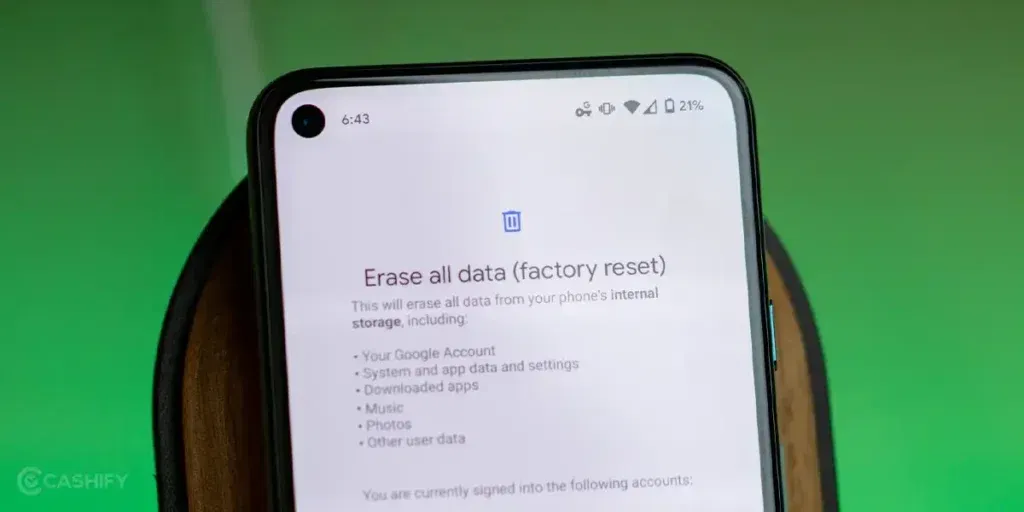
Now we will look at the steps that you can follow to efficiently wipe the data of your Pixel phone.
1. Back Up Your Data
Before you wipe data from your Pixel phone, save all your photos, contacts, and important files so that nothing gets lost. Backing up on Google Pixel is quite easy and keeps your stuff safe in your Google account.
Here’s how you can do it:
- Open the phone settings.
- Tap Google, then Backup.
- Turn on Back up to Google Drive if it isn’t already on.
- Tap Back up now to save everything right away.
2. Sign Out of Your Accounts
Before you wipe your Pixel phone data, make sure to sign out of all your accounts, especially your Google account. It prevents anyone else from accessing your apps, emails, or personal info on the phone once it’s sold.
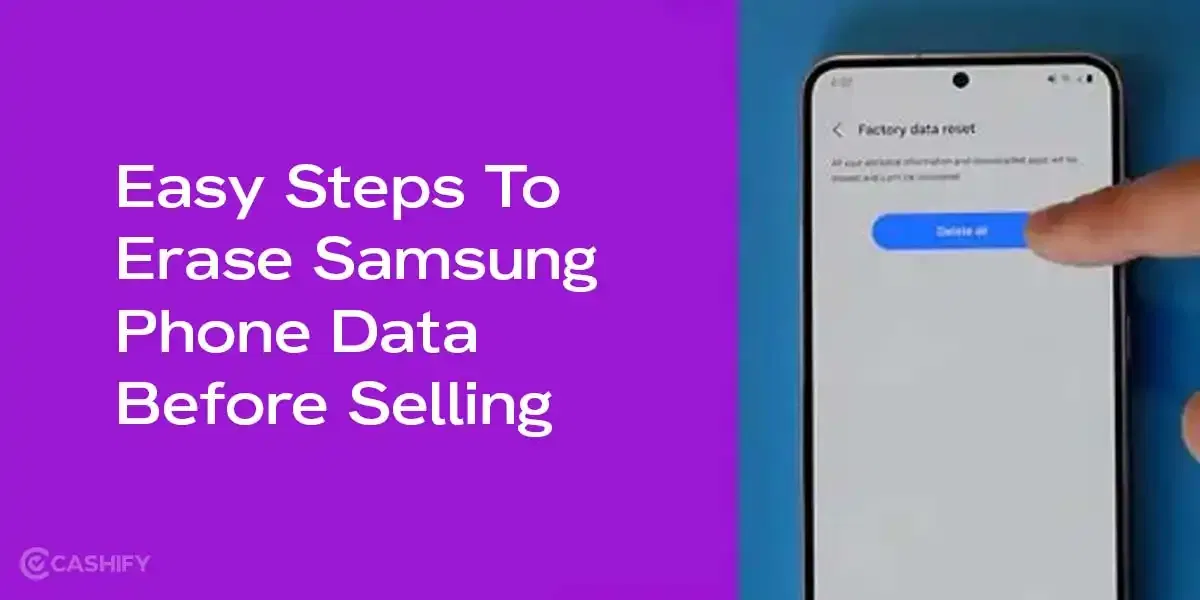
3. Do A Factory Reset
This is the major step toward wiping Pixel phone data and making it ready for the next owner. It’s easier than it sounds, and your Pixel guides you.
- Open the Settings on your phone.
- Go to System, then Reset options.
- Select Erase all data
- Read the warning, enter your PIN if asked, and tap Erase all data to confirm.
- The phone will restart and erase everything.
It only takes a few minutes. When it’s done, your Pixel device will be all fresh and ready.
Best Platform To Sell Your Pixel Phone
As it is quite confusing to select the right platform in 2025, let us help you with that. Presenting Cashify: India’s leading resale platform for second-hand smartphones, laptops, and other accessories.
Steps For Hassle-Free Selling
Here are the steps you can follow to sell your Pixel phone and earn a high resale value.
- Go to the official website of Cashify or download the app.
- After that, you will see Sell Old Phone Section at the top left side.
- Then, choose the brand Google.
- Next, select the Pixel series and then the device model.
- The next page will show you the proper estimated price of the smartphone.
- Next, a few easy questions will be asked regarding the condition of the phone.
- Finally, you will get the final buyback price of your smartphone.
- Next, add your name, address, pick-up date, and time, and a Cashify representative will then pick up the device from your home.
Frequently Asked Questions
Best Way to Back Up Pixel Before Wiping for Resale?
Go to Settings, then go to Google, Back up now to Drive. This saves contacts and photos. It’s free and quick over Wi‑Fi, and you can restore easily on a new phone.
Why Wipe Data Before Selling Pixel?
Erases photos, chats, accounts, and passwords to stop new owner access. Gives a fresh start, potentially hikes buyback price by 10-20%.
Does Wiping Pixel Affect Resale Value?
No, a clean reset often makes the phone feel like new, often raising the buyback price.
If you’ve just bought a new phone and don’t know what to do with your old phone, then here’s your answer. Sell old mobile to Cashify and get the best price for it. If you are planning to buy a new phone, check out Cashify’s refurbished mobile phones. You can get your favourite phone at almost half price with Six-month warranty, 15 days refund and free delivery.