If you’re using an iPhone 14, you may have noticed the battery doesn’t last like it used to. Maybe you charge it more often now or see the percentage drop faster than before. These small changes usually show up slowly, which is why many users don’t pay much attention to them. Let’s look at these early warning signs and see when an iPhone 14 battery replacement starts making sense.
Also read: 8 Signs That Your Android Phone Motherboard Needs Repair!
Early Signs That Point To An iPhone 14 Battery Replacement
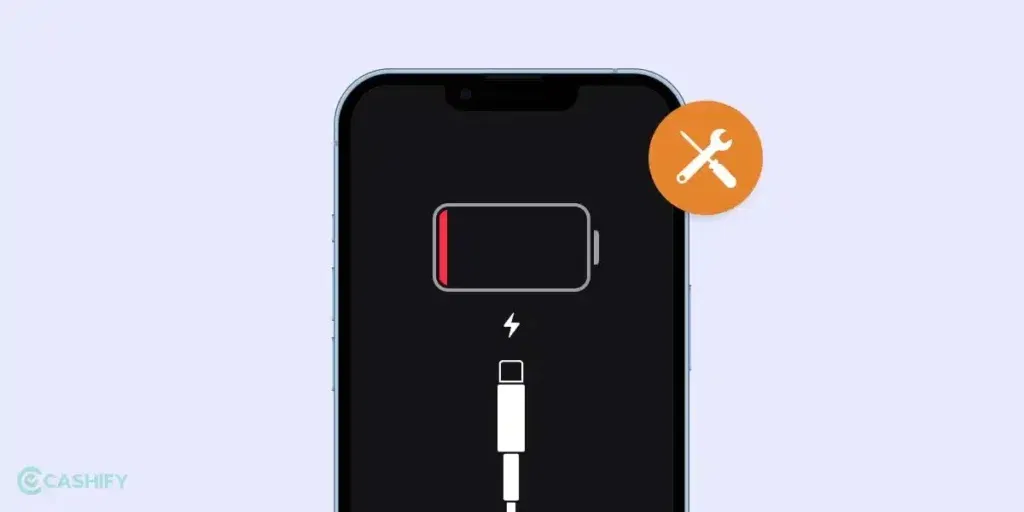
Here are some common signs showing you may need an iPhone 14 battery replacement:
Phone Turns Off Suddenly
Sometimes your iPhone 14 may turn off even when the battery shows plenty of charge. This happens when the battery cannot keep up with sudden power demands. Repeated shutdowns show the battery is losing its ability to deliver power.
Charging Takes Longer Than Usual
If your iPhone 14 takes much longer to reach full charge, the battery may be aging. Older batteries often charge slower even with the same charger. A noticeable slowdown in charging speed can mean the battery needs replacement.
Battery Percentage Fluctuates a Lot
If the battery percentage jumps or drops sharply, the battery is unstable. This shows it cannot measure the remaining charge accurately. When the percentage moves unevenly, the battery health may be weakening.
Phone Feels Warm During Simple Use
Your iPhone should stay cool during light tasks like texting or browsing. If it feels warm, the battery is under strain. Heat during simple use can mean the battery is working harder than normal.
Noticeable Dip in Performance
Apps may open slowly, or actions lag, even if nothing else changed. When the battery cannot provide steady power, performance drops. This slowdown is a sign that a battery replacement may be needed.
Also read: Vivo Y83 Pro Aux Jack Not Working? Repair It Fast With Cashify
Simple Fixes You Can Try Before iPhone 14 Battery Replacement
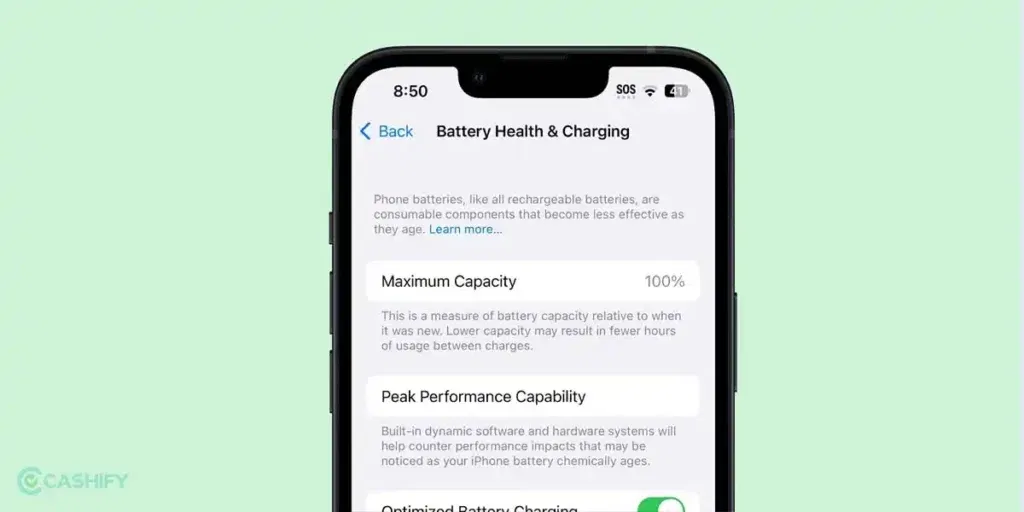
Before going for an iPhone 14 battery replacement, try a few easy steps at home. They can help improve your battery performance.
Force Restart Your iPhone
Try a force restart to refresh your Apple iPhone 14. Press and quickly release the volume up button, then volume down, and hold the side button until the Apple logo appears. This can clear minor glitches affecting battery behavior.
Recalibrate the Battery
Fully charge your iPhone to 100% and then let it drain completely once or twice. This helps the battery report its charge level more accurately. It can make percentage readings more stable.
Update iOS and Apps
Keep your iPhone and apps up to date. Go to Settings > General > Software Update and update all apps from the App Store. Updates often optimise battery usage and fix hidden software issues.
Close Unnecessary Background Apps
Swipe away apps running in the background that you don’t need. This reduces battery strain and helps your iPhone run more smoothly.
Use Original Charging Accessories
Always use the Apple-supplied charger and cable. This ensures the battery charges at the right speed and reduces long-term wear.
Enable Low Power Mode
Switch on Low Power Mode in Settings > Battery when you need longer usage. It temporarily limits background activity and saves battery.
Also read:8 Signs That Your Android Phone Motherboard Needs Repair!
Why Choose Cashify For Your iPhone 14 Battery Replacement?
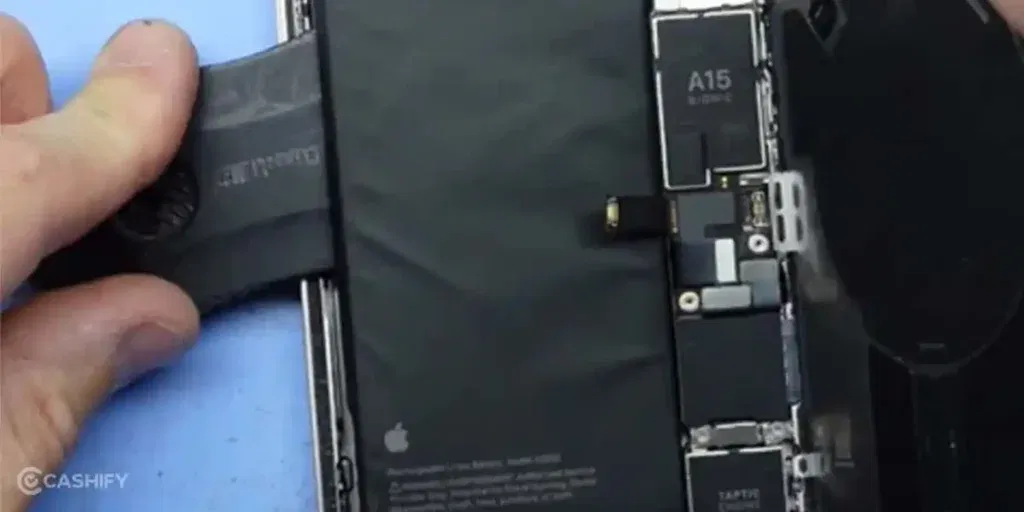
If the battery problems continue even after trying these fixes, it’s time for an iPhone 14 battery replacement. You might be wondering where to get it done safely. Cashify is a great option, and here’s how:
- Cashify uses high-quality compatible batteries for iPhone 14. They are tested and reliable for everyday use.
- The replacement cost is usually lower than other service options. The phone repair is done quickly so you can use your phone soon.
- A technician can come to your home or office at a time that works for you. The battery is replaced in front of you, and you pay after the service.
- You can also visit any of the 200+ Cashify service centres across India for in-store mobile repair.
- Every battery replacement includes a 3-month warranty*. You get support if any issue happens within this period.
(*Repair warranties are subject to discretion based on Cashify’s terms and conditions. Please refer to our warranty policy for detailed information.)
Also read: How Do I Check My Android Hardware Health?
How To Book iPhone 14 Battery Replacement With Cashify?
For booking an iPhone 14 battery replacement with Cashify, follow these simple steps:
- Open the Cashify website or app and go to the Mobile Repair section.
- Select Apple as your phone brand.
- Choose iPhone 14 from the list of models.
- Pick Battery as the service you need.
- Enter your city and address, then select a convenient date and time for the repair at your home.
- Confirm your booking. A trained technician will inspect your iPhone 14 and complete the mobile phone repair.
Also read: How To Fix Vivo V11 Pro Screen Issues? Replace It Affordably!
Tips To Keep Your iPhone 14 Battery Healthy After Replacement
After your iPhone 14 battery replacement, follow these simple steps to keep it performing well for a long time.
Avoid Full 0-100% Cycles Often
Don’t drain your battery completely or always charge to 100%. Keeping it between 20–80% reduces long-term wear.
Limit Exposure to Heat
Avoid leaving your iPhone in hot cars or direct sunlight. Heat accelerates battery aging and reduces lifespan.
Remove Heavy Cases During Charging
Thick or insulated cases can trap heat while charging. Removing them prevents unnecessary strain on the battery.
Enable Optimised Battery Charging
Turn on Settings > Battery > Battery Health > Optimised Battery Charging. It slows charging when needed to protect battery health.
Charge Smartly During Short Intervals
Instead of long charging sessions, plug in for shorter periods. Frequent top-ups keep the battery stable.
Avoid Intensive Tasks Right After Charging
Don’t play heavy games or record 4K videos immediately after charging. Let the battery settle for a few minutes first.
Also read: Which Is The Best Way To Repair Broken Screen For Vivo V30?
Apple iPhone 14 Repair Services And Cost On Cashify
| Repair Service | Cashify Repair Cost |
|---|---|
| Screen Repair | Rs. 9,999 |
| Battery Replacement | Rs. 3,999 |
| Receiver Repair | Rs. 4,499 |
| Charging Jack Repair | Rs. 4,499 |
| Mic Repair | Rs. 4,499 |
| Speaker Repair | Rs. 4,999 |
| Back Camera Repair | Rs. 7,999 |
| Front Camera Repair | Rs. 4,399 |
Final Thoughts On iPhone 14 Battery Replacement
Now you know the key signs that your iPhone 14 battery may need replacing. You’ve also seen a few fixes you can try at home and tips to keep your new battery healthy. Choosing Cashify ensures the replacement is done safely with high-quality compatible parts. The service is handled by trained technicians and comes with a 3-month warranty for peace of mind.
If anything is unclear or you need help with your Apple mobile repair, leave a comment below. I’ll guide you through it.
Use code: TECH25 to avail of a discount of up to Rs. 300 by using the (on the minimum order value of Rs. 2499).
Use code: RPR50 to avail up to 50 per cent off on a minimum spend value of Rs. 1000.
If you’ve just bought a new phone and don’t know what to do with your old phone, then here’s your answer. Sell old mobile to Cashify and get the best price for it. If you are planning to buy a new phone, check out Cashify’s refurbished mobile phones. You can get your favourite phone at almost half price with six-month warranty, 15 days refund and free delivery.