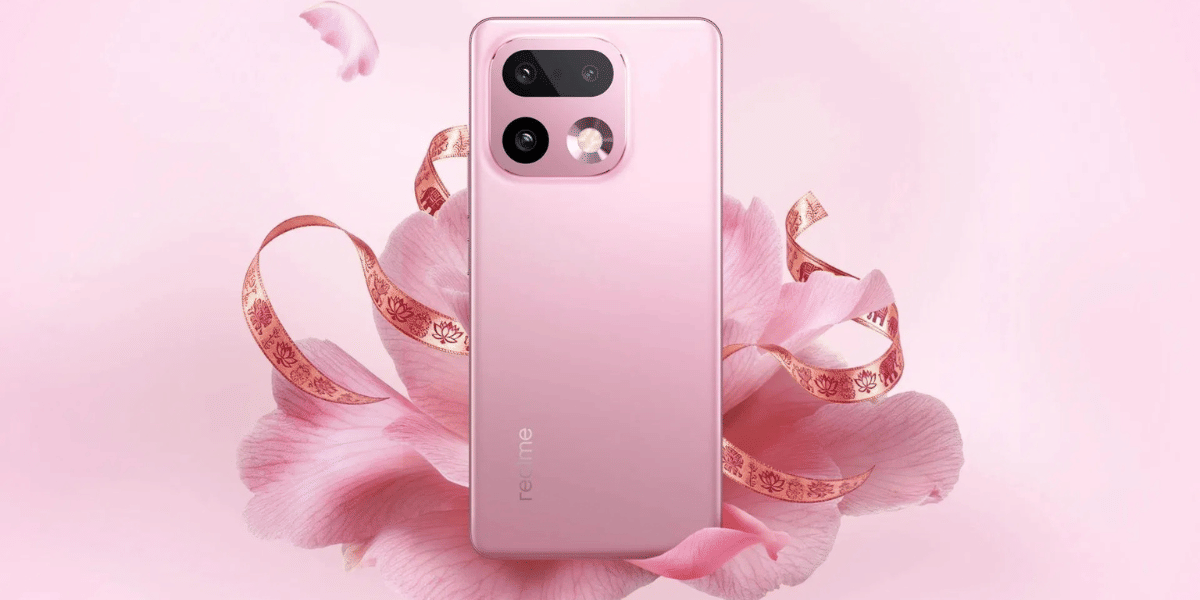
Didn’t think your Oppo Reno13 Pro damaged display would haunt you so soon? This sleek mid-range powerhouse with cool AI features impresses the users. But when the touch of the display betrays, it drops the user experience down to level 0. You don’t want your phone to end up like that. So, if you are dealing with a compromised display, keep reading.
Also read: Should I Consider Repairing My Oppo F23 Through Cashify?
Why Is This Happening? Common Causes of Oppo Reno13 Pro Damaged Display
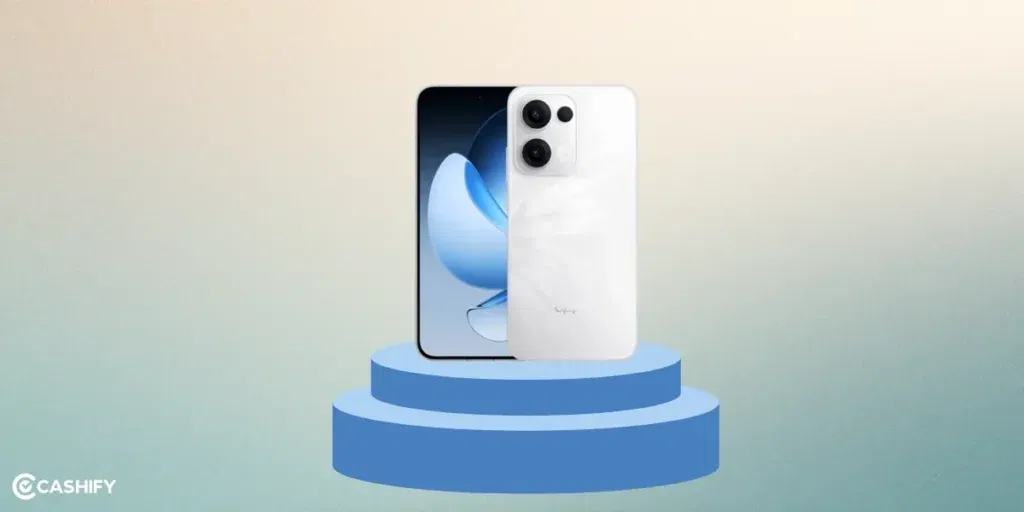
Screen problems on the OPPO Reno13 Pro 5G often stem from a mix of hardware wear and tear, environmental factors, or software hiccups. You could blame certain things. Here are a few of them:
1. Physical Damage from Drops or Impacts:
It’s the most obvious one. Accidental falls are the top reason for cracked screens or unresponsive touch. The phone’s glass display, while durable, can shatter or damage the underlying digitiser. It is the layer that detects the touch. Anything that happens to the digitiser, it affects the touch quality.
2. Water or Liquid Damage:
Even if the Reno13 Pro has some water resistance, exposure to moisture can cause corrosion. Especially if it has been happening frequently or for a long time. No phone is truly water-resistant. Condensation or spills can seep in and short-circuit components.
3. Software Glitches or Outdated Firmware:
Bugs in the OS, app conflicts, or pending updates can make the screen unresponsive. It may cause display anomalies like flickering or colour shifts. Oppo Reno13 Pro display damaged due to this is purely a software problem that needs troubleshooting instead of screen replacement right away.
4. Overheating or Battery Problems:
Believe it or not, what might look like a screen issue could also be due to a battery failure. Excessive heat from prolonged use or faulty charging can affect the display hardware. As a result, it leads to temporary or permanent damage. In such rare cases, one might need the replacement of both the screen and the battery.
5. Accessories Interference:
A poorly fitted screen protector or case might press on the edges, disrupting touch sensitivity.
6. Manufacturing Defects:
Again, that’s a rare case. However, hardware flaws like faulty digitisers or display panels could be at play, especially if issues arise shortly after purchase.
Also read: 8 Signs That Your Android Phone Motherboard Needs Repair!
Troubleshooting Steps: Rule Out the Basics First
Before jumping to repairs, try these quick checks to eliminate common non-hardware problems for Oppo Reno13 Pro damaged display. These steps can save you time and money.
1. Restart Your Device: A simple reboot clears temporary glitches. Press and hold the power button, then select “Restart.” This often resolves minor touch or display freezes.
2. Remove Screen Protectors and Cases: Peel off any tempered glass or case to see if they’re causing interference. Clean the screen with a microfiber cloth to remove dust or smudges.
3. Charge and Check Battery: Plug in for at least 30 minutes. A low battery can mimic display issues. Try a different charger to rule out cable faults.
4. Update Software: Go to Settings > System > System Update to check for patches. Outdated software is a common trigger for touch unresponsiveness.
5. Boot into Safe Mode: This disables third-party apps. Press and hold the power button, then long-press “Restart” and select “Safe Mode.” If the screen works here, a rogue app is the issue. Uninstall recent downloads.
6. Perform a Hard Reset: If stuck on a black screen, force a restart by holding the power and volume down buttons for 10-15 seconds.
7. Test in Recovery Mode: Power off, then hold volume down + power to enter recovery. Navigate with volume buttons (touch might not work here) to wipe the cache partition.
If these don’t help, it’s likely a hardware problem.
Also Read: How To Book A Doorstep Service For Mobile Repair? Cashify Explains!
More Practical Solutions To Try At Home For Oppo Reno13 Pro Display Damaged
1. Factory Reset for Software Fixes: Back up your data first (via Google Drive or OPPO Cloud). Then go to Settings > Additional Settings > Backup and Reset > Erase All Data. This wipes out bugs but keeps hardware issues intact.
2. Improve Touch Sensitivity: In Settings > Display > Touch Sensitivity, toggle options or enable glove mode if needed.
3. Dry Out Water Damage: If exposed to liquid, power off immediately, and remove SIM/SD cards. Place in a dry area with silica gel (avoid rice as it can cause more harm). Wait 48-72 hours before powering on.
Remember, tampering with hardware might void your warranty. Check OPPO’s policy first.
Don’t try screen replacement yourself at home unless you have experience. It can cause more damage than fixing the issue.
Also read: How To Fix Vivo V11 Pro Screen Issues? Replace It Affordably!
Cashify Technicians At Work For Damaged Oppo Reno13 Pro Display
Local shops don’t promise anything about the expertise of the repair individual or the warranty. They surely offer a cheap deal, though. But that comes with a cost of poor quality screens and incompatibility, making the phone cmpletely unusableim future. Cashify belongs to a different league. This certified platform has a network of skilled and highly trained technicians who know what they are doing. They have experience with Oppo phone repair.
Talk about warranty, Cashify provides a six-month warranty on screen repairs and a complimentary one-month replacement screen breakage warranty*. On top, if you are not satisfied with the repair, you can ask for a refund in seven days. That’s not all. Perks include:
- Free doorstep visit
- Convenience to book a repair from the app or website, or even visit the nearest store.
- 200+ stores across India.
- Transparency about the price beforehand, as the cost of mobile repair for every component is already mentioned online.
- Occasional discounts to lower the cost.
(*Repair warranties are subject to discretion based on Cashify’s terms and conditions. Please refer to our warranty policy for detailed information.)
Also read: OPPO Reno13 Pro 5G Battery Draining Fast? Replace It At ₹1,999!
Final Thoughts
The best way to start your phone repair is to check the reason for the screen damage. Know the root cause, and try the troubleshooting steps accordingly. Depending on the level, Oppo Reno13 Pro display damaged, you can try more solutions at home without risking much. Or else, a no brainor exsists- that’s the professional mobile phone repair by Cashify. It’s hassle-free. You don’t need to worry about quality or affordability.
Are you still browsing through your broken screen? Don’t worry! Book at-home mobile phone screen repair with Cashify, an affordable and one-stop destination for all your mobile phone needs. In case you break your screen within 1 month of repair, we will replace your screen again for FREE.