You plug in your iQOO 7 to charge, but nothing happens. Or the battery is draining faster than usual. If this sounds familiar, it means your phone has charging issues. Don’t worry, it can usually be fixed. In this guide, we’ll show you how to fix iQOO 7 charging issues. We’ll also cover simple checks you can try at home and when to consider a professional battery replacement with Cashify.
Also read: How To Deal With Battery Drain Issue On OnePlus Nord CE 4?
Why iQOO 7 Charging Issues Happen?
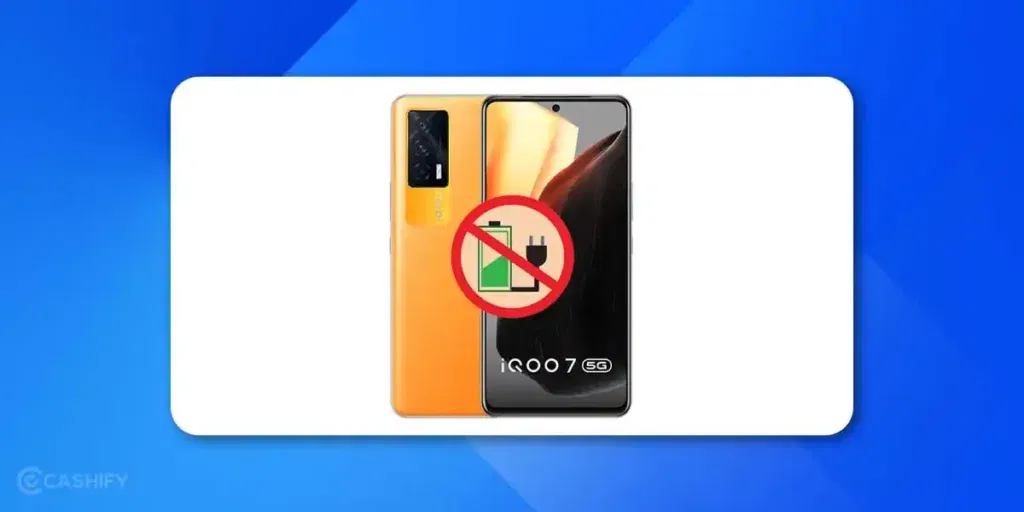
First, let’s look at why iQOO 7 charging issues happen. Understanding the cause helps you know whether a quick fix will work or if a battery replacement is needed.
Damaged Charging Accessories
Sometimes the issue is simple, like worn-out cables or adapters. Daily use can damage them, and a frayed cable or loose adapter can stop power from reaching your phone properly.
Dust or Lint in the Charging Port
The charging port can get clogged with dust, lint, or small debris from pockets and bags. This buildup prevents proper contact and can make charging slow or intermittent.
Weak Battery Health
Lithium-ion batteries lose capacity over time. If your iQOO 7 shuts off suddenly or drains faster than usual, it could mean the battery is ageing and struggling to hold a charge.
Software Glitches
Occasional bugs or outdated system updates can interfere with charging. Apps running in the background may consume more power, making it seem like your phone isn’t charging.
Internal Hardware Damage
Drops, moisture, or impacts can affect the internal charging connector or even the motherboard. This usually requires professional repair to fix properly.
Also read: Apple iPhone Face ID Not Working? Here’s How To Fix It!
Simple Checks Before Booking a Repair
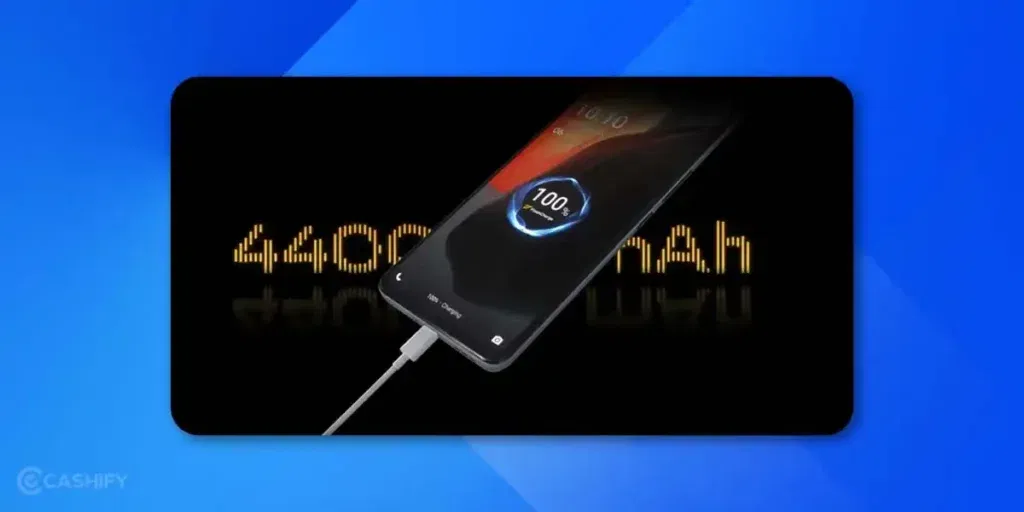
Once you know what might be causing the problem, try these simple steps to confirm whether you can fix iQOO 7 charging issues yourself:
Test Another Charger and Cable
Use a different, preferably original, iQOO charger to see if the phone charges normally.
Inspect and Clean the Port
Check the port with a torch and gently remove dust using a soft brush.
Restart and Update
Restarting can clear minor glitches, while updating software fixes known bugs.
Check Power Source
Plug into another wall socket or USB port to rule out power supply issues.
Also Read: 3 Reasons Why Your OnePlus 9 Pro Battery Is Draining Fast!
Why Battery Replacement Works?
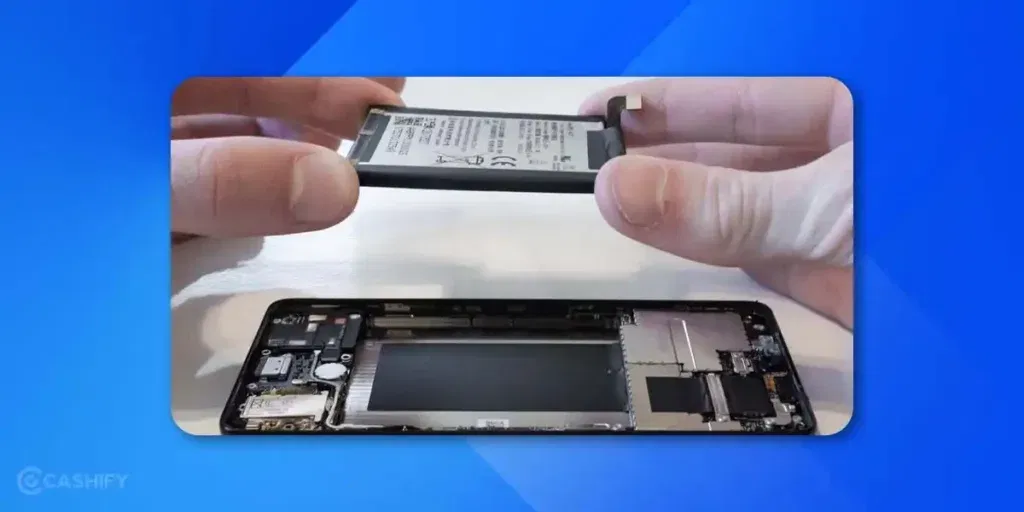
If your phone still won’t charge after simple checks, the problem could be the battery. Many users think slow or failed charging is always caused by the port. But battery health matters more than most realise.
Over time, a weak battery struggles to hold power and puts stress on the charging system. Replacing it can speed up charging, stop overheating, and fix iQOO 7 charging issues.
Since iQOO batteries are sealed, DIY replacement can be risky. A professional mobile phone repair ensures the job is done safely. Your phone will continue to work reliably.
Also Read: OnePlus Nord 2 Not Charging! Know Why And How To Fix!
Why Choose Cashify for iQOO 7 Battery Replacement?
When it comes to mobile repair, Cashify has built a strong reputation for reliability and customer convenience. Here’s why it’s the best place to fix iQOO 7 charging issues:
- 3-Month Warranty: Every iQOO 7 battery replacement comes with a 3-month warranty. You are covered if any defect appears.
- Free Doorstep Service: You don’t need to visit a store. A trained technician can come to your home or office at no extra cost. You only pay the repair fee.
- Transparent Pricing: The website provides an estimated repair cost upfront, so you have an idea of the price before booking. The final cost may vary depending on the seriousness of the issue.
You can also get up to 50% off on mobile repair for a limited time using code RPR50. This makes it easier and more affordable to get your iQOO 7 charging like new.
(*Repair warranties are subject to discretion based on Cashify’s terms and conditions. Please refer to our warranty policy for detailed information.)
Also Read: How Can Cashify Smart Repair Service Enhance Your Mobile Repair Experience?
How to Book Your iQOO 7 Repair with Cashify
Booking iQOO mobile repair is quick and easy. Just follow these steps fix iQOO 7 Charging issues:
- Open the Cashify website or app and go to the Repair section.
- Select iQOO as your phone brand.
- Choose iQOO 7 from the model list.
- Pick the issue you want to fix, like battery replacement.
- Enter your address to schedule the free doorstep service.
- Choose a date and time that works best for you.
- Confirm your booking.
A certified technician will visit at your scheduled time. Depending on the issue, the repair may be completed on-site or, if more work is needed, at the service centre.
Also Read: 3 Quickest Ways To Fix Nothing Phone (1) Heating Issue!
Tips to Prevent Charging Problems
Once the phone repair is done, you can take a few preventive steps to extend the battery life and keep charging issues away:
- Always use original or certified chargers and cables.
- Avoid overcharging overnight to reduce battery strain.
- Keep the charging port clean and free from dust.
- Install software updates regularly to avoid system-related glitches.
- Don’t use the phone while charging for long gaming sessions, as it generates heat and impacts battery health.
Also Read: Change These Settings On Your OnePlus Nord 2 To Make It Faster!
Final Word
Charging problems can make your iQOO 7 frustrating to use, but they don’t have to be. Once you understand the cause and try some basic checks, fixing it is often easy. For a lasting solution, a battery replacement is one of the most effective ways to fix iQOO 7 charging issues.
With Cashify, you get professional repair, original parts, and expert service delivered right to your doorstep. Book your battery replacement today and get your iQOO 7 working like new, without leaving home.
If you’ve just bought a new phone and don’t know what to do with your old phone, then here’s your answer. Sell old mobile to Cashify and get the best price for it. If you are planning to buy a new phone, check out Cashify’s refurbished mobile phones. You can get your favourite phone at almost half price with six-month warranty, 15 days refund and free delivery.