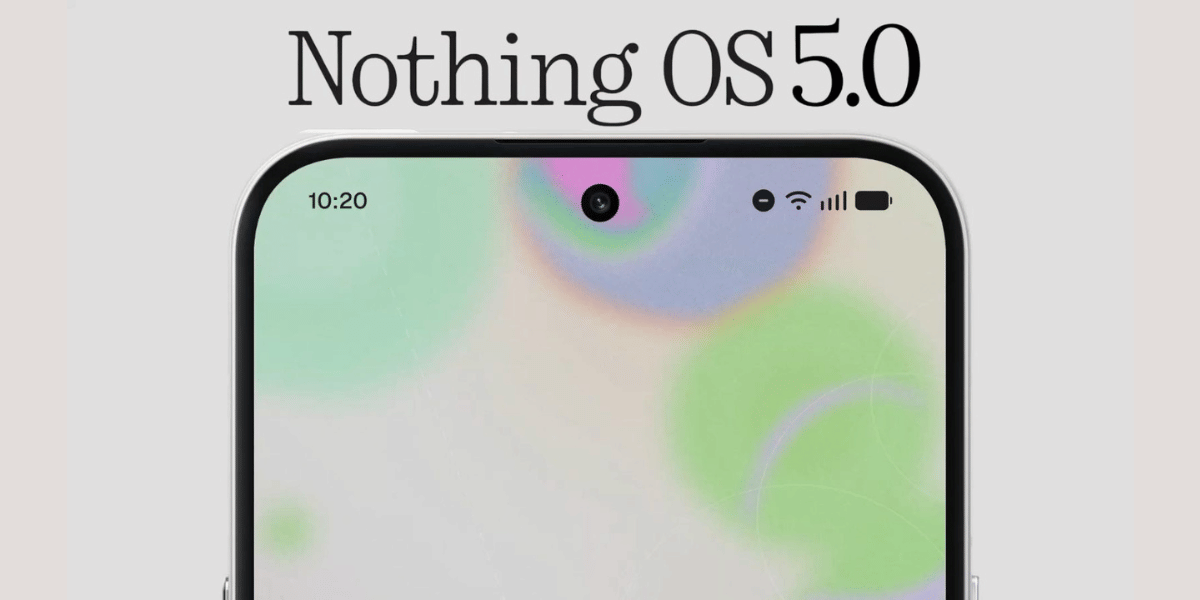
Nothing has officially introduced Nothing OS 5.0, its latest software update based on Android 17. The company is bringing a redesigned interface, more customisation options, new AI-powered tools and improved controls with the update. The Nothing OS 5.0 rollout is set to begin with an Open Beta program, giving eligible users an early chance to experience the new features before the stable release.
The update continues Nothing’s focus on a clean and distinctive software experience while adding several Android 17 features and deeper integration between the company’s devices and services.
Nothing OS 5.0 Brings Fresh Design And More Customization
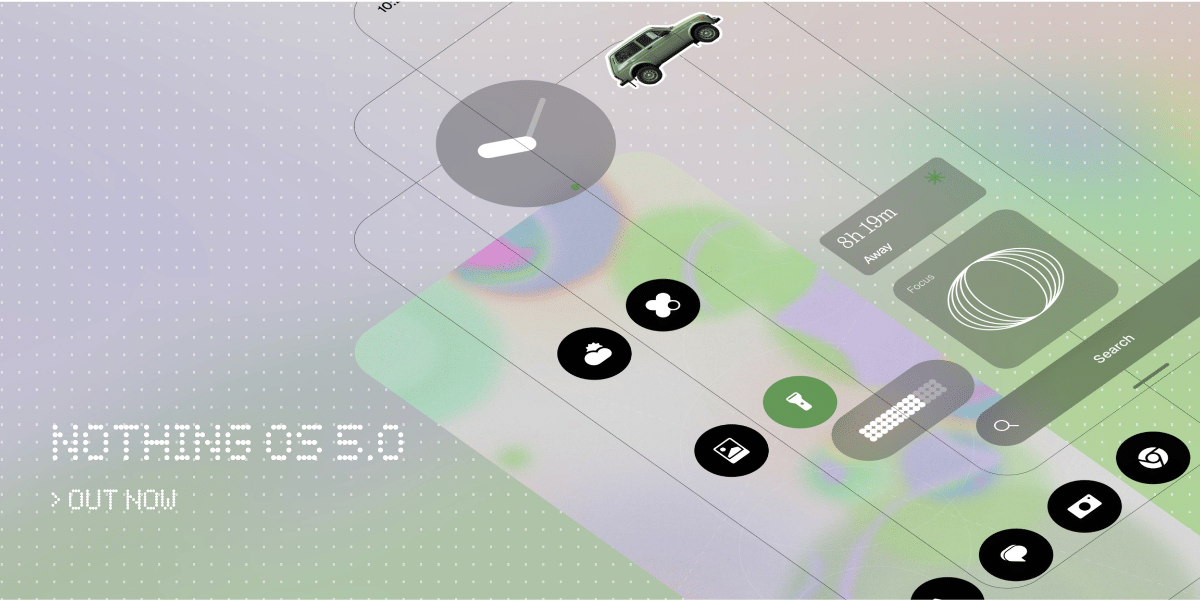
Nothing OS 5.0 refreshes the interface with the new Geist typeface, consistent corner designs and updated transparency effects across apps such as Camera, Gallery and Settings.
Key visual changes include:
• Adaptive theming: The system can use wallpaper colors to adjust app icons, widgets and selected Quick Settings tiles.
• New lock screen options: Gooey and Micrographics clock styles add more personalization, along with different color choices.
• New widgets: Collector organizes photographed items visually, while Away Time tracks time spent away from the phone.
Also Read: Nothing OS 5.0 Eligible Devices, Colourful Interface Revealed
• Home screen editing: Users can move several app icons and widgets at once through batch editing.
• Glyph Hub: Nothing has moved Glyph controls into a dedicated app for managing sounds, ringtones, schedules and the Glyph Timer widget.
The update also improves Nothing’s Essential tools. Essential Voice now offers better real time transcription and formatting, while Essential Space gets Smart Collections and improved shortcuts.
AI Tools, Android 17 Features And Rollout Details
Nothing OS 5.0 adds several AI focused features designed to make everyday tasks easier. Essential Apps Builder can create lightweight applications from natural language instructions directly on the device. Essential Space also supports Model Context Protocol, allowing compatible third party AI tools to access permitted local information.
Other important additions include:
• Split swipe controls for Notifications and Quick Settings
• QR based Quick Share between Android and iOS devices
• Smarter resource management and predictive app launch caching
• Overnight memory maintenance
• Real time camera, microphone and location usage indicators
• Separate Assistant volume controls
• Noto 3D emojis and improved QR code detection
Comparison With Previous OS
Feature | Nothing OS 5.0 | Nothing OS 4.0 |
|---|---|---|
Android version | Android 17 | Android 16 |
Design | Refreshed UI, Geist font, adaptive colours | Refined and cleaner UI |
Personalisation | New clocks, widgets, wallpaper based themes | New lock screen clocks and Extra Dark Mode |
AI features | Essential Apps Builder, Smart Collections, improved Essential Voice | AI controls, LLM status hints and usage dashboard |
Multitasking | Improved performance and Android 17 features | Pop Up View for floating apps |
Quick Settings | Separate Notifications and Quick Settings panels | Cleaner Quick Settings layout |
The Nothing OS 5.0 rollout will begin with the Open Beta program on August 26. Nothing is expected to expand availability to more supported devices before the stable version reaches users.
Are you still browsing through your broken screen? Don’t worry! Book at-home mobile phone screen repair with Cashify—an affordable and one-stop destination for all your mobile phone needs. In case you break your screen within 1 month of repair, we will replace your screen again—for FREE.