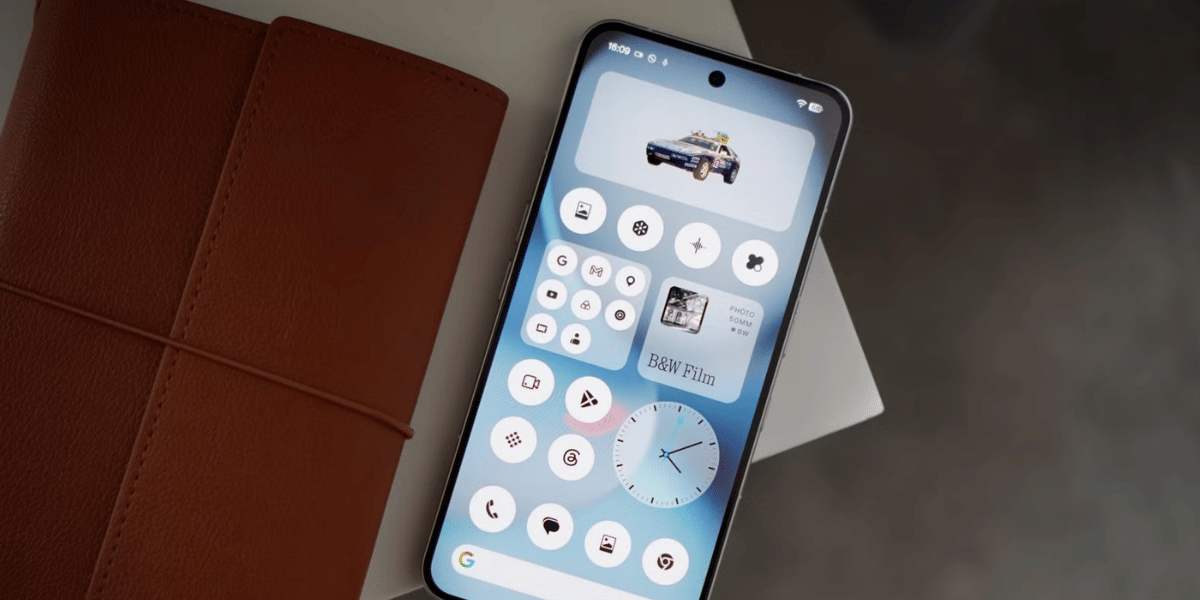
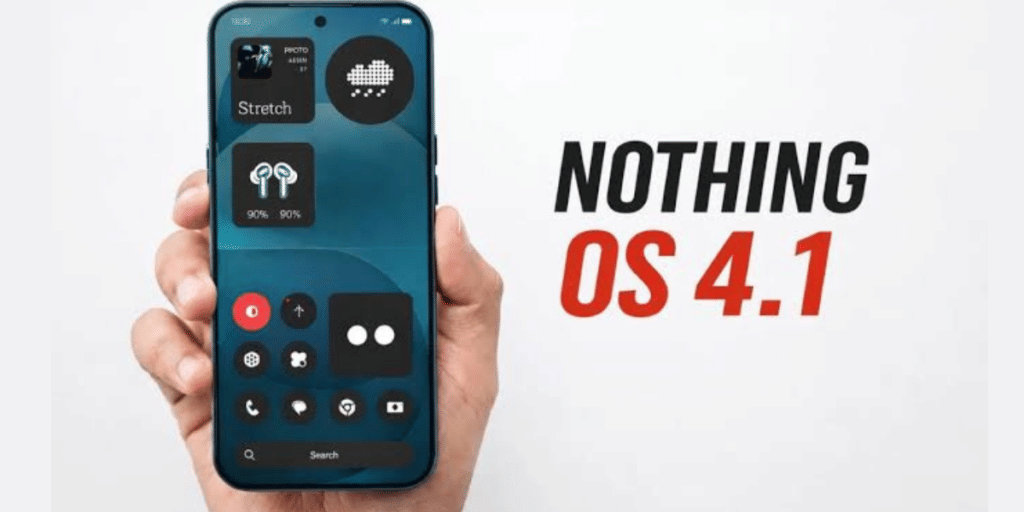
Nothing has started rolling out the latest Nothing Phone 4a update for users in India. The new software, Nothing OS 4.1 (Frogger-B4.1-260630-1839-IND), brings several improvements focused on Essential Voice, camera performance, and overall system stability.
The update aims to enhance the daily user experience by adding new productivity features, improving photography, and fixing several software issues. It also introduces refinements to the volume slider and improves eSIM stability for smoother performance.
Nothing Phone 4a Update: New Features And Camera Improvements
The latest Nothing Phone 4a update adds new capabilities to Essential Voice, making it easier for users to access translation and transcription features directly from the keyboard.
According to the changelog, users can now trigger translation or transcription by double pressing the Essential Key while using the keyboard. There is also a quicker way to switch between translation and transcription by long pressing the keyboard icon.
Also Read: Nothing Phone 4a Pro Alternatives: Find The Better Picks That Suit You
The update also optimises Essential Voice for a smoother and more responsive experience.
The camera receives several useful improvements as well. A new Lock Lens feature helps prevent automatic lens switching during video recording, allowing users to maintain consistent framing throughout a video. Nothing has also improved skin tone reproduction, colour accuracy for outdoor photography, and video stabilisation for smoother recordings.
Changelog And Other Improvements
The Nothing Phone 4a update includes the following enhancements:
Essential Voice
- Double press the Essential Key to launch translation or transcription
- Quick switch between translation and transcription
- Improved Essential Voice performance
Camera
- New Lock Lens feature for stable video recording
- Better skin tone and colour accuracy in outdoor shots
- Improved shooting stability for smoother videos
General Improvements
- More precise and smoother volume slider
- Better eSIM usage stability
- Enhanced overall system stability
- General bug fixes and performance improvements
Nothing also notes that the phone may become slightly warm and consume more battery while installing the update. This is normal and performance should return to normal once the installation is complete.
The Nothing Phone 4a update is rolling out in phases, so it may take some time before it reaches all eligible devices. Users can manually check for the latest version by opening Settings > System > Software Update on their smartphone. The update is recommended for users who want improved camera performance, enhanced voice tools, and a more stable software experience.
Are you still browsing through your broken screen? Don’t worry! Book at-home mobile phone screen repair with Cashify—an affordable and one-stop destination for all your mobile phone needs. In case you break your screen within 1 month of repair, we will replace your screen again—for FREE.