Your Samsung Galaxy Z Flip6 should charge in minutes, but what if it doesn’t? Maybe it stops mid-charge, or the connection feels loose. These small annoyances can disrupt your day, and ignoring them can make the problem worse. In this guide, we’ll discuss the common reasons behind these issues and quick checks you can try at home. We’ll also explain when it’s time for a Samsung Galaxy Z Flip6 charging port repair.
Also read: Vivo Y73 Not Powering On? Motherboard Repair Explained!
Common Reasons Behind Samsung Galaxy Z Flip6 Charging Port Issues
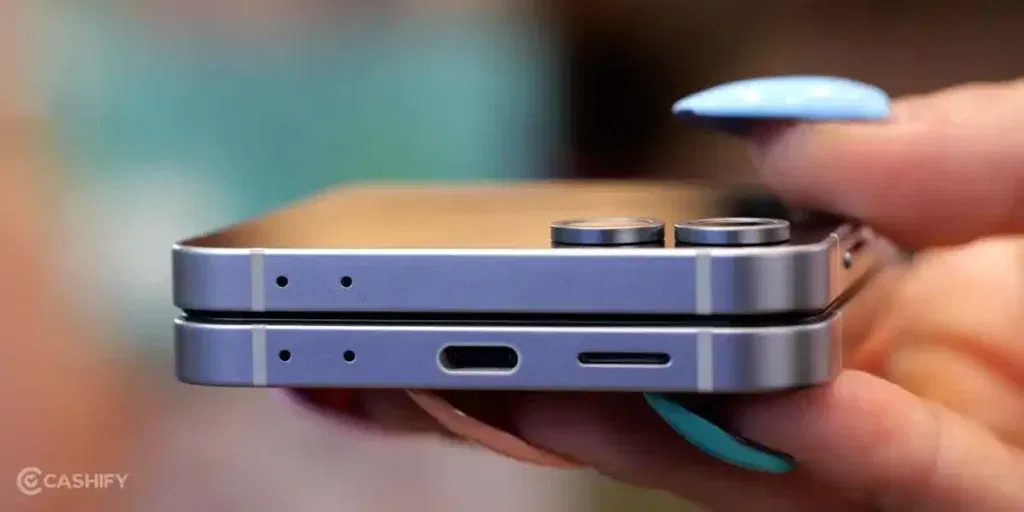
Before going for a Samsung Galaxy Z Flip6 charging port repair, it is useful to know why the issue happens. Below are the common reasons.
Foldable Design Effect
The Galaxy Z Flip6 uses a compact internal structure to support the foldable hinge. Over time, hinge movement can slightly shift internal connectors near the charging port. This can interrupt the power flow and cause charging to stop randomly.
Limited Space Near the Port
Unlike standard phones, the Z Flip6 has very limited space around the charging area. Heat buildup during fast charging can affect nearby components. This heat stress may weaken the charging port connection over time.
Internal Cable Stress
The charging port connects to internal flex cables that pass close to the folding area. Repeated folding can put pressure on these cables. When the cable weakens, charging becomes unstable or fails completely.
Fast Charging Compatibility Issues
The Galaxy Z Flip6 supports fast charging, but the port is sensitive to inconsistent power output. Using non-certified fast chargers can strain the port circuitry. This can lead to charging detection issues even when the port looks fine.
Minor Drop Misalignment
Even small drops can affect the phone’s internal alignment due to its split-body design. The charging port may shift slightly within the frame. This makes the cable feel loose even when the port is not visibly damaged.
Smart Charging Protection
Samsung uses smart power management to protect the Z Flip6 battery. If the phone detects abnormal heat or voltage near the charging port, it may stop charging automatically. Users often mistake this for a hardware failure.
Also read: Vivo Y83 Pro Aux Jack Not Working? Repair It Fast With Cashify
Quick Checks Before Opting For Repair
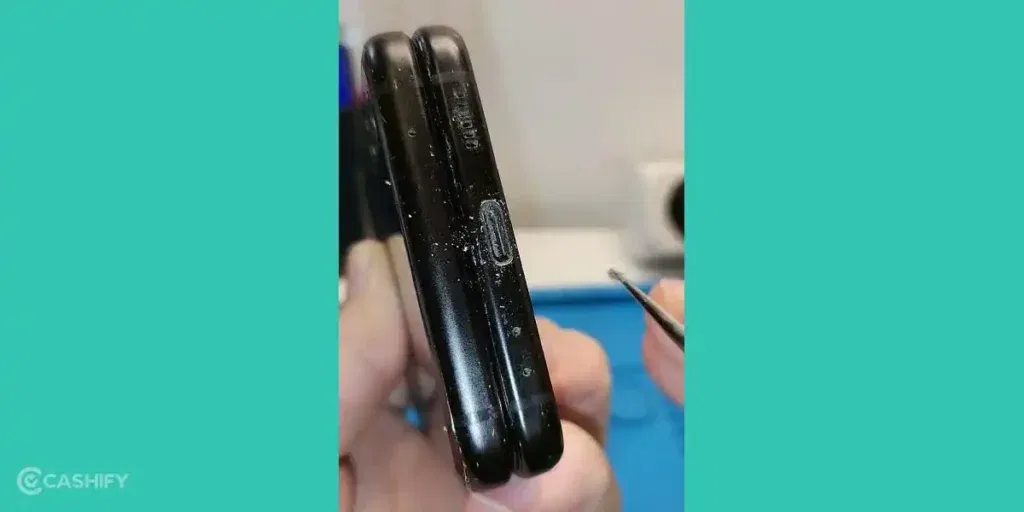
Now that you know the common reasons, try these quick checks at home. They might help you avoid a Samsung Galaxy Z Flip6 charging port repair:
Check the Hinge Connection
Fold and unfold your Samsung Galaxy Z Flip6 a few times while gently pressing the charging cable into the port. Sometimes the connectors shift slightly, and moving the hinge carefully can help the cable make proper contact.
Clean the Charging Port
Look inside the port and remove any dust, lint, or dirt using a soft brush or a toothpick carefully. Cleaning the port at home often restores proper charging without needing a repair.
Test the Cable and Charger
Try using a different Samsung-approved cable or charger. Sometimes the issue is not the port but the charger itself. Switching to a working charger can quickly solve the problem.
Reconnect the Cable Firmly
Insert the cable fully and gently wiggle it to see if the connection becomes stable. Slight adjustments at home can help if the port feels loose due to minor misalignment.
Restart Your Phone
Turn your phone off and on, then plug it in again. Restarting can reset the charging detection system and may allow the port to work normally.
Check for Heat Issues
If the phone has stopped charging, let it rest for a few minutes and try again. Charging after the phone cools down can fix temporary interruptions caused by smart power protection.
If these steps don’t fix the issue, it’s time to take your phone for professional mobile phone repair.
Also read: 8 Signs That Your Android Phone Motherboard Needs Repair!
Why Choose Cashify For Samsung Galaxy Z Flip6 Charging Port Repair?
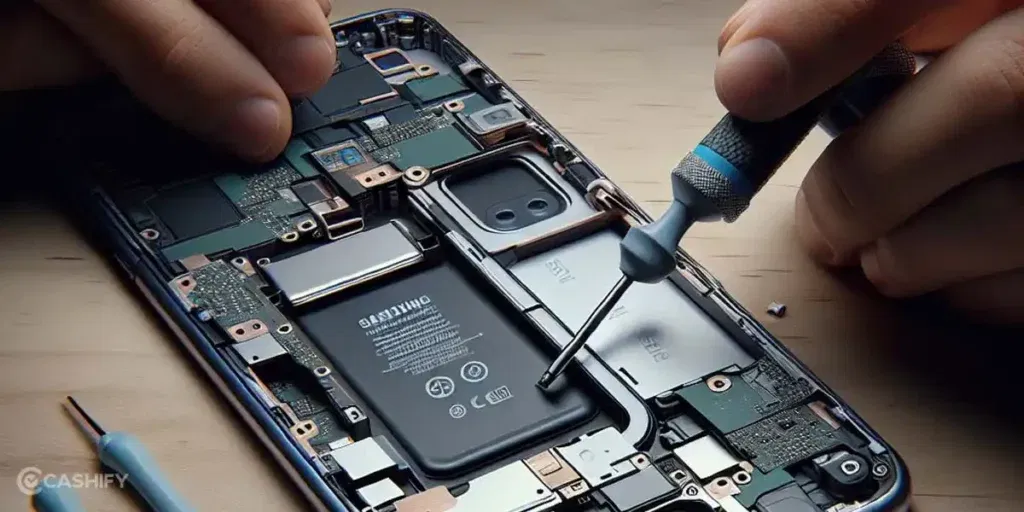
Once you know you need a Samsung Galaxy Z Flip6 charging port repair, picking the right service matters. Here’s what makes Cashify a trusted choice for your mobile repair needs:
- All repairs are carried out by technicians experienced with Samsung devices. They follow proper steps to ensure your phone is fixed correctly.
- Cashify uses high-quality compatible parts that help your phone work smoothly and maintain proper performance.
- A trained technician inspects your phone first. Small issues are often fixed at home, while major repairs go to a service centre. Payment is done only after the phone repair is complete.
- The repair cost is shared upfront before you confirm the service, so there are no hidden charges.
- With over 200 service centres across India, you can choose in-store repair at a convenient location if you prefer.
Also read: How Do I Check My Android Hardware Health?
How To Book Samsung Galaxy Z Flip6 Charging Port Repair With Cashify
Booking a Samsung Galaxy Z Flip6 charging port repair with Cashify is simple and quick. Here’s how you can do it:
- Visit the Cashify website or open the Cashify app and go to the Mobile Repair section.
- Select Samsung as your phone brand from the list.
- Choose the Samsung Galaxy Z Flip6 from the available models.
- Pick Charging Jack as the issue you want to fix.
- Enter your location to check service availability in your area.
- Select a date and time slot that works for you.
- Confirm the booking. A trained technician will inspect your phone and complete the Samsung mobile repair based on the issue.
Also read: How To Fix Vivo V11 Pro Screen Issues? Replace It Affordably!
Final Thoughts On Samsung Galaxy Z Flip6 Charging Port Repair
You’ve seen the common reasons why your Samsung Galaxy Z Flip6 might have charging port problems. We also shared some quick checks you can try at home before going for a Samsung Galaxy Z Flip6 charging port repair. If these don’t help, Cashify offers fast and reliable repair services to get your phone working properly again.
If you’re still unsure or have questions, drop a comment below. I’ll be happy to guide you and help fix your Galaxy Z Flip6 charging issues.
Use code: TECH25 to avail of a discount of up to Rs. 300 by using the (on the minimum order value of Rs. 2499).
Use code: RPR50 to avail up to 50 per cent off on a minimum spend value of Rs. 1000.
If you’ve just bought a new phone and don’t know what to do with your old phone, then here’s your answer. Sell old mobile to Cashify and get the best price for it. If you are planning to buy a new phone, check out Cashify’s refurbished mobile phones. You can get your favourite phone at almost half price with six-month warranty, 15 days refund and free delivery.