Your POCO X4 Pro screen may still work after a drop, even with a visible crack. But small cracks don’t stay small for long. They can spread across the display and affect the way you use the phone. If you’re planning to replace the screen, the repair service you choose matters just as much as the replacement itself. Let’s see how to choose the best POCO X4 Pro screen replacement, what it typically costs, and why Cashify is a trusted option.
Also read: 8 Signs That Your Android Phone Motherboard Needs Repair!
Signs Your POCO X4 Pro Screen Needs Replacement
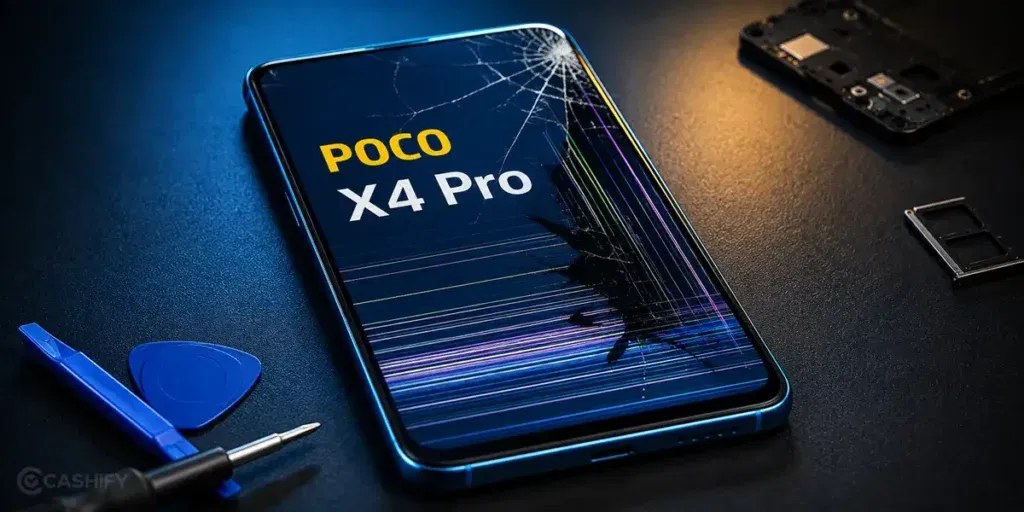
Before looking for the best POCO X4 Pro screen replacement option, check your phone first. Does it need a new screen? Here are some common signs.
Cracked Or Shattered Screen
A cracked screen is easy to spot. Even if your POCO X4 Pro still works, the damage can get worse with regular use. If the crack starts affecting visibility or touch response, it’s time to replace the screen.
Touchscreen Doesn’t Respond Properly
If the screen doesn’t respond when you tap it, the display may be damaged. You may also notice that some areas work while others don’t. This usually doesn’t improve on its own.
Green Lines, Black Spots, Or Flickering Display
Green lines, black spots, or a flickering screen are common signs of display damage. These problems often appear after the phone is dropped or put under pressure. They can make the screen difficult to use.
Screen Starts Lifting From The Frame
The screen should fit tightly inside the frame. If it starts lifting or you notice gaps around the edges, don’t ignore it. The problem can get worse with daily use.
Deep Scratches Affect Daily Use
Light scratches are usually harmless. Deep scratches are different. If they make it difficult to read, watch videos, or use touch gestures comfortably, replacing the screen is often the better option.
Also read: How Do I Check My Android Hardware Health?
Can You Fix A Cracked POCO X4 Pro Screen At Home?
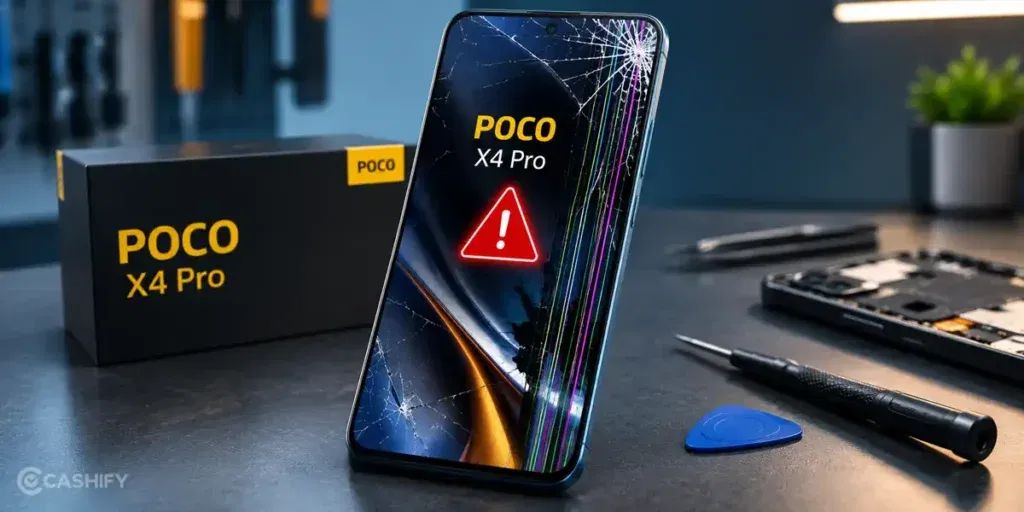
It depends on how badly the screen is damaged. If you’re considering the best POCO X4 Pro screen replacement option, here are a few things you can try first:
Remove The Screen Protector
Take off the screen protector and check the display properly. Sometimes the protector is damaged while the screen underneath is still in good condition.
Restart Your Phone
Restart the phone once and check whether the display and touch response work normally. A quick restart is worth trying before booking a repair.
Back Up Your Data
If the screen is still usable, back up your photos, contacts, and other important files. This is a good practice before any phone repair.
Avoid Temporary DIY Fixes
Using glue, tape, or other DIY methods may hide the damage for a while, but they won’t fix the screen. They can also make professional repairs more difficult.
Also read: How To Fix Vivo V11 Pro Screen Issues? Replace It Affordably!
Why Choose Cashify For POCO X4 Pro Screen Replacement?
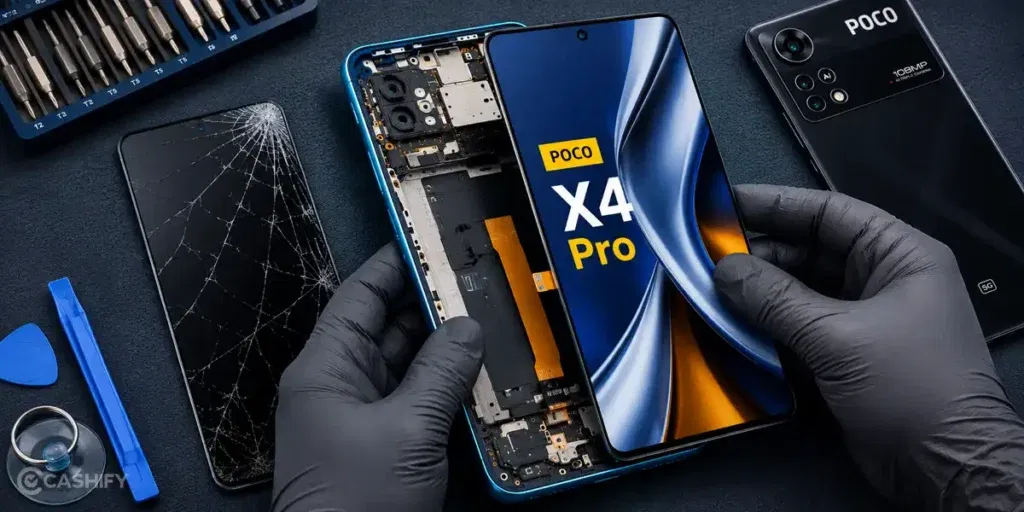
If a screen replacement is the only solution, the next thing you’ll probably think about is the cost and where to get it repaired. The best POCO X4 Pro screen replacement option should be affordable without compromising on quality.
With Cashify, you can get your POCO X4 Pro screen replaced for just Rs. 4,999. Along with the replacement, you also get these benefits:
Quality Parts For A Reliable Repair
Your damaged screen is replaced with a tested, high-quality compatible part. This helps restore the display and touch experience, so your phone feels good to use again.
Every Repair Starts With A Proper Check
Before replacing the screen, the technician inspects your POCO X4 Pro to make sure the repair is actually needed. This helps avoid unnecessary replacements.
Warranty And Refund For Added Confidence
Every screen replacement comes with a six-month warranty* and a one-month complimentary replacement for screen breakage. Cashify also offers a 7-day refund policy on screen repairs if you’re not satisfied with the service.
Know The Repair Cost Upfront
The mobile repair cost is shared before the work begins, so you know exactly what you’ll pay. There are no hidden charges or last-minute surprises.
Pay Only After The Repair Is Complete
There’s no need to make an advance payment. You can inspect your phone after the repair and pay only when the job is completed.
Choose Doorstep Repair Or Visit A Service Centre
You can book a doorstep mobile phone repair and have a technician visit your location. If you prefer an in-store experience, Cashify also has over 200 service centres across India, so you can visit the one that’s most convenient for you.
(*Repair warranties are subject to discretion based on Cashify’s terms and conditions. Please refer to our warranty policy for detailed information.)
Use code: TECH25 to avail a discount of up to Rs. 300 (on the minimum order value of Rs. 2499).
Use code: RPR50 to avail up to 50 per cent off on a minimum spend value of Rs. 1000 (limited offer).
Also read: Pixel 6A Detected Water In USB Port? Get Your Best Fix Today!
How To Book A POCO X4 Pro Screen Replacement With Cashify
Here’s how you can book the best POCO X4 Pro screen replacement with Cashify:
- Visit the Cashify website or open the Cashify app.
- Go to the Mobile Repair section.
- Select POCO as your phone brand.
- Choose POCO X4 Pro from the list of models.
- Select Screen Replacement as the repair issue.
- Enter your address for doorstep repair service.
- Pick a date and time that works for you.
- Confirm your booking.
Also Read: Do You Lose Data When Replacing LCD Screen?
Service Charges For POCO X4 Pro Mobile Repair At Cashify:
| Repair Service | Current Charge |
|---|---|
| Screen Replacement | Rs. 4,999* |
| Battery Replacement | Rs. 1,899* |
| Speaker Replacement | Rs. 1,499* |
*The prices are subject to change as per market rates. Please check the website for the current repair fee estimation for your mobile.
Final Thoughts
That’s all you need to know about the best POCO X4 Pro screen replacement. If the damage is minor, you can try the basic checks mentioned above before booking a phone repair. But if the screen is cracked, the touch isn’t working properly, or the display has visible issues, replacing the screen is the better option.
For a reliable POCO mobile repair, Cashify offers a simple and hassle-free solution. With high-quality compatible parts, transparent pricing, doorstep service, and warranty support, you can get your POCO X4 Pro repaired without any hassle.
Are you still browsing through your broken screen? Don’t worry! Book at-home mobile phone screen repair with Cashify, an affordable and one-stop destination for all your mobile phone needs. In case you break your screen within 1 month of repair, we will replace your screen again for FREE.