If you use a Mac every day, you have probably noticed this already. The browser you pick can completely change how your Mac feels. Some browsers fly through tabs without breaking a sweat. Others somehow turn your MacBook into a mini heater after 20 minutes of browsing. And in 2026, that matters more than ever. Getting the best browser for Mac is the ultimate goal at this point.
With Apple Silicon chips like M3 and M4 getting ridiculously powerful, browsers are now competing on more than just speed. Mac users care about battery life, smoother multitasking, low RAM usage, and privacy. How well everything works also matters. Say, macOS features like Handoff, iCloud syncing, Apple Passwords, and Apple Intelligence.
Also read: Samsung Galaxy A55 5G Battery Issue Fix: Drain Problem & Replacement Solution
Quick Answer: Best Browser For Mac In 2026
If you just want the gist, here you go:
- Safari is still the best overall browser for most Mac users because it’s fast, battery-efficient, and deeply optimised for macOS.
- Chrome is best if you rely heavily on extensions, Google apps, or cross-platform syncing.
- Arc is perfect for productivity-heavy users who live inside tabs all day.
- Brave is the top choice for privacy-focused browsing.
- Firefox remains a solid independent alternative with great customisation.
- Edge and Opera GX are more niche, but excellent for certain workflows.
Safari: Still The Best Browser For Most Mac Users
Safari honestly feels like the browser Apple built specifically to show off what Macs can do.
And it works.
Compared to Chrome, Safari usually runs cooler, uses less RAM, and gives noticeably better battery life. Especially on MacBooks with Apple Silicon chips.
If your MacBook battery drains too fast while browsing, Safari alone can add extra hours compared to Chromium browsers.
What Makes Safari So Good?
- Extremely optimised for macOS
- Lowest battery drain among major browsers
- Smooth performance on M-series Macs
- Excellent privacy protections
- Works seamlessly with Apple ecosystem features
Features like Handoff, iCloud Tabs, Apple Passwords, AirPlay, and Apple Intelligence feel more natural here than anywhere else.
Where Safari Falls Short
Safari’s biggest weakness is still extensions.
Things are better than they used to be, but Chrome still has the better extension ecosystem by a mile. Some advanced web tools and niche apps also behave better on Chromium browsers.
Best For:
- MacBook users
- Students
- Everyday browsing
- People who care about battery life
- Apple ecosystem users
Also read: MacBook Neo Price in Different Countries: Cheapest Country To Buy!
Google Chrome: The Most Powerful But Also The Hungriest
Chrome is basically the browser everyone complains about… while continuing to use it every single day.
Why?
Because it’s incredibly reliable.
If your workflow depends on Google Docs, Sheets, Notion, Slack, extensions, or web apps, Chrome is still one of the safest choices.
Why People Still Love Chrome
- Massive extension support
- Excellent compatibility with websites
- Strong syncing across devices
- Great developer tools
- Reliable performance
Chrome also tends to handle complex websites better than most browsers.
The Downside
The resource usage is real.
Even in 2026, Chrome still eats more RAM and battery than Safari. Open enough tabs and you will absolutely notice the difference on a MacBook Air.
It’s better optimised than older versions, but Safari still wins comfortably in efficiency.
Best For:
- Professionals
- Developers
- Google Workspace users
- Heavy extension users
- Cross-platform users
Also Read: MacBook Air M5 Release Date, Specs, Price And More
Arc Browser: The Productivity Browser Everyone’s Talking About
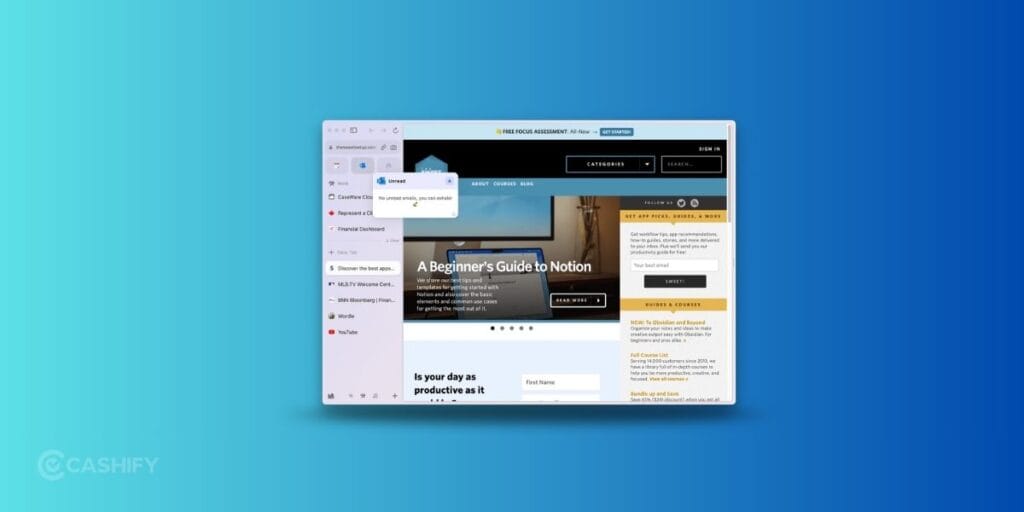
Arc feels less like a traditional browser and more like a workspace for your internet life.
That sounds dramatic, but once you use it for a few days, you kind of get the hype.
Instead of treating tabs like temporary clutter, Arc focuses heavily on organisation with features like Spaces, vertical tabs, split views, and Easels.
Why Arc Feels Different
- Vertical tabs reduce clutter
- Spaces help organize work and personal browsing
- Clean interface built for multitasking
- Great workflow tools for creators and professionals
For people constantly buried under dozens of tabs, Arc can genuinely make browsing feel less chaotic.
The Catch
There’s definitely a learning curve.
If you just want a simple browser that behaves traditionally, Arc might initially feel overwhelming.
It can also become resource-heavy if you go overboard with Spaces and pinned tabs.
Best For:
- Productivity-heavy users
- Creators
- Developers
- Researchers
- Multitaskers
Also read: All Details About Apple Macbook Ultra Launching!
Brave: The Best Privacy Browser For Mac
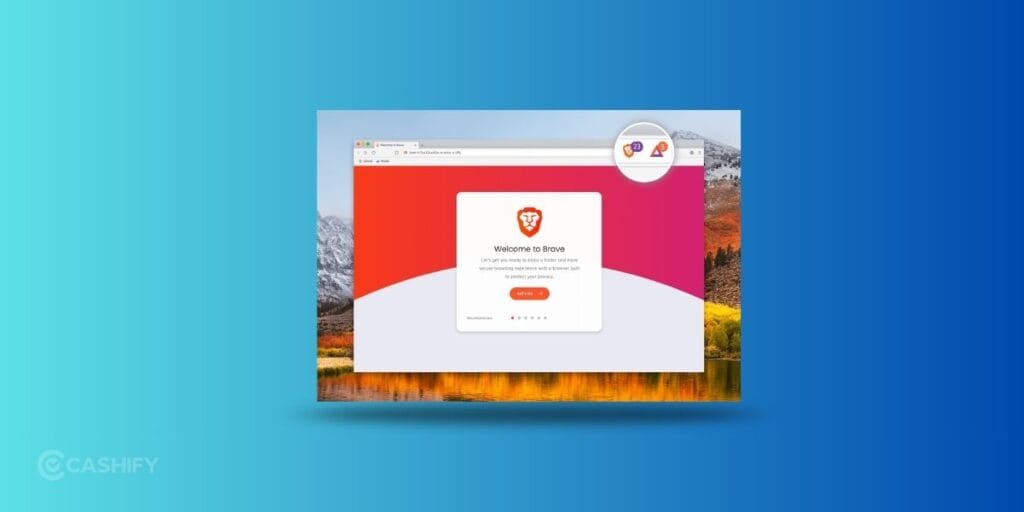
Brave is basically Chrome with privacy turned up to maximum. It blocks ads, trackers, and annoying scripts automatically. This means websites often load faster right out of the box.
Why Brave Is Popular
- Built-in ad blocker
- Strong privacy protection
- Faster loading on many sites
- Chromium compatibility
- Lower tracking compared to Chrome
A lot of people switch to Brave simply because they’re tired of being tracked everywhere online.
Any Downsides?
Aggressive blocking occasionally breaks websites, especially ones that rely heavily on ads or scripts.
It also doesn’t integrate with macOS quite as smoothly as Safari.
Best For:
- Privacy-focused users
- People tired of ads
- Users wanting Chrome compatibility without Google tracking
Also read: Apple Pay In India Explained: Does It Work? What’s The Way Around?
Firefox: The Independent Alternative
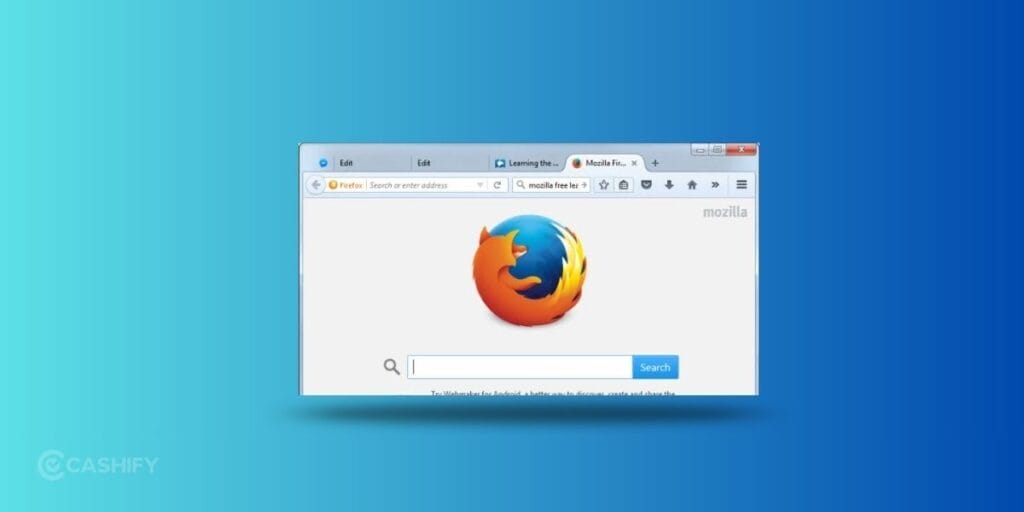
Firefox still has one thing many people appreciate. It doesn’t belong to Apple, Google, or Microsoft. That independence matters to a lot of users. Mozilla continues focusing heavily on privacy, customisation, and open-source development.
Why Firefox Still Has Loyal Fans
- Strong privacy controls
- Highly customisable
- Container tabs are genuinely useful
- Lightweight compared to Chrome
- Open-source transparency
Firefox feels especially good for people who like tweaking their browsing setup.
Where It Struggles
Some modern websites still optimise more heavily for Chromium browsers, so occasional compatibility quirks happen.
Best For:
- Privacy enthusiasts
- Open-source supporters
- Users who like customisation
Also read: What’s New In Apple iPhone 17 Pro Camera Setup: Specs And Features!
Microsoft Edge: Surprisingly Good on Mac
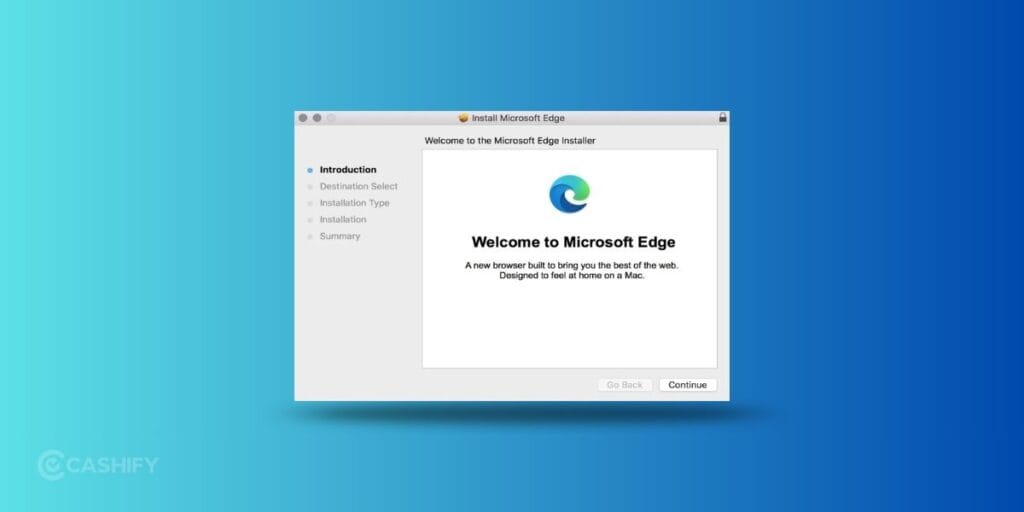
A few years ago, recommending Edge on Mac would have sounded ridiculous.
Now? It’s actually pretty solid.
Since moving to Chromium, Edge has become fast, stable, and packed with productivity features.
Edge’s Strongest Features
- Vertical tabs
- Collections
- AI-powered tools
- Excellent performance
- Strong work-focused features
If you already use Microsoft 365 heavily, Edge fits surprisingly well into that workflow.
Best For:
- Office users
- Hybrid Windows + Mac users
- Productivity-focused workflows
Also read: Apple iPhone 17 vs iPhone 16: Worth the Upgrade or Skip This Year?
Opera GX: Gamer’s Companion
Opera GX is clearly built for people who love customisation. You get CPU limiters, RAM controls, gaming integrations, themes, and tons of tweaking options.
It’s flashy. Sometimes intentionally over-the-top. But also genuinely useful for certain users.
Best Features
- Resource usage controls
- Built-in VPN
- Gaming-focused integrations
- Fun customization options
Biggest Weakness
It’s not exactly lightweight.
Ironically, a browser designed around performance controls can still feel heavier than Safari or Brave.
Best For:
- Gamers
- Power users
- People who enjoy customisation
Browser Comparison Table (Mac Performance In 2026)
| Browser | Best For | Battery Life | RAM Usage | Privacy | Biggest Strength |
|---|---|---|---|---|---|
| Safari | Everyday Mac users | Excellent | Low | Excellent | Best macOS integration |
| Chrome | Extensions & Google apps | Average | High | Average | Huge extension library |
| Arc | Productivity & multitasking | Good | Moderate | Good | Smart tab organization |
| Brave | Privacy | Very Good | Moderate | Excellent | Built-in ad blocking |
| Firefox | Customisation | Good | Moderate | Excellent | Open-source flexibility |
| Edge | Work & Office users | Good | Moderate | Good | Productivity features |
| Opera GX | Gamers & power users | Average | Higher | Good | Resource controls |
Real-world performance varies depending on how many tabs, extensions, and apps you run simultaneously.
Also read: Change These Camera Settings On Your iPhone 16 Pro Today!
Frequently Asked Questions About Best Browser For Mac
What is the best browser for Mac in 2026?
It depends. Safari for most Mac users due to battery and integration. Try Arc or Brave for specialised needs.
Which browser uses the least battery on Mac?
Safari uses the least battery as it is optimised for Apple Silicon M-series chips.
Is Chrome bad for Mac battery?
It uses more resources than Safari, but improvements in recent versions have narrowed the gap.
Is Arc Browser better than Safari?
Arc offers better organisation. Safari wins on efficiency and simplicity.
Best browser for privacy on Mac?
Brave for built-in protections or Firefox for advanced controls.
Does Safari support Chrome extensions?
Limited use. Use Chrome or Arc for full access.
Which is the fastest browser for Mac?
Safari on Apple Silicon benchmarks; Chrome for broad compatibility.
Is Opera GX good on Mac?
Yes, for gamers needing resource controls, but heavier overall.
Can I use multiple browsers on a Mac?
Absolutely ! Many users keep Safari as the default and Chrome/Arc for specific tasks.
How do I switch browsers on Mac?
Download from official sites, import data, and set as default in System Settings > Desktop & Dock.
Does browser choice affect Apple Intelligence?
Safari integrates most deeply, but others work with web-based AI features.
Best lightweight browser for older Intel Macs?
Safari or Firefox.
Also read: 5 Reasons To Buy The Latest Apple iPhone 16e!
In The End
There’s no perfect browser for everyone anymore. The search for the best browser for Mac really comes down to what you value most.
If you want the smoothest overall Mac experience, Safari is still the easiest recommendation. It’s efficient, fast, and works beautifully with Apple hardware. But browsers like Arc, Brave, and Firefox are making things way more interesting in 2026.
Think about it. We’re finally at a point where switching browsers can genuinely improve your daily workflow instead of just changing how tabs look.
So try a couple of them for a few days. Let me know which one you liked the best in the comments below!
If you’ve just bought a new phone and don’t know what to do with your old phone, then here’s your answer. Sell old mobile to Cashify and get the best price for it. If you are planning to buy a new phone, check out Cashify’s refurbished mobile phones. You can get your favourite phone at almost half price with six-month warranty, 15 days refund and free delivery.