Select City
TECH500

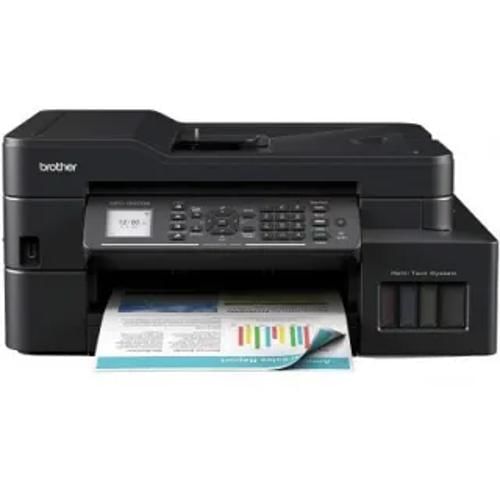
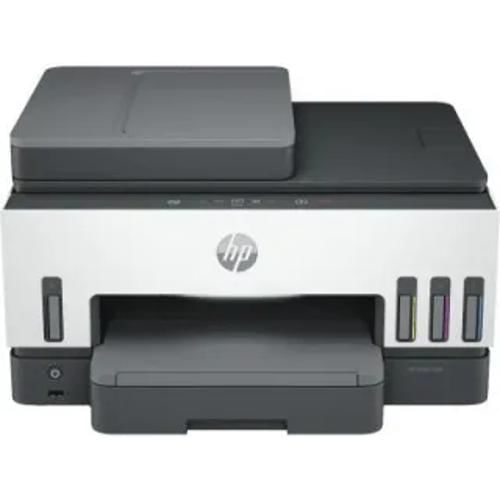
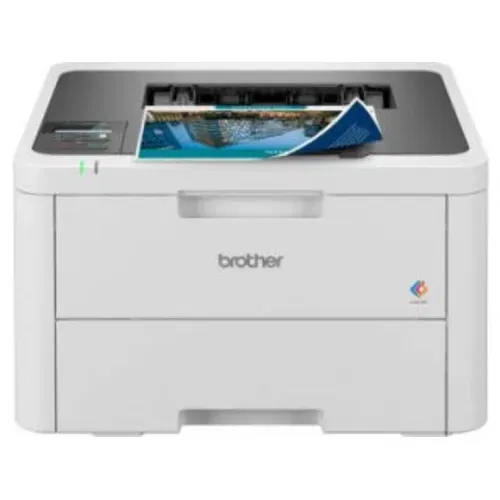
Canon Pixma MG3070s All-in-One Inkjet vs Canon Pixma MG2577S Multi Function Inkjet vs HP DeskJet 2729 (7FR54D) Multi Function Inkjet

Key Feature Comparison

6.8

Canon Pixma MG3070s All-in-One Inkjet

Check Price
close

Canon Pixma MG2577S Multi Function Inkjet

Check Price
close

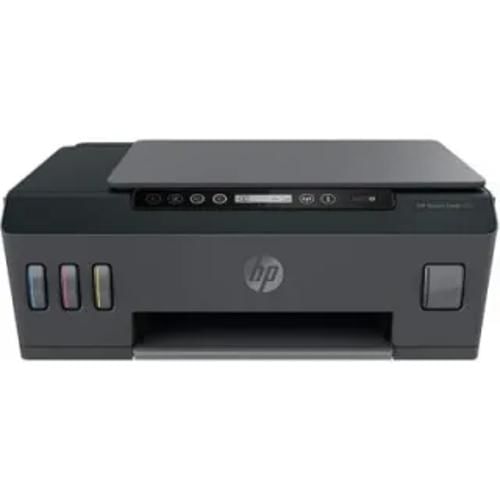
HP DeskJet 2729 (7FR54D) Multi Function Inkjet

Check Price
close

At a Glance

Show differences only

Copy,Print,Scan, Multi Function

Copy,Print,Scan, Multi Function

Icon LCD Display

Copy,Print,Scan, Multi Function

Inkjet

Color

Inkjet

Color and monochrome

Inkjet

Color

60 Pages

46.5 db

46.5 db

3.5 kgs

3.5 kgs

3.42 kgs
Detailed Specs

Brand

Canon
Canon
HP

Model

Pixma MG3070s
Pixma MG2577S
DeskJet 2729 (7FR54D)

Price

Rs. 4,299
Rs. 3,466
Rs. 5,299

Price Status

Confirmed
Confirmed
Confirmed

Market Status

Available
Available
Available

Launch Date

1-Jan-17
1-Jan-17
-

Display

No
Yes
Yes

Functionality

Copy,Print,Scan
Copy,Print,Scan
Copy,Print,Scan

Functionality Type

Multi Function
Multi Function
Multi Function

Printing Method

Inkjet
Inkjet
Inkjet

Printing Output

Color
Color and monochrome
Color

Printer Type

Inkjet
Inkjet
Inkjet

Active Noise Level

46.5 db
46.5 db
-

Auto Document Feeder

No
Yes
-

Media Size Supported

A4, A5, B5, Letter, Legal, 4 x 6
-
-

Media Types

Plain Paper, Photo Paper Plus Glossy II, Envelope, Glossy Photo Paper, Canon Oce Red Label Paper, Canon Oce Office Colour Paper
-
Plain paper, Photo paper, Brochure paper

Print Margin

Top Margin: 31.6mm, Bottom Margin: 29.2mm
-
-

Paper Tray (Maximum)

275 Sheets
-
1

Paper Size

A4, letter
A4, A5, B5, Letter, Legal, 4 x 6
-

Output Tray Capacity

-
105 pages
25 pages

Supported Media

-
275 g/m2
60 g/m2

USB support

Yes
Yes
Yes

Ethernet Support

-
No
-

Interface

-
Yes
-

Max Print Resolution

4800,600 dpi
4800,600 dpi
1200,1200 dpi

Print Photo

Yes
Yes
-

Print Speed, Black (Normal Quality Mode)

8 per min
-
20 per min

Print Speed, Color (Normal Quality Mode)

4 per min
-
16 per min

Duplex Printing

-
Yes
Yes

Mobile Printing Capability

-
Yes
Yes

Multiple Copy

1-21 Pages
-
-

First Copy Out Time

-
28 Seconds
-

Maximum Copies

-
21 Pages
9 Pages

Maximum Scan Area

216,297 mm
-
216,297 mm

Method

CIS (Contact Image Sensor)
-
Contact Image Sensor (CIS)

Scanner Type

Flatbed
CIS (Contact Image Sensor)
-

Bit Depth Colour

-
48 bit
24 bit

Scan Type

-
Flatbed
-

Energy Efficiency

Energy Star Qualified
-
-

Operating Humidity Range

10,90
-
15,80

Operating Temperature Range

5,35 Celsius
-
15,30 Celsius

Consumption (off)

0.2 Watt
0.2 Watt
0.1 Watt

Rated Frequency

50 HZ-60 HZ
50 HZ-60 HZ
50 HZ-60 HZ

Rated Voltage

100 V-240 V
100 V-240 V
220 V-240 V

Consumption (Active)

-
10 Watt
-

Additional Features

Quiet Mode, Google Cloud Print, Canon Print Service Plugin (for Android OS), PIXMA Cloud Link, Compatible Digital Camera
-
-

Connectivity

USB
-
-

Operating System

Windows 10, Windows 8, Windows 7 SP1, Windows Vista SP2, Mac OS X v10.8.5 and later
Windows 8.1 / 8 / 7 / Vista / XP / 2000, Windows Server 2012 / Server 2008 / Server 2003, Mac OS X 10.5.8 or later
Windows 10, 7; MacOS Sierra v10.12 (previously OS X), macOS High Sierra v10.13, macOS Mojave v10.14, macOS Catalina v10.15

Black (Model and Yield)

PG-745S
-
-

Color (Model and Yield)

CL746S
-
-

Depth

306 mm
306 mm
191 mm

Height

145 mm
145 mm
354 mm

Width

426 mm
426 mm
475 mm

Weight

3.5 kgs
3.5 kgs
3.42 kgs
In The Box

Printer, Power Cord, ink bottles, installation driver, User Manual, Warranty Card
Main Unit, Connecting Cables, Driver CD, User Manual, Warranty Card
Printer, Accessories, Power Cord, Warranty Card User Manual Printer, Accessories, Power Cord, Warranty Card User Manual

Warranty

1 Year
1 Year
1 Year
Turn your old phone into cash

You May Also Read

Vivo Mobile Phones With 4000mAh Battery Price List
Upcoming Smartphone Launches
Samsung Mobile Phones With 4000mAh Battery Price List
New Upcoming Mobile Phones June 2023
Top Oppo Mobile Phones

Tips & Tricks

Free Fire Diamond Hack 2026: Tricks To Get Unlimited Diamonds!
16th Nov 2026
How To Check WiFi Password On iPhone: 4 Easy Ways
16th Nov 2026
How To Check Jio Data Balance: Quick And Easy Steps​
16th Nov 2026
20 Tricks To Make Your Phone Not Reachable And Avoid Unwanted Calls!
16th Nov 2026
How To Disable Flash Messages? Let’s Find Out Here
15th Nov 2026

Recent Articles

Best Mobile Phones Under 35000 in India: Top Buying Choices in November 2026
16th Nov 2026
Free Fire Diamond Hack 2026: Tricks To Get Unlimited Diamonds!
16th Nov 2026
Amazon Upcoming Sale November 2026: Sale Dates, Offers, All Details!
16th Nov 2026
Best Free Fire Sensitivity Settings – Check All Details November 2026
16th Nov 2026