If you want to know how to enable developer options in Samsung, this is the only guide you need. The process is quick, safe, and does not require any special app or computer. You can unlock developer options in less than a minute.
Developer Options is mainly intended for advanced settings, testing, and troubleshooting. If you only need to turn it on for a specific task, there is usually no need to change anything else inside the menu.
Here is the easiest way to enable it.
How To Enable Developer Options On Samsung?
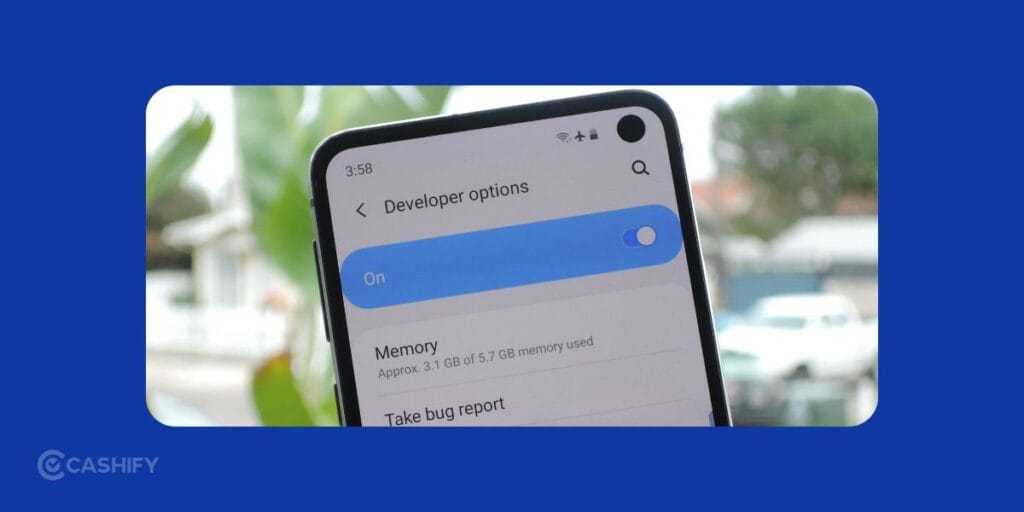
The steps are similar across most recent Samsung Galaxy phones and tablets. The exact names or layout can vary slightly depending on your One UI version.
- Open the settings app on your Samsung device.
- Scroll toward the bottom and select About phone. On some Samsung tablets, you may see About tablet or About device instead.
- Tap Software information to view details about your phone’s software.
- Scroll down until you see Build number.
- Tap it quickly seven times. A small message will appear as you get closer to activating Developer Options.
Enter your lock screen credentials: If Samsung asks for your PIN, password, or pattern, enter it. You should see a message saying that developer mode has been enabled.
That’s it. Developer Options is now active on your Samsung device.
Also Read: How To Get Blurry Background On DSLR (Bokeh)? Simplest Guide!
Where To Find Developer Options?
Once you have enabled the menu, go back to the main Settings screen.
Scroll toward the bottom. You should now see Developer options, usually near the bottom of the Settings menu.
Tap it to open the available developer settings.
One useful tip: you do not need to change anything just because the menu is now visible. Developer Options contains settings intended for specific tasks. If you change the wrong option, it can affect how your phone behaves.
What Is Developer Options Used For?
Developer Options gives you access to settings that are normally hidden from everyday users. It can be useful for developers, advanced users, and fix certain Android issues.
For example, you may be asked to use Developer Options to enable USB debugging when connecting your Samsung phone to a computer. Other settings can control animation behaviour, background processes, USB-related behaviour, and various functions. Just simply enabling Developer Options does not mean you need to modify all of these settings.
Is It Safe To Enable Developer Options?
Yes, enabling Developer Options itself is generally not a problem. The bigger concern is changing settings you do not understand. The menu is like a toolbox with lots of tweaks. If you just open it to explore, it’s pretty harmless. But if you are going to change some settings without knowing what it actually means, there can be issues.
My recommendation is simple: enable only the option you actually need. If you are following a specific tutorial, stick to the settings mentioned in that tutorial and avoid experimenting randomly.
How To Turn Off Developer Options?
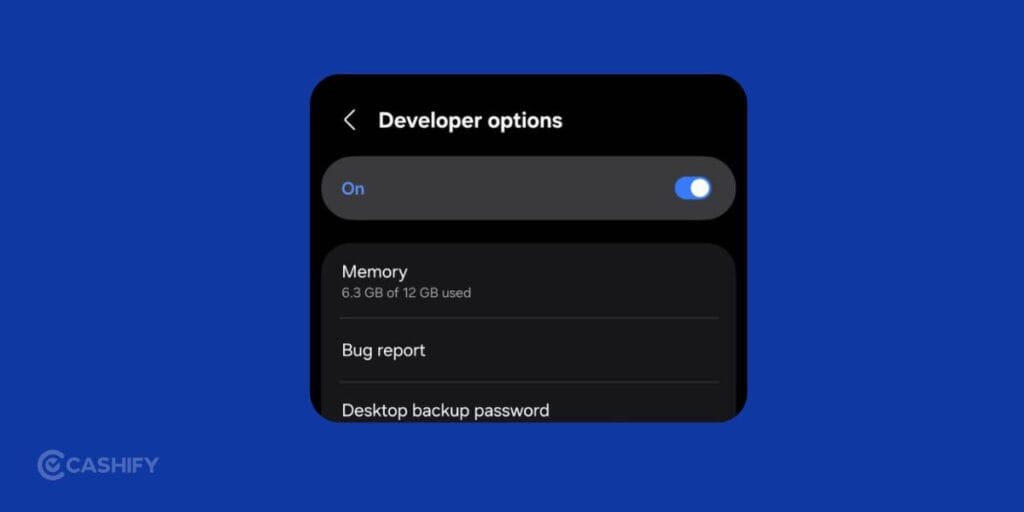
If you no longer need the menu, you can turn it off easily.
- Open Settings.
- Tap Developer options.
- Find the main switch at the top.
- Toggle the switch to Off.
Go back to the previous Settings screen.
On many Samsung devices, turning off the main Developer Options switch also causes the menu to disappear from the Settings list.
If you need it again later, just repeat the seven-tap process on Build number.
Also Read: How To Sign Up For Apple Beta Updates? Easiest Guide!
Final Verdict
Enabling Developer Options on a Samsung phone is quick and straightforward. Just go to Settings > About phone > Software information, then tap Build number seven times. Confirm your lock screen credentials if asked, and the Developer Options menu will appear in Settings.
If you are enabling it for a particular task, change only the setting you need. That is the safest and simplest approach.
If you’ve just bought a new phone and don’t know what to do with your old phone, then here’s your answer. Sell old mobile to Cashify and get the best price for it. If you are planning to buy a new phone, check out Cashify’s refurbished mobile phones. You can get your favourite phone at almost half price with six-month warranty, 15 days refund and free delivery.