Xiaomi phones underwent another big revamp in the summer of 2026. The Xiaomi HyperOS 3.1 May 2026 rollout has started for almost 40 devices, which include the Redmi series and the POCO series, and include almost all the main phones listed. So is your phone in this tally? Well, find out inside this news story.
Also Read: Redmi Turbo 5 Announced Officially On X: See Features Of This Performance Maestro
HyperOS 3.1 May 2026 Rollout Comes For 40 Phones: Find Yours Here
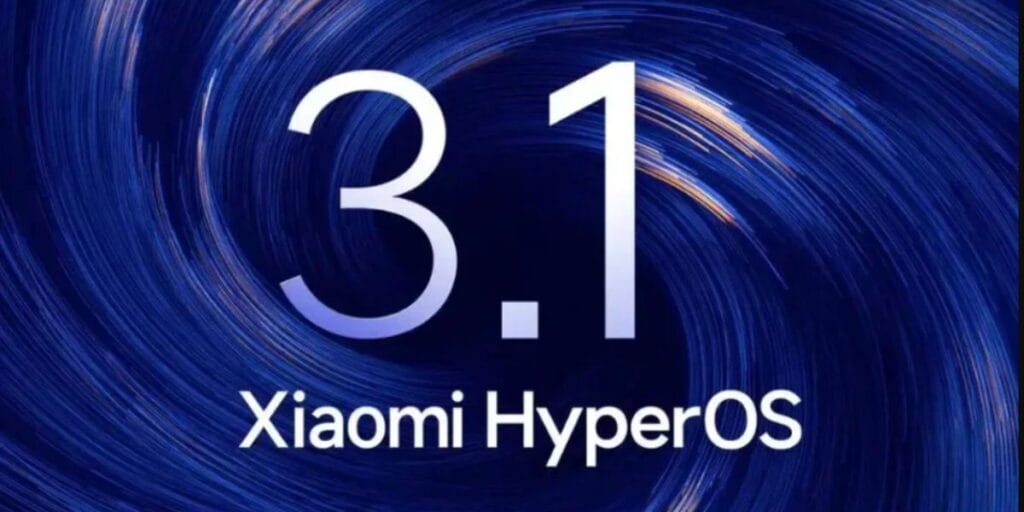
Here are all the Xiaomi phones and tablets that have received the HyperOS 3.1 May 2026 rollout globally.
| Phones | ||
| Xiaomi 17 | Xiaomi 17 Pro | Xiaomi 17 Ultra |
| Xiaomi 17 Pro Max | Xiaomi 16 | Xiaomi 16 Pro |
| Xiaomi 16 Ultra | Xiaomi 15 | Xiaomi 15 Pro |
| Xiaomi 15 Ultra | Xiaomi 15T Pro | Xiaomi MIX Fold 5 |
| Xiaomi MIX Flip 2 | Redmi K90 | Redmi K90 Pro |
| Redmi K90 Pro Max | Redmi K80 | Redmi K80 Pro |
| Redmi K80 Ultra | Redmi Turbo 5 | Redmi Turbo 5 Pro |
| Redmi Turbo 5 Max | Redmi Note 15 Pro+ | Redmi Note 15 Pro |
| Redmi Note 14 Pro+ | Redmi Note 14 Pro | Redmi Note 13 Pro+ |
| Redmi Note 13 Pro | POCO F7 Pro | POCO F7 Ultra |
| POCO F7 | POCO X8 Pro | POCO X8 |
| POCO M8 Pro | Xiaomi Pad 8 Pro | Xiaomi Pad 8 |
| Xiaomi Pad 7 Ultra | Xiaomi Pad 7S Pro | Xiaomi Pad 7 Pro |
| Xiaomi Pad 7 | Redmi Pad Pro | Redmi Pad Pro 5G |
| POCO Pad | Redmi Pad SE 5G |
Also Read: HyperOS 4 Release Date In India & Full List of Supported Devices!
Selected Regions Have Got It In Starting, Complete Schedule To Be Wrapped Soon
It is important to note here that many of these devices have received the rollout in selected regions globally, so if your phone or tablet hasn’t received the notification yet, then wait for some time, and when the rollout comes to your region, you’ll be able to upgrade your device too!
How To Download The Update?
Here is how you can download the HyperOS 3.1 May 2026 rollout on your device:
- Open Settings and tap About Phone.
- Select the HyperOS or System Update section.
- Tap Check for Updates.
- If HyperOS 3.1 is available, tap Download and Install.
- Once downloaded, restart your device to complete the installation.
Also Read: OriginOS 7 Eligible Devices List And All Features You Can Expect From It: See Here
Are you still browsing through your broken screen? Don’t worry! Book at-home mobile phone screen repair with Cashify—an affordable and one-stop destination for all your mobile phone needs. In case you break your screen within 1 month of repair, we will replace your screen again—for FREE.