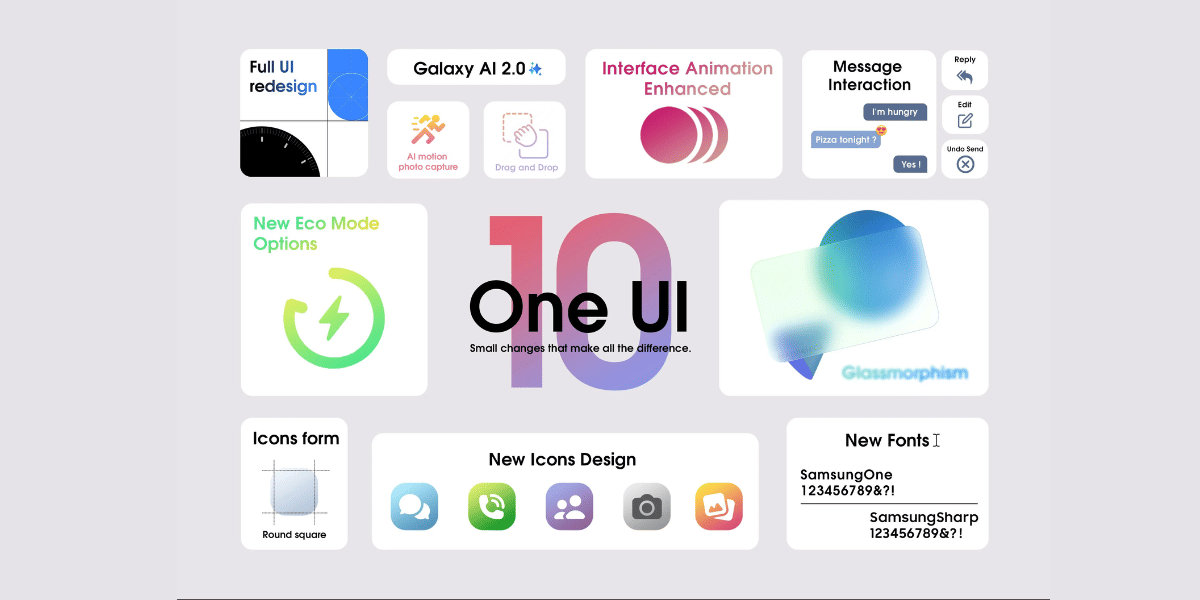
Samsung has started rolling out the stable One UI 8.5 for Samsung devices in more global markets. The Android 16-based update was first released in South Korea earlier this month, and now more Galaxy smartphones and tablets are receiving the software upgrade.
According to user reports shared online, the stable update is now reaching older flagship devices like the Galaxy S23 series and Galaxy S24 lineup. Samsung is also expanding the update to mid range smartphones and premium Galaxy tablets. The latest software brings several Galaxy AI features that were previously limited to the Galaxy S26 series.
The rollout shows Samsung’s continued focus on improving older devices with new software features, smoother animations, and AI powered tools.
One UI 8.5 For Samsung Reaches Galaxy S23 And Tablets

Users in India have reported receiving the stable One UI 8.5 for Samsung Galaxy S23 smartphones with firmware version S91xBXXU9FZDP. The update size is around 4GB.
Samsung has also released the update for the Galaxy Tab S11 lineup.
Samsung Galaxy Tab S11 Update Details:
- Samsung Galaxy Tab S11 firmware version: X736NKOU5BZE3
- Samsung Galaxy Tab S11 Ultra firmware version: X936NKOU5BZE3
Meanwhile, the Galaxy Tab S10 FE has reportedly received the update in South Korea.
Also Read: One UI 8.5 Vs One UI 8: Is Samsung’s New Update Worth It?
Samsung Galaxy Tab S10 FE Update Details:
- Firmware versions: X520XXU7CZE3 and X5200XM7CZE3
- Update size: 2.8GB
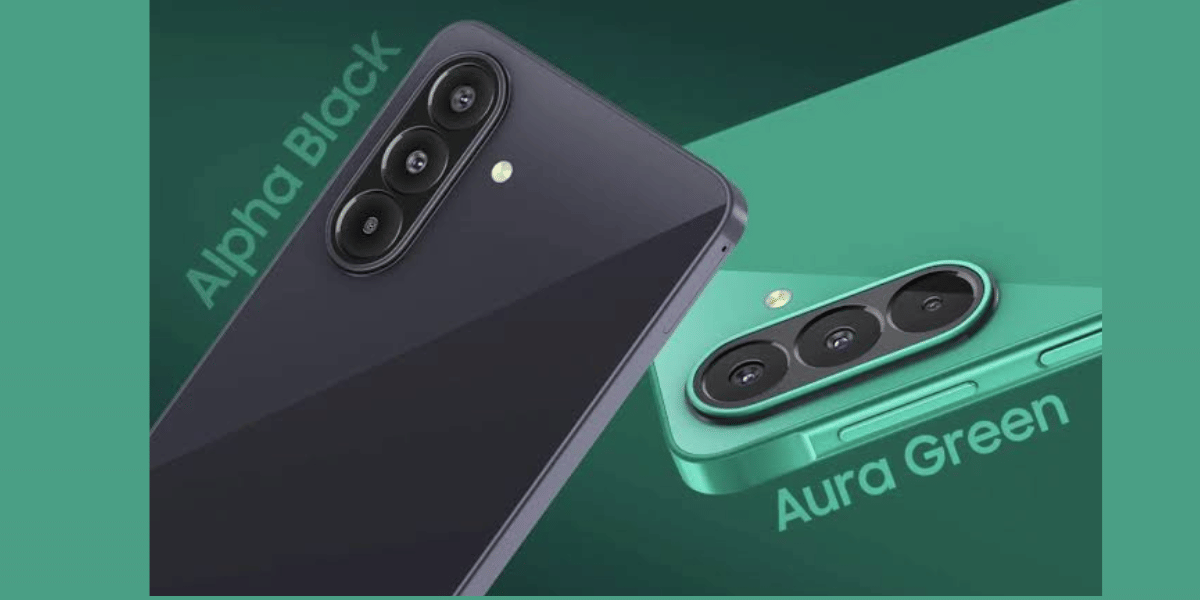
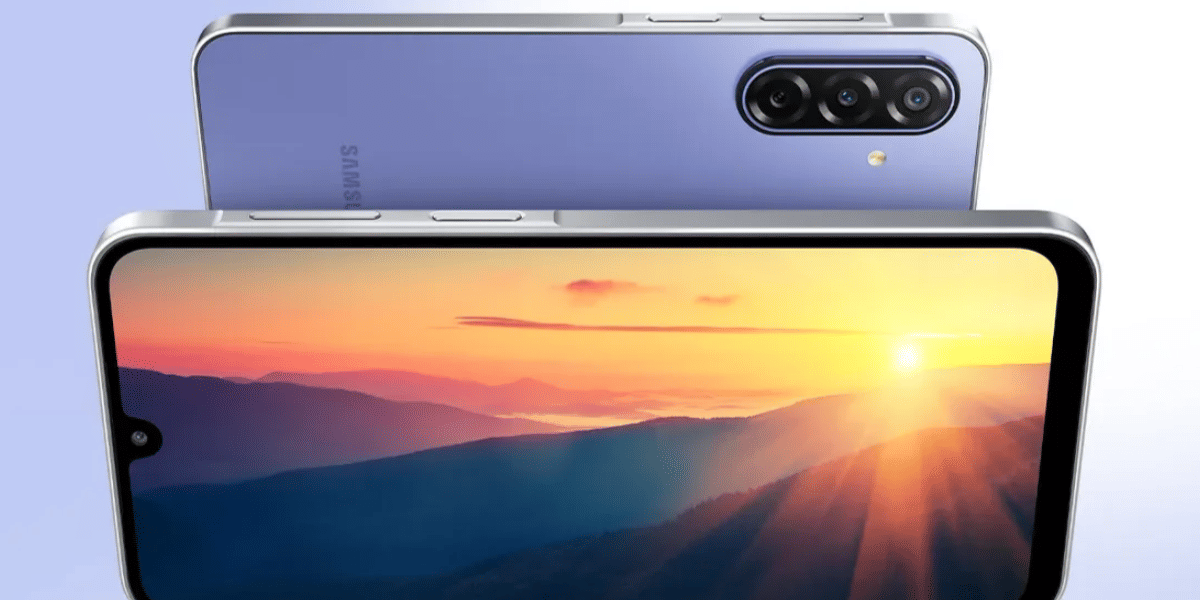
Reports also suggest that Samsung has started pushing the stable One UI 8.5 update to the Galaxy A56 and Galaxy A36 smartphones.
New Galaxy AI Features Included In The Update
The new One UI 8.5 for Samsung update introduces several AI powered tools that debuted with the Galaxy S26 series.
Key Features in One UI 8.5:
- Call Screening
- Agentic AI tools
- Creative Studio
- Continuous AI image generation
- Improved Audio Eraser feature
- Smoother animations and performance improvements
Eligible users in India and other global regions should receive the update automatically. Users can also manually check for the update by going to:
Settings > Software update > Download and install
Samsung recommends downloading the update while connected to a strong Wi Fi network and keeping the device plugged in during installation.
Are you still browsing through your broken screen? Don’t worry! Book at-home mobile phone screen repair with Cashify—an affordable and one-stop destination for all your mobile phone needs. In case you break your screen within 1 month of repair, we will replace your screen again—for FREE.