Mobile photography has evolved significantly over the years. Now you don’t need to spend hefty amount of money to buy those professional cameras, instead, some best camera-centric phones can serve the purpose well for you. But the default camera settings that you get with these phones are not always the best. That being said, in this blog, let us talk about the Realme 16T best camera settings to help you capture the perfect shots. So, let’s begin.
Also Read: Oppo Find X9 Ultra Best Camera Settings: Shoot Like A Pro
What Are The Camera Specs Of Realme 16T?
Before talking about the Realme 16T best camera settings, it helps to understand what the camera hardware actually offers.
Here are the complete camera specifications of the Realme 16T.
| Category | Specifications |
| Rear Camera | 50MP Wide Angle, f/1.8, AF Supported + 2MP Monochrome, f/2.4 |
| Front Camera | 16MP Selfie Camera, f/2.4 |
| Rear Shooting Modes | Photo, Video, Portrait, Night, AI Landscape, VIBE, Panorama, Cinematic, SLO-MO, Dual-view Video, Time-Lapse, HI-RES, Underwater, Hypertext, Tilt-Shift |
| Front Shooting Modes | Photo, Video, Portrait, Night, Panorama, Dual-view Video, Time-Lapse |
| Rear Video Recording | 1080P at 60fps/30fps, 720P at 60fps/30fps, 720P Slow Motion at 120fps, 1080P Time-Lapse, Cinematic Video, Dual-view Video, Up to 10× Digital Zoom |
| Front Video Recording | 1080P at 30fps, 720P at 30fps, 1080P Time-Lapse, Dual-view Video |
What Are The Realme 16T Best Camera Settings?
As mentioned above, the default camera settings are not always the best. For your Realme 16T, you need to tweak these camera settings to take the best shots. Here, have a look:
Best Camera Settings For Daily Photos
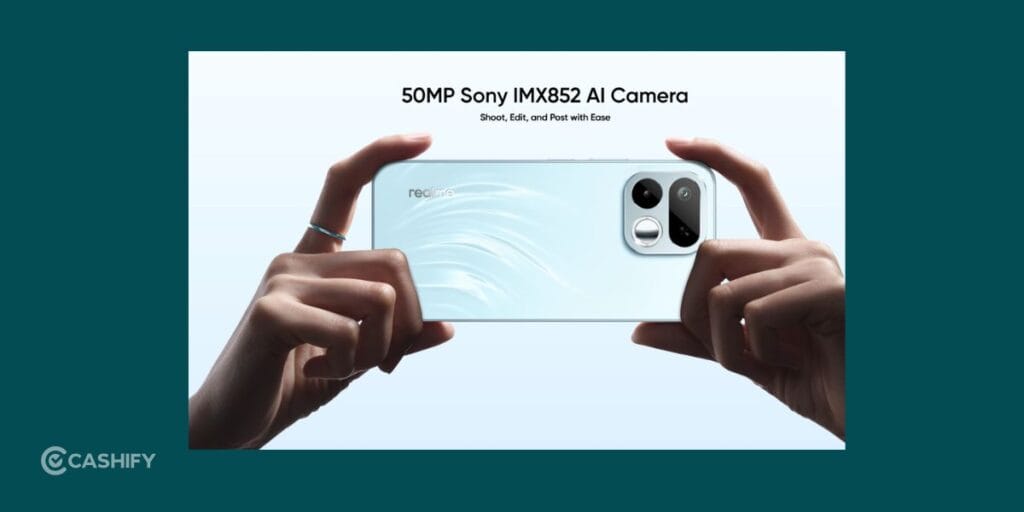
For normal outdoor and indoor photography, these Realme 16T camera settings work best.
| Setting | Recommended Option |
| Photo Resolution | Use 50MP for detailed shots |
| AI Scene Recognition | ON |
| HDR | Auto |
| Filters | Off for natural colors |
| Aspect Ratio | 4:3 |
| Beauty Mode | Low or Off |
| Grid Lines | ON |
| Flash | Auto |
Why These Settings Work
Many users keep beauty filters turned on at very high levels. That often makes faces look unnatural and overly soft.
Keeping beauty mode low gives cleaner and more realistic images.
The 4:3 ratio is also important because it captures the full image sensor output. Fullscreen mode crops the image slightly.
Also Read: Vivo X300 Ultra Camera Settings: Best Tips for Stunning Shots
Best Settings For Instagram And Social Media
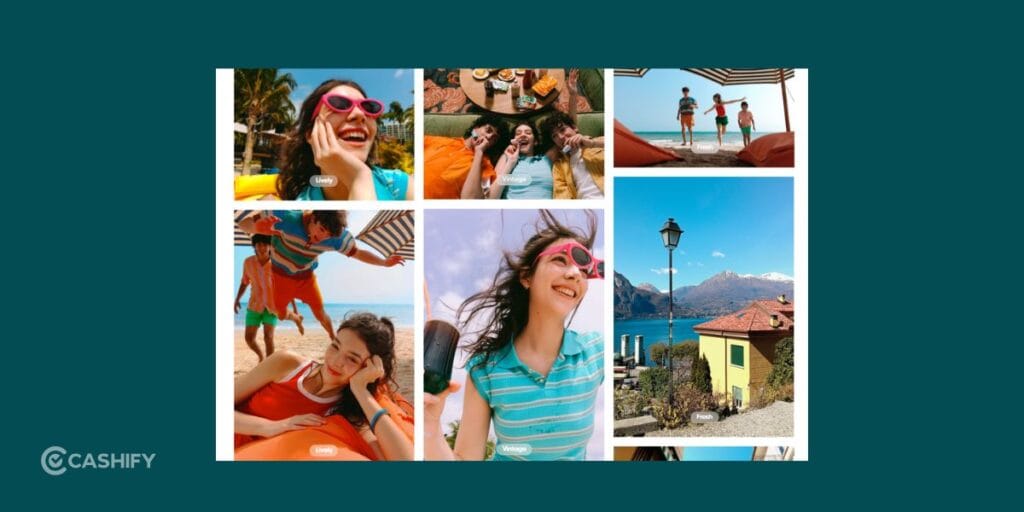
If you mainly click photos for Instagram, Snapchat, or WhatsApp, try out these Realme 16T best camera settings:
| Setting | Recommended |
| VIBE Mode | ON |
| AI Enhancement | ON |
| Saturation | Medium |
| Contrast | Slightly High |
| Portrait Blur | Medium |
| Filters | Warm tones only |
These settings help photos look vibrant without making them oversharpened.
Best Selfie Camera Settings
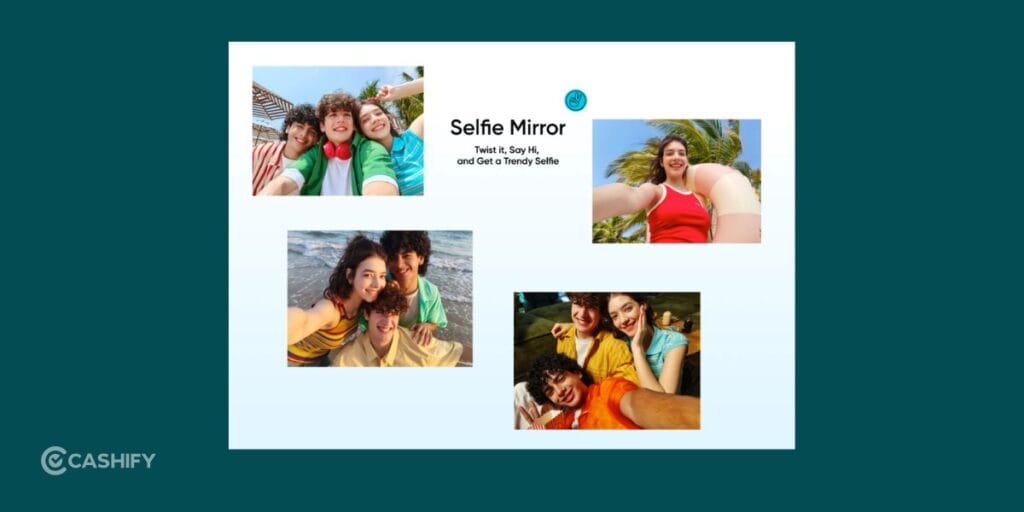
The 16MP selfie camera performs well in daylight, but selfies may sometimes look too soft because of beauty processing.
Use these settings for cleaner selfies.
| Setting | Recommended |
| Beauty Mode | 20–30% |
| HDR | ON |
| Portrait Mode | Use in good lighting |
| Retouch | Minimal |
| Screen Flash | Night only |
| AI Mode | ON |
Natural lighting near a window usually gives the best selfie quality.
Best Video Recording Settings
Many users record videos using default settings and later notice shaky or blurry footage.
Here is the Realme 16T best camera settings for video recording:
| Usage | Recommended Setting |
| YouTube Videos | 1080P 60fps |
| Instagram Reels | 1080P 30fps |
| Travel Videos | Stabilization ON |
| Gaming Clips | 1080P 60fps |
| Cinematic Videos | Cinematic Mode |
| Vlogging | Front Camera 1080P |
Also Read: Vivo X300 FE Vs Samsung Galaxy S26 Camera: The Better Phone In 2026?
Best Night Photography Settings
Night photography is where settings matter the most. The Realme 16T can capture decent low-light shots if you use the correct setup.
| Setting | Recommended |
| Night Mode | ON |
| Flash | OFF |
| AI Mode | ON |
| Exposure | Slightly Lower |
| Zoom | Avoid |
| Stability | Hold phone steady |
Important Night Photography Tip
Do not move the phone immediately after pressing the shutter button.
Night mode captures multiple frames together. If your hands move too much, the image becomes blurry.
Hold the phone steady for two to three seconds after taking the photo.
Best Portrait Mode Settings
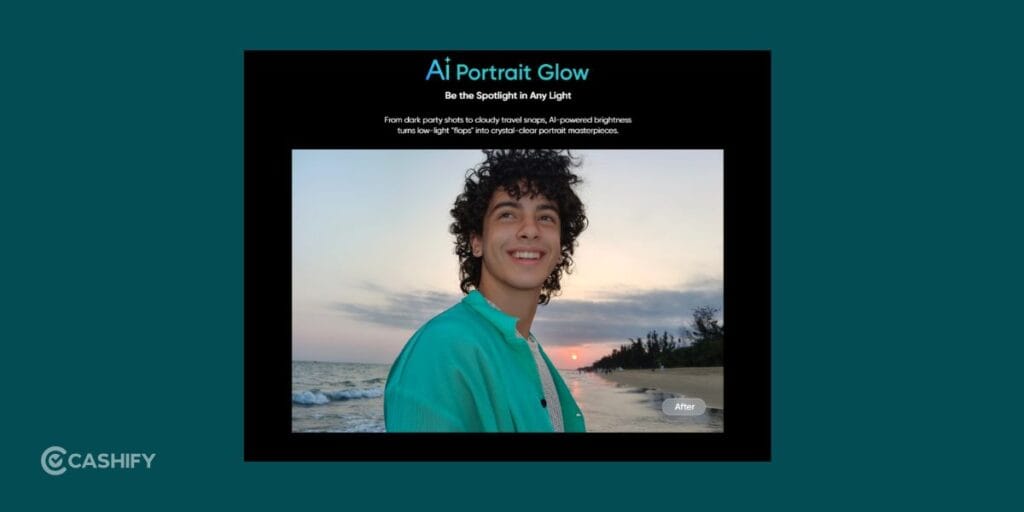
Portrait mode works surprisingly well when lighting is good. Check the Realme 16T best camera settings for portrait mode:
| Setting | Recommended |
| Portrait Blur | Medium |
| Beauty Filter | Low |
| HDR | ON |
| Lighting | Natural daylight |
| Subject Distance | 1–2 meters |
Avoid portrait mode in dark environments because edge detection may become inconsistent.
Best Settings For Food Photography
Food photos usually look best in natural lighting.
Here is the ideal setup:
- Turn AI Mode ON
- Keep Flash OFF
- Tap focus on the food
- Slightly increase brightness
- Use VIBE mode for richer colors
Morning sunlight near windows works best.
Best Camera Settings For Indoor Photos
Indoor lighting often creates soft and noisy images.
Use these Realme 16T best camera settings.
| Setting | Recommended |
| HDR | ON |
| AI Mode | ON |
| Brightness | Slightly Increase |
| Flash | Avoid if possible |
| Portrait Mode | Use only in bright rooms |
Natural window lighting usually gives the best indoor photos.
Also Read: Moto Razr Fold Vs Galaxy Z Fold7: Best Foldable For You In 2026?
Best Cinematic Video Settings
The Cinematic mode can create surprisingly stylish footage when used properly.
Use Cinematic Mode For:
- travel videos
- walking shots
- aesthetic reels
- slow-motion scenes
- creative content
Tips:
- move slowly
- avoid sudden shakes
- use natural lighting
- shoot during golden hour
This instantly improves video quality.
What Is HI-RES Mode?
HI-RES mode captures maximum detail using the full sensor.
Use it for:
- landscapes
- buildings
- scenery
- daylight shots
Avoid using HI-RES mode at night because file sizes increase and low-light quality may drop.
Should You Use 60fps Or 30fps?
This depends on the type of video you are recording.
Use 60fps For:
- gaming clips
- moving subjects
- sports
- travel shots
- action scenes
Use 30fps For:
- cinematic videos
- indoor videos
- normal daily recordings
- Instagram uploads
60fps looks smoother, while 30fps gives a more cinematic feel.
Also Read: OnePlus Nord CE 6 Vs OnePlus Nord CE 6 Lite: Worth The Upgrade
Is The Realme 16T Camera Good?
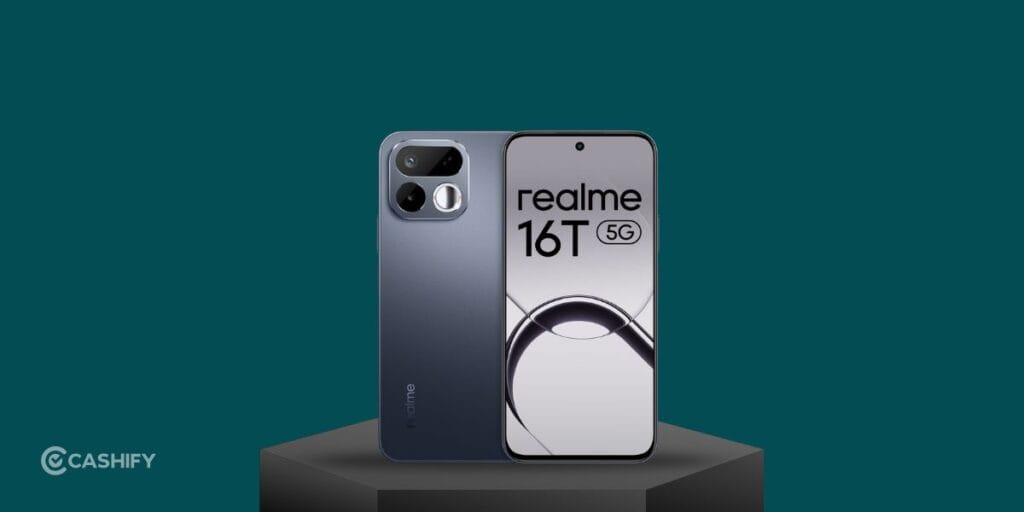
For its category, the Realme 16T offers a good overall camera experience.
You get:
- sharp daylight photos
- decent portrait mode
- smooth 1080P videos
- useful AI features
- multiple creative modes
It may not compete with premium flagship phones, but for social media, daily photography, and casual video recording, it performs well.
The biggest improvement comes from learning how to use the camera properly.
Final Thoughts
The Realme 16T includes several camera features that many users never fully explore. Once you adjust a few settings, your photos and videos can look significantly better without using editing apps. Hopefully, with our tips on the Realme 16T best camera settings, you would be able to pull out the best shots.
Good smartphone photography is not only about expensive hardware anymore. Most of the time, it simply depends on lighting, stability, and using the right settings.
Once you become comfortable with the Realme 16T camera modes, you will notice a major improvement in your photos, reels, selfies, and videos.
Also Read: 5 Best Vivo X300 FE Alternatives You Can Buy Right Now
Frequently Asked Questions
Does Realme 16T support 4K video recording?
No, the Realme 16T supports video recording up to 1080P resolution. You can record at 60fps or 30fps depending on your requirement.
Which mode is best for night photography on Realme 16T?
Night Mode gives the best low-light results on the Realme 16T. It improves brightness, reduces noise, and captures better details in dark environments.
Is the Realme 16T good for Instagram reels?
Yes, the phone performs well for Instagram reels. Recording at 1080P 30fps with stabilization enabled gives smooth and social-media-ready videos.
Should you use 50MP mode all the time?
No, using 50MP mode continuously increases storage usage. It works best for daylight photography, landscapes, and detailed outdoor shots.
Does Realme 16T support slow-motion video?
Yes, the Realme 16T supports 720P slow-motion recording at 120fps, which works well for action shots and creative videos.
If you’ve just bought a new phone and don’t know what to do with your old phone, then here’s your answer. Sell old mobile to Cashify and get the best price for it. If you are planning to buy a new phone, check out Cashify’s refurbished mobile phones. You can get your favourite phone at almost half price with six-month warranty, 15 days refund and free delivery.