Has your Samsung Galaxy Note 9 charging port stopped working? I’ve faced this myself, and it can be really frustrating. Sometimes the phone just won’t charge, no matter how many times you plug it in. In many cases, small things at home can fix it. Other times, the port needs professional repair. Let’s look at the common causes, simple checks you can try, and when it’s best to get it repaired.
Also read: How To Fix Vivo V11 Pro Screen Issues? Replace It Affordably!
Why Does The Samsung Galaxy Note 9 Charging Port Stop Working?
So, your Samsung Galaxy Note 9 charging port stopped working, right?. There could be several reasons for this. Let’s take a look at the most common ones:
Frequent Charging Loosens the Port Over Time
Charging the phone every day puts pressure on the port. Plugging and unplugging the cable repeatedly can loosen the internal connectors. Once the port becomes loose, charging turns unreliable.
Using the Phone While Charging Adds Pressure
Many users scroll or take calls while the phone is charging. This bends the cable and puts extra stress on the port. Small internal parts can shift or weaken because of this habit.
Moisture Exposure Affects Charging Pins
Moisture can reach the charging port through sweat, humidity, or light water contact. Even a small amount can affect the charging pins. This reduces power flow and causes charging problems.
Low-Quality Chargers Damage the Port
If your Samsung Galaxy Note 9 charging port stopped working, low-quality chargers could also be the reason. They may not fit properly. They can send uneven power to the phone. Over time, this can damage the charging port.
Internal Wear from Daily Use
The charging port is a hardware part that wears out naturally. After long-term use, it may stop working as smoothly as before. Charging issues are slowly becoming more frequent.
Accidental Drops Affect the Charging Port
Dropping your Samsung Galaxy Note 9 can damage the charging port internally. The impact may loosen or crack internal components of the phone. Even if the outer body looks fine, charging may stop working.
Also read: How Do I Check My Android Hardware Health?
What You Should Do First When Charging Stops Working?
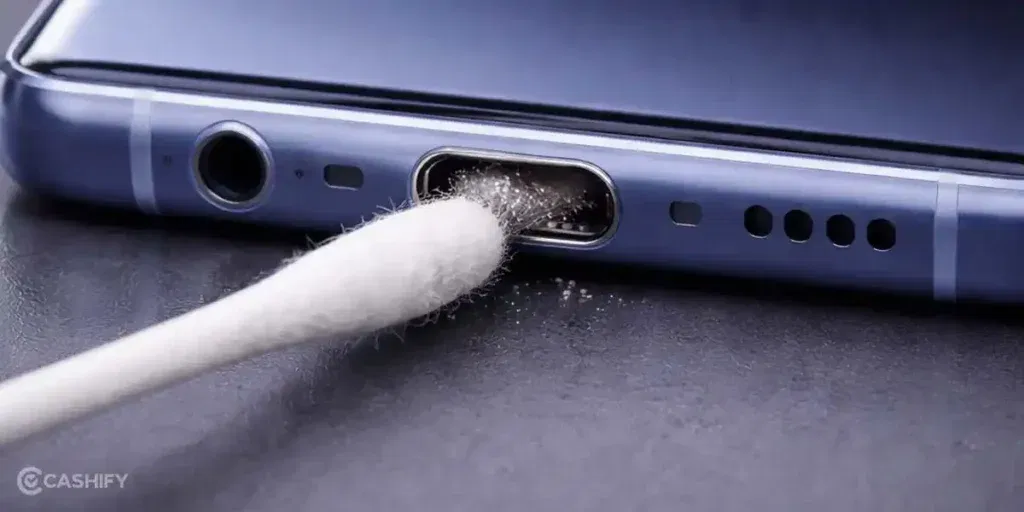
Now that you know the reasons, you can try a few simple solutions at home. These can help if your Samsung Galaxy Note 9 charging port stopped working:
Try a Different Charger or Cable
Use the original Samsung charger or a certified replacement. If the phone starts charging, the issue is likely with the accessories and not the phone itself.
Reconnect the Charger Firmly
Plug the cable into the port carefully. Sometimes, adjusting the angle slightly can help the port connect properly. Don’t force the cable in, as this can cause further damage.
Dry the Port
If the charging port may have moisture, leave the phone in a dry, ventilated area for a few hours. You can also gently dab the port with a soft cloth. Avoid using heat sources like a hairdryer, as it may damage the phone.
Restart the Phone
When you notice your Samsung Galaxy Note 9 charging port stopped working, try restarting your phone. It can clear minor software glitches that may prevent charging from working correctly.
Clean the Charger and Cable Ends
Wipe the metal tips of the cable and the charger. Dirt or residue on the connectors can block the power flow. Keeping them clean ensures a stable connection.
Remove the Case While Charging
Some tight or thick cases press against the cable or port, preventing a proper connection. Removing the case while charging can sometimes solve the problem immediately.
Check for Visible Damage
Use a flashlight to look inside the port. If you notice bent pins, deep dirt, or cracks, home fixes may not work. In such cases, professional phone repair is the safest solution.
Also read: 8 Signs That Your Android Phone Motherboard Needs Repair!
Why Choose Cashify For Samsung Galaxy Note 9 Charging Port Repair?
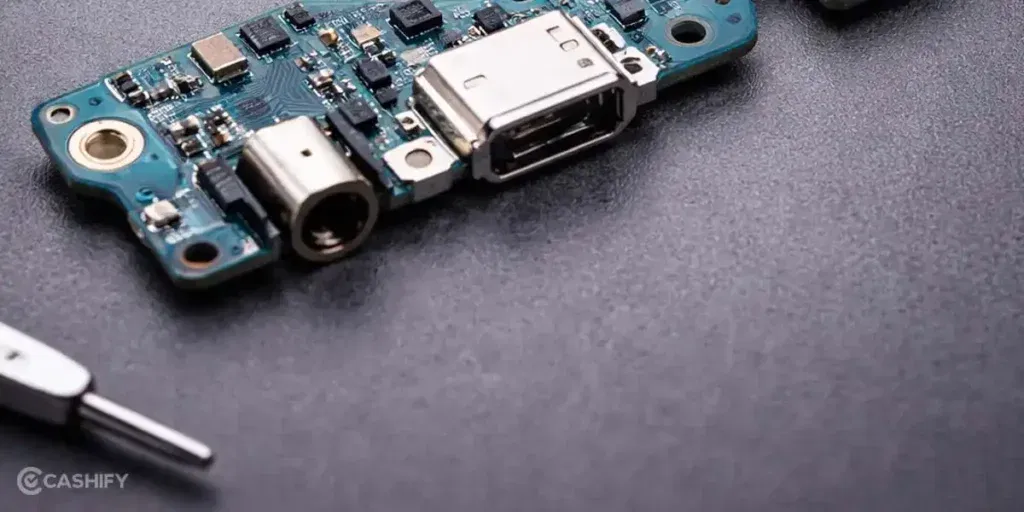
By now, you have seen the possible causes and solutions you can try at home. If your Samsung Galaxy Note 9 charging port stopped working again, it is better to get it replaced at Cashify. You might be wondering why Cashify. Here are the reasons:
- A technician checks your phone first. Minor issues are often fixed at home. Bigger problems are handled at a service centre. Payment is made only after the repair is complete.
- All repairs are done by technicians trained to work with Samsung phones. They follow the proper steps to make sure your device is fixed correctly.
- Cashify uses high-quality compatible parts. These parts help your phone work smoothly and maintain proper functionality.
- The mobile repair cost is shown before you confirm the service. This ensures there are no surprises or hidden charges later.
- Cashify has over 200 service centres across India. You can visit a nearby centre if you prefer in-store repair.
Also read: Vivo Y73 Not Powering On? Motherboard Repair Explained!
How To Book Samsung Galaxy Note 9 Charging Port Repair With Cashify?
Booking a repair is simple when you find that your Samsung Galaxy Note 9 charging port stopped working. Here are the easy steps to get it fixed with Cashify.
- Visit the Cashify website or open the Cashify app and go to the Mobile Repair section.
- Select Samsung as your phone brand from the list.
- Choose the Samsung Galaxy Note 9 from the available models.
- Pick Charging Jack as the issue you want to fix.
- Enter your location to check service availability in your area.
- Select a date and time slot that works for you.
- Confirm the booking. A trained technician will inspect the phone and complete the repair based on the issue.
(You can also use the code RPR50 to get up to 50% off on your Samsung Galaxy Note 9 jack repair. This offer is available for a limited time and requires a minimum order value of Rs. 1,000.)
Also read: Vivo Y83 Pro Aux Jack Not Working? Repair It Fast With Cashify
Final Thoughts
To sum up, when your Samsung Galaxy Note 9 charging port stops working, you can first try a few simple fixes at home. Changing the charger, cleaning the port, or restarting the phone often helps. If the problem continues, a professional Samsung mobile repair is the better choice. With Cashify, you get trusted technicians, clear pricing, and a hassle-free repair process.
If you need help with mobile phone repair or booking a service, drop your question in the comments. I will be glad to help.
If you’ve just bought a new phone and don’t know what to do with your old phone, then here’s your answer. Sell old mobile to Cashify and get the best price for it. If you are planning to buy a new phone, check out Cashify’s refurbished mobile phones. You can get your favourite phone at almost half price with six-month warranty, 15 days refund and free delivery.