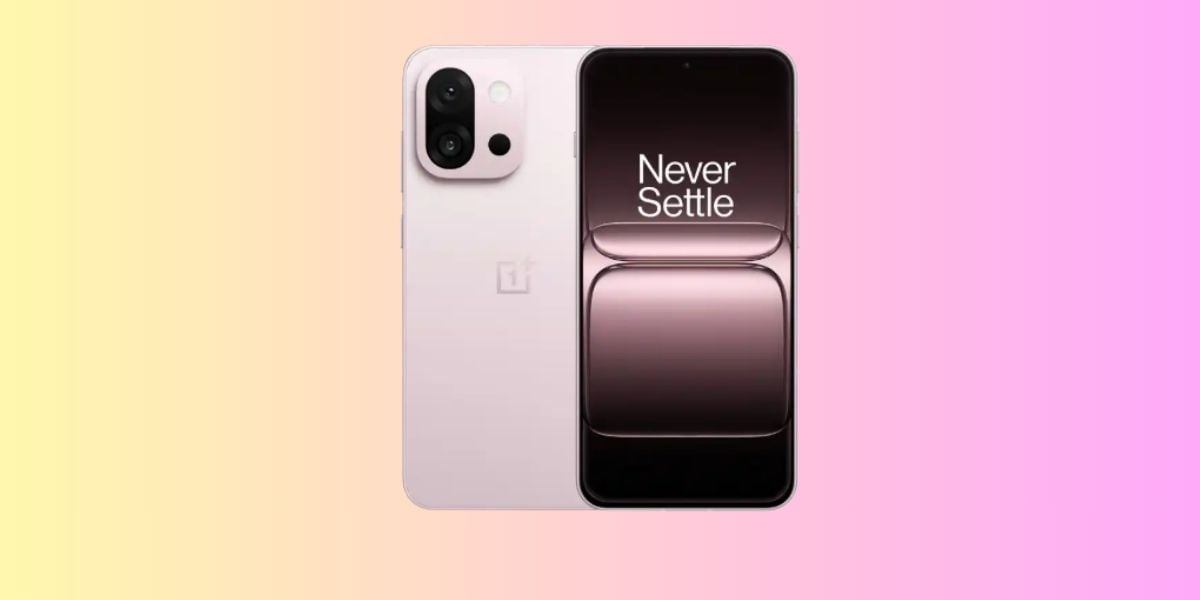
At some point, you might notice your Vivo T4X 5G is not as loud as it used to be. The sound is still there, but it feels lower even at full volume. In most cases, this happens due to small things that are easy to miss. Let’s look at what could be behind the Vivo T4X 5G speaker not loud issue. We’ll also go over what you can try before visiting a service centre.
Also Read:What Is The Difference Between Screen Repair And Screen Replacement?
Why Your Vivo T4X 5G Speaker Sounds Low?
Before trying any fixes, let’s first look at the reasons behind the Vivo T4X 5G speaker not loud issue:
Speaker Output Drops After Long Use at High Volume
If you often use your Vivo T4X 5G at full volume, the speaker can start losing clarity over time. The sound is still there, but it feels dull and less clear compared to when the phone was new.
Sound Feels Lower Due to Software Balancing
Sometimes after updates, the phone adjusts sound output to protect the speaker. This can reduce peak volume slightly, even though the volume bar still shows full. It feels like the speaker is weaker, but it’s actually controlled by the system.
Internal Speaker Mesh Slightly Moves
Inside the phone, a thin mesh covers the speaker unit. With regular use or minor drops, this layer can move a bit. The sound then feels blocked or less direct, even though the speaker is working.
Heat Impact from Heavy Usage
When the phone heats up during gaming or long video sessions, the speaker output may drop slightly. This is done to protect internal parts. Once the phone cools down, the sound may improve again.
Uneven Sound Due to Single Speaker Setup
Vivo T4X 5G mainly uses one speaker. So if anything affects that single output, even slightly, the overall sound feels lower compared to phones with two speakers.
Also read: 8 Signs That Your Android Phone Motherboard Needs Repair!
Easy Ways To Fix Vivo T4X 5G Speaker Not Loud At Home
Now that you know the reasons, let’s go through some simple fixes for the Vivo T4X 5G speaker not loud issue:
Remove the Case and Test Sound
Take off the back cover and play a song or video. Hold the phone the way you usually do and check the sound again. If it feels louder, keep using the phone without that cover or switch to a better-fitting one.
Adjust Sound Settings
Open Sound settings on your phone. Turn off any sound effects or extra enhancements one by one. After each change, play audio to see if the volume improves.
Play Audio from Different Apps
Open a few apps like YouTube, music apps, or even system sounds. Play the same audio and compare how it sounds. If one app sounds lower than others, focus on its in-app volume settings.
Let the Phone Rest for a While
Stop using the phone for a few minutes. After that, play audio again at full volume. Check if the sound feels normal again after the break.
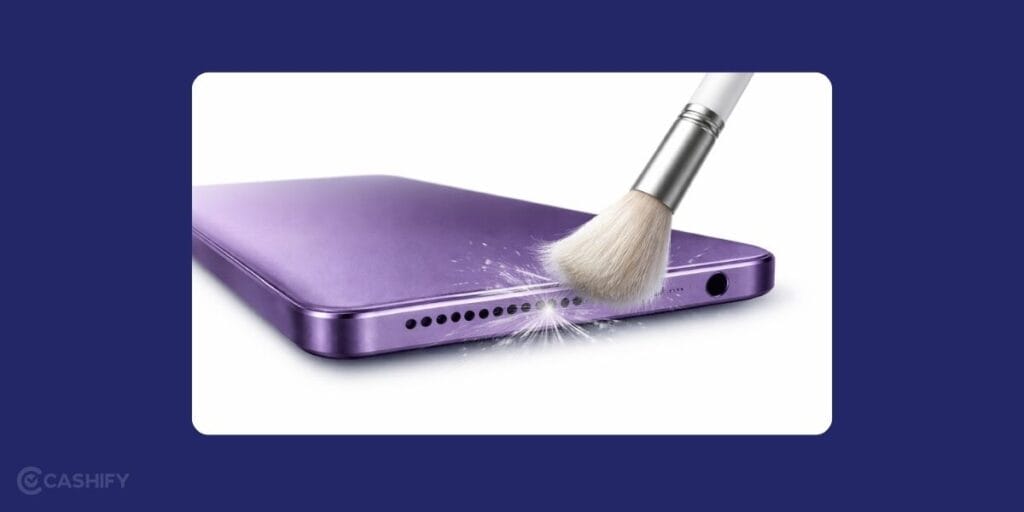
Clean the Speaker Area
Look closely at the speaker opening at the bottom. Use a soft brush or dry cloth to clean it gently. Make sure nothing is blocking the small holes.
Reset App Preferences
Go to Settings and find the option to reset app preferences. This will not delete your data. After resetting, play audio again and check if the sound has improved.
Also read: Vivo Y83 Pro Aux Jack Not Working? Repair It Fast With Cashify
Why Choose Cashify For Vivo T4X 5G Speaker Repair?
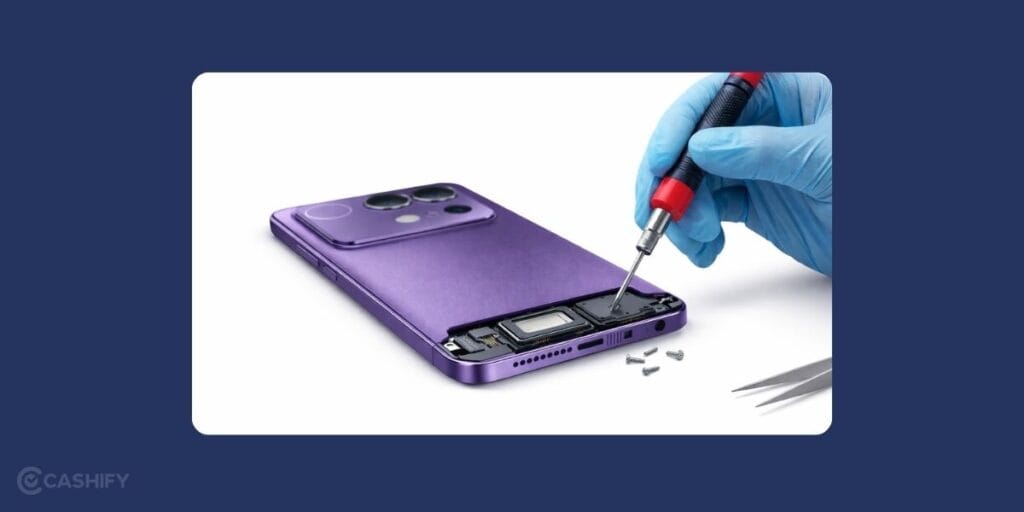
Have you tried all the home fixes, but the sound is still low. In that case, you may need professional help to fix the Vivo T4X 5G speaker not loud issue. Choosing the right place for mobile repair can feel confusing, but Cashify makes the process simple. Here is how:
Repair Without the Hassle
Getting a mobile phone repair is simple and flexible. You can book your phone repair online in just a few steps or visit a nearby store if that feels more convenient
Skilled Hands for Every Repair
When you book a mobile phone repair, your device is handled by technicians who are experienced with different smartphone brands and models. They carefully inspect the issue and carry out the phone repair in a way that keeps the rest of your device safe and working properly.
Clear Cost Before You Proceed
With every mobile repair, you get to know the expected cost in advance. There are no last-minute surprises or extra charges added later. You can go ahead with the service only when you are comfortable with the pricing and pay after the phone repair is successfully completed.
Reliable High-Quality Compatible Parts
In case your device needs a replacement during the Vivo mobile repair, only high-quality compatible parts are used. These parts are designed to match your phone well, helping maintain proper sound quality and overall performance after the repair.
Also read: 8 Signs That Your Android Phone Motherboard Needs Repair!
How To Book Vivo T4X 5G Speaker Repair With Cashify?
Here is how you can book a repair to fix the Vivo T4X 5G speaker not loud issue with Cashify:
- Visit the Cashify website or open the Cashify app.
- Go to the Mobile Repair section.
- Select Vivo as your phone brand.
- Choose Vivo T4X 5G from the list of models.
- Select Speaker as the issue.
- Enter your address to book a doorstep repair service.
- Pick a date and time that works for you.
- Confirm the booking. A technician will visit your location and complete the repair.
Also Read: Do You Lose Data When Replacing LCD Screen?
Final Thoughts
To sum up, the Vivo T4X 5G speaker not loud issue can happen due to different reasons. We have shared simple fixes you can try at home to improve the sound. If the problem still does not go away, Cashify can help you get it repaired by professionals.
If you have any questions or need help, feel free to leave a comment below. I’ll be happy to guide you so your phone sounds clear again.
Use code: TECH25 to avail of a discount of up to Rs. 300 by using the (on the minimum order value of Rs. 2499).
Use code: RPR50 to avail up to 50 per cent off on a minimum spend value of Rs. 1000 (limited offer).
Are you still browsing through your broken screen? Don’t worry! Book at-home mobile phone screen repair with Cashify, an affordable and one-stop destination for all your mobile phone needs. In case you break your screen within 1 month of repair, we will replace your screen again for FREE.