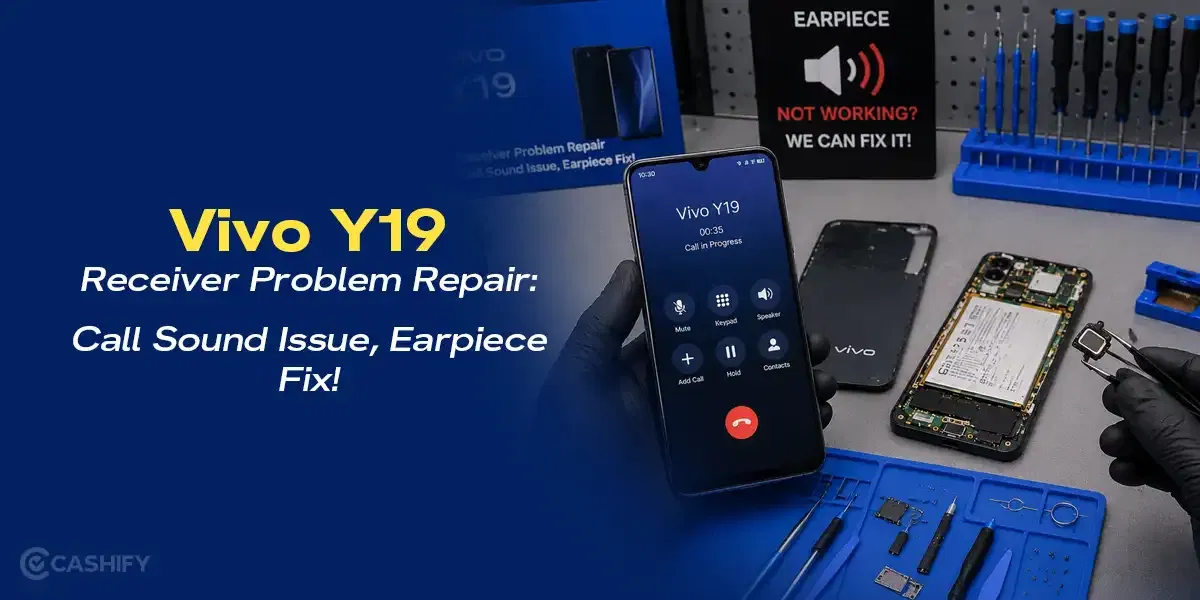
A screen problem on the Vivo Y19 does not always begin with a broken display. Sometimes the touch starts missing taps or one side suddenly stops responding. At first, you try to ignore it and keep using the phone normally. But after a point, even simple things like typing or scrolling start becoming annoying. Let’s understand the Vivo Y19 screen problem, what may be causing it, and the repair options available.
Also read: How To Fix Vivo V11 Pro Screen Issues? Replace It Affordably!
What Usually Causes Vivo Y19 Screen Problems?
Let’s first look at why Vivo Y19 screen problems begin and what usually affects the touch or display performance:
Touch Delay After Long Gaming Or Heating
Long gaming sessions or constant heating can affect how the touch responds on the Vivo Y19. In some cases, the screen starts reacting slowly or misses taps completely after the phone becomes too warm.
Pressure Damage From Tight Pockets Or Bags
Keeping the phone in a tight jeans pocket or an overloaded bag can put pressure on the display over time. This may not crack the screen immediately, but it can affect touch sensitivity or create display issues later.
Small Cracks Slowly Affecting The Display
A tiny crack on the corner of the screen may seem harmless at first. But after a few days, the touch may stop working properly around that area, or lines may begin appearing on the display.
Moisture Entering Around The Screen Edges
Even small amounts of moisture from rain, sweat, or humid conditions can affect the display performance. The screen may start reacting on its own or become less responsive in certain areas.
Display Connector Becoming Loose After A Drop
Sometimes the screen looks completely fine after a fall, but the internal display connector gets slightly loose. This can lead to flickering, touch delay, or random screen response problems later on.
Also read: Vivo Y83 Pro Aux Jack Not Working? Repair It Fast With Cashify
How To Fix Vivo Y19 Touch And Display Issues At Home
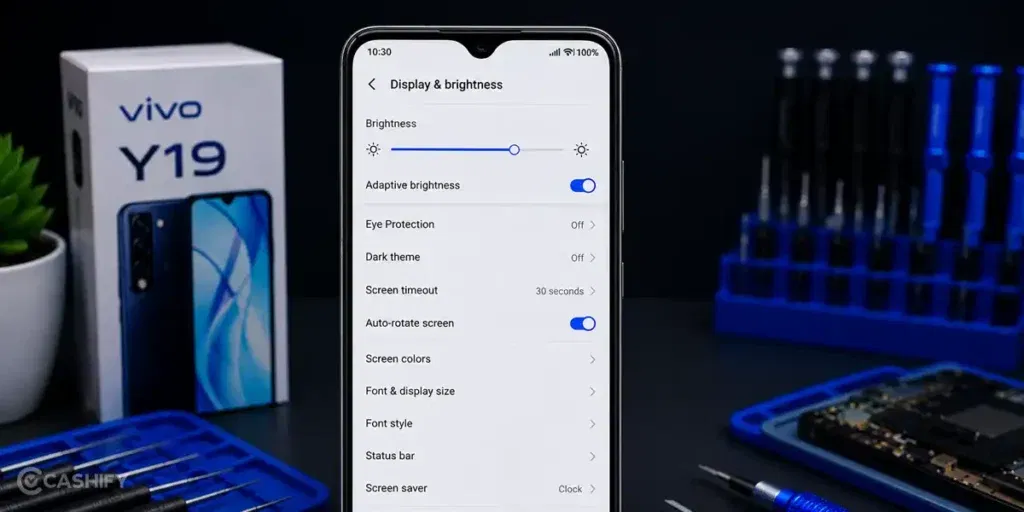
Before going for a repair, here are some simple things you can try to fix the Vivo Y19 screen problem at home:
Type Slowly On The Keyboard For A Minute
Instead of checking the whole screen at once, type slowly and see if certain letters stop responding. This makes touch dead zones easier to notice.
Lock And Unlock The Screen Multiple Times
Sometimes the touch starts responding normally again after the display reloads a few times. Try locking and unlocking the Vivo Y19 repeatedly before assuming the screen is damaged.
Keep The Brightness Lower For Some Time
Use the phone at lower brightness for a while and notice whether the screen behaves differently during scrolling or typing.
Press Around The Display Edges Gently
Run your finger lightly around the corners and sides of the screen while using the phone. Check if the touch changes near certain areas.
Leave The Phone Unused For 10-15 Minutes
Stop charging, gaming, or using heavy apps for some time. Then unlock the phone and test the touch response again.
Also read: 8 Signs That Your Android Phone Motherboard Needs Repair!
How To Book Vivo Y19 Screen Repair With Cashify
Sometimes these fixes may improve the touch or display problem for a while. But if the screen still keeps freezing, missing taps, or showing display damage, you may need a proper phone repair. It is also important to choose a trusted Vivo mobile repair service where the pricing is reasonable and the repair quality is reliable.
Cashify is one of the easier options for this. The Vivo Y19 screen repair starts at Rs. 2,199. Along with affordable pricing, the booking process is also simple and can be completed in a few steps:
- Visit the Cashify website or open the Cashify app.
- Go to the Mobile Repair section.
- Select Vivo as your phone brand.
- Choose Vivo Y19 from the list of models.
- Select Screen as the issue.
- Enter your address for doorstep repair service.
- Pick a date and time that suits you.
- Confirm the booking. A technician will visit your location and complete the repair.
Use code: TECH25 to avail of a discount of up to Rs. 300 by using the (on the minimum order value of Rs. 2499).
Use code: RPR50 to avail up to 50 percent off on a minimum spend value of Rs. 1000 (limited offer).
Also read: How Do I Check My Android Hardware Health?
More Benefits Of Choosing Cashify For Vivo Y19 Screen Repair
Here are some more benefits you get when booking a repair for the Vivo Y19 screen problem with Cashify:
Repair Without Leaving Your Home
You can get the Vivo Y19 screen repair done at home without visiting different repair shops or service centers.
Your Phone Is Handled By Repair Experts
The mobile repair is carried out by trained technicians who inspect the screen problem carefully and complete the replacement properly.
Know The Repair Cost Beforehand
The expected repair price is shared before the repair begins, so you already know the cost in advance. You only pay after the repair is completed.
Screen Replacement With High-Quality Compatible Parts
High-quality compatible parts are used during the mobile phone repair process to maintain proper display fitting and touch response.
Also Read: OLED Brilliance: Refurbished POCO F6 For Netflix Lovers!
Final Thoughts On Vivo Y19 Screen Problems
To sum up, Vivo Y19 screen problems can start small but become more noticeable over time. We have shared some simple ways to improve touch and display issues at home before going for a repair.
If the problem still does not improve, getting the screen repaired by professionals can be a better option. Cashify can help with Vivo Y19 screen repair through trained technicians, doorstep service, and clear pricing.
If you still have any questions, feel free to leave a comment below.
If you’ve just bought a new phone and don’t know what to do with your old phone, then here’s your answer. Sell old mobile to Cashify and get the best price for it. If you are planning to buy a new phone, check out Cashify’s refurbished mobile phones. You can get your favourite phone at almost half price with six-month warranty, 15 days refund and free delivery.