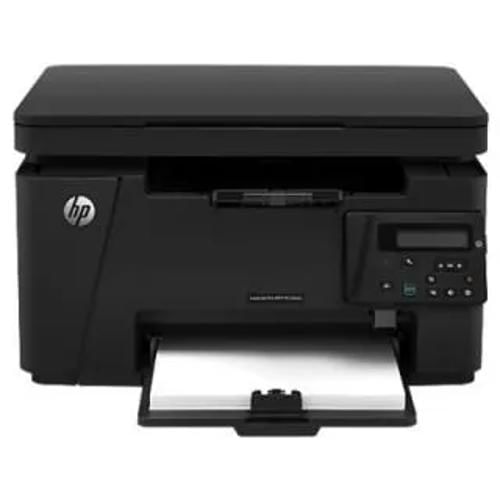
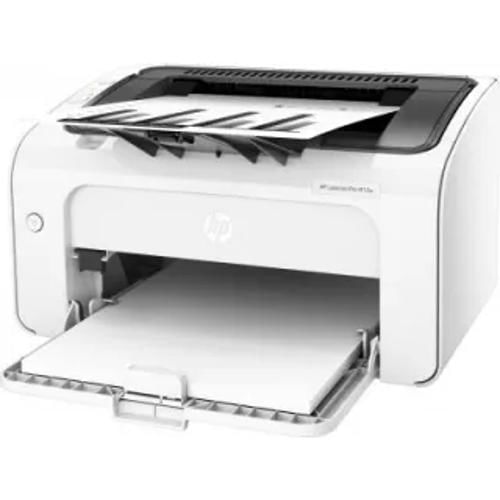
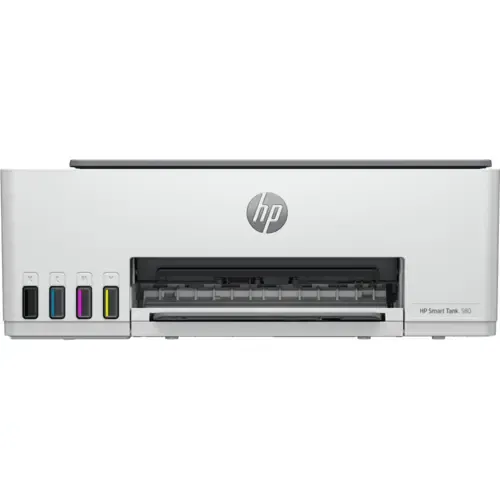
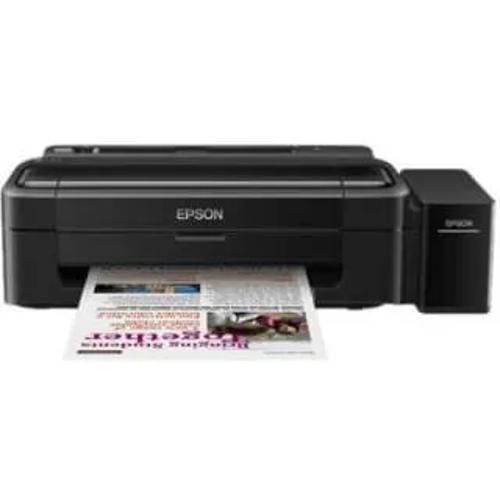
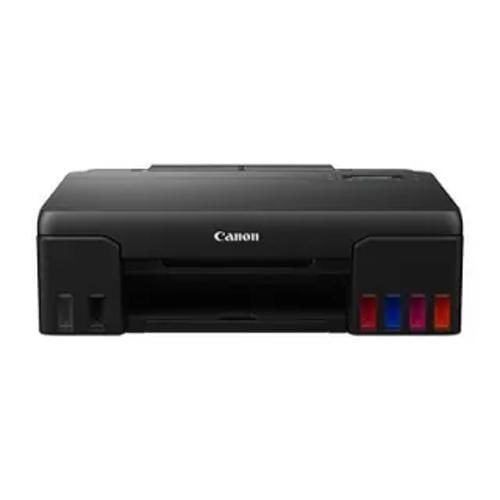
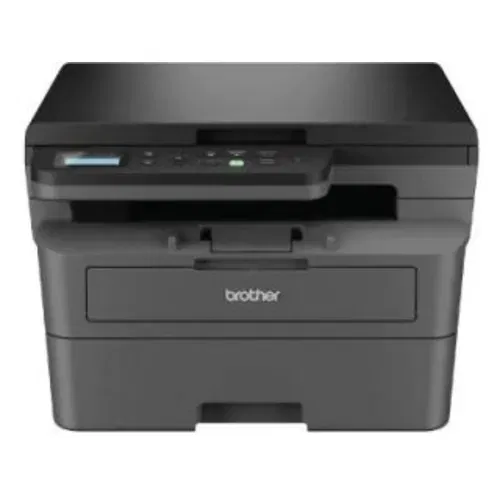
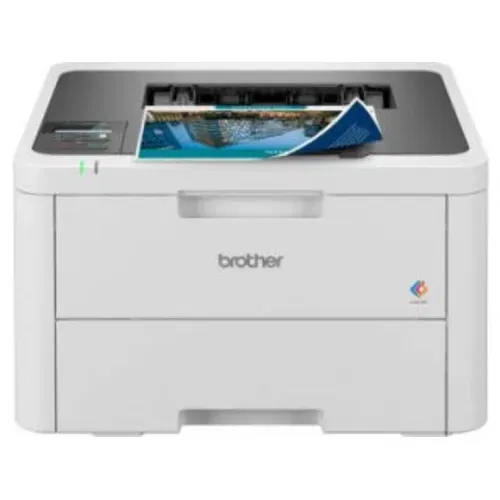
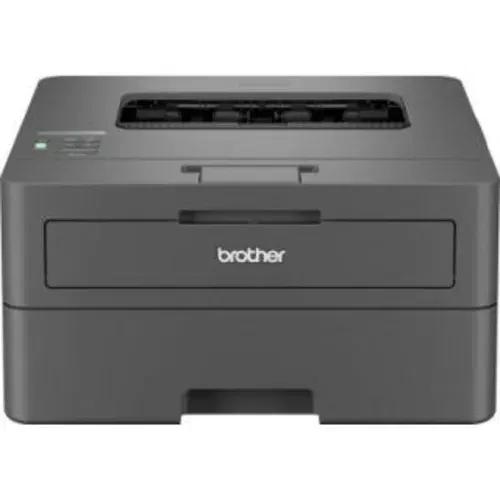
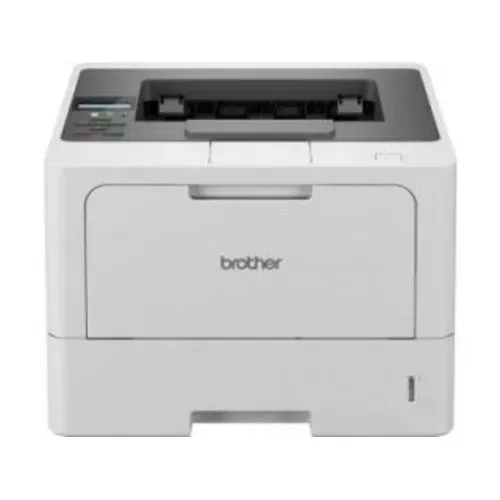
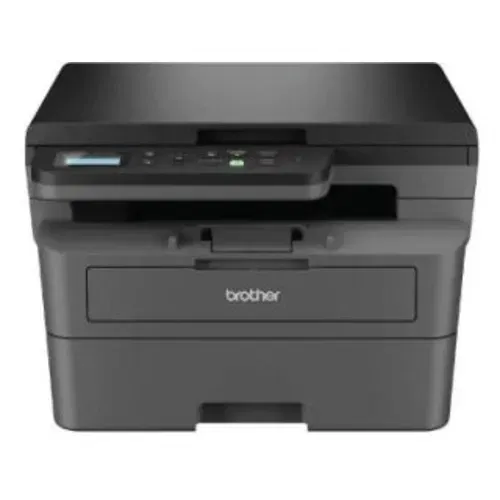
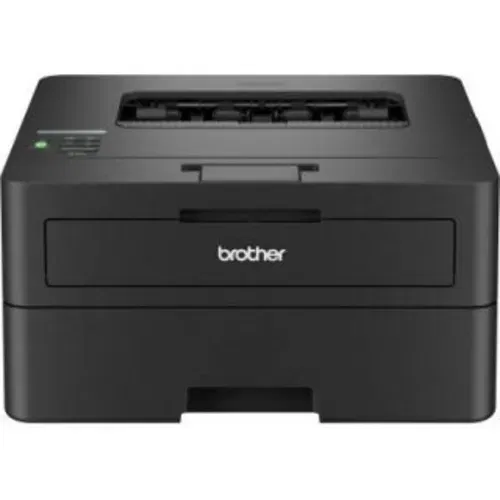
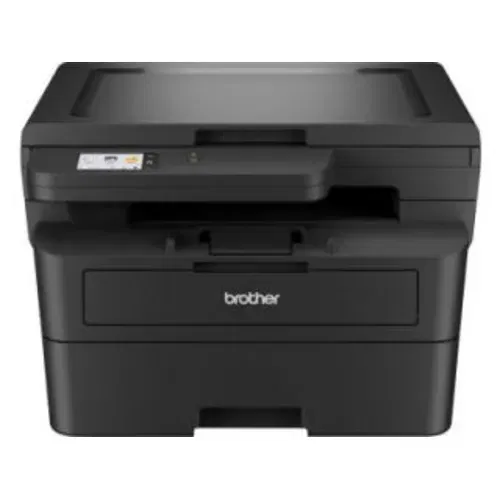
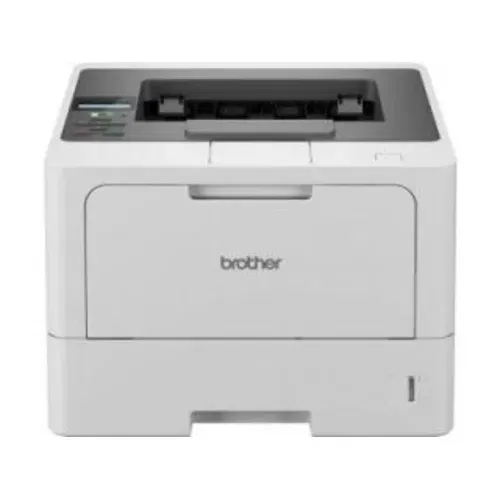
A4: 60 to 90 g/m ; HP envelopes: 75 to 90 g/m ; HP cards: up to 200 g/m ; HP 10 x 15 cm photo paper: up to 300 g/m
Media Types
Plain paper, envelope, postcard, Label
Plain Paper, HP Photo Papers, HP Matte Brochure or Professional Paper, HP Matte Presentation Paper, HP Glossy Brochure or Professional Paper, Photo Inkjet Papers, Matte Inkjet Papers, Glossy Inkjet Papers
Paper Handling Standard (Input)
150
-
Output Tray Capacity
100 pages
25 pages
Paper Handling Optional, Input
80
60
Supported Media
65 g/m2
90 g/m2
Paper Handling Standard (Output)
100
60
Input Tray Capacity
-
60 Pages
Number of Paper Trays
-
1
USB support
Yes
-
Ethernet Support
-
Yes
First Page Out (Black)
8.2 Seconds
14 Seconds
First Page Out (Color)
8.2 Seconds
18 Seconds
Monthly Duty Cycle
8000 Pages
1000 Pages
Print Resolution (Black)
600,600 dpi
1200,1200 dpi
Print Speed, Black (Normal Quality Mode)
20 per min
8 per min
Recommended Monthly Print Volume
100,1000 Pages
400,800 Pages
Duplex Printing
-
Yes
Duty Cycle
-
1000 Pages
Duty Cycle (Monthly, A4)
-
1000 Pages
Max Print Resolution
-
1200,1200 dpi
Mobile Printing Capability
-
Yes
Print Resolution (Color)
-
4800,1200 dpi
Print Speed, Color (Normal Quality Mode)
-
5 per min
Copy Resolution
600,400 dpi
-
Maximum Copies
99 Pages
9 Pages
Reduction/Enlargement
25 to 400%
fit to page
Scanner Type
Flatbed
Flatbed
Bit Depth Colour
-
24 bit
Maximum Scan Area
-
216,297 mm
Scan Features
-
Scanning via HP Photosmart Software
TWAIN Compliant
-
Version 2.1
Operating Humidity Range
30,70
15,80
Operating Temperature Range
15,32.5 Celsius
5,40 Celsius
Rated Frequency
50 HZ-60 HZ
50 HZ
Rated Voltage
110 V-240 V
60 V
Consumption (Active)
-
10 Watt
Consumption (off)
-
0.7 Watt
Memory
32 MB
-
Operating System
Microsoft Windows 98SE, NT, 2000, XP, Vista or Windows 7, Windows 8/8.1/10, MAC OS, NetWare, UNIX or Linux
Microsoft Windows 98SE, NT, 2000, XP, Vista or Windows 7, Windows 8/8.1/10, MAC OS, NetWare, UNIX or Linux
Processor Speed
500 MHz
360 MHz
Connectivity
-
1 Hi-Speed USB 2.0
In The Box
Printer, Accessories, Power Cord, Warranty Card User Manual 1
Printer, Accessories, Power Cord, Warranty Card User Manual
Cashify’s best Mobile Phones Under Rs. 45,000 list has a set of premium smartphones. The list is specially curated for the smartphone buyers with premium choices. aThe list has a huge range of smartphones that fall in this price range. This vast range opens up alternatives for smartphone buyers to buy a new phone. The…
When it comes to finding the Best Phone Under 35000, we all expect lots of features with strong performance and camera. The following device come under the flagship category and offer the best performance you can find in any smartphone. The best part is, the budget is under 35000! In this list, you will find…
Some of the most significant innovations in smartphone technology over the past years have been in cameras. The best camera smartphones have improved so much in the past decade that comparing a 2010 smartphone camera with a 2020 smartphone camera would blow our minds. One does not need to carry a DSLR anymore to capture…
Smartphones are a big part of our everyday life. If you choose the right one, it can really improve your productivity. A good smartphone works smoothly, while a bad one can be annoying and cause a lot of inconvenience. Cashify has made a new list of the top 10 smartphones in India for 2025. These…
Making your mobile phone not reachable sends the same message to the caller and puts no doubts or questions of you doing it on purpose. It is the best way to avoid calls, and here are some of the best ways to make your smartphone not reachable.
Garena Free Fire is one of the popular shooting games in the Battle Royale section. It came into the limelight only after Tencent’s PUBG Mobile launched but since has kept players in retention. Unlike PUBG Mobile, you don’t have an option to change servers internally inside the game in Garena Free Fire. However, you can use any VPN app of your choice to select the country and you’re good to go. Follow this guide to play Garena Free Fire with cross-server capability.
Apple restricts iPhones, limiting customization and third-party apps. To unlock your iPhone’s full potential, you need to jailbreak it. Jailbreaking lets you freely use any app or tweak. This guide shows you how to jailbreak your iPhone step by step.
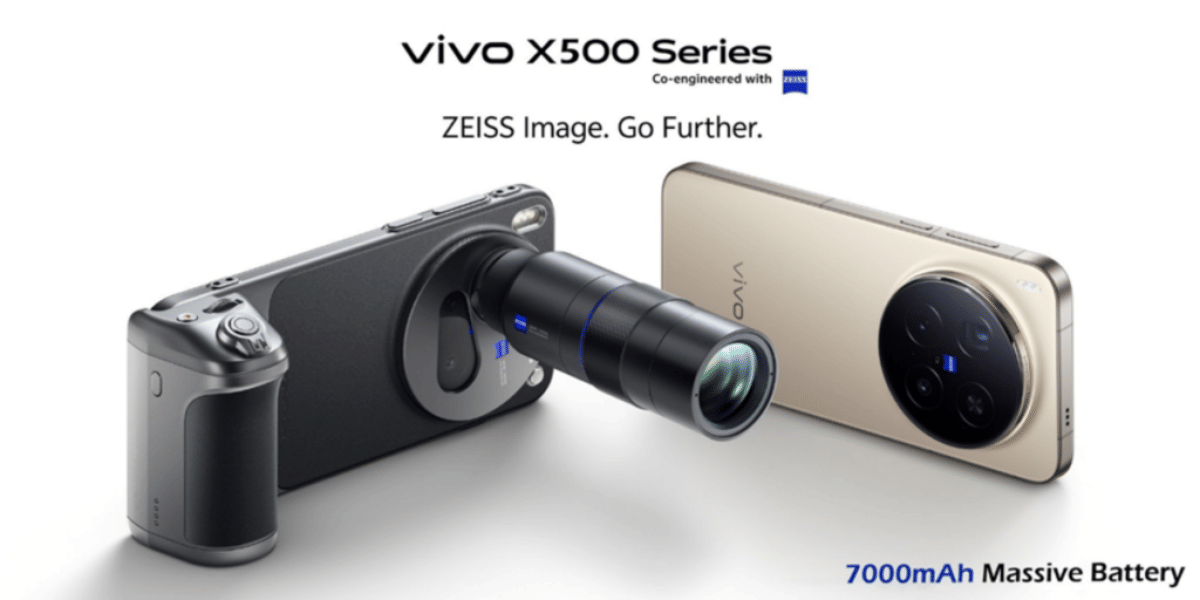
Get the best Vivo X500 Pro camera settings for portraits, zoom, macro, night photography, videos and slow-motion shots. Make the most of your phone's camera.
Looking for a DSLR that captures better photos in low light without breaking the bank? Explore the best refurbished cameras for low light photography like Canon and Nikon cameras on Cashify!
Vivo X500 Pro vs OPPO Find X10 Pro Max compares two premium smartphones on camera performance, display, battery, processor and price. Explore their various differences to decide which flagship makes more sense for your needs.
Making your mobile phone not reachable sends the same message to the caller and puts no doubts or questions of you doing it on purpose. It is the best way to avoid calls, and here are some of the best ways to make your smartphone not reachable.
If you are thinking to get a Jio AirFiber connection, you must first check about its availability in your city. In this blog, we have covered all details that you need to know- Jio AirFiber plans, benefits, prices and more.