Android 17 is on the way, and Motorola and Samsung are among the fastest runners in the race to get Android 17 in the quickest time possible. But the bigger question is, Motorola or Samsung, which will have a better Android version upgrade for the future? Well, to discuss greater aspects of this, we need to bring out the Hello UI vs One UI debate, look at the aspects of both OS versions, and see who is better in which department to give you a clear verdict.
Also Read: What Is Agentic OS? AI Features, Specs, UI, All Details Explained!
Motorola And Samsung Set To Bring Their Own Versions Of Android 17: What Differences Will You See?
Motorola’s Hello UI and Samsung’s One UI are currently, after Honor’s MagicOS 11, some of the first versions of Android 17 which might become live. By the time you appreciate their speed, you will also have to appreciate that this time, they will bring some sincere AI upgrades and not just add widgets to your phone screen. This is because at the core, Android 17 has focused more on performance upgrades, tightening security, and bringing valuable and aesthetically pleasing UI changes. But what differences will you see in Hello UI vs One UI this time? What different features are they bringing despite being the same Android upgrade version? To find this out, we have curated a table; have a look:
Feature | Hello UI | One UI |
User Interface | Near-stock Android with a clean, lightweight experience and minimal pre-installed apps. | Feature-rich interface with extensive customisation and Samsung-exclusive tools. |
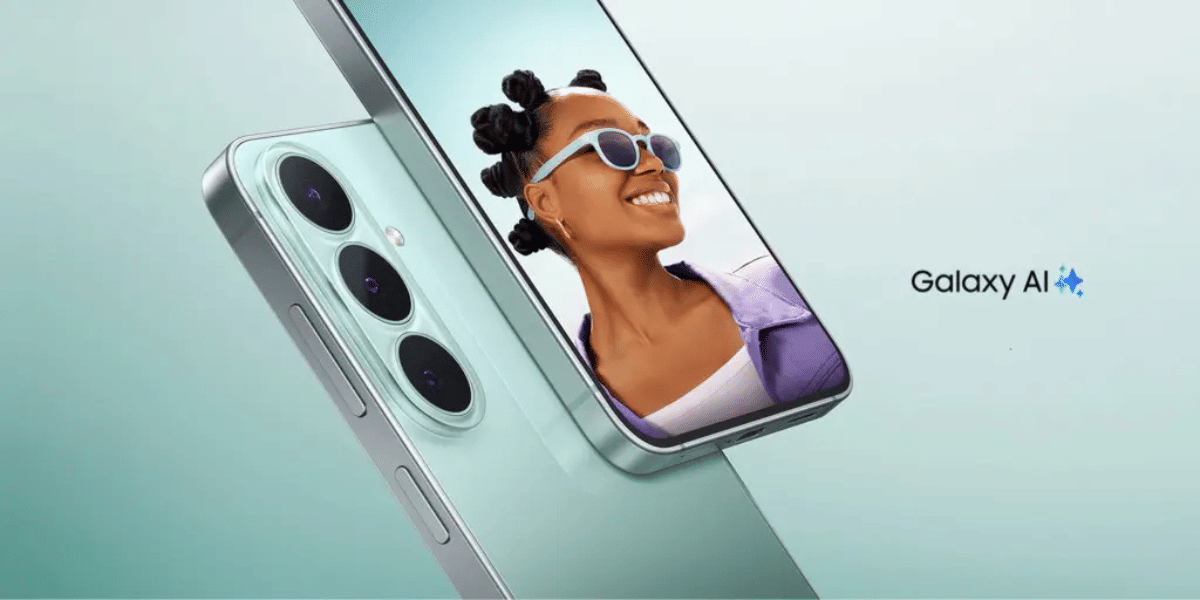
AI Features | Moto AI for smart summaries, contextual suggestions, voice assistance, and productivity features. | Galaxy AI with Writing Assist, Live Translate, Now Brief, advanced photo editing, and cross-device AI experiences. |
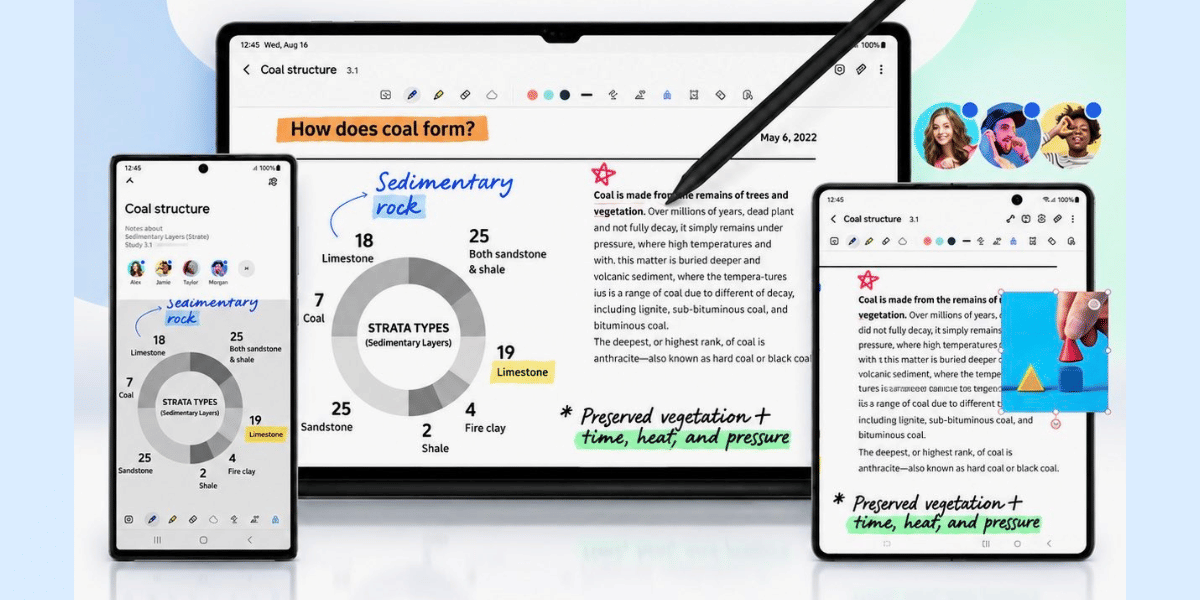
Customisation | Simple personalisation, Moto Gestures, Smart Connect, and Peek Display. | Good Lock modules, Theme Store, widgets, lock screen, and Always On Display customisation. |
Ecosystem | Strong integration with Windows PCs through Smart Connect and seamless device sharing. | Deep Galaxy ecosystem with Galaxy Watch, Buds, Tab, SmartThings, Samsung DeX, and Quick Share. |
Software Updates | Clean UI with fast performance and promised long-term Android updates. | Longer software support, frequent security patches, and the most feature-complete Android experience. |
Note: These comparisons and differences are based on the basis of Motorola Edge 70 and Samsung S24, which are similar phones with similar features and price range.
Now, it is time to bring the real version of this Hello UI vs One UI comparison forward and see which is the better OS for you in which department. To compare both these OS variants, we have prepared different comparison departments and help you figure out where Hello UI excels and where One UI has an upper hand. So, let’s move forward.
Hello UI vs One UI: All Key Comparisons
Here are all the key comparison points of Hello UI and One UI.
Hello UI vs One UI: Who Is Faster?
If you want a fast and smooth phone, Hello UI feels quicker. It stays close to stock Android, has fewer background apps, and keeps animations light. One UI is smooth too, but it packs in more features.
Hello UI vs One UI: Who Brings Longer Software Push?
One UI wins if you want your phone to stay updated for years. Samsung now offers up to seven years of Android and security updates on its flagship phones, while Motorola provides fewer major updates.
Hello UI vs One UI: Who Is Better For Performance And Gaming?
Hello UI gives you fast everyday performance thanks to its lightweight software. However, One UI offers better game optimisation, AI features, and performance tools, making it the stronger choice for serious gaming.
Hello UI vs One UI: Who Is Better For Cameras?
If camera quality matters most, One UI is the better option. Samsung's software improves photos with better AI processing, extra camera modes, and more reliable image quality in different lighting conditions.
Hello UI vs One UI: Which Has Better Widgets?
One UI offers more useful widgets with better customisation and deeper integration with Samsung apps. Hello UI covers the basics, but Samsung gives you more options to personalise your home screen.
Hello UI vs One UI: Which Looks Better?
If you like a clean and colourful look, Hello UI feels more modern and fun to use. One UI has a simple, polished design, but Hello UI gives the interface a lighter and fresher feel.
Also Read: One UI 9 vs One UI 8: What Actually Changed And Should You Care?
End Note
That’s it from this guide on the Hello UI vs One UI debate. The main question now is whether you should go for Hello UI or for One UI. Well, the debate has a simple verdict: if you want a fun, punchy, and more aesthetically pleasing UI experience with faster responses and a more diverse ecosystem, go for Hello UI. But on the contrary, if you are after longevity, if you want a better OS experience, more premium features, more AI specs, and better performance and camera experience, then One UI is better for you.
If you ask me personally, in my opinion, the winner of this debate is One UI, as overall it is the better OS version with a more enhanced, more premium, and more secure experience and ecosystem.
Are you still browsing through your broken screen? Don’t worry! Book at-home mobile phone screen repair with Cashify—an affordable and one-stop destination for all your mobile phone needs. In case you break your screen within 1 month of repair, we will replace your screen again—for FREE.