The Royale Pass is one of the easiest ways to get extra rewards in BGMI. But do you know how to get free royale pass in BGMI? If not, this is for you! You can unlock outfits, weapon cosmetics, emotes, UC, and other in-game items. The problem is simple: the premium pass costs UC, and most players would rather save their money.
So, can you actually get a free Royale Pass in BGMI?
There is no magic website, secret code, or UC generator that gives every player a free Royale Pass. The safest methods involve saving the UC you earn through the game. In this article, we will check out all the free methods where you can get Royale Pass in BGMI for free.
How To Get Free Royale Pass In BGMI: Top Methods!
Here are the legitimate methods worth knowing.
1. Buy the Royale Pass Once and Roll It Over
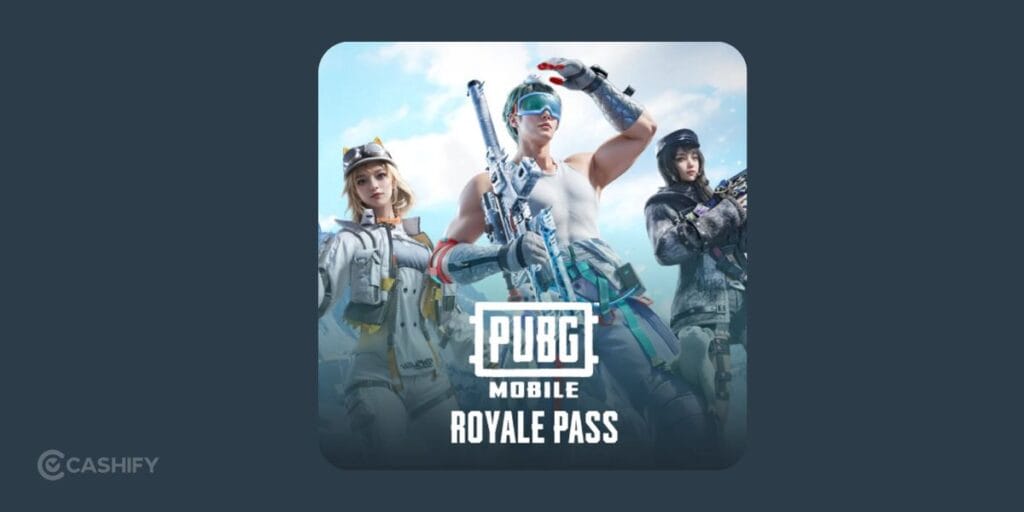
This is the method I would recommend first. You can purchase the eligible premium Royale Pass once and complete missions throughout the season. After this, just collect the UC included in the reward track. If the current Royale Pass returns the same amount of UC needed for the next pass, you can keep that UC saved for future seasons.
There is one thing you need to realise.
Suppose you spend 360 UC on a pass and eventually collect 360 UC back through the relevant rewards. That UC should not be spent on crates, lucky draws, outfits, weapon skins, or random spins.
Save it.
When the next season starts, use the saved UC to unlock the next Royale Pass. Repeat the process each season as long as the current reward structure continues to return enough UC.
How To Use This Method?
- Purchase the appropriate premium Royale Pass.
- Complete Daily Missions regularly.
- Finish Challenge Missions before the season ends.
- Claim every available RP reward.
- Collect the UC included in the pass.
- Use the saved UC for the next Royale Pass.
This is much safer than chasing websites that promise thousands of free UC.
Also Read: How To Enable Developer Options In Samsung? Easiest Guide Here!
2. Use Google Opinion Rewards
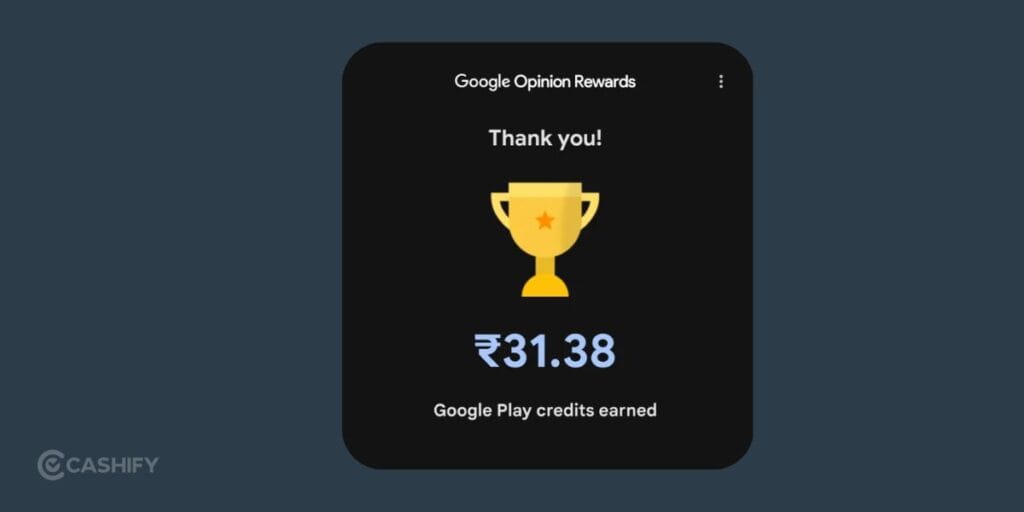
The app provides short surveys to eligible users. Survey availability varies, and you may not receive surveys every day. Once you earn Google Play credit, that balance can be used for eligible purchases through Google Play.
For an Android BGMI player, this can be a practical way to build up credit slowly and use it toward UC. The amount you earn depends on how many surveys you receive and the rewards attached to them.
- Install Google Opinion Rewards through an official app store.
- Complete genuine surveys when they appear.
- Build up your Google Play balance.
- Use the balance for an eligible BGMI UC purchase.
- Put that UC toward the Royale Pass.
3. Watch for Official BGMI Events
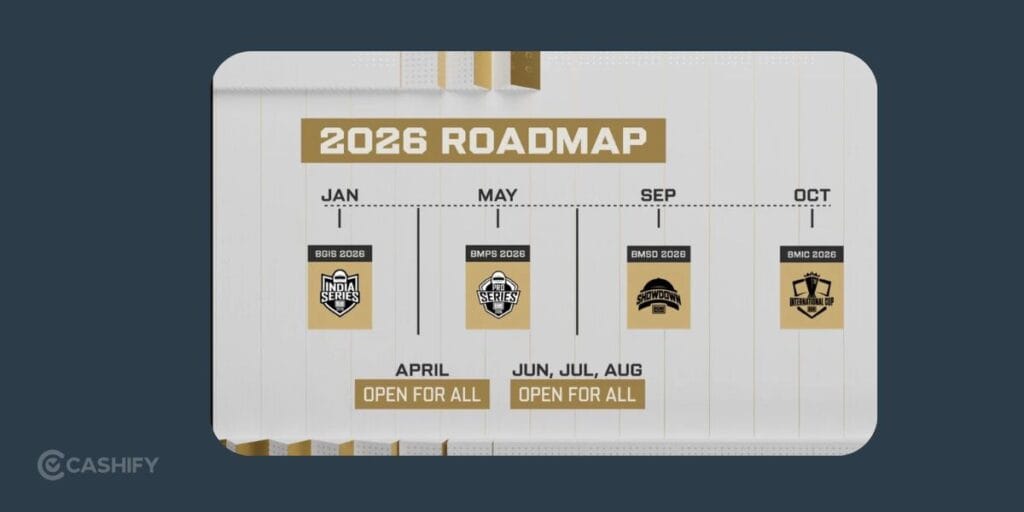
BGMI regularly runs events, campaigns, and promotional activities. Some can provide useful rewards, coupons, vouchers, or other benefits. The safest place to check is BGMI’s official communication channels and the event section inside the game.
Do not trust a random social media post just because it uses the BGMI logo. Scammers often copy official artwork and create fake giveaways. If an event asks you to participate through an official BGMI page or an in-game event, it is much easier to verify.
You may also come across promotional campaigns with payment services, gaming platforms, or authorised partners. These campaigns can sometimes include cashback, discounts, vouchers, or prize events.
Here’s a quick checklist:
- Is the event announced through an official BGMI channel?
- Does the link lead to a legitimate domain?
- Is the promotion available in your region?
- Are the rules clearly explained?
- Does it ask for your BGMI password?
4. Keep an Eye on Legitimate Redeem Codes
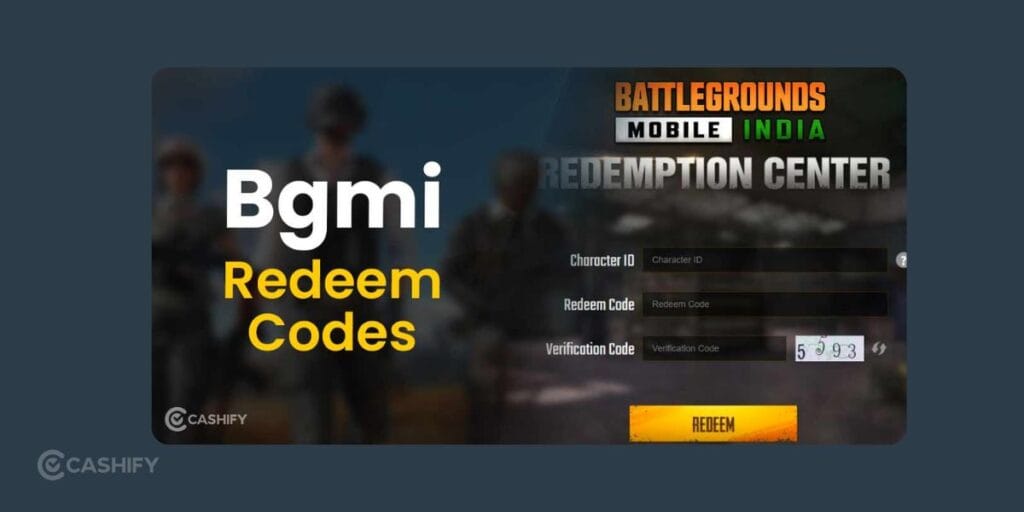
BGMI redeem codes can sometimes provide useful rewards. But you should never assume that every code contains UC. Codes can expire quickly, have limited redemption numbers, or be restricted to certain promotions. Some may provide cosmetic items or other rewards instead of UC.
If you see a post claiming that a code gives unlimited UC, be skeptical.
Use codes only when they come from an official BGMI announcement or a trusted source that can be verified. Avoid pages that ask you to complete endless surveys, download unknown APK files, or enter your BGMI credentials.
A genuine code should not require you to install a “UC generator.”
Also Read: How To Get Blurry Background On DSLR (Bokeh)? Simplest Guide!
5. Participate in Trusted Creator Giveaways
BGMI has a large creator and esports community. Some established creators, tournament organizers, and gaming communities run giveaways or custom-room competitions.
A prize may sometimes include UC, a Royale Pass, or another in-game reward. This can be legitimate, but you still need to check who is running the giveaway. A verified creator or established esports organisation is generally a better bet than a newly created account promising hundreds of Royale Passes.
Custom rooms can also be fun if you already play BGMI regularly. Some community tournaments award prizes to winners or top performers.
Avoid “Free UC Generator” Websites
You will find websites and videos claiming that you can enter your BGMI username, select an amount of UC, and receive thousands of UC for free.
Do not use them. There is no legitimate reason for a random website to need your BGMI password, verification code, or account recovery information to send you UC.
Common scam tactics include:
- Fake UC generator pages
- Fake Royale Pass APK files
- “Unlimited UC” tools
- Modded BGMI applications
- Fake redeem-code websites
- Account verification scams
- Survey traps
- Phishing login pages
Final Verdict
The most reliable strategy is to buy the pass once, complete its missions, collect the UC returned through the current reward track. You can save that UC for the following season. If the current pass returns enough UC to repeat the cycle, you can keep your Royale Pass going season after season.
Google Opinion Rewards, official BGMI events, verified giveaways, and authorised promotions can also help you with it. Just remember one thing: never trade your BGMI account security for free UC.
If a website asks for your password, promises unlimited UC, or tells you to install a suspicious APK, it is not a shortcut. Skip it.
If you’ve just bought a new phone and don’t know what to do with your old phone, then here’s your answer. Sell old mobile to Cashify and get the best price for it. If you are planning to buy a new phone, check out Cashify’s refurbished mobile phones. You can get your favourite phone at almost half price with six-month warranty, 15 days refund and free delivery.