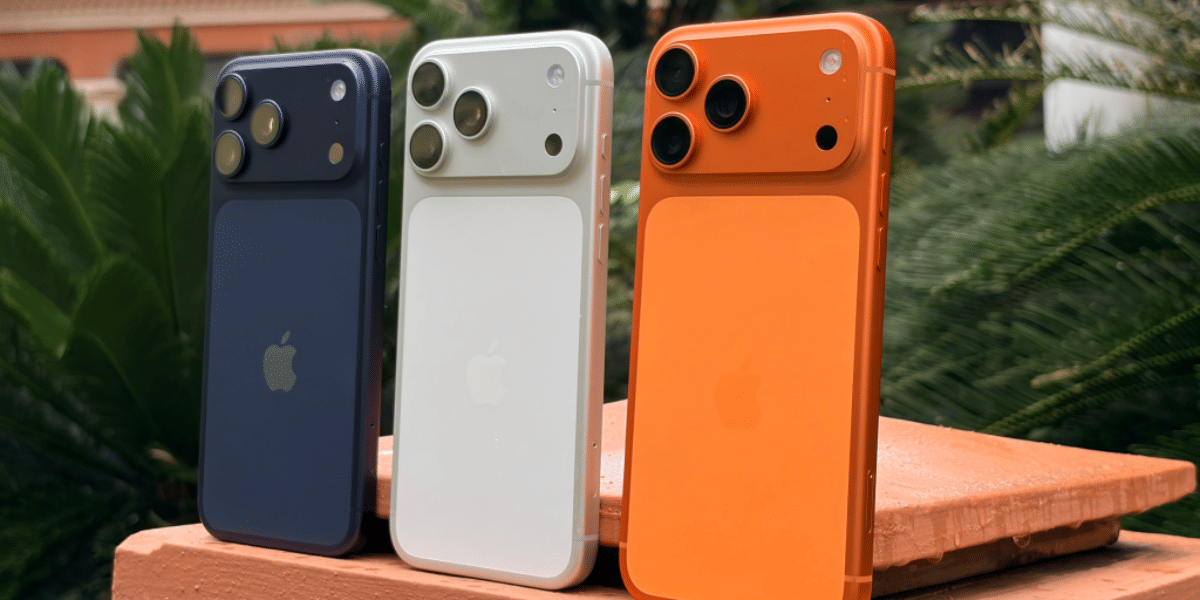
You might have noticed your iPhone 16 Pro battery health going down a bit faster than expected. It doesn’t drop all at once, but over a few months, the change becomes noticeable. Even if your phone still works fine, that number going down early can make you think about what’s happening. Let’s look at what could be causing the iPhone 16 Pro battery health dropping issue. We’ll also share the steps you can try and when it’s the right time to go for a professional repair.
Also Read:What Is The Difference Between Screen Repair And Screen Replacement?
Why Is Your iPhone 16 Pro Battery Health Dropping?
Before trying to fix the iPhone 16 Pro battery health dropping issue, let’s first understand what usually causes it:
Frequent Short Charging Cycles
Charging your Apple iPhone 16 Pro many times a day in small bursts can add up to more charge cycles than expected. Even if each charge looks small, the battery counts it over time. This can speed up battery wear within a few months.
Heat from Daily Usage
Using your phone while charging, gaming, or keeping it in a warm place can raise its temperature. Battery health drops faster when the phone stays warm for long periods. Even regular use in hot conditions can make a difference.
Charging to 100 Percent All the Time
Keeping the battery at full charge for long hours, especially overnight, can put stress on it. Modern phones manage this better, but doing it daily can still affect battery health over time.
Background Activity You Don’t Notice
Apps refreshing in the background, location tracking, and constant syncing keep the battery active even when you are not using the phone. This increases charge cycles without you realising it.
Fast Charging Habits
Fast charging is useful, but using it all the time can create extra heat. Over time, this can affect how the battery holds its charge and lead to faster health drop.
Also Read: Do You Lose Data When Replacing LCD Screen?
Easy Ways To Fix iPhone 16 Pro Battery Health Dropping Issue
Now that you understand the reason, let’s look at what you can do next. Here are easy steps to fix iPhone 16 Pro battery health dropping problem:
Limit Charging to 80 Percent
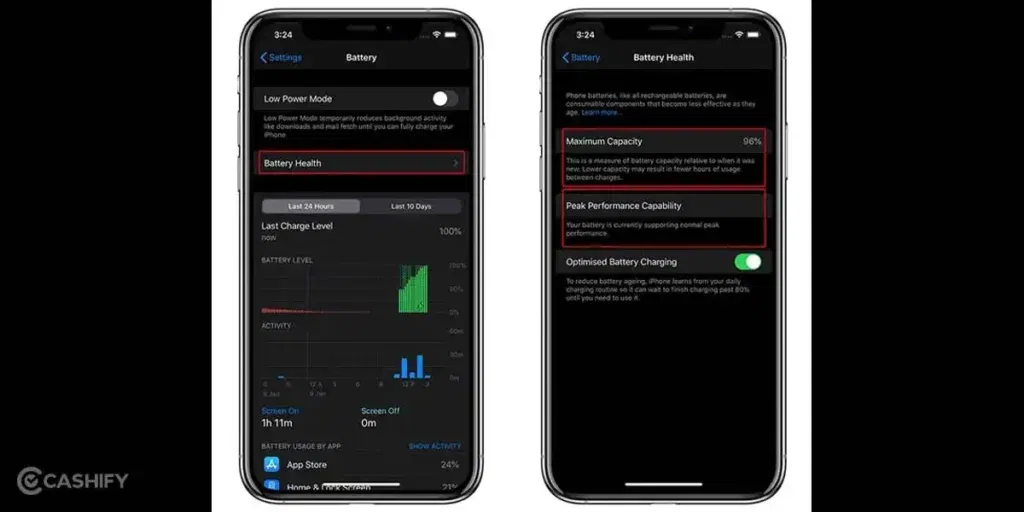
Turn on Optimised Battery Charging and avoid charging to 100% every time. You can also unplug manually once it reaches around 80%. This helps slow down battery wear.
Use Low Power Mode During Heavy Use
Turn on Low Power Mode when using apps for long periods. It reduces background activity and lowers battery load during the day.
Turn Off Background App Refresh for Unused Apps
Go to settings and disable background refresh for apps you don’t need. This stops them from using the battery in the background.
Lower Screen Brightness and Use Auto-Brightness
Reduce brightness manually or turn on auto-brightness. The display uses a large part of the battery, so this helps reduce overall usage.
Turn Off Location Services for Selected Apps
Keep location access only for important apps. Set others to “While Using” or turn them off completely to save battery usage.
Switch Off Always-On Display When Not Needed
If you don’t need it, turn off Always-On Display from settings. This reduces constant battery usage when the phone is idle.
Also read: 8 Signs That Your Android Phone Motherboard Needs Repair!
Signs You Should Get Professional Help
If the iPhone 16 Pro battery health dropping issue continues even after trying the steps, it may be time to consider a battery replacement. In such cases, getting it checked by a professional helps avoid further damage and ensures the phone works properly. Cashify offers a simple way to get your iPhone battery replaced without any hassle.
You can book a phone repair in a few easy steps:
- Visit the Cashify website or open the app
- Go to the Mobile Repair section
- Select Apple as your device brand
- Choose iPhone 16 Pro from the list
- Select Battery as the issue
- Enter your address for doorstep service
- Pick a suitable date and time
- Confirm your booking
Also read: Vivo Y83 Pro Aux Jack Not Working? Repair It Fast With Cashify
Benefits Of Getting Your iPhone 16 Pro Repaired With Cashify
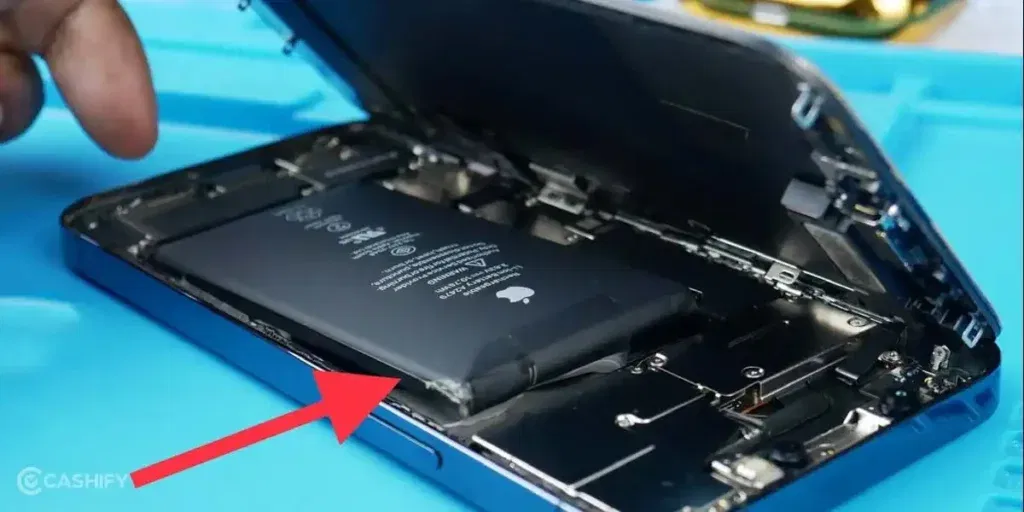
When you book a mobile repair with Cashify, you get a few useful benefits that make the whole process easier and more reliable:
- High-quality compatible batteries: Cashify uses high-quality compatible batteries that are tested before installation and work well for daily use.
- Doorstep repair option: A technician visits your home or office at your chosen time. The battery is replaced in front of you. You pay only after the mobile phone repair is done.
- Service centres across India: If you prefer visiting a store, you can choose from 200+ Cashify service centres available across India.
- Warranty support: Every battery replacement comes with a 3-month warranty*. If anything goes wrong during this time, you can contact support for help.
(*Repair warranties are subject to discretion based on Cashify’s terms and conditions. Please refer to our warranty policy for detailed information.)
Also read: 8 Signs That Your Android Phone Motherboard Needs Repair!
Final Thoughts
The iPhone 16 Pro battery health dropping issue can happen due to different usage patterns and charging habits. In many cases, small changes and simple steps can help slow down the drop and improve battery life. If the issue continues, it may be time to consider a battery replacement. In that situation, Cashify can help you get the Apple mobile repair done easily.
If you still have questions about your iPhone 16 Pro battery or the repair process, feel free to leave a comment below. I’ll be happy to help.
Use code: TECH25 to avail of a discount of up to Rs. 300 by using the (on the minimum order value of Rs. 2499).
Use code: RPR50 to avail up to 50 per cent off on a minimum spend value of Rs. 1000. (Limited Offer)
Are you still browsing through your broken screen? Don’t worry! Book at-home mobile phone screen repair with Cashify, an affordable and one-stop destination for all your mobile phone needs. In case you break your screen within 1 month of repair, we will replace your screen again for FREE.