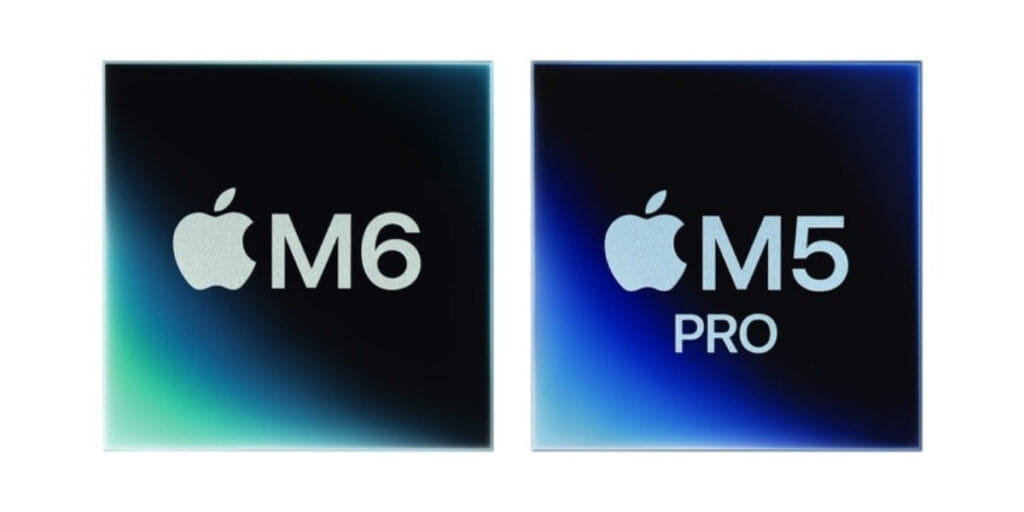
Apple’s latest Mac mini lineup brings the new M6 and more powerful M5 Pro chips. Both Macs offer different levels of performance in the same compact design. Both models are small enough to fit easily on any desk. But they differ in areas such as CPU and GPU performance, memory, storage and connectivity.
The Mac mini M6 is designed for everyday users who need a fast desktop for productivity, coding, creative work and AI-related tasks. The M5 Pro, on the other hand, is aimed at professionals who need extra performance for demanding workloads such as video editing, 3D rendering, game development and running larger AI models.
So, which one is better suited to your needs? Let’s compare the Mac mini M6 and M5 Pro to find out.
Also Read: Samsung Galaxy Z Flip8 Quick Review: The Flip Phone Gets Better
Mac Mini M6 Vs M5 Pro: Specs At A Glance
| Specifications | Mac Mini M6 | Mac Mini M5 Pro |
| Processor | M6 | M5 Pro |
| CPU | 12-core | Up to 18-core |
| GPU | 12-core | Up to 20-core |
| Neural Engine | Dual 16-core | 16-core |
| Unified Memory | 16GB, configurable up to 32GB | 48GB or 64GB |
| Memory Bandwidth | Up to 170GB/s | Up to 307GB/s |
| Storage | 512GB, 1TB or 2TB SSD | 1TB, 2TB, 4TB or 8TB SSD |
| Front Ports | 2x USB-C, 3.5mm headphone jack | 2x USB-C, 3.5mm headphone jack |
| Rear Ports | 3x Thunderbolt 4, HDMI, Ethernet | 3x Thunderbolt 5, HDMI, Ethernet |
| Wi-Fi | Wi-Fi 7 | Wi-Fi 7 |
| Bluetooth | Bluetooth 6 | Bluetooth 6 |
| Ethernet | 2.5Gb, configurable to 10Gb | 2.5Gb, configurable to 10Gb |
| Size | 12.7 x 12.7cm | 12.7 x 12.7cm |
Apple offers the M6 Mac mini with up to 32GB of unified memory, while the M5 Pro model goes up to 64GB. Storage options also differ significantly, with the M5 Pro supporting configurations up to 8TB.
Mac Mini M6 Vs M5 Pro: Design
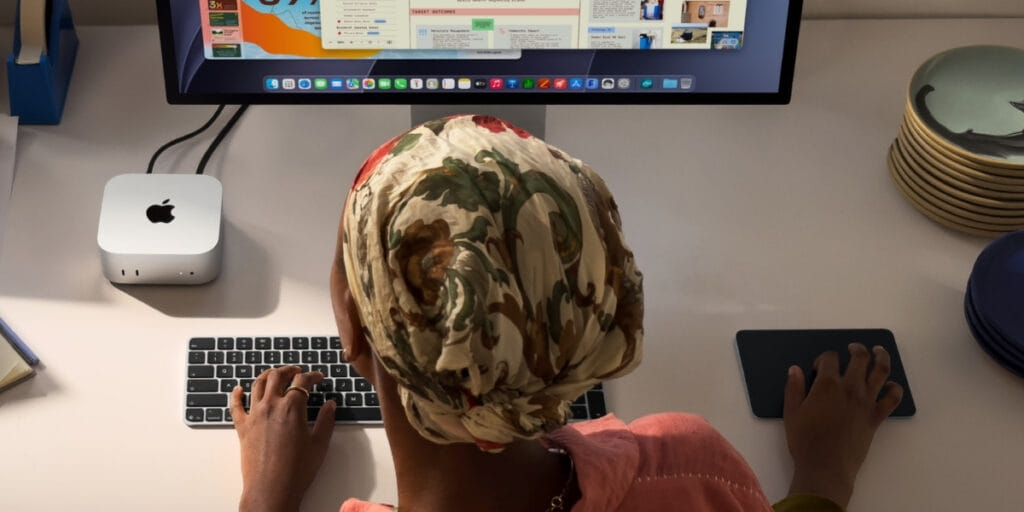
The Mac mini M6 vs M5 Pro models are almost identical in appearance. Both are based on Apple’s compact Mac mini case, which is 12.7 x 12.7cm. As a result, you end up with the same small size no matter which processor you select.
One of the main benefits of the Mac mini is its compact design. You can place it underneath or to one side of a monitor without occupying much desk space, yet it still provides desktop-level performance.
The main difference you will not see on external design but in what Apple has included inside the case.
Also Read: Samsung Galaxy Z Fold8 First Impressions: Samsung’s Boldest Foldable Yet
Mac Mini M6 Vs M5 Pro: Ports And Connectivity
The selection of ports is roughly the same in the two models, but the M5 Pro has one important advantage: Thunderbolt 5.
The two versions of the Mac mini each have two USB-C ports on the front. Also include a 3.5mm headphone jack, which is compatible with high-impedance headphones. On the back, they both offer HDMI and Ethernet connectivity.
The key point is that the M6 Mac mini comes with three Thunderbolt 4 ports, whereas the M5 Pro model has three Thunderbolt 5 ports.
Thunderbolt 5 offers significantly more bandwidth and is especially useful for professionals who work with high-speed external storage, multiple displays, and demanding peripherals. Apple also points out that Thunderbolt 5 can connect several Mac mini systems to run large AI models locally.
Both models offer Wi-Fi 7 and Bluetooth 6, with Ethernet speeds starting at 2.5 Gb and up to 10 Gb.
If you just need USB-C accessories, along with HDMI and fast networking. Then the M6 provides adequate connectivity for the average user. However, when your work routine involves high-speed external storage, advanced displays, or professional peripherals. The M5 Pro’s Thunderbolt 5 support makes it the better choice.
Mac Mini M6 Vs M5 Pro: Performance
The Mac mini M6 and M5 Pro become most clearly distinct at this point.
The M6 is equipped with a 12-core CPU and a 12-core GPU, with the GPU cores including Neural Accelerators. According to Apple, the M6 Mac mini provides up to four times the AI performance. Moreover, it offers up to twice the graphics and storage performance when compared to the earlier M4-based Mac mini. It also has a memory bandwidth of up to 170GB/s.
The M6 is more than capable for ordinary workloads. It’s like web browsing, using office applications, programming, photo editing, multitasking, etc. These types of creative tasks should all run smoothly on the standard model.
The M5 Pro is designed for much heavier workloads, featuring up to an 18-core CPU and a 20-core GPU, along with 307GB/s of memory bandwidth and support for up to 64GB of unified memory.
The extra memory and bandwidth can make a great deal of difference. Particularly in large datasets, complex 3D projects, professional video workflows and larger local AI models.
The M5 Pro Mac mini is designed to perform demanding tasks, including video production, game development, scientific simulations, app development, and 3D work. Its GPU cores also support third-generation ray tracing and Neural Accelerators.
That is to say, the M6 is the one that most people should go for. Whereas the M5 Pro is the appropriate choice when your workloads actually benefit from its extra CPU and GPU cores, greater memory capacity, and faster memory bandwidth.
Also Read: Xiaomi 17T Review: A Near-Flagship That Nails The Essentials
FAQs
What is the difference between Mac mini M6 and M5 Pro?
The Mac mini M6 is designed for everyday productivity, coding and creative tasks, while the M5 Pro offers higher CPU and GPU performance, more memory and faster connectivity for demanding professional workloads.
Is Mac mini M6 better than M5 Pro?
The Mac mini M6 is better for most users because it offers enough performance for everyday and creative tasks. The M5 Pro is a better choice for professionals who need extra power for video editing, 3D rendering, game development and AI workloads.
Which Mac mini is better for video editing, M6 or M5 Pro?
The Mac mini M5 Pro is better for professional video editing because it offers more CPU and GPU cores, higher memory bandwidth and support for more unified memory.
Does Mac mini M5 Pro have better connectivity than M6?
Yes. The Mac mini M5 Pro features Thunderbolt 5 ports, while the M6 model uses Thunderbolt 4, making the M5 Pro better suited for high-speed external storage and professional peripherals.
Conclusion
The latest range of Mac minis from Apple includes the M6 chip and the more powerful M5 Pro chip. Both offer various levels of performance in the same compact design. Although both models are small enough to fit on any desk, they differ in CPU and GPU performance, memory, storage, and connectivity.
The Mac mini M6 is intended for ordinary users who require a speedy desktop computer for productive activities, coding, creative tasks, and AI-related work. In contrast, the M5 Pro is aimed at professionals who need additional performance for demanding tasks such as video editing, 3D rendering, game development, and running larger AI models.
Then you should consider which of the two is more appropriate for your requirements; let’s examine the Mac mini M6 and M5 Pro to see which is better.
Are you still browsing through your broken screen? Don’t worry! Book an at-home mobile phone screen repair with Cashify—an affordable and one-stop destination for all your mobile phone needs. In case you break your screen within 1 month of repair, we will replace your screen again—for FREE.