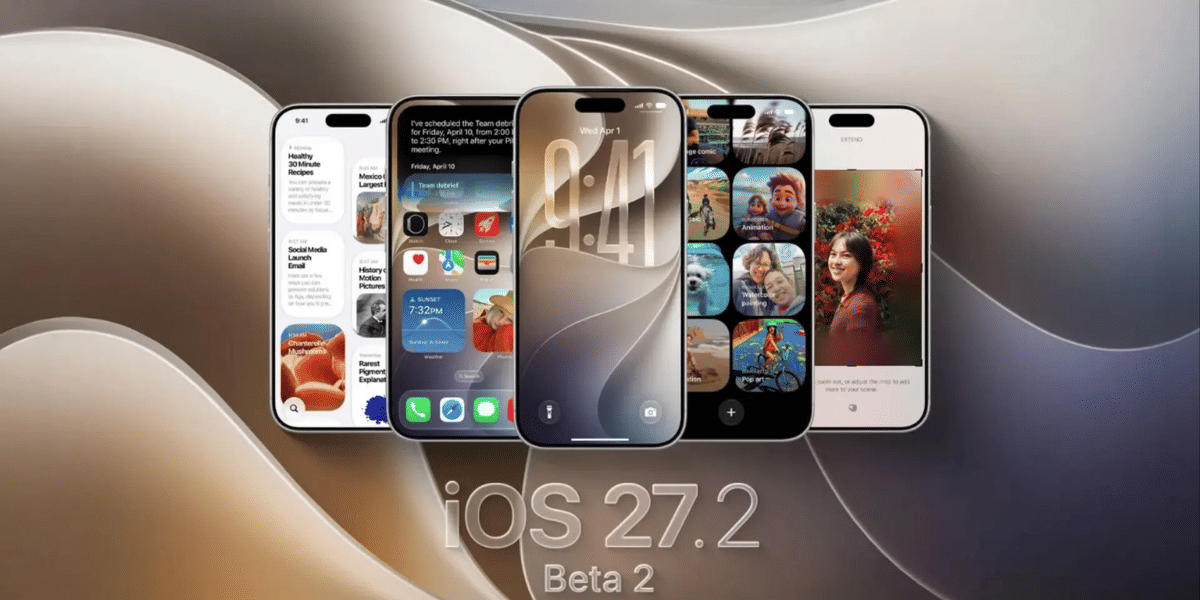
Apple released the third beta of iOS 18.3 for developers, bringing various fixes and enhancements aimed at refining the user experience. The primary focus of the first two betas was on minor bug fixes, the latest update introduces notable improvements to features like Notification Summaries, Camera Controls, Messages, and PDF editing. So, read ahead to learn everything about this latest update.
iOS 18.3 Beta 3 Release: Summary
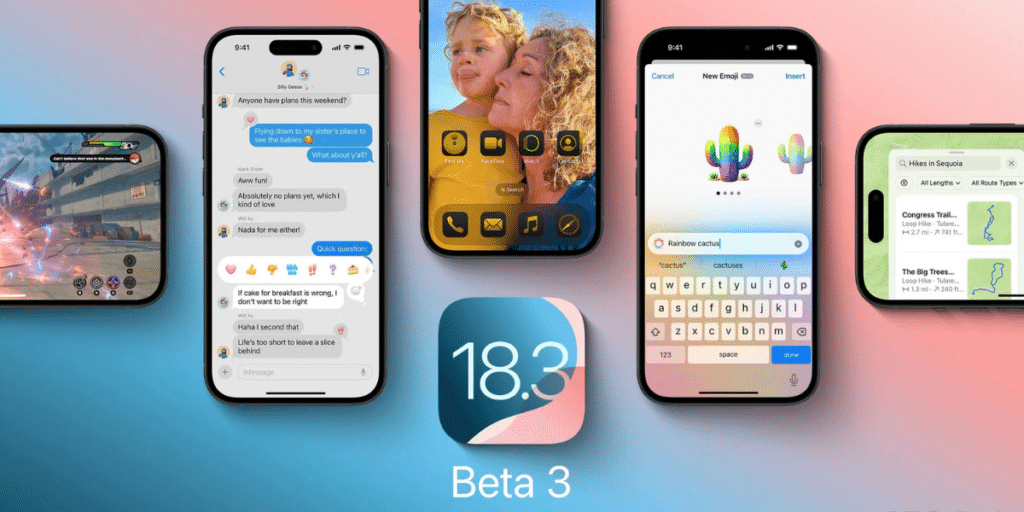
Here is a quick review of what to expect from the latest Apple iOS 18.3 beta 3 release for Developers:
Also Read: 9 Apple iOS 18 Features That Will Make You Say Wow
- Notification Summaries
A key improvement in the third beta involves Notification Summaries. Apple temporarily disables summaries for the News and Entertainment categories, meaning Apple Intelligence will not generate news notification summaries for now. With iOS 18.3 beta 3 release, users now have the convenience of managing their Notification Summaries directly from the Lock Screen. Moreover, these updates are currently in the beta phase and will soon be rolled out to users on iOS 18.3, iPadOS 18.3, and macOS Sequoia 15.3.
- Camera Control Updates
Apple introduces a refined features in Camera Control Settings for Apple iPhone 16 users. The former “AE/AF Lock” has been rebranded as “Lock Focus and Exposure,” offering a clearer and more user-friendly name for those less familiar with photography jargon.
Furthermore, with the iOS 18.3 beta 3 update release, users can effortlessly lock focus and exposure by simply pressing and holding the Camera Control button.
Also Read: How To Turn On Voice Isolation On iPhone (iOS 18 And Below)
- Messages with Genmoji Integration
Apple introduces a new way to create Genmoji within the Messages app. Users can access this feature by tapping the “+” button in any conversation, which leads them to the Genmoji creation interface. This addition offers a fun and personalized touch to messaging by allowing users to design custom emojis.
Are you still browsing through your broken screen? Don’t worry! Book at-home mobile phone screen repair with Cashify—an affordable and one-stop destination for all your mobile phone needs. In case you break your screen within 1 month of repair, we will replace your screen again—for FREE.