During calls, your Samsung Galaxy Z Fold6 may not sound as loud as it should. You may find yourself increasing the volume or moving to a quieter place just to hear clearly. It’s not always a major fault, but it can affect your daily calls. Let’s look at what could be behind the Samsung Galaxy Z Fold6 call receiver not loud issue and what you can do about it.
Also read: 8 Signs That Your Android Phone Motherboard Needs Repair!
Why Your Samsung Galaxy Z Fold6 Call Receiver Is Not Loud?
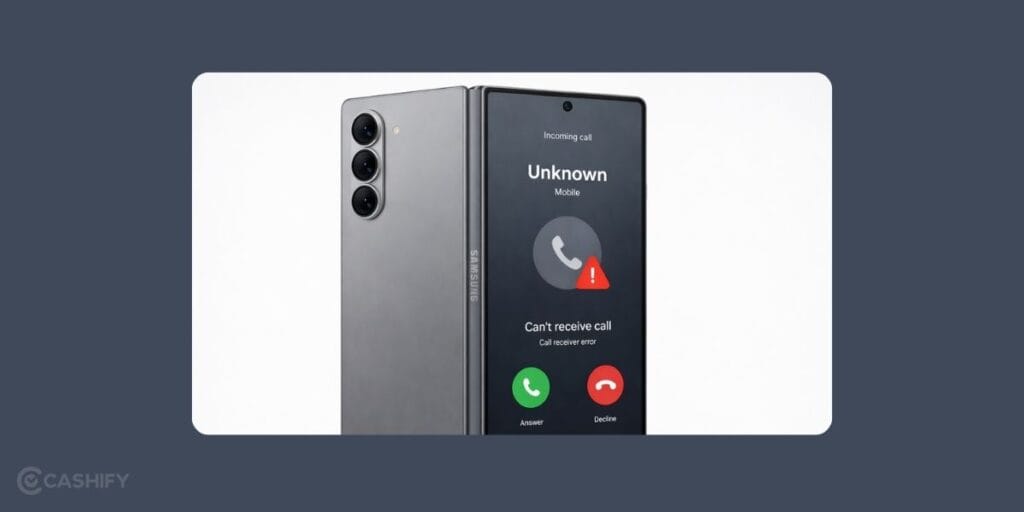
Before you try to fix it, let’s look at what’s causing the Samsung Galaxy Z Fold6 call receiver not loud issue:
Receiver Mesh Getting Blocked Over Time
The small mesh above the screen can collect fine dust from daily use. It may look clean from outside, but tiny particles can sit inside and reduce sound output. This often makes calls sound lower than usual.
Low In-Call Volume Setting
Sometimes the call volume is not set to the highest level. This setting is separate from media volume, so increasing music volume does not fix call sound. Checking the in-call volume during a call can help rule this out.
Case or Screen Protector Covering the Receiver
Some phone cases or thick screen protectors may slightly cover the receiver area. Even a small blockage near the top edge can reduce how clearly you hear calls. Removing the case for a quick check can help identify this.
Sound Balance or Accessibility Settings
Settings like sound balance or hearing adjustments can change how audio is played through the receiver. If these are not set correctly, call sound may feel lower on one side or overall.
Minor Software Glitches After Updates
After a system update, small audio issues can sometimes appear. These are usually temporary and may affect call volume without any hardware problem. A restart or checking updates can help in such cases.
Also Read: Do You Lose Data When Replacing LCD Screen?
Simple Ways To Fix Samsung Galaxy Z Fold6 Call Receiver Not Loud At Home
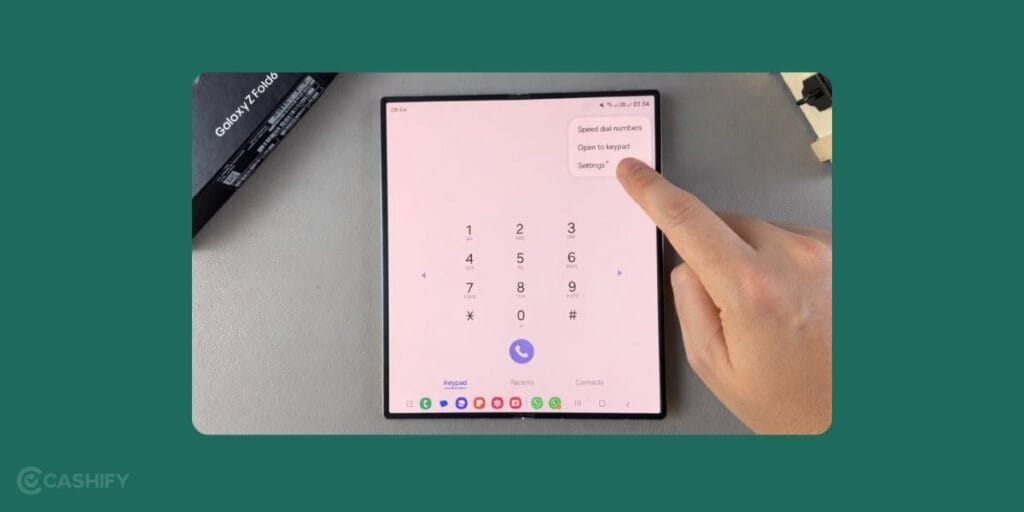
Now here are some simple steps you can try to fix the Samsung Galaxy Z Fold 6 call receiver not loud issue at home.
Slightly Change the Fold Angle During Calls
On the Samsung Galaxy Z Fold6, the hinge’s position can affect how sound reaches your ear. Try using the phone fully unfolded and then slightly folded. In some positions, the receiver sound feels clearer and louder.
Check the Call Audio Source Setting
During a call, tap the audio option and switch between “Phone” and “Speaker,” then switch back again. This resets the audio route and can fix cases where the sound is not coming through the receiver properly.
Test with VoLTE or Wi-Fi Calling Turned Off
Sometimes call clarity depends on network calling modes. Turn off VoLTE or Wi-Fi calling once and make a regular call. If the sound improves, the issue may be linked to how calls are being routed.
Use Voice Recorder to Compare Output
Open the voice recorder and play back a recording at normal volume. If the playback sounds fine, it means the main audio is working properly. If calls are still low, the issue is likely limited to the call receiver.
Check for App Interference During Calls
Apps that use microphone or sound control, like call recorders or voice assistants, can sometimes affect call audio. Close such apps and try a call again to see if the receiver volume improves.
Reset Sound Settings Only
Instead of resetting the whole phone, go to settings and reset only sound-related options if available. This can fix hidden changes without affecting your data.
Also Read:What Is The Difference Between Screen Repair And Screen Replacement?
How To Book Samsung Galaxy Z Fold6 Receiver Repair With Cashify?
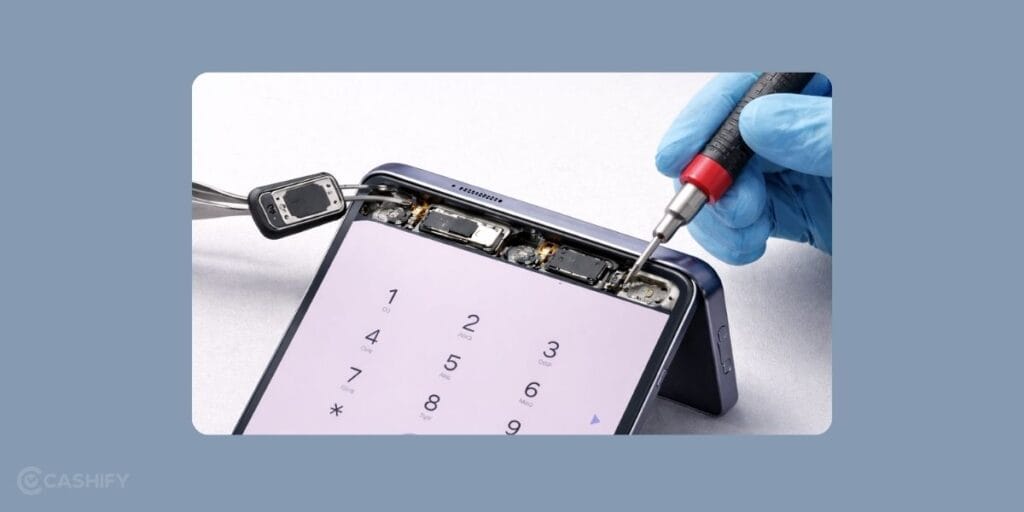
Most of the time, simple steps can help improve call sound. But if the receiver is still not loud, the issue may need proper mobile repair. In such cases, getting the phone checked by a professional is a safer option, especially for a foldable device like the Galaxy Z Fold6.
If you are looking for a reliable phone repair service, Cashify offers a simple and convenient process. You can get the Samsung Galaxy Z Fold6 call receiver not loud issue checked and repaired without unnecessary delays. Here are the benefits:
| Service Feature | What You Get |
| Repair at Your Convenience | You can decide how you want to get your phone fixed. A technician can visit your location at a selected time, or you can go to a nearby store if that feels easier. |
| Experienced Repair Support | The device is handled by professionals who are used to working on foldable phones. This helps keep the process safe and reduces the chances of further issues during samsung mobile repair. |
| Clear Pricing | The full cost is shown before you confirm the booking. You do not have to deal with hidden charges later. |
| High-Quality Compatible Parts | If any part needs replacement, a high-quality compatible part is used so the receiver works properly after the repair. |
Along with these benefits, you can book your mobile phone repair in a few simple steps:
- Visit the Cashify website or open the app
- Go to the Mobile Repair section
- Select Samsung as your brand
- Choose Galaxy Z Fold 6
- Select the receiver as the issue
- Enter your address
- Pick a suitable time slot
- Confirm your booking
Also read: Pixel 6A Detected Water In USB Port? Get Your Best Fix Today!
Final Thoughts On Samsung Galaxy Z Fold6 Call Receiver Not Loud
To sum up, call receiver issues on your Samsung Galaxy Z Fold6 can show up for different reasons, even when the phone seems fine otherwise. We have shared a few simple things you can try at home to improve the call sound.
If the issue still continues, going for a proper repair becomes the next step. In such cases, choosing a reliable mobile repair service helps avoid further problems and ensures the device is handled correctly. Cashify can help you get your phone fixed in a simple and dependable way.
If you still have any questions or need help with Samsung mobile repair, you can drop them below. I will be happy to help.
Use code: TECH25 to avail of a discount of up to Rs. 300 by using the (on the minimum order value of Rs. 2499).
Use code: RPR50 to avail up to 50 per cent off on a minimum spend value of Rs. 1000 (limited offer)
Are you still browsing through your broken screen? Don’t worry! Book at-home mobile phone screen repair with Cashify, an affordable and one-stop destination for all your mobile phone needs. In case you break your screen within 1 month of repair, we will replace your screen again for FREE.