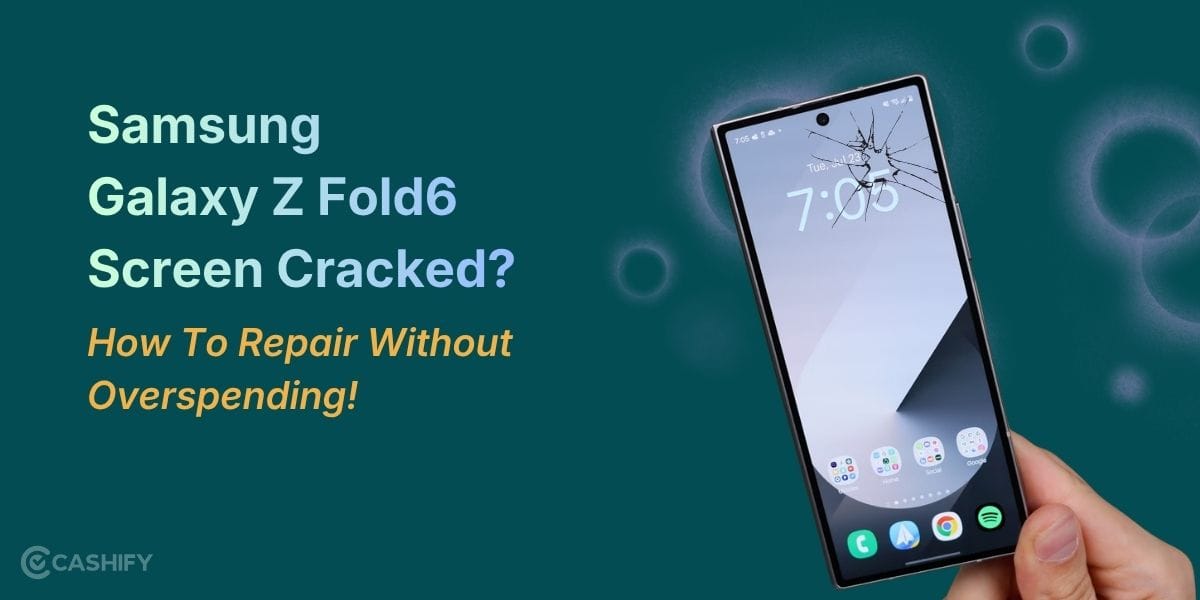
The Samsung Galaxy Z Fold6 charging port problem is honestly one of those issues no one expects to deal with on such a premium foldable. One day your phone is charging perfectly, and the next day it suddenly stops recognising the cable. It charges on and off, throws random “moisture detected” alerts even though the phone is bone dry. Or simply refuses to charge through the USB-C port altogether. Weirdly enough, wireless charging often keeps working just fine.
Sounds frustrating, right?
Before you start assuming the worst or booking an expensive repair, here’s the good news: many Samsung Galaxy Z Fold6 charging port problems actually come down to pretty simple issues. So there’s a good chance you can fix this yourself without much hassle.
Let’s go through some fixes you can safely try at home first.
Also read: Redmi 14C 5G Screen Not Responding Suddenly? Here’s Your Repair Guide!
1. Rule Out the Basics: Cable, Charger, and Outlet
Sometimes the issue isn’t the phone at all. It’s the accessories. Before diving deeper, do a quick basics check:
- Test with different accessories: Try another good-quality USB-C cable and charger (ideally a Samsung original or certified PD charger with 25W+ support). Also, test a different wall socket or even a power bank.
- Inspect your cable closely: Look for frayed wires, bent connectors, or loose ends. A damaged cable is a super common reason for slow or inconsistent charging.
- Clean the cable tip: Sounds simple, but wiping the connector with a dry microfiber cloth can help remove dirt or residue.
If your Fold6 starts charging normally with another cable or charger, well… mystery solved. Time to replace those accessories.
Sometimes your phone just needs a little reset. Tech can be dramatic like that.
2. Soft Reset / Force Restart the Z Fold6
A software glitch can easily mimic a hardware charging port problem, making it seem more serious than it really is.
Here’s what to do:
- Press and hold the Power button + Volume Down together for around 15–20 seconds.
- If the phone is unresponsive, keep holding for up to 45 seconds.
- Release when the Samsung logo appears.
Once the phone restarts, plug the charger back in and check again.
This won’t delete any data, so it’s a quick, no-risk fix worth trying.
Also read: How To Fix Vivo V11 Pro Screen Issues? Replace It Affordably!
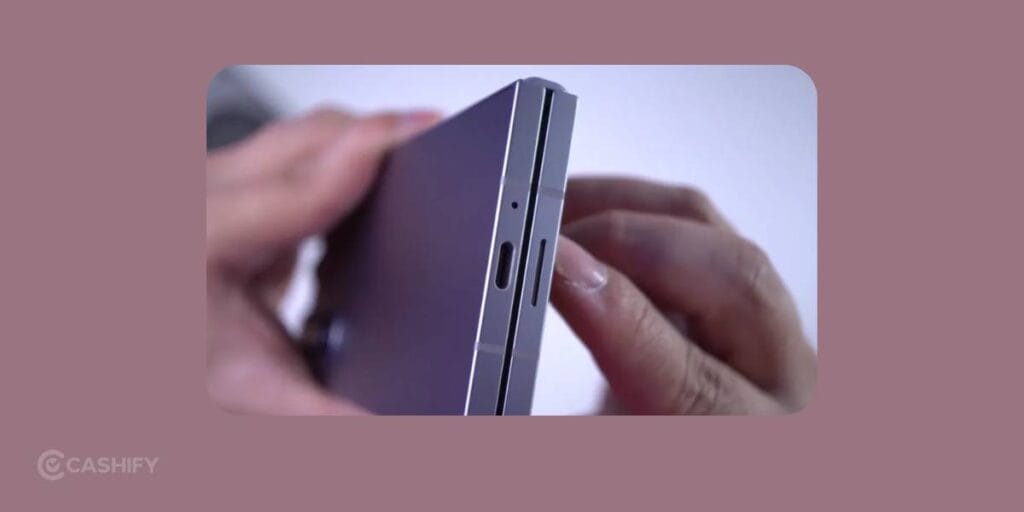
3. Clean the Charging Port (This Fix Works Surprisingly Often)
It’s hard to admit, but your pocket is probably dirtier than you think.
Pocket lint, dust, and tiny debris are the biggest reasons behind Samsung Galaxy Z Fold6 charging port problems. Since the Fold6 has a snug USB-C port, even a small amount of buildup can block proper contact.
Here’s how to clean it safely:
- Turn off your phone completely first.
- Use a flashlight to inspect inside the charging port.
- Spot lint or dust? Use compressed air in short bursts to clear loose debris.
- For stubborn dirt, gently use:
- Wooden toothpick
- Plastic dental pick
- SIM ejector tool (very gently)
Important: Don’t go in aggressively. This isn’t a treasure hunt.
Avoid metal pins, needles, or paperclips. They can damage internal pins faster than you’d think.
- For extra cleaning, lightly dampen a microfiber cloth or cotton swab with isopropyl alcohol (70–90 percent) and clean gently.
- Let everything dry fully for at least 30 to 60 minutes.
Then plug your charger back in.
A lot of users are genuinely surprised by how often this simple cleaning fixes the issue instantly.
Also read: Samsung Galaxy S23 FE 5G Screen Broken? Repair Cost & Best Fix Options
4. Fix “Moisture Detected” or “Foreign Material” Errors
This one can be especially annoying.
Sometimes the Fold6 shows moisture warnings even when it hasn’t seen a drop of water.
Usually, residue, humidity, or dust is enough to trigger the alert.
Try this:
- After cleaning, leave the phone in a warm, dry spot with the charging port facing downward.
- Wait around 30–60 minutes.
- Use a hairdryer only on cool or low airflow from a safe distance.
You can also clear the USB system cache:
- Settings > Apps > Show system apps > USBSettings > Storage > Clear Cache
Still seeing the alert? Try clearing data too, then restart.
If the warning refuses to go away after all this, the issue may be deeper than simple debris.
Also read: Calculating the Expense of Mobile Screen Repairs
5. Check Software and Maintenance Settings
Sometimes the culprit is hiding in software.
A few things worth checking:
- Install updates: Go to Settings > Software Update and install pending updates.
- Boot into Safe Mode: If charging works there, a third-party app may be interfering.
- Clear cache partition:
- Turn off the device.
- Hold Volume Up + Power until Samsung logo appears.
- Release Power, but keep holding Volume Up.
- Enter Recovery Mode.
- Select Wipe Cache Partition.
- Reboot.
Sounds technical, but it’s safe if followed correctly.
6. Use Wireless Charging as a Temporary Backup
If wired charging is giving you trouble, wireless charging can save the day temporarily.
The Z Fold6 supports fast wireless charging, so while troubleshooting:
- Use a compatible Qi charger
- Place the phone centred properly
- Keep the device closed for better alignment
Just keep in mind: wireless charging is slower and can heat the device more, so it’s not the best long-term solution.
Think of it as a backup plan, not a permanent lifestyle.
Also read: Don’t Ditch Your Old Phone Yet, Cashify Can Fix It: Know How!
Professional Mobile Repair From Cashify!
Cashify has the best certified mobile repair service that you can trust for your Samsung Galaxy Fold6. The technicians here are skilled at their jobs. So complex repairs and charging port damage are addressed with utmost care. Highly compatible replacement devices and proper tools are used to carry out the repair. The Cashify phone repair stores are located nearby, as the services are spread across 200+ cities. For more convenience, as honestly, the best option Choose free doorstep visit. A technician will arrive at your place and repair right in front of you. It may take an hour or so, depending on the complexity and availability of parts. You pay the repair fee after the process is done. No extra charge for the visit.
So yeah, you can trust the Samsung phone repair done by Cashify folks. It’s super stress-free and affordable too.
Need Discounts?
Use code: TECH25 to avail of a discount of up to Rs. 300 by using the (on the minimum order value of Rs. 2499).
Use code: RPR50 to avail up to 50 per cent off on a minimum spend value of Rs. 1000. (Limited Offer)
Also read: Samsung Galaxy Z Fold6 Speaker Not Working? This Fix Might Save You Money!
Final Thoughts
A Samsung Galaxy Z Fold6 charging port problem can feel especially irritating, considering how expensive this phone is. But thankfully, most cases aren’t catastrophic.
In fact, a huge number of issues get resolved with simple cleaning, restarting, or switching accessories.
So before assuming you need a repair, try these easy fixes first. They’re quick, safe, and cost absolutely nothing.
And if the issue still sticks around, professional mobile phone repair is the smarter move.
If you’ve just bought a new phone and don’t know what to do with your old phone, then here’s your answer. Sell old mobile to Cashify and get the best price for it. If you are planning to buy a new phone, check out Cashify’s refurbished mobile phones. You can get your favourite phone at almost half price with six-month warranty, 15 days refund and free delivery.