If you signed up for the free ChatGPT Go plan last year, please act quickly. Many people got free access through special offers, but those subscriptions now risk converting to paid plans. If you do not cancel your ChatGPT Go subscription in time, the service will charge you automatically.
Reports circulating on social media warn that the free period ends soon. Screenshots shared online show plans set to renew and charge around Rs 399 on dates like 4 November 2026. Users who ignore the alerts may face sudden deductions from their linked payment methods. OpenAI and app stores allow easy cancellation, yet many people overlook the renewal settings.
How To Cancel ChatGPT Go Subscription On Different Platforms
Follow these simple steps right away. The process takes only a few minutes and works on web, Android, and iPhone.
Google Play Store
- Open the Play Store app and go to Settings.
- Tap Payments and Subscriptions.
- Select Subscriptions.
- Find your active ChatGPT Go plan and cancel it.
Website
- Log into ChatGPT and open Settings.
- Click Billing.
- Cancel the ChatGPT Go subscription.
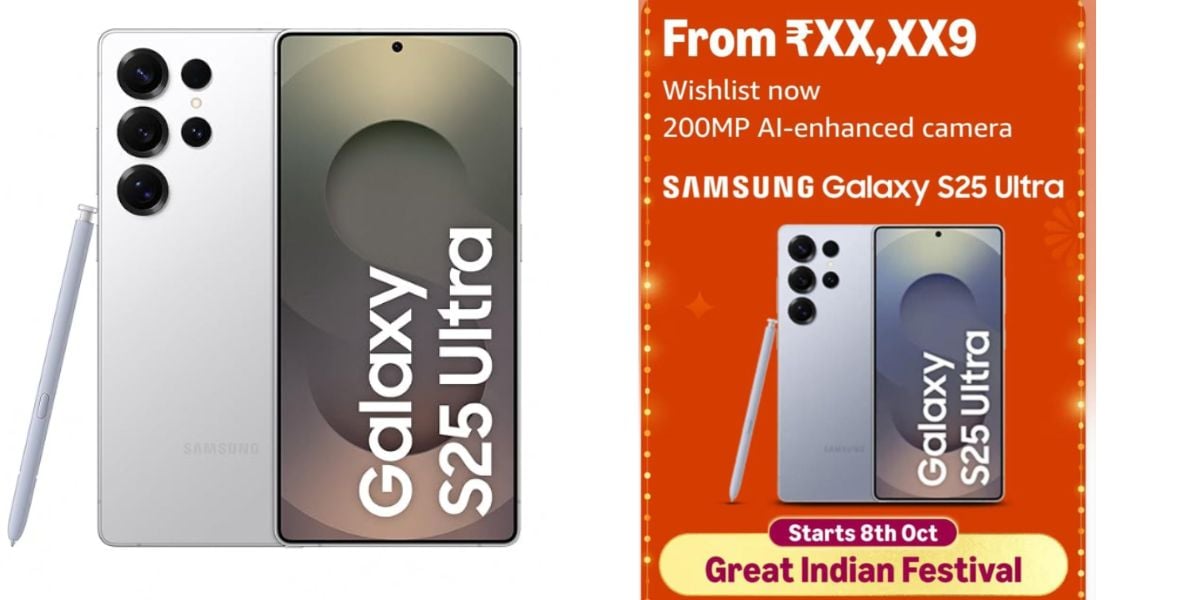
Also Read: Samsung S25 Ultra Amazon Deal: Might Come Under 85K In Great Indian Festival
iPhone
- Open iPhone Settings.
- Tap your name at the top.
- Choose Subscriptions.
- Select ChatGPT and tap Cancel Subscription.
Why You Should Cancel Subscription Today
The free ChatGPT Go offer helped many users explore advanced features without cost. However, auto-renewal settings remain active for those who subscribed earlier. Once the free period ends, the system bills the linked card or account. Canceling now keeps full access until the current period finishes and stops future charges.
Check your account today. Open the billing section or app store subscriptions and confirm the status. If the plan shows an upcoming payment date, cancel it immediately. This simple action protects your money and avoids surprise deductions.
Stay alert to similar free trial offers from other apps. Always review renewal dates after signing up. Taking control of your ChatGPT Go subscription prevents unwanted fees and keeps your digital spending in check.
Are you still browsing through your broken screen? Don’t worry! Book at-home mobile phone screen repair with Cashify—an affordable and one-stop destination for all your mobile phone needs. In case you break your screen within 1 month of repair, we will replace your screen again—for FREE.