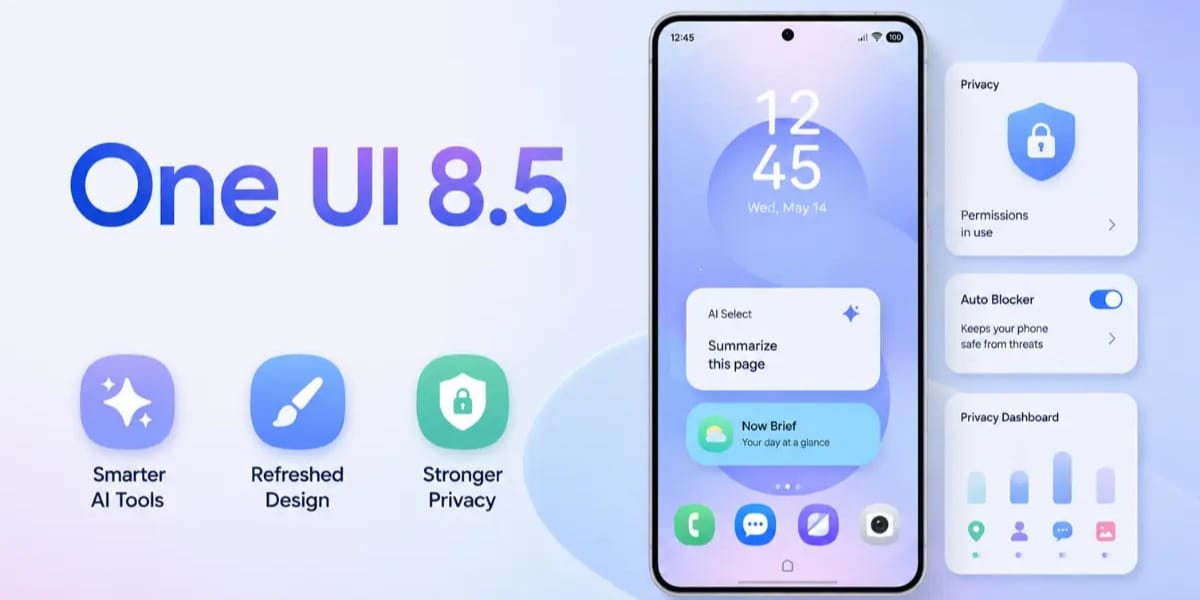
Samsung Galaxy users who are waiting for the One UI 9 Beta update may already have a powerful AI tool available on their devices. One of the biggest One UI 8.5 hidden features is the upgraded Creative Studio, which now works as a standalone app and offers easier access to Samsung's AI-powered image creation tools.
The feature was previously linked to Photo Assist, but Samsung has redesigned it in One UI 8.5 to make creating wallpapers, stickers, and AI-generated images much more convenient. While One UI 9 Beta is currently limited to the Galaxy S26 series in select countries, users with One UI 8.5 can already explore these new AI capabilities.
One UI 8.5 Hidden Features Make AI Editing Simpler
Samsung has improved the accessibility of Creative Studio by placing it directly in the Apps screen. Instead of opening Photo Assist first, users can now launch the app with a single tap and start creating personalised content.
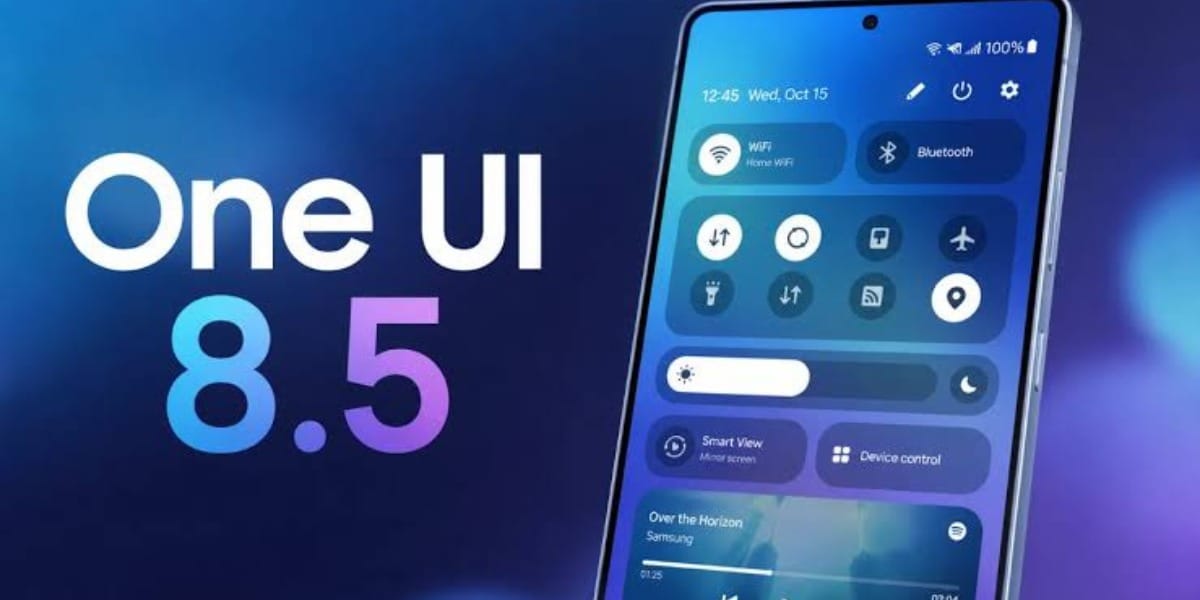
According to Samsung, Creative Studio allows users to generate custom wallpapers, unique stickers, and personalised profile images that can be used across the Galaxy ecosystem.
The AI-powered tool offers four major creative options:
- Create a brand new image from text prompts
- Transform an existing photo with AI effects
- Design custom stickers
- Generate personalized wallpapers
This update focuses on making AI creativity faster and more user-friendly without requiring multiple steps.
How to Use Samsung Creative Studio
Users can access the feature directly from the Apps screen after installing One UI 8.5.
Create AI Images
- Open Creative Studio
- Choose a preferred style
- Type an image description
- Tap Generate
To transform an existing photo:
- Open Creative Studio
- Tap Add Image
- Select a style or enter a description
- Tap Generate
Create Stickers and Wallpapers
Creative Studio also includes a dedicated Design Studio section.
To create a sticker:
- Add an image or sketch
- Enter a description
- Choose a style theme
- Tap Generate
To create a wallpaper:
- Add a sketch or image
- Type a description
- Generate the final design
Although AI-generated results may vary, Samsung has introduced a useful editing history feature that lets users review previous changes and re-edit their creations without starting from scratch.
For Galaxy users looking beyond the latest beta release, these One UI 8.5 hidden features deliver a practical AI experience that is already available and worth exploring today.
Are you still browsing through your broken screen? Don’t worry! Book at-home mobile phone screen repair with Cashify—an affordable and one-stop destination for all your mobile phone needs. In case you break your screen within 1 month of repair, we will replace your screen again—for FREE.