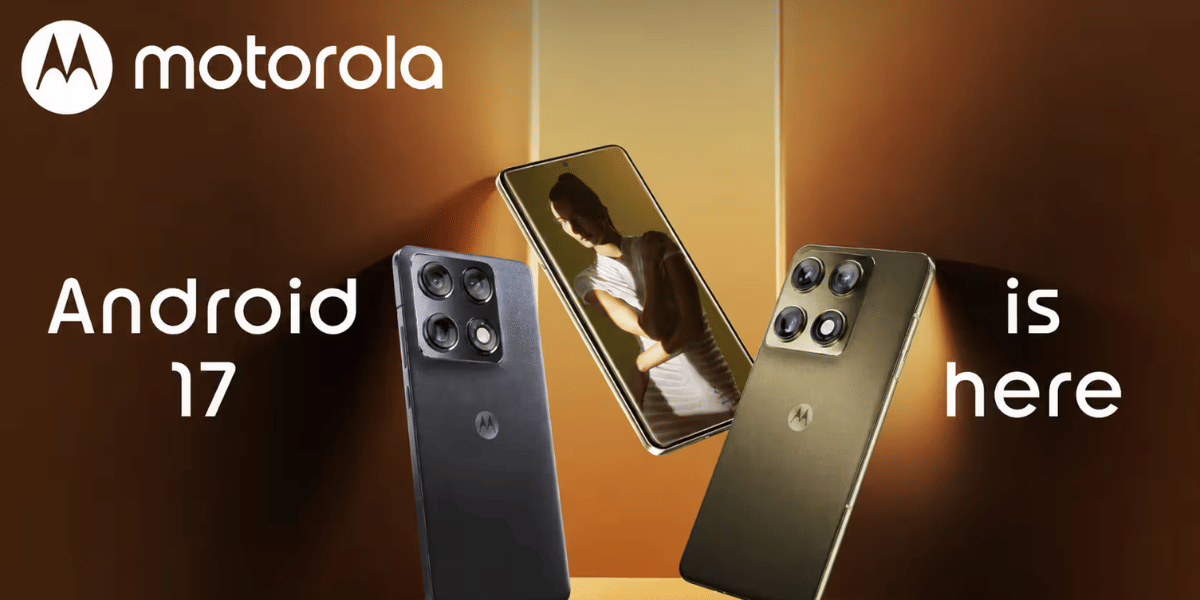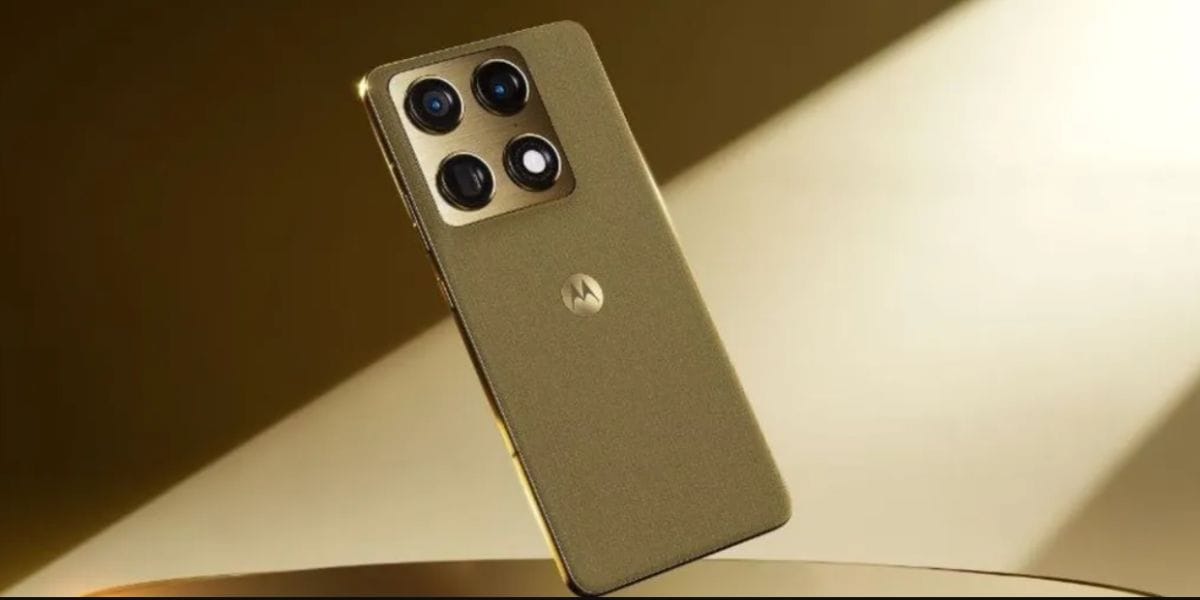
Hello UI is believed to be one of the cleanest yet coolest sub-versions of Android. And now, as the Android 17 upgrade is on its rollout schedule and different brands are launching their versions of Android 17 one after the other, Motorola brings Android 17 too to its flagship devices. And on 12 August, the Motorola Signature Android 17 update started to rollout globally. So, what’s new this time? Let us find out inside this news story.
Motorola Signature Android 17 Update Rolls Out: See What’s New This Time
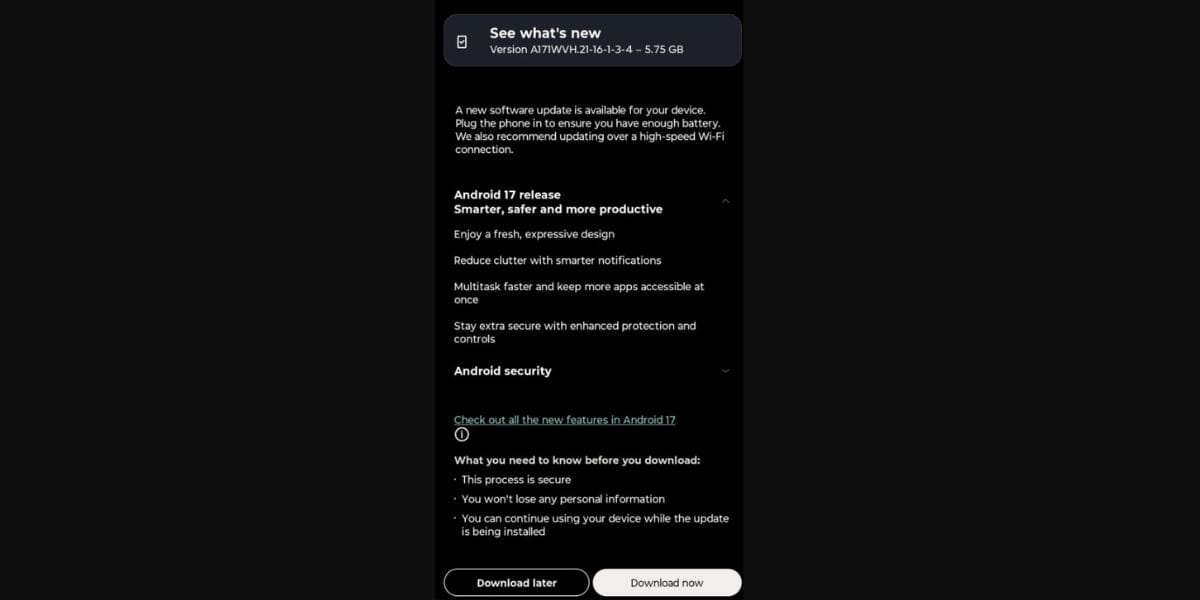
Motorola has started rolling out the stable Android 17 update to its premium Motorola Signature smartphone, bringing a host of new features and interface changes. The rollout is gradual and may vary by region and carrier, with users in India receiving in patches and all will receive soon
.
The update introduces Motorola's refreshed Hello UI, including Dynamic Island-style Live Updates, expanded lock-screen customisation, resizable Quick Settings, refreshed icons and an updated volume interface. It also brings deeper integration of Motorola's Qira AI assistant, along with improved haptics and Bluetooth LE Audio/Auracast support.
The Android 17 upgrade further strengthens the Signature's long-term software proposition, with Motorola currently listing security support through June 2032.
What Key Freatures Have Come?
Here are all the new features you will see in the latest Motorola Signature Android 17 update:
- Live Updates: Dynamic Island-style activity updates around the camera cut-out.
- Qira AI: A new moto AI assistant for smarter interactions.
- Quick Settings: Resizable tiles offer greater control.
- Lock screen: More customisation options added.
- Haptics: Feedback feels stronger and more refined.
- Icons: New tinted and redesigned system icons.
- Volume panel: Redesigned for a cleaner look.
- App drawer: Better blur, 3×3 folders and improved organisation.
- Notifications: Improved notification management.
- Smart Connect: Cloud connectivity has been added.
Also Read: POCO X8 5G Is Finally Here: First Official Teaser Goes Live!
What’s New For Users: See What Has Changed From Last Time?
Hello UI | Android 16 | Android 17 |
Live Updates | Basic notifications | Dynamic Island-style updates |
Quick Settings | Standard controls | Resizable tiles |
Lock screen | Basic customisation | More customisation/depth effects |
App drawer | 2×2 folders | 3×3 folders, better blur |
AI | Moto AI integration | More deeply integrated Qira |
Haptics | Standard | More refined feedback |
Volume | Existing panel | Redesigned, Pixel-like slider |
Icons | Standard/tinted options | Refreshed, more consistent icon |
Also Read: Wolverine PS5 Bundle Announced: See Through Design, New Accessories
Are you still browsing through your broken screen? Don’t worry! Book at-home mobile phone screen repair with Cashify—an affordable and one-stop destination for all your mobile phone needs. In case you break your screen within 1 month of repair, we will replace your screen again—for FREE.