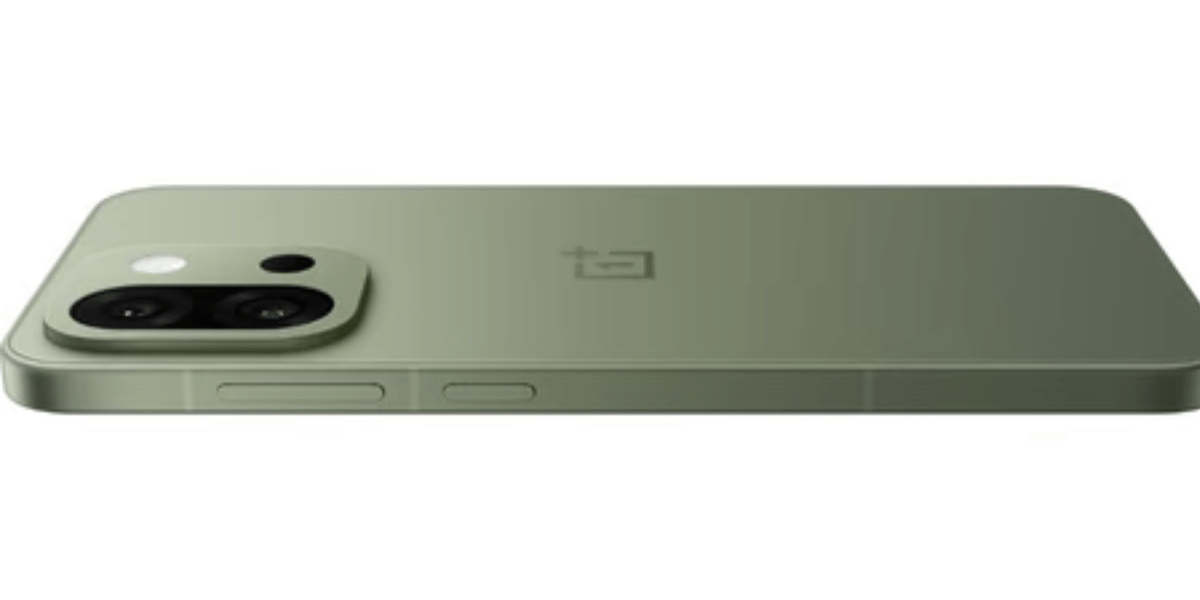
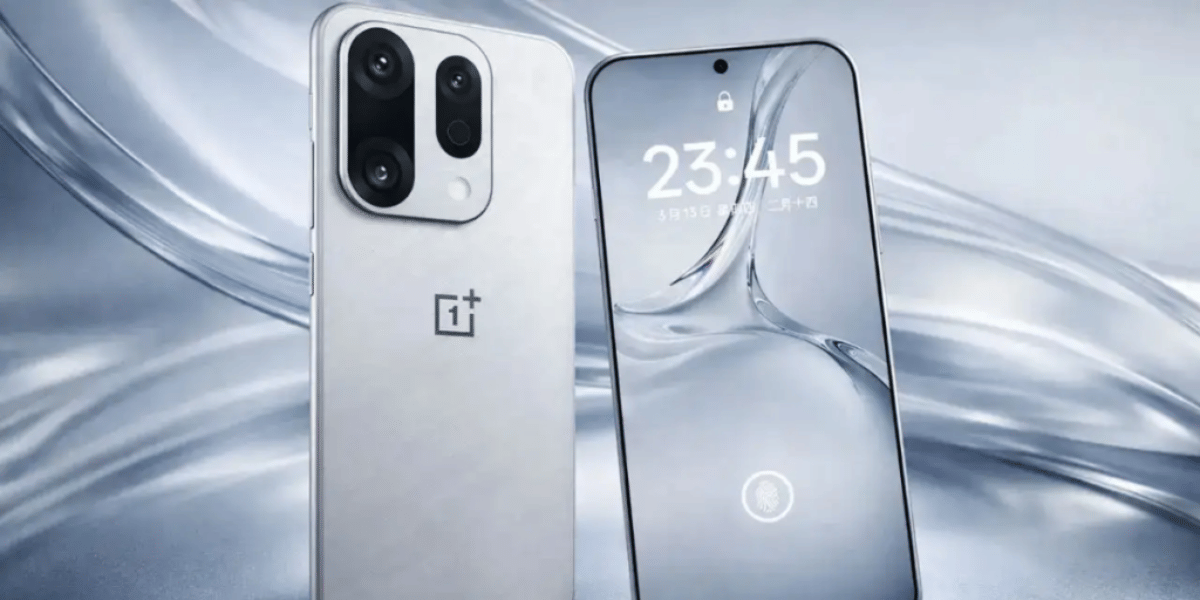
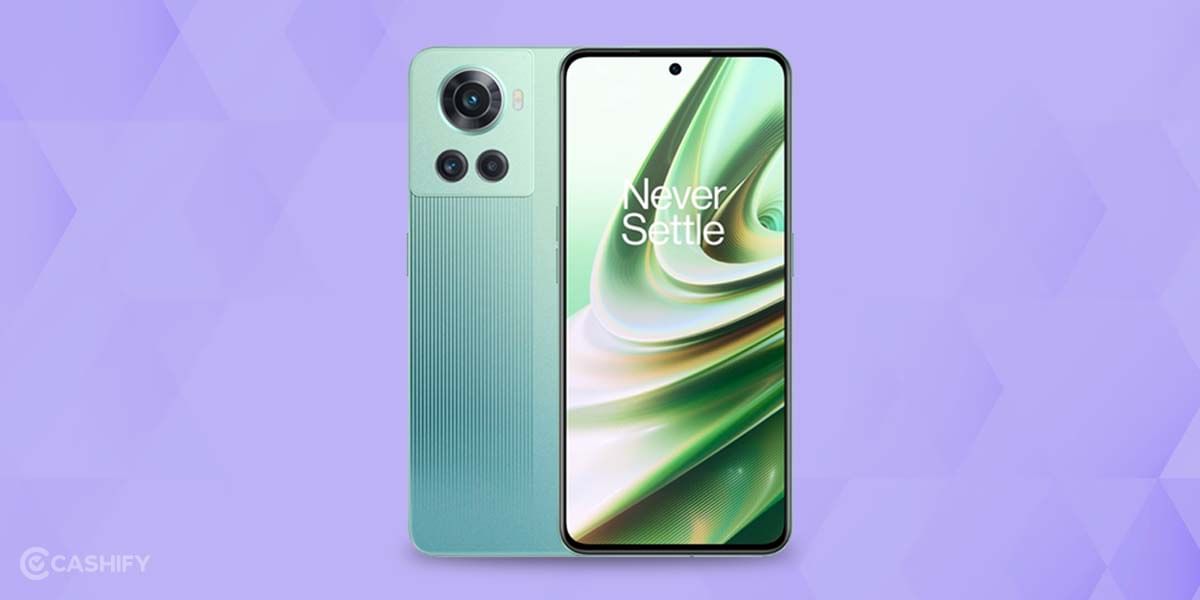
The OnePlus 10R is a capable phone and is supposed to function decently for 3 years at least. However, if you are noticing that the OnePlus 10R is not charging, don’t ignore it. It might seem like a minor glitch. But once this issue arises, it keeps happening repeatedly, and the phone becomes unstable.
You don’t worry, as there are a few ways to rectify this issue without taking it to repairs. Or at least make the phone stable for a while. Whatever it is, we will get to the root causes, discuss solutions.
Also read: OnePlus Nord 2T 5G Screen Replacement Cost & Process Explained!
Why Is Your OnePlus 10R Not Charging?
Before we jump into fixing it, let’s understand what could have gone wrong. Many people may confuse it with battery failure. However, if it’s a charging jack problem, these are the following things that could have happened to your OnePlus 10R.
1. Dust or lint build-up in the port
Your charging port collects debris over time. It could be pocket lint, dust, or tiny fibers. When this builds up, the cable doesn’t sit properly, so the phone stops charging or charges intermittently.
2. Loose or damaged charging jack
Repeated plugging and unplugging, rough handling, or using the phone while charging can loosen the port. This leads to poor contact. This is why you may need to “wiggle” the cable for it to work.
3. Faulty cable or charger
Before blaming the phone, remember, sometimes the cable is the actual villain. Frayed cables, damaged Type-C connectors, or low-quality adapters can cause the OnePlus 10R not charging problem.
4. Software glitches after updates
Occasionally, a buggy update or some background app can cause the charging to freeze, slow down, or stop altogether.
5. Moisture or liquid exposure
Even a tiny amount of moisture inside the port can disrupt charging. Sweat, steam, or accidental splashes are enough to create problems.
Also read: How To Deal With Battery Drain Issue On OnePlus Nord CE 4?
Things You Can Try When OnePlus 10R Not Charging?
Relax, you don’t need to look for a phone repair shop or platform right away. There are a few simple things you can try out yourself!
1. Clean the charging port safely
Use a toothpick or a soft brush to gently remove dust from the charging port. Do NOT use anything metallic. After cleaning, try plugging in again. You will be surprised how many times this fix works.
2. Check with another cable and adapter
Use an original OnePlus charger if possible. If the phone charges with a different cable, you have found the problem.
3. Restart your phone
A simple reboot clears temporary glitches. Go to Power Button > Restart and then try charging again.
4. Disable Optimised Charging (temporarily)
Sometimes this feature slows down charging.
Go to Settings > Battery > Optimised Charging > Turn Off.
Also Read: OnePlus Nord 2 Not Charging! Know Why And How To Fix!
5. Let the port dry
If moisture is suspected, leave the phone switched off for a few hours. Do not use a hair dryer or heat. This can damage internal components.
6. Check for software updates
A recent patch may fix charging bugs.
- Go to Settings, then System, and then Updates.
If none of these work, it’s almost certain that your charging jack itself is damaged and needs expert phone repair.
Cashify OnePlus 10R Not Charging
You want a no-brainer, hassle-free service that doesn’t strip your wallet? Consider Cashify’s certified mobile repair service. Get the convenience of booking online, where a technician visits your place and fixes your phone right in front of you. You might even visit the store nearby, as 200+ stores are located across cities.
Meet expert technicians who have handled OnePlus mobile repair many times and understand the right approach to fix. Everything is kept transparent for the customer’s peace of mind.
- Expect high-quality replacement compatible parts.
- Additionally, there’s a three-month warranty* on battery replacement as well.
- Free doorstep service for mobile phone repairs. Make the payment only for repairs after the service is complete.
(*Repair warranties are subject to discretion based on Cashify’s terms and conditions. Please refer to our warranty policy for detailed information.)
Also Read: Change These Settings On Your OnePlus Nord 2 To Make It Faster!
OnePlus 10R Not Charging: Frequently Asked Questions
1. Why won’t my OnePlus 10R charge even with an original charger?
Often because the charging port is blocked with dust or is physically damaged.
2. How do I know if my charging jack is faulty?
If the phone charges only at a certain angle or randomly disconnects, the jack is likely loose.
3. Can I fix the charging port at home?
You can only try cleaning it. Any hardware issue needs a technician.
4. Is charging jack replacement expensive?
Through services like Cashify, it’s usually affordable and much cheaper than official service centres.
Will replacing the charging jack affect my data?
No, it only involves the charging module. Your data stays safe.
Final Thoughts
So, you don’t need to stress out if the OnePlus 10R is not charging. The troubleshoots we mentioned above in the article may work. If not, you can totally rely on Cashify for a fast, affordable, and hassle-free experience.
Use code RPR50 for up to 50 per cent off on any OnePlus mobile repair booked on Cashify online for a limited time (minimum order value of Rs. 1000)
Buying refurbished mobile phones was never this easy. Sell your old phone and get exclusive offers & discounts on refurbished mobiles. Every refurbished phone is put through 32-point quality checks to ensure like-new standards and comes with a six-month warranty and 15-day refund. Buy refurbished phone easily on no-cost EMI today!