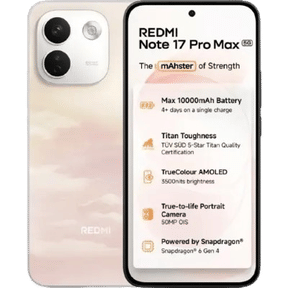
The Redmi Note 17 Pro Max keeps its camera setup simple, but that doesn’t mean you can’t pull genuinely good photos out of it. Built around a 50MP OIS main sensor with a bright f/1.5 lens, an 8MP ultra-wide and a 32MP selfie shooter, this is a phone that rewards you for knowing which mode to reach for and which one to avoid.
The “Pro Max” badge here is about the battery and display, not a fancier lens array. Getting the best out of it is all about technique. In this blog, let us walk through the best Redmi Note 17 Pro Max camera settings, mode by mode, and how to get the sharpest results in every scenario.
Also Read: Xiaomi 17 Pro Max vs iPhone 17 Pro Max: Which Pro Phone Should I Buy?
What Are The Camera Specs Of Redmi Note 17 Pro Max?
Before tuning the Redmi Note 17 Pro Max camera set-up, it is essential to know what you’re working with. The phone runs a dual rear-camera system on Xiaomi HyperOS 3.
| Lens / Feature | Specs |
| Main Camera (26mm) | 50 MP, f/1.5, 1/1.95″ sensor, OIS, PDAF |
| Ultra-Wide | 8 MP, f/2.2, fixed focus |
| Front Camera | 32 MP, f/2.2, fixed focus |
| Rear Video | 4K@30fps, 1080p@30/60fps, 720p@30fps |
| Front Video | 4K@30fps, 1080p@30/60fps, 720p@30fps |
| Photo Modes | Pro, Night, Portrait, HDR, Ultra HD (50MP), Live Moment, Panorama, Documents, Underwater (via OTA) |
| Image Formats | HEIF, JPEG |
The headline takeaway is that the main camera does the heavy lifting. The ultra-wide is a no-frills 8MP unit without autofocus, and there is no dedicated telephoto, so any “2x” zoom is a crop from the main sensor. This single fact shapes almost every one of the best Redmi Note 17 Pro Max camera settings. However, when in doubt, stay on the main lens.
Also Read: Best Phone Under 40000: Top Picks To Buy In 2026
How To Access The Camera Modes And Settings
To use the Redmi Note 17 Pro Max camera settings, open the native camera app and swipe through the bottom menu, or tap More to reach the extra shooting modes like Ultra HD, Panorama, Documents and Pro. For the general options like watermark, gridlines, image format and focus behaviour, tap the three-line menu icon in the top corner and open Settings. A couple of setup toggles worth doing once, before you shoot anything:
- Watermark: In Settings, toggle the timestamp/device watermark off unless you want it baked into every shot.
- Grid lines: Turn these on to straighten horizons and frame with the rule of thirds.
- Motion tracking focus: Enable it to keep moving subjects like kids, pets or sport locked in and sharp.
What Are The Best Redmi Note 17 Pro Max Camera Settings?
Here, have a look at the best Redmi Note 17 Pro Max camera settings, broken down by mode so you can match each to the shot in front of you.
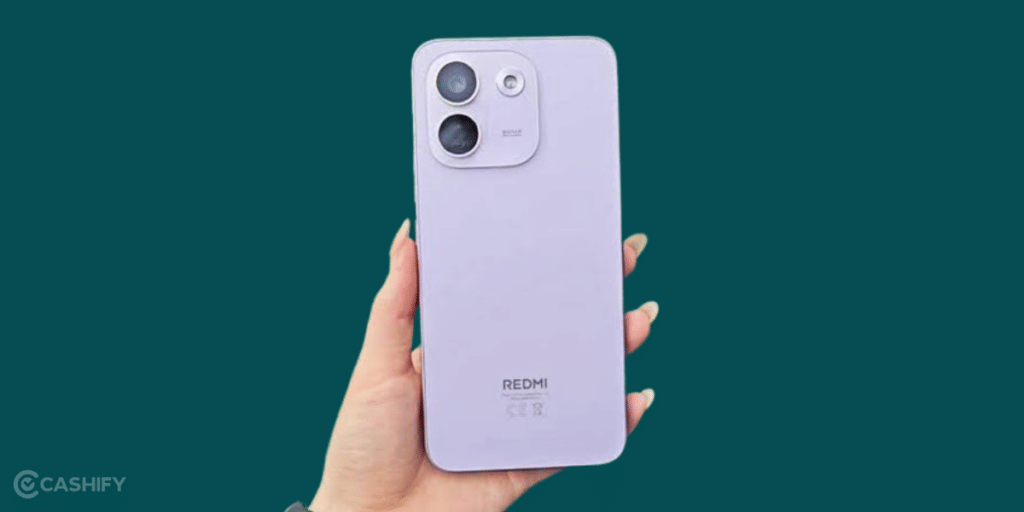
Photo Mode And HDR Essentials
For everyday shooting, the standard Photo mode with the main lens is where the Redmi Note 17 Pro Max camera setting work best.
- HDR: Leave it on Auto so the camera balances bright skies against darker foregrounds. The main sensor handles dynamic range well; the ultra-wide and 2x crop are more likely to clip highlights, so HDR matters most there.
- AI Camera / Scene detection: Useful for punchier colours in daylight. If skies or greens start looking over-saturated, toggle it off for a more natural result.
Pro Mode Settings
Then, Pro mode is the single most powerful part of the Redmi Note 17 Pro Max camera set up, giving you manual control to lift image quality in tricky light:
- White Balance (WB): Set it manually to match the light; this fixes the warm/orange cast you sometimes get indoors.
- ISO: Keep it low (100–200) in daylight for clean, noise-free images. Only raise it when there’s no other way to brighten a dark scene.
- Shutter Speed: Slow it down for light trails or a milky-water effect (use a support); speed it up to freeze motion.
- Exposure Value (EV): Nudge brightness up or down without touching ISO or shutter.
- Focus: Switch to manual focus for close-ups and detailed subjects where autofocus hunts.
- Focus Peaking & Exposure Verification: Turn these on in Settings. Focus peaking highlights the areas that are sharp, and exposure verification flags over- or under-exposed regions so you can correct before you shoot.
Pro mode is the closest this phone gets to a photographer’s workflow, so it’s worth ten minutes getting familiar with these Redmi Note 17 Pro Max camera set up.
Ultra HD (50MP) Mode
Among the Redmi Note 17 Pro Max camera settings, Ultra HD mode captures the full 50MP resolution from the main sensor. Use it for.
- Landscapes and architecture where you want maximum detail.
- Shots you plan to crop: the extra resolution gives you room to reframe later.
Keep this for good light. At full resolution the phone can’t bin pixels for low-light performance, so 50MP shots look their best outdoors or in bright rooms.
Night Mode
Night mode is an essential part of the Redmi Note 17 Pro Max camera settings once the light drops, since the main sensor’s OIS lets it hold longer exposures steady. It triggers automatically in dark scenes, or you can select it manually to brighten shadows and cut noise.
- Hold the phone still (or use a small tripod) for the couple of seconds it needs.
- Let the mode do the work rather than pushing ISO manually in Pro mode.
Portrait Mode
Portrait mode delivers natural background blur on the main camera.
- Shoot at 1x or 2x for the most flattering framing.
- Keep your subject a metre or two from the background for cleaner edge separation.
- Good, even light does more for skin tones here than any other setting.
Video Setting
The video side of the Redmi Note 17 Pro Max camera is capable, if straightforward:
- 4K@30fps (main camera): The best all-round quality for sharp, detailed footage.
- 1080p@60fps: Choose this when you want smoother motion, handy for movement, kids or pets.
- Stabilization: Leave it on for handheld clips; it works reliably in daylight but can jitter in low light.
Note there is no HDR video and no LOG profile, so grade lightly in post and try to shoot in even light. The ultra-wide tops out at 1080p@30fps, so keep serious video on the main lens.
Also Read: Redmi note 17 pro max release date, price and specs roundup
Recommended Redmi Note 17 Pro Max Camera Settings For Different Scenarios
Here is how you can put the best Redmi Note 17 Pro Max camera settings to work across common situations.
| Scenario | Recommended Settings |
| Daily Photos | Photo mode, HDR Auto, main lens, AI camera optional |
| Portraits | Portrait mode, 1x or 2x, main lens, even lighting |
| Landscapes / Detail | Ultra HD 50MP mode, HDR on, main lens |
| Video | 4K@30fps main (or 1080p@60fps for smoother motion), stabilization on |
| Low-Light Shots | Night mode, main lens, steady hands or tripod |
| Ultra-Wide Shots | 8MP ultra-wide, HDR on, shoot in good light only |
Practical Tips For The Redmi Note 17 Pro Max
Beyond the Redmi Note 17 Pro Max camera settings themselves, here’s what else will lift your shots.
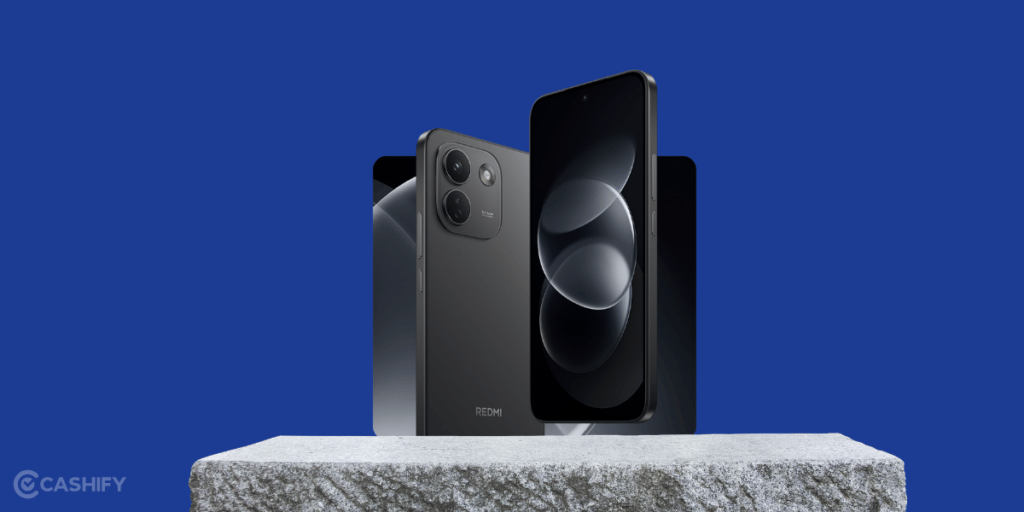
- Favour the main lens. It’s the strongest camera by a wide margin. Reach for the ultra-wide and 2x crop only when you actually need the framing.
- Keep the lens clean. A quick wipe with a microfibre cloth removes the smudges that soften every photo, especially with that bright f/1.5 aperture.
- Prioritise light. Even a good sensor needs it. Shoot near windows, outdoors, or during golden hour for the most natural results.
- Use gridlines for composition. Line up horizons and place your subject on the thirds for balanced, professional-looking frames.
- Lean on the battery for long shoots. The 10,000mAh cell means you can record time-lapses, vlogs and events without watching the percentage, and a genuine advantage for content creators.
- Keep software updated. HyperOS updates refine the camera processing over time, and the underwater mode arrives via OTA, so staying current matters.
Also Read: OnePlus 15 Vs Xiaomi 17 Pro Max: Which Flagship Offers Better Value?
Final Thoughts
That’s the rundown on the best Redmi Note 17 Pro Max camera set up. This is a phone that keeps its camera hardware modest but gives you the tools, including Pro mode, Night mode, Ultra HD and reliable OIS, to punch above that hardware if you shoot thoughtfully. Stay on the main lens, respect the light, and use the right mode for the moment, and the right Redmi Note 17 Pro Max camera setting will consistently pull clean, shareable shots out of it. It won’t out-zoom a flagship, but for everyday photography and video, a little technique goes a long way.
If you’ve just bought a new phone and don’t know what to do with your old phone, then here’s your answer. Sell old mobile to Cashify and get the best price for it. If you are planning to buy a new phone, check out Cashify’s refurbished mobile phones. You can get your favourite phone at almost half price with six-month warranty, 15 days refund and free delivery.