Your Google Pixel 6 may start getting warm even during normal use. At the same time, you may notice the battery dropping faster than usual. Apps may run fine, but the phone still feels hotter than it should. Over time, this mix of heat and fast battery drain becomes harder to ignore. Let’s look at what could be behind Google Pixel 6 overheating and the repair that actually helps fix it.
Also read: How To Fix Vivo V11 Pro Screen Issues? Replace It Affordably!
What Could Be Behind Google Pixel 6 Overheating and Battery Drain Issues?
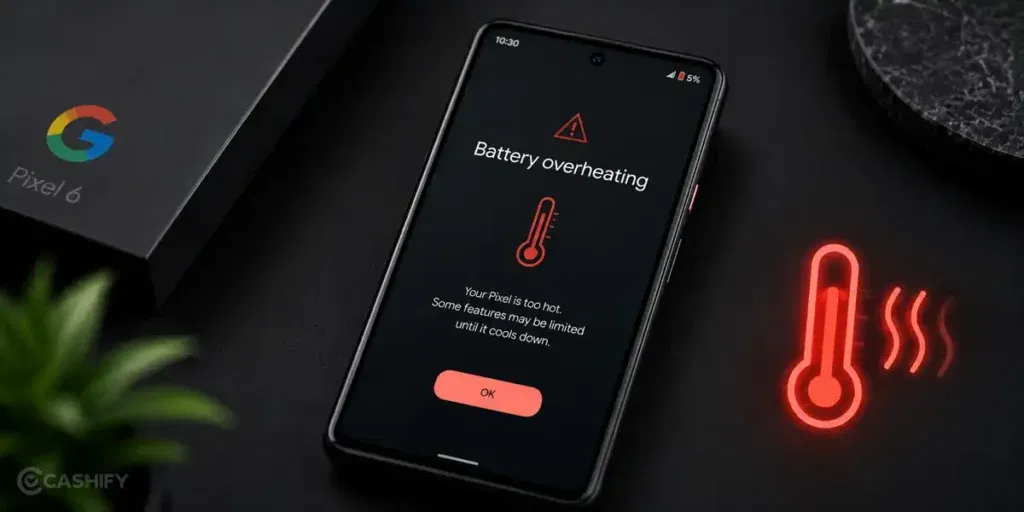
Before you decide on a repair, it is worth checking what may be causing the Google Pixel 6 overheating problem. Here are some common reasons:
Background Apps Running For Long Periods
Some apps continue working in the background even when you are not actively using them. Navigation apps, social media apps, and cloud backup services can keep the processor busy, which generates extra heat. As a result, the battery drains faster, and the phone may feel warm more often than usual.
An Aging Battery
The battery naturally loses efficiency over time. When this happens, it may need to work harder to provide the same level of performance. An ageing battery can contribute to both faster battery drain and increased heat, especially during charging or extended use.
Software Issues After Updates
Sometimes, a software update can cause certain apps or system processes to use more power than expected. The phone may start heating up more frequently after an update, even if there were no problems before. Battery drain can also become more noticeable during this period.
Too Many Features Running At Once
Features such as location services, Bluetooth, mobile hotspot, and high screen brightness can put an additional load on the phone. When several of these are running together for long periods, the device may generate more heat and consume battery at a faster rate.
Charging Habits And Accessories
Using a damaged charging cable, a low-quality charger, or charging the phone in a hot environment can increase the temperature of the device. Frequent exposure to excess heat during charging may also affect battery performance over time.
Also Read:What Is The Difference Between Screen Repair And Screen Replacement?
A Few Things You Can Try Before Going For Repair
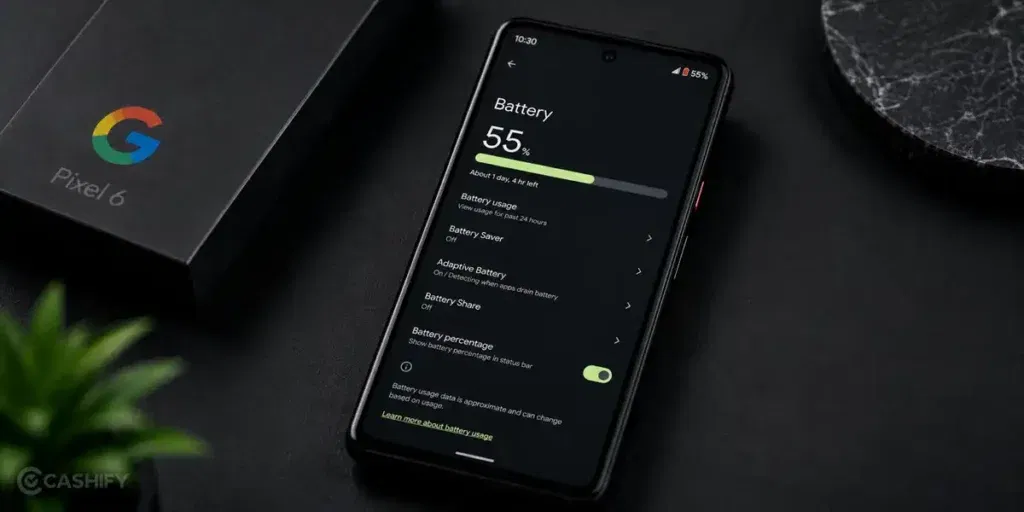
Once you understand what may be causing Google Pixel 6 overheating, the next step is to try a few simple fixes. A few things worth checking include:
Close Unused Apps
Go through the apps running in the background and close the ones you are not using. After doing this, use the Google Pixel 6 normally for some time and see if the heating issue improves.
Install Pending Updates
Check whether there are any pending app or software updates on your phone. Install them and monitor the device for a day or two to see if the heating and battery drain become less noticeable.
Lower The Display Brightness
Reduce the screen brightness and avoid keeping it at maximum for long periods. You can also enable auto-brightness and check if it makes a difference during daily use.
Turn Off Unused Features
Switch off features like Bluetooth, GPS, hotspot, or NFC when you do not need them. Keep only the services you are actively using turned on.
Charge with A Compatible Charger
Use an original or compatible charger and cable. If you have been using a damaged or low-quality accessory, try switching to a reliable one and check whether the phone stays cooler while charging.
Restart The Phone
Restart your Google Pixel 6 and continue using it normally. A restart can clear temporary issues and is often one of the first things worth trying.
Also Read: Do You Lose Data When Replacing LCD Screen?
When Google Pixel 6 Overheating Needs Professional Repair?
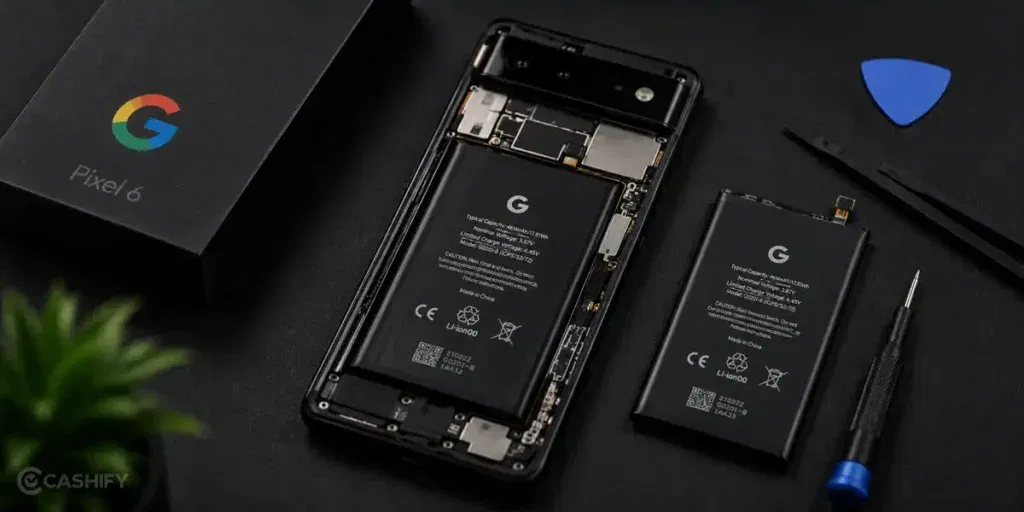
If the Google Pixel 6 overheating problem continues even after trying the basic fixes, it may be time for a professional inspection.
At that point, simple troubleshooting may not be enough. The phone needs proper diagnosis to identify whether the issue is related to the battery, software, or another internal component.
Instead of visiting multiple repair shops, you can book a mobile repair service through Cashify. The service comes with several benefits:
Thorough Inspection Before Any Repair Work
The technician checks the phone to understand what is causing the heating and battery drain. This helps ensure the repair is based on the actual problem rather than guesswork.
Get A Price Estimate Before The Repair Begins
You receive the phone repair cost before any work begins. This helps you make an informed decision without worrying about unexpected charges later.
Complete The Payment Once The Work Is Done
You only pay after the mobile phone repair is completed. This makes the process more convenient and transparent.
High-Quality Compatible Parts Used When Needed
If a replacement is required, high-quality compatible parts are used. This helps restore the phone’s performance and reliability.
Also read: Pixel 6A Detected Water In USB Port? Get Your Best Fix Today!
Final Thoughts On Google Pixel 6 Overheating
Google Pixel 6 overheating is not something you should ignore, especially when it starts affecting battery life. In some cases, a few simple fixes may help reduce the problem. However, if the phone continues to heat up during regular use or the battery drain does not improve, it may be time to get it checked.
Cashify can help with Google mobile repair through trained technicians, doorstep service, transparent pricing, and high-quality compatible parts.
If you still have any questions, feel free to leave a comment below.
Use code: TECH25 to avail of a discount of up to Rs. 300 by using the (on the minimum order value of Rs. 2499).
Use code: RPR50 to avail up to 50 percent off on a minimum spend value of Rs. 1000 (limited offer)
Are you still browsing through your broken screen? Don’t worry! Book at-home mobile phone screen repair with Cashify, an affordable and one-stop destination for all your mobile phone needs. In case you break your screen within 1 month of repair, we will replace your screen again for FREE.