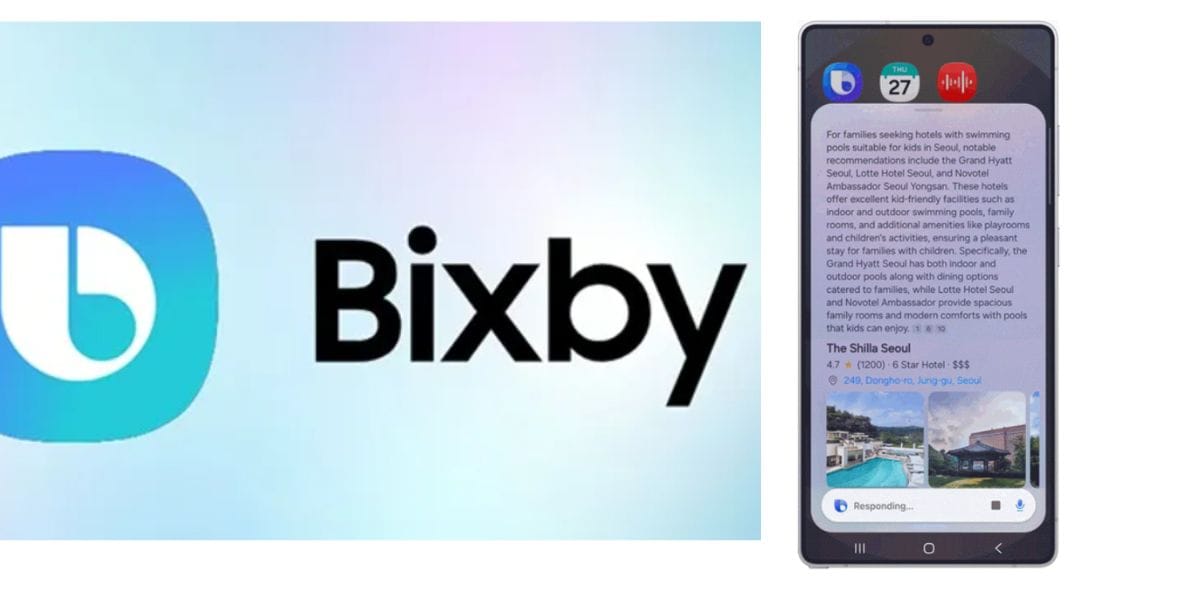
Samsung has announced a new Beta program for Bixby, a lost AI tool which now has a new life, and will be of sincere use to Samsung users. Yes, Samsung launched Vixby as an AI assistant, but people doubted its skills and capabilities, especially when Grok, Claude, OpenAI and other such models were far ahead. But the new Bixby in OneUI 8.5 is something that you should see. So, let’s reveal all the details here.
Also Read: Google Gemini Music Is Here: Create 30-Second Songs From Text Or Photos Today!
A New Bixby In OneUI 8.5 Arrives: Becomes More Conversational And Powerful
On 20 February 2026, Samsung announced the OneUI 8.5 beta program. Inside this program, Bixby, which used to be just a voice-based AI assistant, is now transformed into a conversational device agent.

The new Bixby in OneUI 8.5 understands natural language commands, allowing users to describe needs casually without memorising exact settings or phrases. For instance, saying “I don’t want the screen to time out while I’m still looking at it” automatically enables the ‘Keep Screen on While Viewing’ feature. It also offers contextual troubleshooting, such as suggesting Accidental Touch Protection for pocket-related screen issues.
Also Read: Vivo V70 Series Arrives In India At Affordable Price And Stunning Specs
A standout addition is real-time web search integration, delivering current answers directly in the Bixby interface, so now no browser redirects are needed.
New Features Of Bixby
With the new Bixby in OneUI 8.5 , you can now:
- Control your Galaxy device using natural, everyday language without exact commands or setting names.
- Say things like “I don’t want the screen to time out while I’m still looking at it” to instantly enable ‘Keep Screen on While Viewing’.
- Ask why something happens (e.g., “Why is my screen always on in my pocket?”) and get contextual fixes like turning on Accidental Touch Protection.
- Get real-time web answers directly in Bixby.
Are you still browsing through your broken screen? Don’t worry! Book at-home mobile phone screen repair with Cashify—an affordable and one-stop destination for all your mobile phone needs. In case you break your screen within 1 month of repair, we will replace your screen again—for FREE.