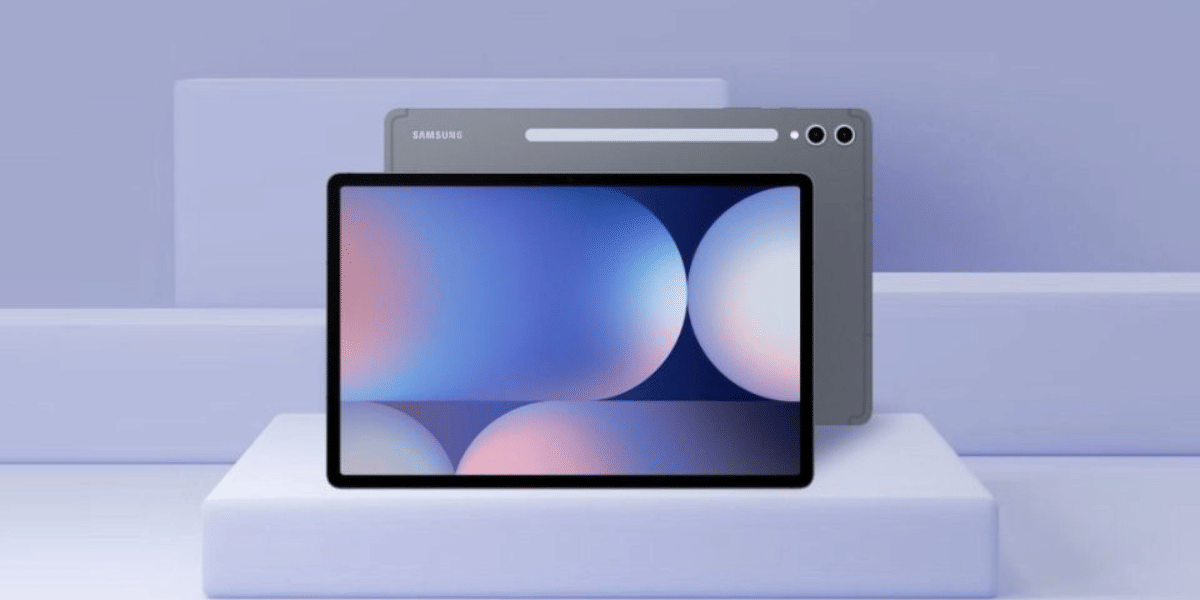
After updating to One UI 7, some Samsung Galaxy Tab users are experiencing home screen crashes and freezes. The problem appears tied to vertical grid layouts and oversized widgets. Samsung has acknowledged the issue and recommends a quick solution: clearing the data for the One UI Home app. If you are facing the same issue then read ahead to know how to fix the Galaxy Tabs home screen crash issue.
Galaxy Tabs Home Screen Crash: What’s The Issue?
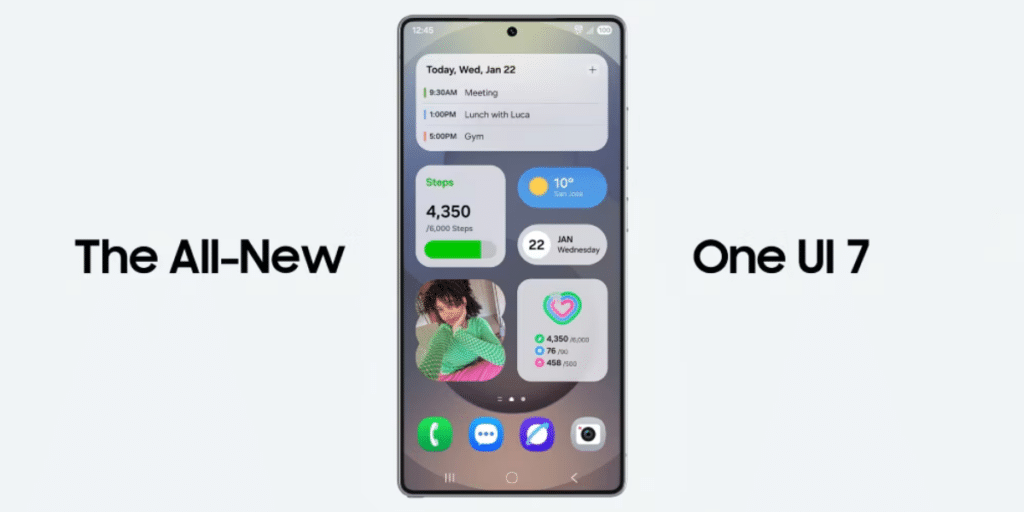
Some Galaxy Tab users—particularly those with the Samsung Galaxy Tab S9 and Samsung Galaxy Tab S8—are running into home screen freezes. This is happening after updating to One UI 7, which is based on Android 15.
Also Read: One UI 7 Battery Drain After Updating: Tips On How To Fix!
Latest reports point to a conflict between the new software and older home screen setups, especially vertical grid layouts like 5×7 combined with large widgets such as 3×7. This clash causes the One UI Home app to crash, leaving the home screen unresponsive and navigation broken.
Know How To Fix The Issue
Samsung acknowledges that the home screen crash issue affecting some Galaxy Tab users following the One UI 7 update. While a permanent fix is in the works, there’s a temporary solution that’s working for many: clearing the data for the One UI Home app.
To do it, go to: Settings > Apps > One UI Home > Storage > Delete Data.
This will reset your home screen layout and widgets, so you’ll need to set them up again. The fix takes just seconds and has already helped many users, including those with the Samsung Galaxy Tab S9 Ultra and older models. One UI 7’s enhancements—like improved Galaxy AI and smoother animations—remain unaffected after the reset.
Samsung may roll out an official patch with the May 2025 security update which will avoid the home screen crash. Until then, this quick workaround could bring your tablet’s home screen back to life.
Are you still browsing through your broken screen? Don’t worry! Book at-home mobile phone screen repair with Cashify—an affordable and one-stop destination for all your mobile phone needs. In case you break your screen within 1 month of repair, we will replace your screen again—for FREE.