

You turn up the volume on your POCO X4 Pro 5G, play a song, but still can't hear anything. You switch to a video, try playing something on YouTube, or make a call, but the speaker remains silent. It can be difficult to tell whether the issue is with the sound settings, a connected audio device, or the speaker itself. Sometimes, a few simple checks are enough to get the sound working again. Let's look at the common reasons behind no sound from POCO X4 Pro 5G and the fixes you can try before visiting a repair centre.
Also Read: What Is ‘Over Battery Temperature Error’ In Android Phone: How To Fix It?
Why Is There No Sound From POCO X4 Pro 5G?
There are several reasons behind the no sound from POCO X4 Pro 5G issue. Let's look at the most common ones:
Damaged Loudspeaker Unit
POCO X4 Pro 5G has a dual-speaker setup. A drop, impact, or regular wear can damage either speaker. This may result in low, distorted, or no sound.
Dust Build-Up Around The Speaker Grille
Dust and lint can collect around the speaker openings over time. This can block sound output and make audio muffled or difficult to hear.
Moisture Damage To The Speaker
Water or excess moisture can affect the speaker's internal components. You may notice crackling sounds or a complete loss of audio.
Loose Speaker Connector
The speaker connects to the phone's mainboard through internal connectors. A loose connection can interrupt sound output, even if the speaker itself is not damaged.
Faulty Audio Circuit On The Motherboard
The motherboard contains components that manage audio output. A fault in this circuit can stop both speakers from producing sound.
Software Issue Affecting Speaker Output
A MIUI update or temporary system glitch can affect audio playback. This may prevent sound from coming through the speakers even when there is no physical damage.
Also read: 8 Signs That Your Android Phone Motherboard Needs Repair!
How To Fix No Sound From POCO X4 Pro 5G?
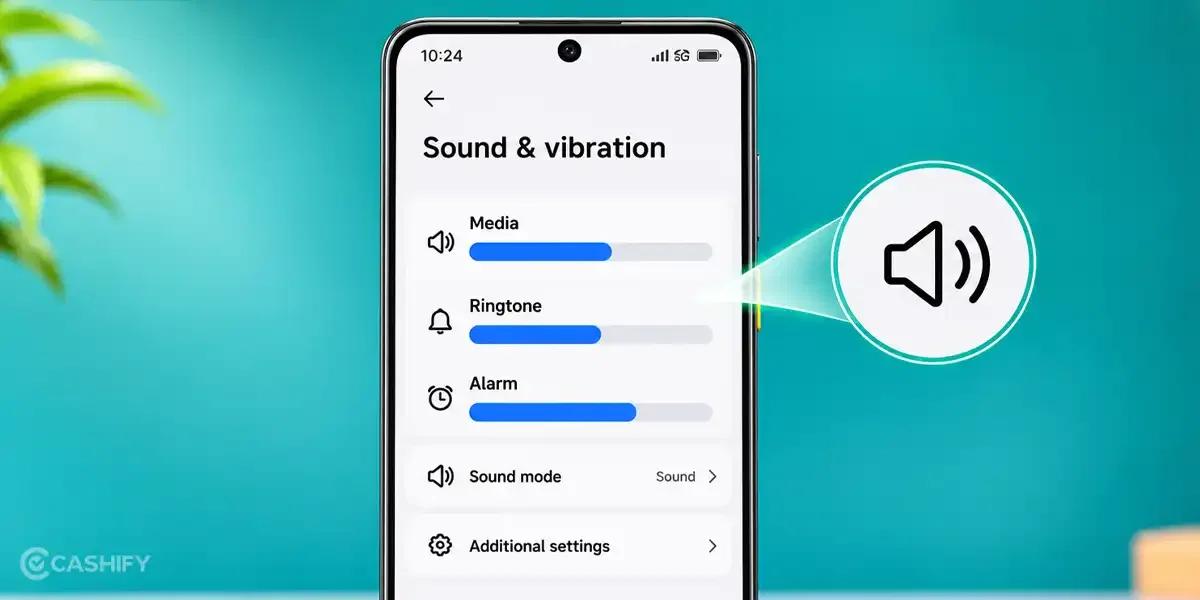
Before taking your phone for repair, try these simple fixes to resolve the no sound from POCO X4 Pro 5G issue:
Check Both Speaker Outputs
Play a song or video and listen carefully to the sound from the top and bottom speakers. Try playing audio at different volume levels. This can help you check whether one speaker is working while the other remains silent.
Turn Off Dolby Atmos
Open Settings and go to Sound and Vibration. Find Dolby Atmos and turn it off temporarily. Play a song or video again to check whether the sound returns.
Remove The Phone Case
Take off your POCO X4 Pro 5G case and play some audio. Check whether the case was covering the speaker openings. If the sound improves, consider using a case that leaves both speakers uncovered.
Clean The Speaker Grilles
Switch off your phone and gently clean the speaker openings with a soft, dry brush. Remove any visible dust or lint without pressing too hard. Avoid using water or sharp objects.
Check Sound In Different Apps
Play audio through YouTube, your music player, and another app. If sound works in some apps but not others, check the affected app's volume and audio settings.
Update Your Phone
Open Settings, go to About Phone, and check for a pending MIUI update. Install the latest available stable update and test the speakers again.
Also read: Pixel 6A Detected Water In USB Port? Get Your Best Fix Today!
Why Choose Cashify For POCO X4 Pro 5G Speaker Repair?
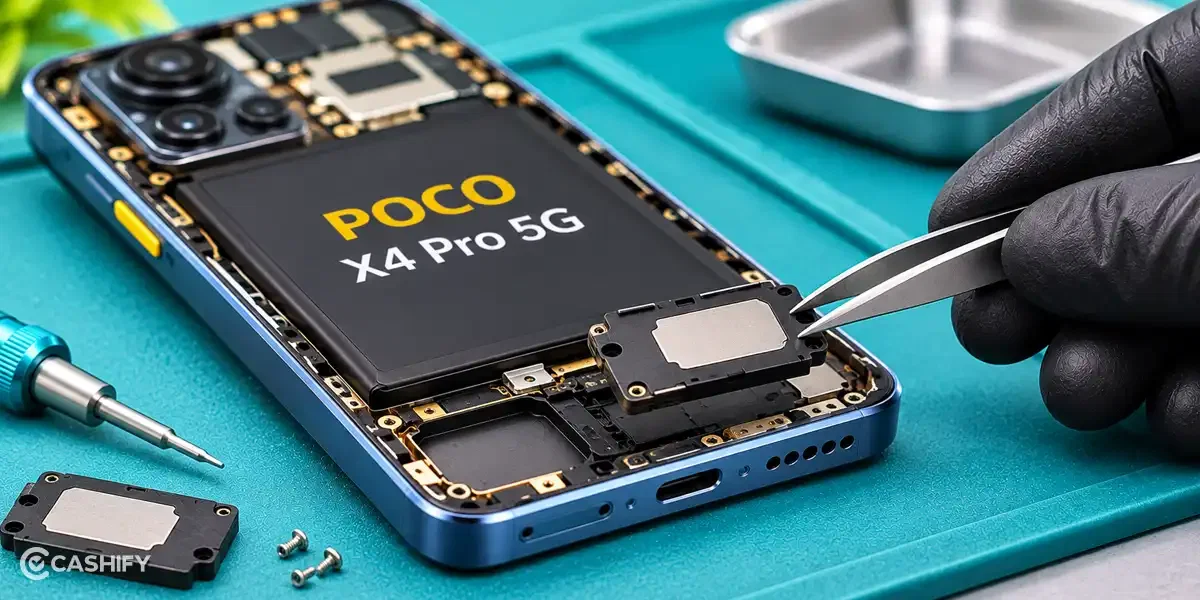
If there is no sound from POCO X4 Pro 5G after trying these fixes, you may need professional help. Choosing a reliable POCO mobile repair service is just as important as finding the right solution. Cashify offers an easy way to book your speaker repair online. Here are some benefits of choosing Cashify:
Benefits | Details |
Easy Online Booking | Book your POCO X4 Pro 5G repair through the Cashify website or app in a few simple steps. |
Doorstep Repair Service | Get your phone picked up or repaired at home, depending on the service available in your location. |
200+ Service Centres | Cashify has more than 200 service centres where you can get your POCO X4 Pro 5G speaker checked and repaired. |
High-Quality Compatible Parts | Cashify uses high-quality compatible parts for supported speaker replacement and other mobile repair services. |
Transparent Repair Charges | Check the estimated speaker repair cost before the work begins. You only pay after the phone repair is complete. |
Also read: How To Fix Vivo V11 Pro Screen Issues? Replace It Affordably!
How To Book POCO X4 Pro 5G Speaker Repair With Cashify?
Booking your mobile phone repair with Cashify is simple. Just follow these steps:
- Open the Cashify app or website.
- Go to the Phone Repair section.
- Select POCO as your phone brand.
- Choose POCO X4 Pro 5G from the list.
- Select Speaker as the repair issue.
- Enter your address and contact details.
- Choose a suitable time slot.
- Review the details and confirm your booking.
Also Read: Do You Lose Data When Replacing LCD Screen?
Frequently Asked Questions About POCO X4 Pro 5G Speaker Problems
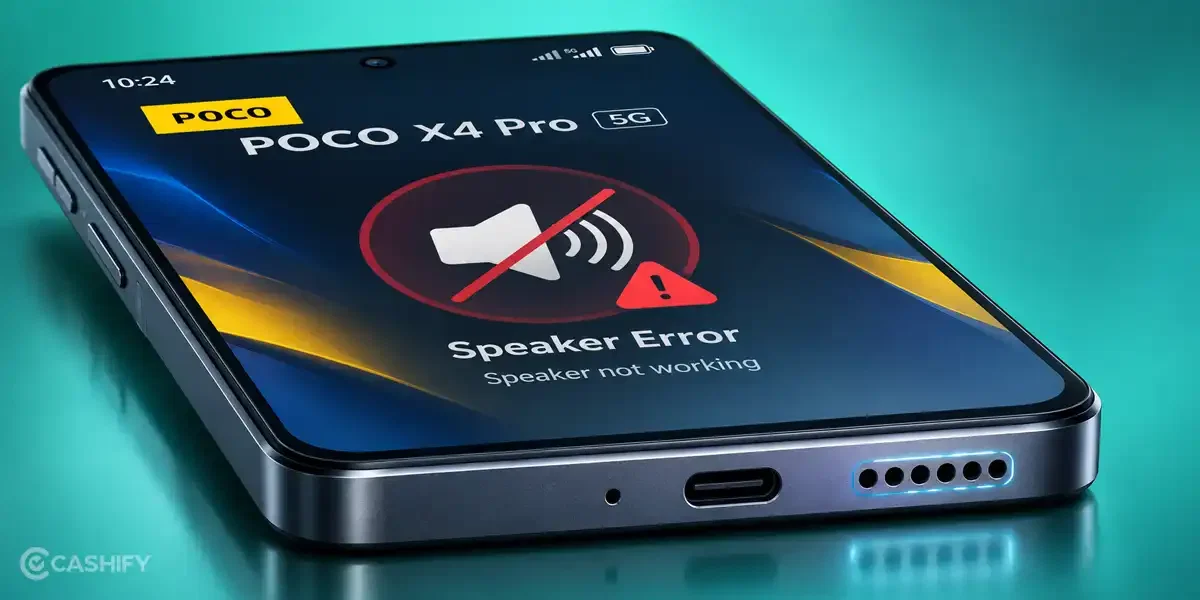
Q. Why is my POCO X4 Pro 5G speaker producing low sound?
Dust around the speaker grille, incorrect audio settings, or speaker damage can cause no sound from POCO X4 Pro 5G
Q. Can I use my POCO X4 Pro 5G without a working speaker?
Yes. You can use wired earphones or Bluetooth headphones for audio.
Q. Can water damage affect the POCO X4 Pro 5G speaker?
Yes. Moisture can damage the speaker components and cause distorted or no sound.
Q. Can a software update fix speaker issues?
Yes, if the problem is caused by a software glitch. It cannot fix physical speaker damage.
Q. When should I replace my POCO X4 Pro 5G speaker?
Consider replacement if the speaker remains silent or produces distorted sound after basic troubleshooting. A technician can confirm whether replacement is needed.
Also read: Vivo Y83 Pro Aux Jack Not Working? Repair It Fast With Cashify
Final Thoughts On No Sound From POCO X4 Pro 5G
To sum up, if you're facing the no sound from POCO X4 Pro 5G issue, try the basic fixes first. If the speaker still doesn't work, get it checked by a professional. Cashify offers online speaker repair booking, doorstep service, high-quality compatible parts, and clear repair charges.
If you still have any questions, feel free to leave a comment below. I'll be happy to help.
Use code: RPR50 to avail up to 50 percent off on a minimum spend value of Rs. 1000 (limited offer)
Are you still browsing through your broken screen? Don’t worry! Book at-home mobile phone screen repair with Cashify, an affordable and one-stop destination for all your mobile phone needs. In case you break your screen within 1 month of repair, we will replace your screen again for FREE.