A few months ago, charging your CMF by Nothing Phone 1 once a day was probably enough. Now, the battery may be running low much sooner than you expect. You haven’t started using the phone differently, yet you’re reaching for the charger more often. When that keeps happening, it’s natural to wonder what’s causing it. Let’s look at the reasons behind CMF by Nothing Phone 1 battery draining fast. We’ll also go over the repair options available if the battery problem doesn’t improve.
Also read: Vivo Y83 Pro Aux Jack Not Working? Repair It Fast With Cashify
Why Is Your CMF By Nothing Phone 1 Battery Draining Fast?
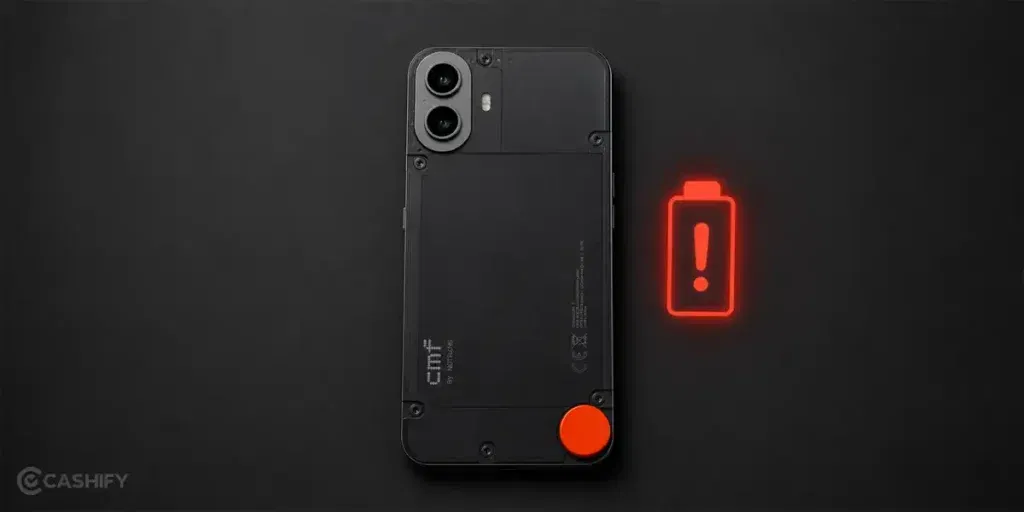
To fix the CMF by Nothing Phone 1 battery draining fast issue, you first need to know what is causing it. Here are some of the main reasons:
Apps Staying Active In The Background
Some apps continue running even after you close them. Social media, shopping, and navigation apps often do this. They keep checking for updates and notifications. Over time, that extra activity can drain the battery faster.
Weak Network Signal
A poor network connection can affect battery life. The phone keeps searching for a stronger signal in the background. This uses more power than many people expect. The problem is more common in areas with unstable coverage.
High Refresh Rate Usage
A higher refresh rate makes scrolling feel smoother. However, it also uses more battery. If it stays enabled all day, the battery may run down faster. This is often noticeable during gaming or video streaming.
Too Many Notifications
Every notification requires the phone to perform a small task. A few alerts are not a problem. But when many apps keep sending updates throughout the day, the battery can drain more quickly.
Battery Capacity Has Reduced
Phone batteries do not stay the same forever. After many charging cycles, they start holding less power. As a result, the battery percentage may drop faster than it did when the phone was new.
Recent Software Changes
Battery drain sometimes starts after a software update. The phone may spend time syncing files or updating apps in the background. This extra activity can increase battery usage for a while.
Charging Habits Over Time
Charging habits can affect battery performance. Using the phone while it is charging can create extra heat. Keeping it plugged in for long periods can also have an impact. These effects usually build up slowly over time.
Also read: 8 Signs That Your Android Phone Motherboard Needs Repair!
Things You Can Try Before Replacing The Battery
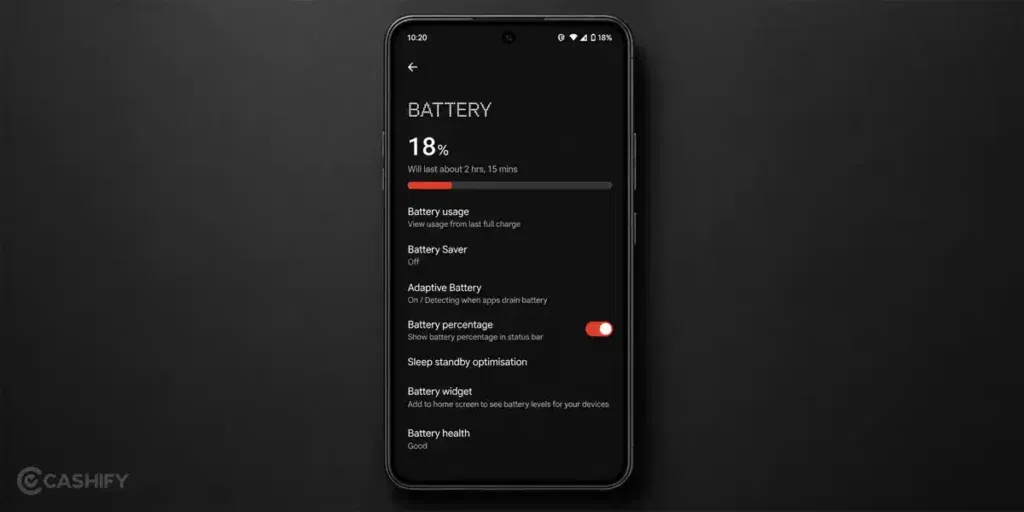
Once you know what might be causing the drain, the next step is to try a few fixes. Here are some things you can do to address the CMF by Nothing Phone 1 battery draining fast issue:
Review Battery Usage And App Activity
Open the battery section in Settings and check which apps are using the most power. If an app appears at the top of the list regularly, reduce its background activity and monitor the battery performance for the next few days.
Switch To A Lower Refresh Rate
Go to the display settings and switch to a lower refresh rate. Use the phone normally for a few days and see whether the battery lasts longer. This is one of the easiest settings to test before considering a replacement.
Turn Off Unnecessary Notifications
Review the notification settings and disable alerts from apps you rarely use. This can help reduce unnecessary activity throughout the day and improve battery performance.
Use Battery Saver Mode
Turn on Battery Saver mode and use the phone as you normally would. If you notice a clear improvement in battery life, you can keep it enabled until you find a more permanent solution.
Install Pending App And System Updates
Check for app updates in the Play Store and install any available system updates. Keeping the software up to date can help improve overall performance and battery efficiency.
Restart The Phone And Monitor Performance
Restart your CMF By Nothing Phone 1 and continue using it normally. Then keep an eye on the battery for the next day or two. This can help you check whether the battery drain has improved after making the changes above.
Also read: How Do I Check My Android Hardware Health?
How To Book A CMF By Nothing Phone 1 Battery Replacement With Cashify?
Have you tried all the fixes? Is the CMF by Nothing Phone 1 battery draining fast issue still not solved? If yes, the battery may need a proper check or replacement.
When the issue keeps coming back even after basic troubleshooting, it is better to get the phone checked by a professional. This helps in finding the real cause and confirms whether the battery needs replacement or not.
Instead of visiting local repair shops, Cashify makes the phone repair process easy. You can book a repair service from home in just a few steps.
Follow these steps to book a CMF by Nothing Phone 1 battery replacement:
- Open the Cashify app or website
- Go to Phone Repair
- Select Nothing
- Choose CMF by Nothing Phone 1
- Select Battery
- Enter your address details
- Pick a convenient time slot
- Confirm your booking
After booking, a technician comes to your home. The phone is checked first. If the battery needs replacement, the mobile phone repair is done at your doorstep.
Also read: How To Fix Vivo V11 Pro Screen Issues? Replace It Affordably!
Why Choose Cashify For Phone Repair?
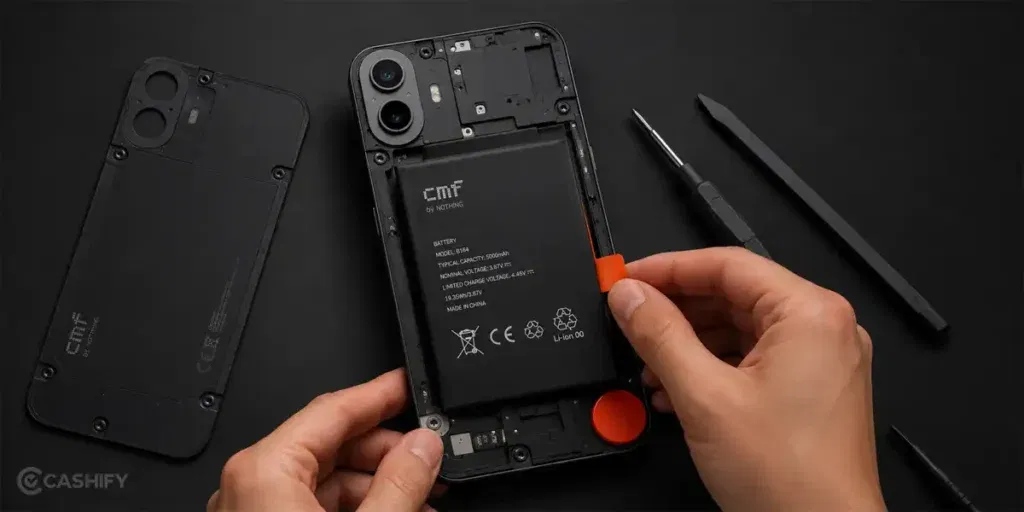
Easy booking is just one part of the service. Here are some other useful benefits you get with Nothing mobile repair:
| What You Get | Why It Matters |
| Home Repair Service | Your phone is checked and repaired at your home, so you don’t need to visit any repair shop. |
| Service Centres Across India | If you prefer visiting a store, you can go to any of the 200+ Cashify service centres available across India. |
| Full Device Check Before Repair | The technician first checks the phone properly to find the exact issue before starting the repair. |
| High Quality Compatible Parts Used | If any part needs replacement, high quality compatible parts are used to keep the phone working smoothly. |
| Cost Shared in Advance | You get the repair cost before the work starts, so you know what you will pay. You only pay after the repair is done. |
| Warranty Support | Every battery replacement comes with a 3-month warranty*. If any issue comes up during this period, you can contact support for help. |
(*Repair warranties are subject to discretion based on Cashify’s terms and conditions. Please refer to our warranty policy for detailed information.)
Also read: Pixel 6A Detected Water In USB Port? Get Your Best Fix Today!
Final Thoughts
To sum up, if your CMF by Nothing Phone 1 battery is draining fast, basic fixes can help in some cases, but they don’t always solve the issue.
When the problem continues, it usually points to a battery that needs proper attention. In such cases, a professional check is the right step.
Cashify makes the process simple with doorstep mobile repair service, trained technicians, clear pricing, and easy online booking.
If you still have any questions, feel free to leave a comment below. I’ll be happy to help.
Use code: TECH25 to avail a discount of up to Rs. 300 (on the minimum order value of Rs. 2499).
Use code: RPR50 to avail up to 50 per cent off on a minimum spend value of Rs. 1000 (limited offer).
Are you still browsing through your broken screen? Don’t worry! Book at-home mobile phone screen repair with Cashify, an affordable and one-stop destination for all your mobile phone needs. In case you break your screen within 1 month of repair, we will replace your screen again for FREE.