You switch to the front camera on your iPhone XS Max, but something does not seem right. The camera may look blurry, stop responding, or fail to work properly when you need it. If you are facing a similar problem, it could mean there is an issue with the front camera. In some cases, the fix is simple and does not require replacing the phone. If the problem continues, a professional repair may be the better option. Let’s look at how to fix Apple iPhone XS Max front camera and get it working properly again.
Also Read: Do You Lose Data When Replacing LCD Screen?
Why Your Apple iPhone XS Max Front Camera Is Not Working Properly?
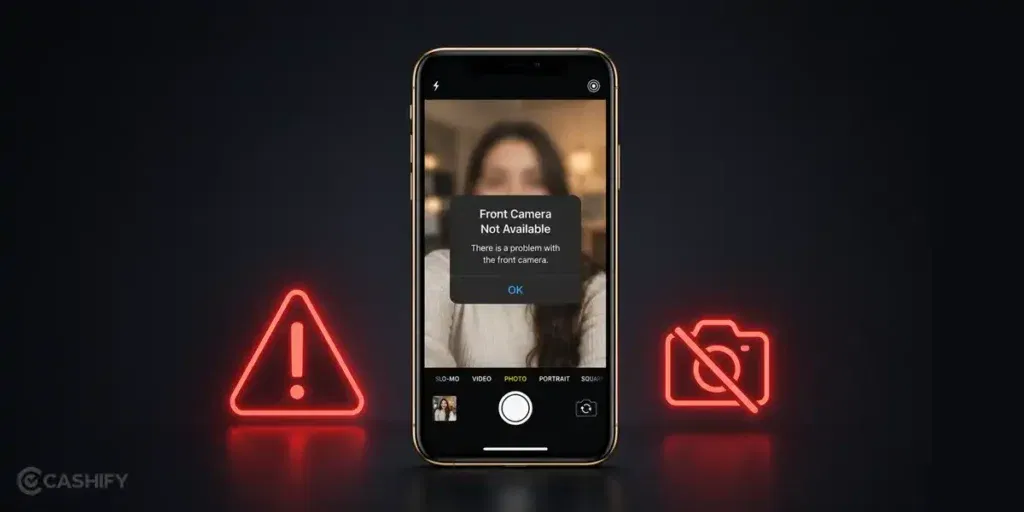
To fix Apple iPhone XS Max front camera issues, it is important to first understand what may be affecting it. Some possible reasons are:
Dirt Or Smudges On The Front Camera
The front camera is exposed every time you use the phone. Fingerprints, dust, and other particles can collect around the camera area and affect image quality. In some cases, photos may appear blurry even though the camera itself is working normally.
Camera App Issues
If the camera app is not functioning properly, the front camera may freeze, show a black screen, or fail to open. Temporary software issues can sometimes make it seem like there is a hardware problem when the camera is actually fine.
A Recent Drop Or Impact
A drop can affect the front camera even when there is no visible damage on the outside. Internal components may shift or become damaged, leading to camera problems that appear later.
Moisture Around Internal Components
Water exposure is not always obvious. Even a small amount of moisture reaching internal parts can affect camera performance. The front camera may become blurry, stop focusing properly, or stop working altogether.
A Faulty Front Camera Module
If the camera continues to have problems after basic troubleshooting, the front camera module itself may be damaged. In such cases, repairing or replacing the camera is usually the most effective solution.
Also read: 8 Signs That Your Android Phone Motherboard Needs Repair!
Simple Ways To Fix Apple iPhone XS Max Front Camera At Home
Before considering a mobile phone repair, try these few simple steps to fix Apple iPhone XS Max front camera issues:
Clean The Front Camera Area
Wipe the front camera area gently with a clean microfiber cloth. Once you are done, open the camera and check whether the image looks clearer than before.
Force Close And Reopen The Camera App
Close the camera app completely and wait a few seconds before opening it again. After reopening the app, switch to the front camera and check whether it is working normally.
Check For Pending iOS Updates
Go to Settings and check whether a software update is available. If there is one, install it and test the front camera again after the update is complete.
Test The Camera In Different Apps
Try using the front camera in FaceTime, WhatsApp, Instagram, or another app. This can help you determine whether the problem is limited to one app or affects the camera across the phone.
Restart Your iPhone XS Max
Turn the phone off and switch it back on after a few seconds. Once the device restarts, open the front camera and see whether the issue is still there.
Remove The Screen Protector For A Quick Check
If you are using a screen protector, remove it temporarily and test the camera again. This quick check can help rule out anything blocking the camera area.
Also read: Vivo Y83 Pro Aux Jack Not Working? Repair It Fast With Cashify
How To Book An Apple iPhone XS Max Front Camera Repair With Cashify?
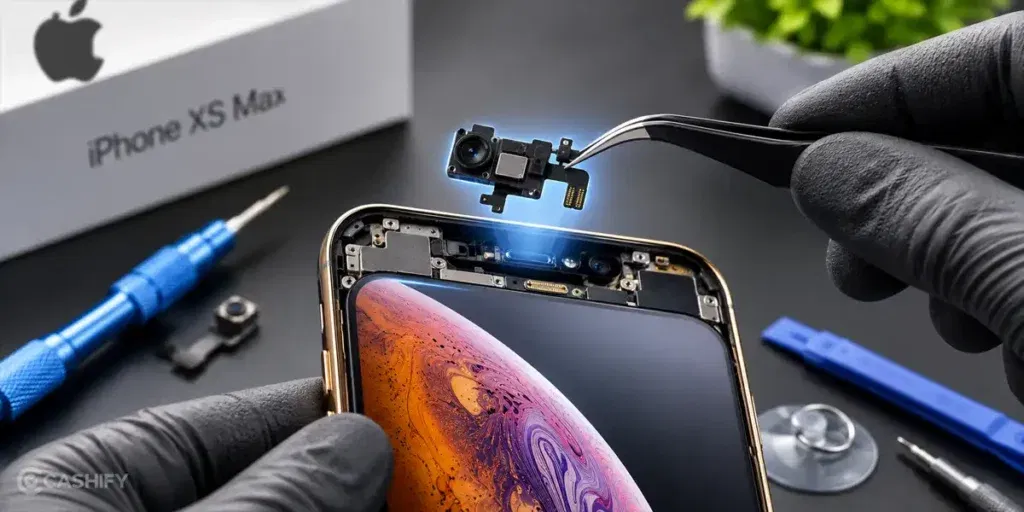
If the front camera on your Apple iPhone XS Max is still not working after basic checks, it usually means the issue is not something that can be solved at home.
At this point, many users stop trying random fixes and go for a proper inspection. It helps avoid guesswork and shows whether the camera needs repair or replacement.
Cashify makes this step easier by letting you book the Apple mobile repair without visiting a store.
To book a front camera repair, follow these simple steps:
- Open the Cashify app or website
- Go to Phone Repair
- Select Apple
- Choose iPhone XS Max
- Select Front Camera as the issue
- Enter your address details
- Pick a time slot
- Confirm the booking
After this, a technician visits your location. The phone is checked on-site and the required repair is completed if needed.
Also read: Pixel 6A Detected Water In USB Port? Get Your Best Fix Today!
Why Choose Cashify For Phone Repair?
Along with simple booking, Apple iPhone XS Max front camera repair with Cashify comes with a few useful advantages:
Issue Is Checked Before Any Work Starts
The technician first inspects the phone to understand the exact problem. Repair only begins after the real issue is identified.
Know The Cost Before You Confirm
The phone repair price is shared only after the issue is diagnosed. You decide whether to proceed, and payment is made after the work is completed.
Reliable Parts Used When Replacement Is Needed
If the front camera needs replacement, tested and compatible parts are used to keep the phone working properly.
Repair Done At Your Home For Added Convenience
A technician can visit your home and complete the mobile repair. This removes the need to visit a service centre.
Option To Visit A Service Centre If Preferred
You can also choose to walk into a nearby Cashify service centre if you do not want doorstep service.
Also Read: How Can Cashify Smart Repair Service Enhance Your Mobile Repair Experience?
Final Thoughts
Your iPhone XS Max does not always need to be replaced when something stops working as expected. Sometimes, a few basic checks are all it takes to fix Apple iPhone XS Max front camera issues. If the problem continues, getting the camera repaired can be a more practical option than replacing the entire phone.
Cashify can help with Apple iPhone repair through trained technicians, doorstep service, transparent pricing, and high-quality compatible parts.
If you still have any questions, feel free to leave a comment below.
Use code: TECH25 to avail a discount of up to Rs. 300 (on the minimum order value of Rs. 2499).
Use code: RPR50 to avail up to 50 per cent off on a minimum spend value of Rs. 1000 (limited offer).
Are you still browsing through your broken screen? Don’t worry! Book at-home mobile phone screen repair with Cashify, an affordable and one-stop destination for all your mobile phone needs. In case you break your screen within 1 month of repair, we will replace your screen again for FREE.