If your Galaxy S20 FE is losing battery quickly, shutting down unexpectedly, or barely lasting through the day, you may be wondering what to do with it. You can sell Galaxy S20 FE with battery drain instead of spending more money trying to fix an older phone. The key is to be transparent about the battery problem and choose a platform that lets you disclose the device’s condition before completing the sale. Cashify can be one option to check your phone’s resale value and sell it through a doorstep process.
Also Read: OnePlus Phone Green Line Issue? Here’s How To Sell It Without A Big Loss
Why Does Your Galaxy S20 FE Have Battery Drain?
Before you sell Galaxy S20 FE with battery drain, it helps to understand what may be causing the problem. Battery drain does not always mean that the battery itself has failed.
Several things can affect your phone’s battery life:
- An ageing battery may hold less charge than it did when new.
- Apps running in the background can consume power.
- High screen brightness can increase battery usage.
- Poor network reception can make the phone work harder to maintain a connection.
- Location, Bluetooth, mobile data, and other features can also contribute to battery consumption.
- Software issues can sometimes cause unusually high battery usage.
You can check which apps are consuming the most power by going to your phone’s battery settings. If one app is using an unusually large amount of power, removing or restricting it may improve battery life.
However, if the phone is several years old and the battery has noticeably deteriorated, replacing it may be the more practical solution.
Should You Repair The Battery Before Selling?
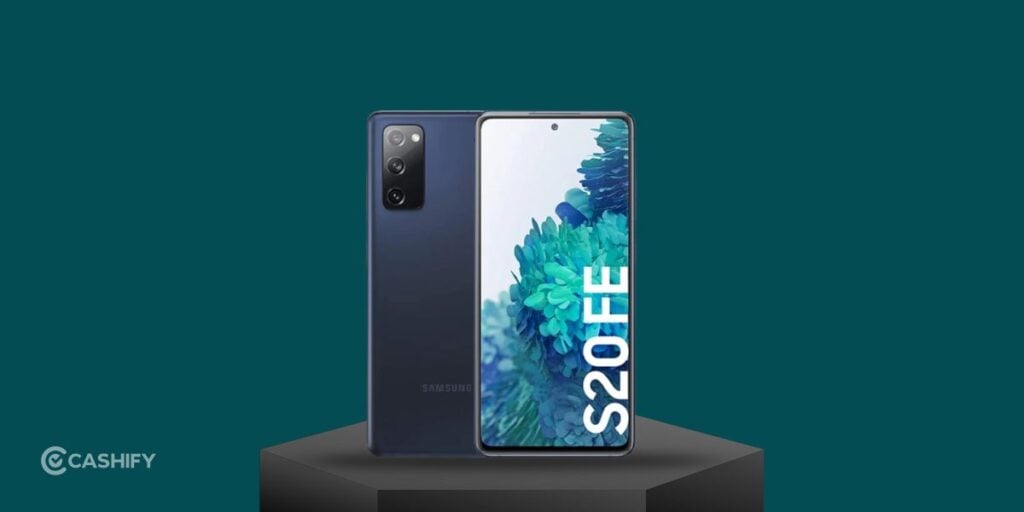
When you sell Galaxy S20 FE with battery drain, you may first consider replacing the battery to get a better resale price.
Whether that makes financial sense depends on the repair cost and the phone’s current market value.
If the battery is the only issue and the rest of the phone is in good condition, a battery replacement could make the device more usable. But you should compare the repair cost with the amount you are likely to receive after selling it.
There is another factor to consider: a battery replacement does not necessarily increase the resale value by the full amount you spend on the repair.
For example, if you spend several thousand rupees repairing an older phone and its resale value increases by only a smaller amount, repairing it purely for resale may not make financial sense.
You can instead check the estimated resale value in its current condition and compare it with the potential repair cost.
Check Your Galaxy S20 FE Before Selling
Before you sell Galaxy S20 FE with battery drain, take a few minutes to check the phone’s overall condition.
Battery life is only one part of the device’s resale value. Other components can affect the final price as well.
Check the following:
- Display: Look for cracks, lines, dead pixels, or touch issues.
- Back panel: Check for cracks or major damage.
- Cameras: Test both front and rear cameras.
- Speakers: Play audio and check whether the speakers work properly.
- Microphone: Make a test recording or call.
- Charging port: Check whether the phone charges normally.
- Buttons: Test the power and volume buttons.
- Fingerprint sensor: Make sure it responds correctly.
- Connectivity: Check Wi-Fi, Bluetooth, mobile data, and calls.
- Battery: Note how quickly the battery percentage drops.
Being aware of these issues helps you provide accurate information when getting a resale quote.
Also Read: Moto Edge Vs Moto G Series Resale Value: Which Pays More?
Back Up Your Data Before Selling
This is one step you should not skip.
Your Galaxy S20 FE may contain photos, videos, contacts, messages, documents, WhatsApp data, banking apps, and other personal information. Before you sell Galaxy S20 FE with battery drain, back up anything you want to keep.
You can transfer important files to another phone, computer, or cloud storage.
Also check whether your contacts and photos have already been synced to your Google account or another backup service.
Once your data is safely backed up, remove your accounts from the phone and perform a factory reset before handing it over.
Do not simply delete individual photos or apps and assume your information is gone. A proper factory reset is the safer approach when you’re giving the device to someone else.
How To Sell Galaxy S20 FE With Battery Drain On Cashify

If you want to sell Galaxy S20 FE with battery drain, you can check its value on Cashify.
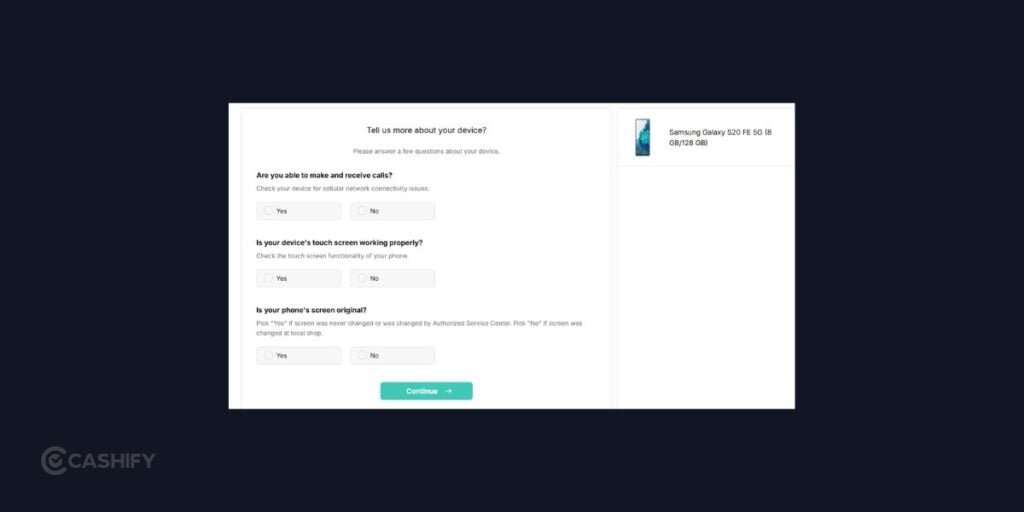
The process is designed to let you select your phone model, answer questions about its condition, and get an estimated price.
The battery issue is important here. When entering the phone’s condition, make sure you provide accurate information instead of selecting a condition that does not match the device.
- Visit the official website of Cashify or you can use the Cashify app.
- Go to the Sell Old Phone section.
- Choose your phone brand and model. In this case, go to the Sell Old Samsung Galaxy S20 FE.
- Choose the appropriate storage variant.
- Answer questions about the phone’s physical and functional condition.
- Mention relevant issues affecting the device.
- Check the estimated resale value.
- Schedule a doorstep pickup if the offered value works for you.
- Let the device go through the required inspection.
- Complete the sale and receive payment according to the applicable process.
The final value can depend on the phone’s condition and inspection. So, the amount shown initially should be treated as an estimated value until the device is assessed.
Be Honest About The Battery Problem
When you sell Galaxy S20 FE with battery drain, don’t hide the problem just to try to get a higher quote.
If your phone drops from 100% to a much lower percentage within a few hours, mention it. If it switches off despite showing some battery remaining, mention that too.
The same applies if the phone becomes unusually warm during normal use or takes longer than expected to charge.
Being transparent makes the inspection process easier and reduces the chances of a difference between the initial estimate and the final value.
It is also useful to mention other problems if they exist. A cracked display, damaged back panel, faulty camera, charging issue, or broken button can affect the phone’s condition.
Also Read: Selling Your Phone Without An Invoice: How Much Do You Lose?
What If Your Galaxy S20 FE Has Other Problems?
Battery drain may not be the only issue with an older Galaxy S20 FE.
You could also have a phone with a cracked screen, scratches, charging problems, camera issues, or a damaged back panel.
You can still check the resale value, but make sure you disclose all relevant problems.
If the phone has multiple issues, the final valuation may be different from that of a device with only battery drain.
The same applies if your phone has previously been repaired. If you know that a component has been replaced or the device has undergone a major repair, provide accurate information wherever the selling process asks for it.
Things To Do Before Handing Over Your Phone
Once you decide to sell Galaxy S20 FE with battery drain, complete these steps before the phone leaves your hands:
Back up your data: Save your photos, videos, contacts, documents, and other important files.
Remove your accounts: Sign out of your Google and Samsung accounts.
Remove the SIM card: Take out your physical SIM before handing over the phone.
Remove the memory card: If you use a microSD card, remove it and keep it.
Factory reset the phone: Erase your personal data from the device.
Clean the phone: Wipe the display and body so it is ready for inspection.
Check your accessories: Keep your original box and accessories if you still have them.
These steps take only a few minutes but can prevent problems later.
Final Thoughts
If your Galaxy S20 FE has started suffering from serious battery drain, you don’t necessarily have to keep spending money on it. You can sell Galaxy S20 FE with battery drain after checking whether repairing the phone makes financial sense.
Cashify gives you a way to check the phone’s resale value and schedule a doorstep selling process. Make sure you select the correct model and storage variant, disclose the battery problem and mention any other issues.
Before completing the sale, back up your data, remove your accounts, take out your SIM and memory card, and factory reset the phone. This gives you a cleaner and safer way to move on from an ageing device while getting value from the phone you already own.
Also Read: Factory Reset Vs Secure Wipe: Best Way To Prepare Your Phone For Resale
Buying refurbished mobile phones was never this easy. Sell your old phone and get exclusive offers & discounts on refurbished mobiles. Every refurbished phone is put through 32-point quality checks to ensure like-new standards and comes with a six-month warranty and 15-day refund. Buy refurbished phone easily on no-cost EMI today!