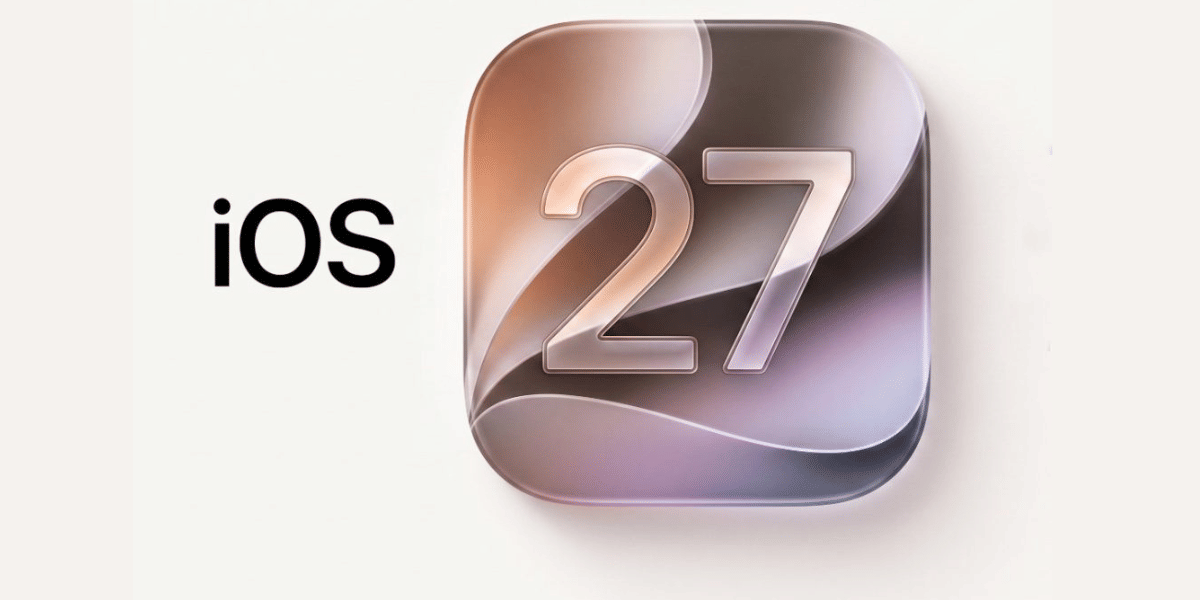
Apple's latest iOS 27 beta has reportedly offered a major clue about its upcoming iPhone lineup. The iOS 27 code reveal comes from the fifth developer beta, where hidden references in system files appear to identify six future iPhone models. While the code does not confirm detailed specifications, it gives a stronger indication of Apple's upcoming product roadmap.
The references were reportedly found in files linked to battery drivers and Apple's Battery Intelligence features. The discovery includes several models that have already appeared in earlier leaks.
iOS 27 Code Reveal Lists Six iPhones
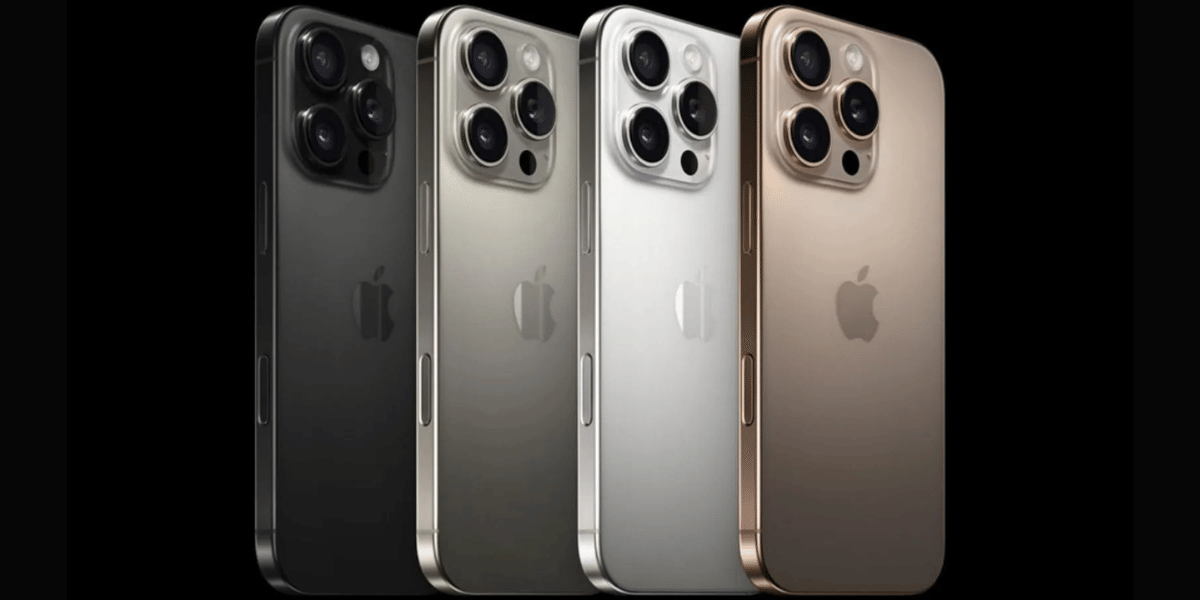
The iOS 27 beta 5 code reportedly mentions these upcoming devices:
- Apple iPhone Air 2, codenamed V62
- Apple iPhone 18 Pro, codenamed V63
- Apple iPhone 18 Pro Max, codenamed V64
- Apple iPhone 18, codenamed V67
- Apple iPhone Ultra, codenamed V68
- Apple iPhone 18e, codenamed V69
The code does not reveal the processors, cameras, battery capacities or display specifications of these phones. However, the appearance of the model references in Apple's own software makes the information more significant than a typical leak.
Also Read: iOS 27 Beta 5 Launch Soon With New Camera Tools & Design Changes
Earlier iOS 27 beta versions have also reportedly pointed to support for foldable displays and multiple batteries. These features are believed to be connected to the upcoming iPhone Ultra.
Apple is expected to launch the iPhone 18 Pro, iPhone 18 Pro Max and iPhone Ultra in September. The standard iPhone 18, iPhone 18e and iPhone Air 2 are reportedly expected to arrive in early 2027.
Old iOS 26 vs New iOS 27: What Changes?
Feature | iOS 26 | iOS 27 Beta |
|---|---|---|
Upcoming iPhone references | Limited | Six new models reportedly identified |
Battery Intelligence | Existing features | New references found in system code |
Foldable display clues | No confirmed support | Beta code reportedly points to foldable support |
Multiple battery support | Not confirmed | Reportedly found in earlier beta code |
Future iPhone roadmap | Mostly based on leaks | Software code adds stronger clues |
For users, these changes do not mean the six phones are available yet. The beta mainly provides clues about Apple's future hardware plans.
How to Update Your iPhone To iOS 27
If your iPhone is eligible for the new software, follow these steps:
- Open Settings on your iPhone.
- Tap General.
- Select Software Update.
- Check for the available iOS update.
- Tap Download and Install.
- Enter your passcode if requested and let the iPhone complete the installation.
Users should back up important data before installing beta software. Developer and beta versions can contain bugs, so they are better suited to testing devices than primary phones.
The iOS 27 code reveal is still not an official confirmation of every specification or launch detail. Apple is expected to share the final information closer to the launch events.
Also See: Today’s Top News Stories
Are you still browsing through your broken screen? Don’t worry! Book at-home mobile phone screen repair with Cashify—an affordable and one-stop destination for all your mobile phone needs. In case you break your screen within 1 month of repair, we will replace your screen again—for FREE.