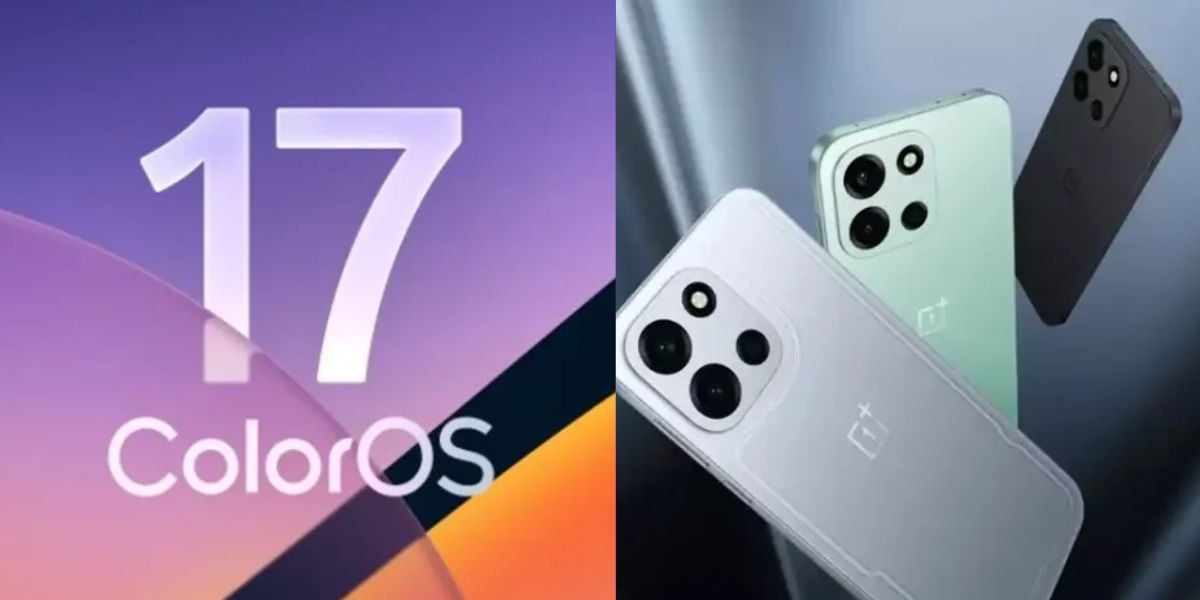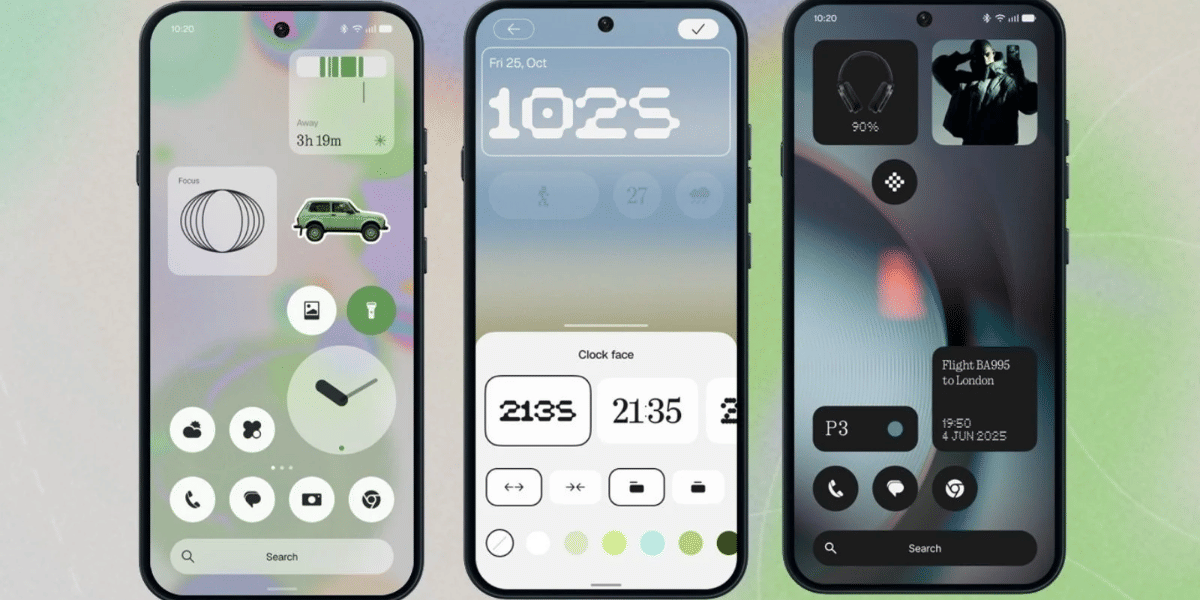
Nothing has started rolling out the stable Nothing OS 5.0 update for its Nothing Phone (2a) and Nothing Phone (2a) Plus smartphones. Based on Android 17, the latest software brings several new features, design improvements, camera enhancements, and better customisation options. The update follows the open beta release that arrived a few weeks ago.
The Nothing OS 5.0 stable rollout is currently happening in batches, so not every user will receive the update immediately. Interestingly, this is also the last major Android OS upgrade for the Phone (2a) series, which launched in 2024. The new version brings significant changes to the user experience, including redesigned notification panels, new widgets, lock screen customisation, and improved Glyph features.
Nothing OS 5.0 Stable Rollout: New Features And Improvements
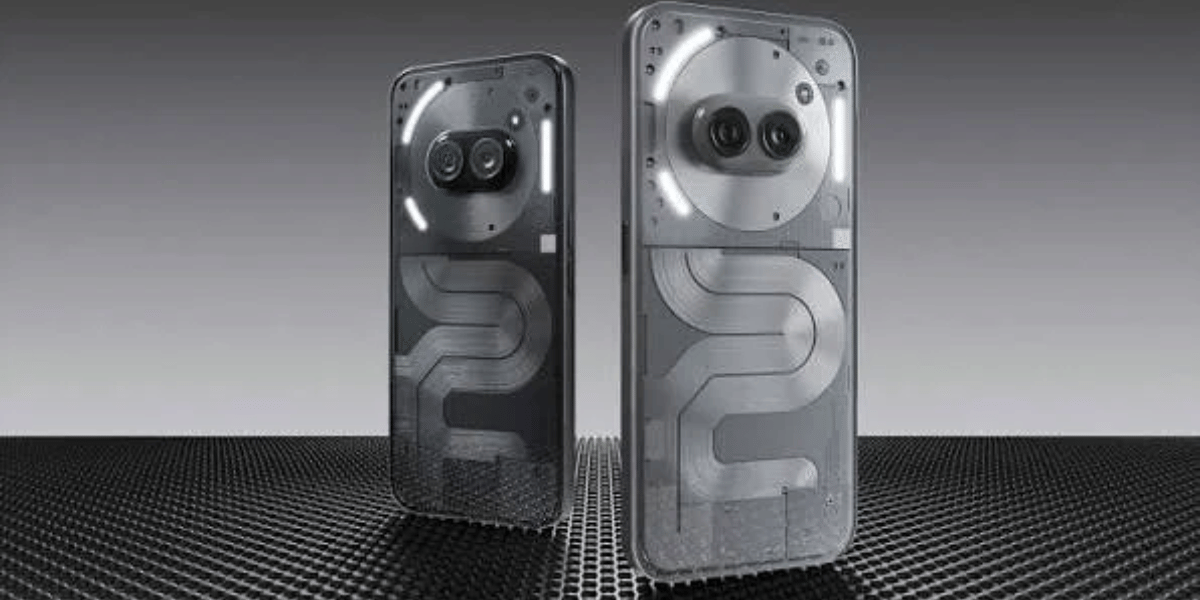
According to reports shared by users on X, the stable update comes with different download sizes depending on whether users previously installed the beta version.
- Beta users: 361MB
- Non-beta users: 3.15GB
Here are the major features included in the update:
- New Glyph App: Offers an improved interactive experience.
- Lock Screen Customisation: Adds new clock colours and two clock styles.
- New Widgets: Introduces Collector, Away Time, and Glyph Timer widgets.
- Separate Panels: Quick Settings and Notifications now have separate panels.
- Camera Improvements: Adds seven adjustable tuning effects, improved filters, and H.265 video recording.
Also Read: Nothing OS 5.0 Update Roadmap: List Of Phones And Specs
- Lucent Theme: Brings translucent widgets and a fresh launcher appearance.
- 3D Emojis: Adds Nothing 3D Emoji support in Gboard.
- Dark Theme: Expands dark mode options and HDR brightness customisation.
The update also improves camera zoom, QR scanning, Google Lens, Motion Photos, Bluetooth controls, and Live Updates. Users will also notice performance improvements and updated security fixes.
How To Download Nothing OS 5.0 Stable Update
The Nothing OS 5.0 stable rollout is being released in batches. Users will receive a notification when the software becomes available for their smartphones.
To check for the update manually, follow these steps:
- Open Settings on your smartphone.
- Select the System section.
- Tap Nothing OS.
- Allow the phone to check for available updates.
- Select Download and Install if the update appears.
The smartphone will restart automatically after completing the installation.
Comparison Between NothingOS 5 And NothingOS 4
Features | Nothing OS 4.1 | Nothing OS 5.0 |
|---|---|---|
Android Version | Android 16 | Android 17 |
Interface | Refined minimalist UI | Refreshed Lucent theme |
Lock Screen | Basic clock customisation | New clock faces and colours |
Widgets | Standard widgets | Collector, Away Time, Glyph Timer |
Quick Settings | Combined panels | Separate Quick Settings and Notifications |
Glyph Interface | Existing Glyph controls | Dedicated Glyph app |
Camera | Improved presets | 7 tuning effects, H.265 video |
Dark Mode | Standard dark theme | Expanded dark theme |
Privacy | Standard indicators | Improved privacy indicators |
Performance | Stability improvements | Better memory management and responsiveness |
Home Screen | Individual app arrangement | Bulk app and widget arrangement |
Since this is a major software upgrade, users should back up their important data and ensure sufficient battery before installing it. Those who have not received the update can wait for the next rollout batch.
More News To Read
Are you still browsing through your broken screen? Don’t worry! Book at-home mobile phone screen repair with Cashify—an affordable and one-stop destination for all your mobile phone needs. In case you break your screen within 1 month of repair, we will replace your screen again—for FREE.