Xiaomi Pad 8 Price in India and Variants
The Xiaomi Pad 8 comes in different price points based on its features. The model with 8GB RAM and 128GB storage costs ₹33,999. The one with 12GB RAM and 256GB storage costs ₹36,999 and has a shiny screen. There is a special version called the Nano Texture display, available only with 12GB RAM and 256GB storage, and it costs ₹38,999.
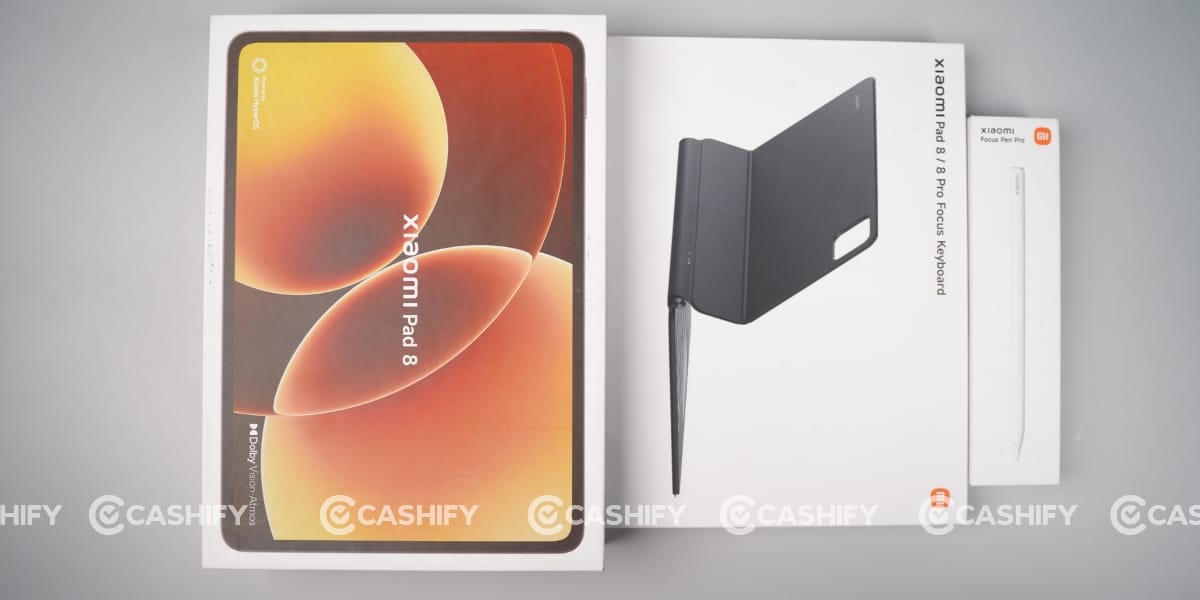
Xiaomi also offers a “Creator’s Edition” that comes with a special pen, the Xiaomi Focus Pen Pro. This version is priced at ₹41,999 for the shiny screen and ₹43,999 for the Nano Texture version.
Also Read: OnePlus Nord 6 Review: Flagship Feel Without Flagship Price
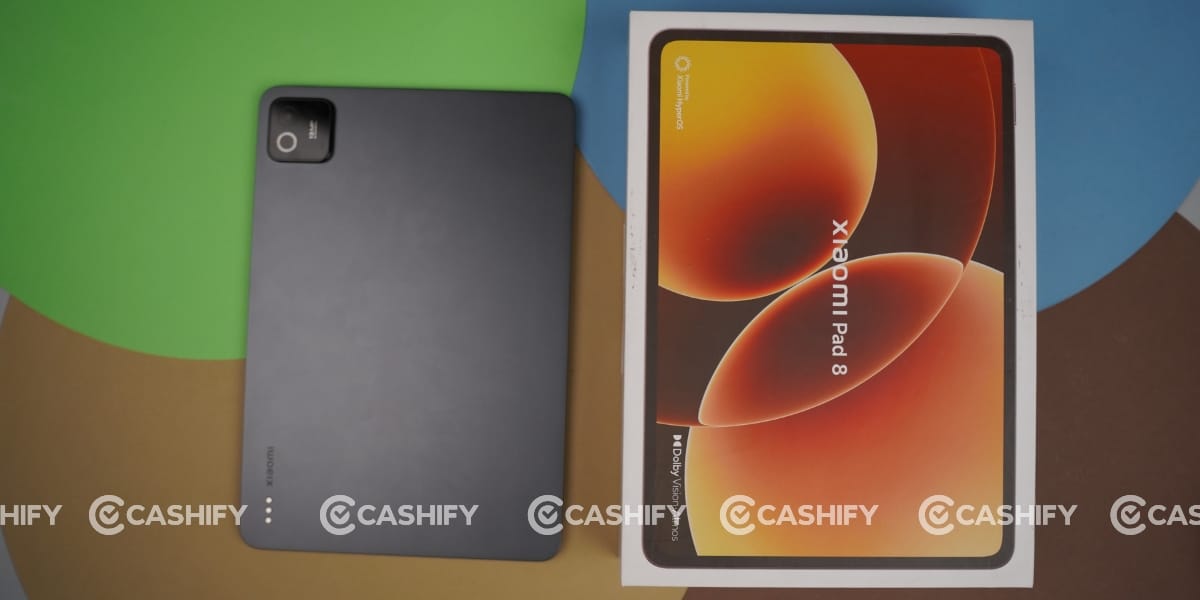
Xiaomi Pad 8 Box Contents
The Xiaomi Pad 8 packs the following items inside the box:
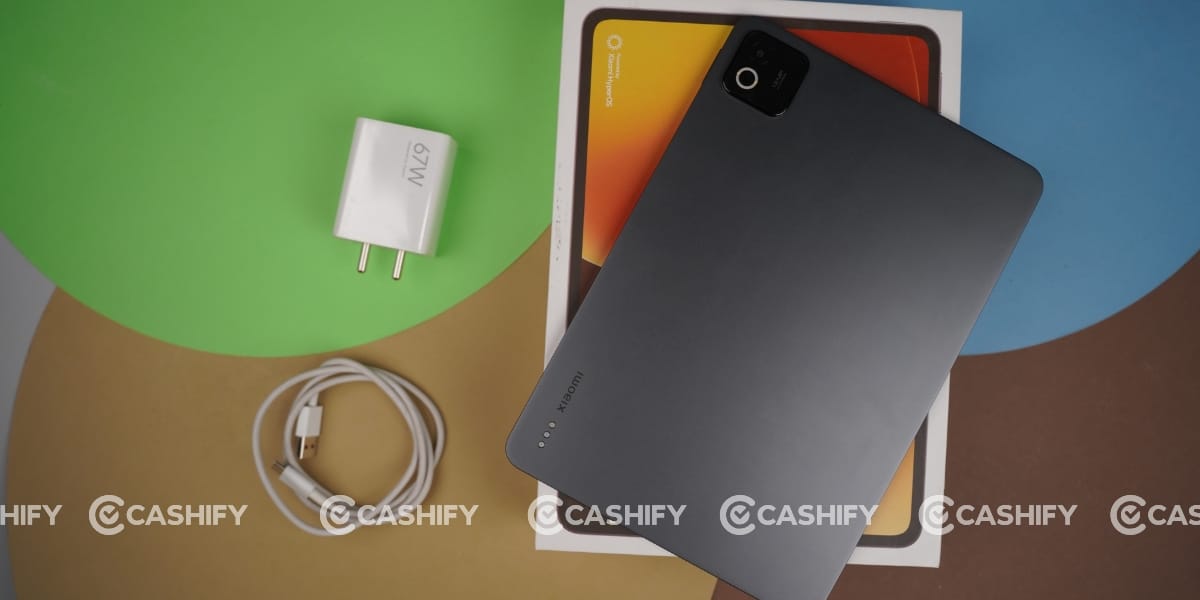
- Tablet
- 67W Charger
- Type C cable
- Documentation
Xiaomi Pad 8 Specs at a glance
Before we talk in detail about the Xiaomi Pad 8, let’s see what the on-paper specs look like
- Display: 11.2 inches IPS LCD screen
- Chipset: Qualcomm SM8735 Snapdragon 8s Gen 4 (4 nm)
- RAM & ROM: 128GB 8GB RAM, 256GB 8GB RAM, 256GB 12GB RAM
- Software: Android 16 HyperOS 3
- Rear camera: 13MP
- Selfie camera: 8MP
- Battery: 9200mA
- Weight: 485 grams
- Dimensions: 251.2 x 173.4 x 5.8 mm
Xiaomi Pad 8 Design and Build
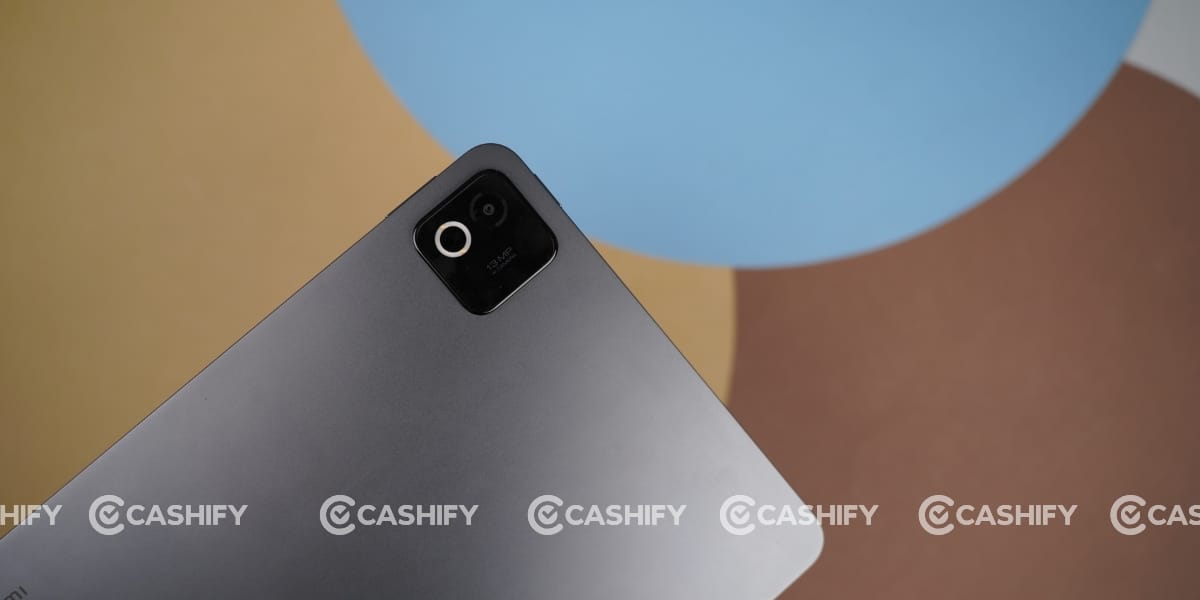
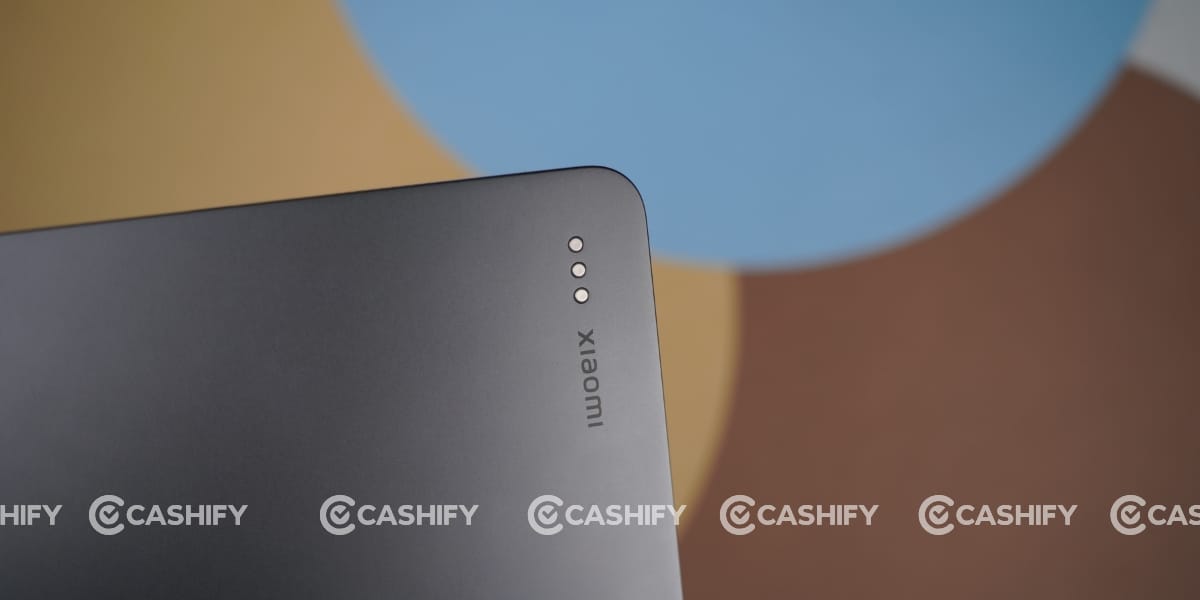
During the Xiaomi Pad 8 review,At first glance, I was impressed by its slim design, with a body just 5.8mm thick. The camera bump is also placed perfectly and does not protrude much from the body, making the back much flatter.
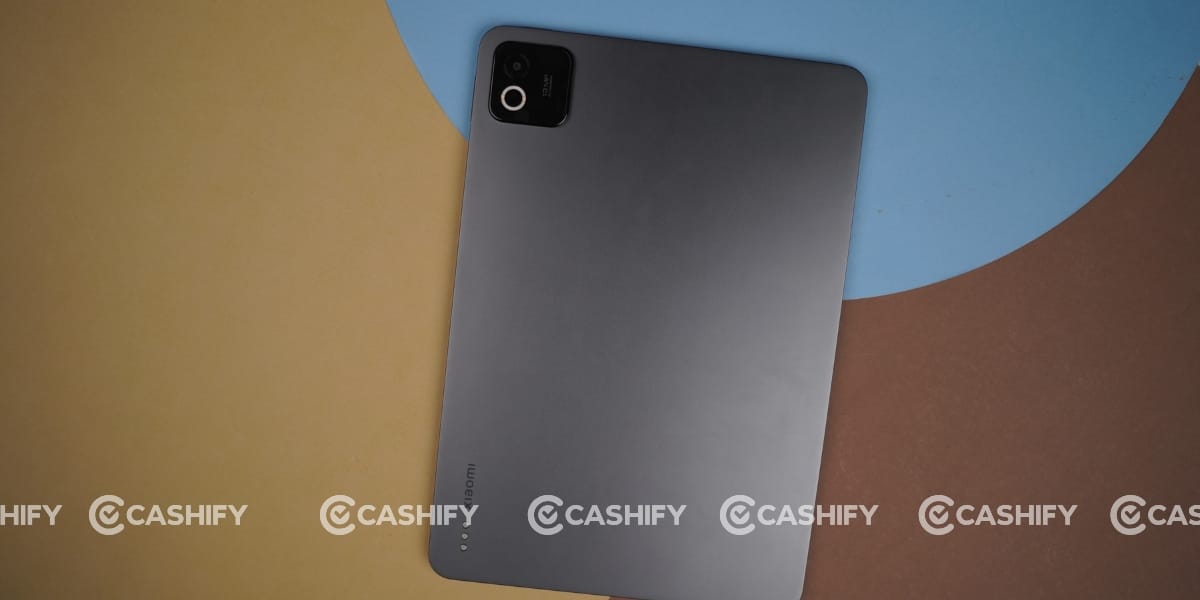
Its frame and back are made with aluminium, with a sober glossy finish that gives an eye-catching look.
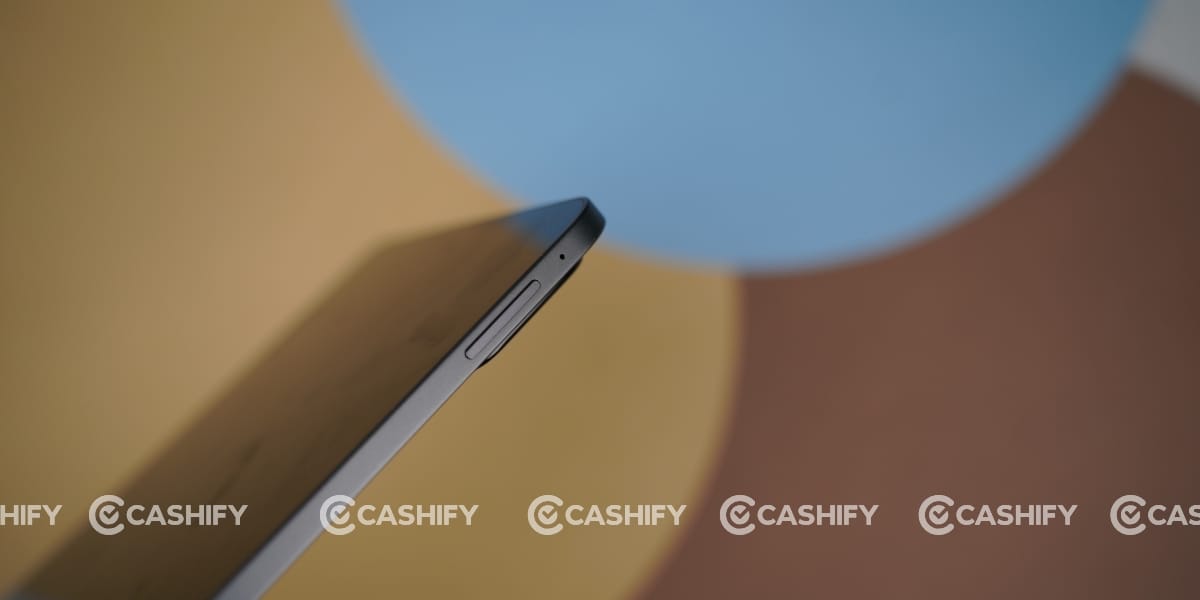
The edges of the tablet are very smooth and well-made, but the back can get dirty with fingerprints. You can avoid this by using a keyboard or a back cover.
One thing I didn’t like is that the tablet is heavy, weighing around 485 grams. If I add the weight of the Magic Keyboard (590 grams) and the Magic Pencil (10 grams), the total exceeds 1 kilogram.
It was difficult for me to carry this tablet with all the accessories to the office. This is just my personal experience; other people may feel differently, and that’s fine with me.
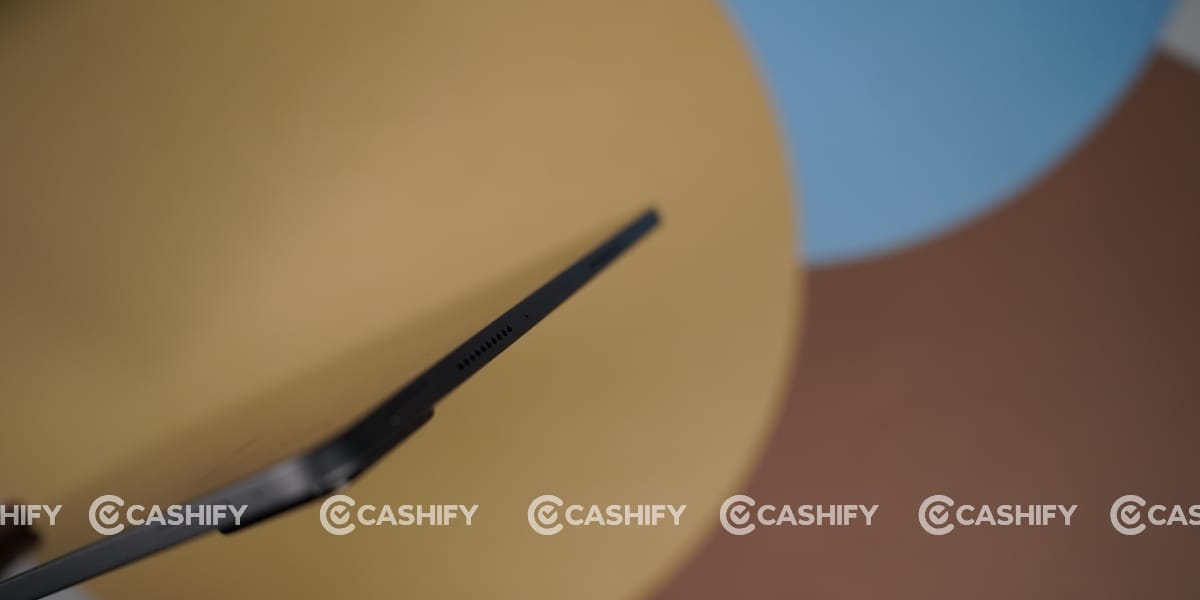
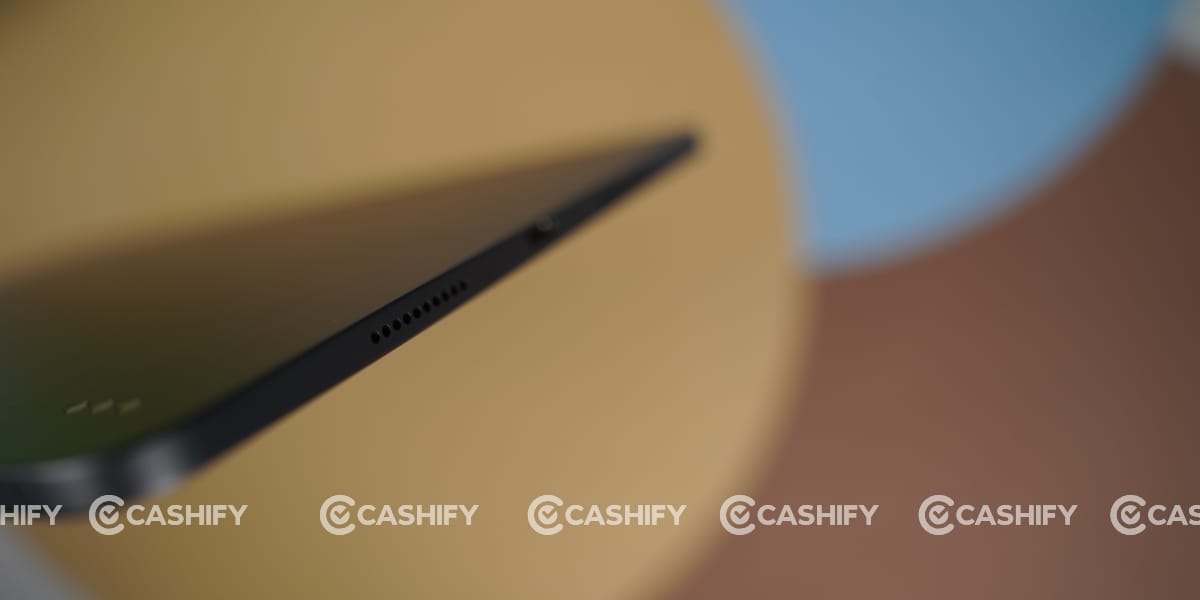
Moving to the ports, the right side has a volume button, while the top of the tab has dual speakers, a power button, and a microphone. At the bottom of the tab are a speaker and a Type-C jack, and there is no SIM tray.
Xiaomi Pad 8 Camera
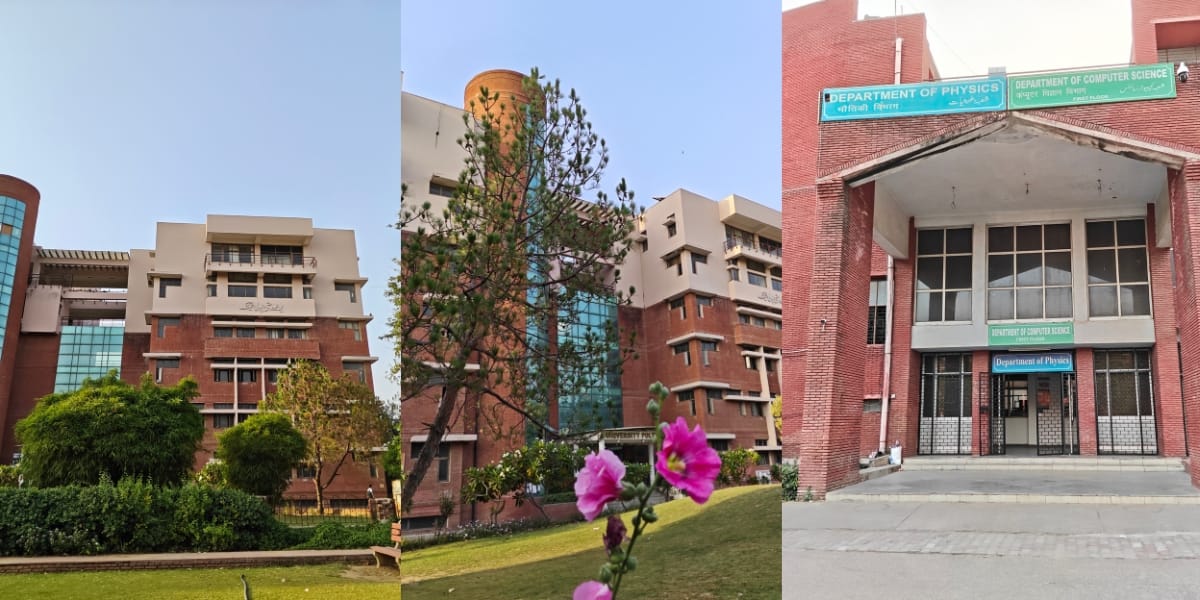
The Xiaomi Pad 8 has a single 13MP camera. Camera quality is reasonable. I clicked many images with the rear camera, and the colours were well balanced.
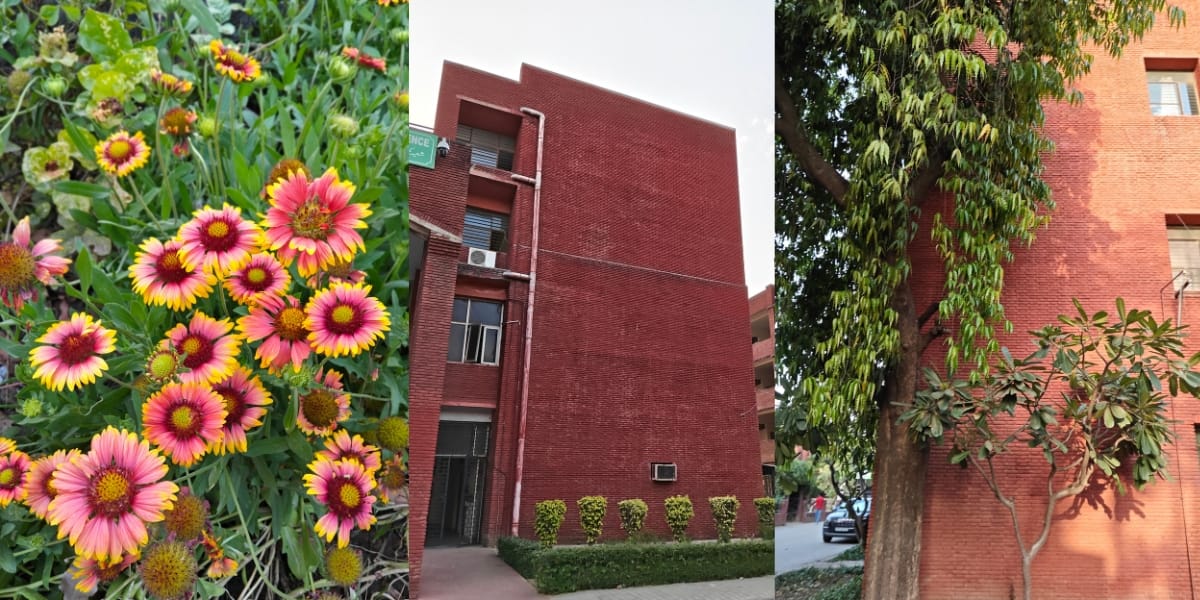
You can use it to capture documents and easily convert them into PDFs. I felt that the front camera is more capable than the rear camera. You can see my front image sample.


Whether I’m using portrait mode or normal mode, in both segments the front camera dominates. You can see my drone camera selfie in portrait mode, where the edges are perfectly sharp.

But you can not use portrait mode with two people in a single frame. When I tried multiple times, the tablet only focused on me, and the second person got blurred automatically.

You can also record 4K videos at 30 fps with the rear camera. I recorded a few videos on a busy street, and the video quality was excellent. The tab even picked up my voice perfectly in noisy conditions. On the other hand, you can also record 1080p videos at 30 fps with the front camera.
Xiaomi Pad 8 Battery and Charging
The Xiaomi Pad 8 comes with a huge 9,200mAh battery for long-lasting battery life on a single charge. I got almost nine-plus hours of screen-on time on a single charge. During the Xiaomi Pad 8 review, I watched full IPL matches, including the post-match presentation, which took almost four and a half hours of screen-on time, and it used just 48 per cent of the battery.
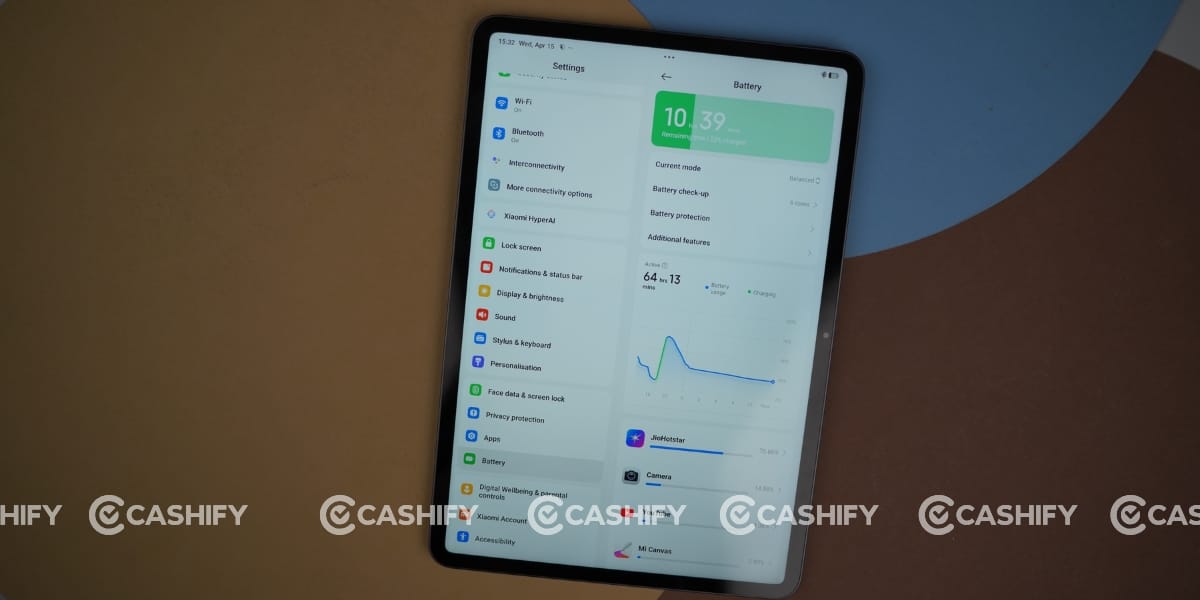
I used the remaining battery to watch YouTube videos. You can get almost 17-18 hours of battery life on a single charge. Overall, the battery is one of the tablet’s strongest features.
I got a 67W fast charger with the box. It took 95 minutes to charge fully from zero per cent. But this is fine because a huge battery takes a lot of time to charge, and a 67W charger is capable enough to reduce charging time compared to what a 100W charger would. So, the charging speed feels acceptable considering the large battery.
Xiaomi Pad 8 Display
Xiaomi Pad 8 comes with an 11.2-inch IPS LCD display, offering an amazing viewing experience. I was expecting it to have an AMOLED display, but it comes with HDR10, Dolby Vision, and HDR Vivid support, making it great for watching movies, streaming content, and enjoying vibrant visuals with enhanced contrast and colour accuracy, even without an AMOLED panel.
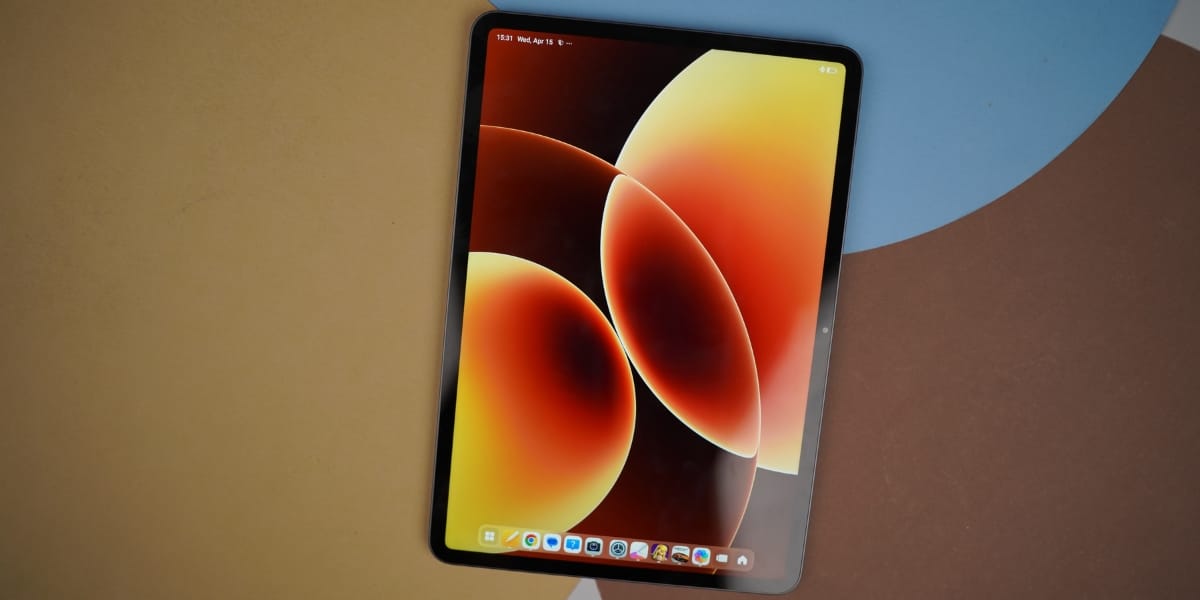
It also comes with a 144Hz refresh rate, which is the real centre point of this tablet’s display. My experience with the tab was great during the Xiaomi Pad 8 review.
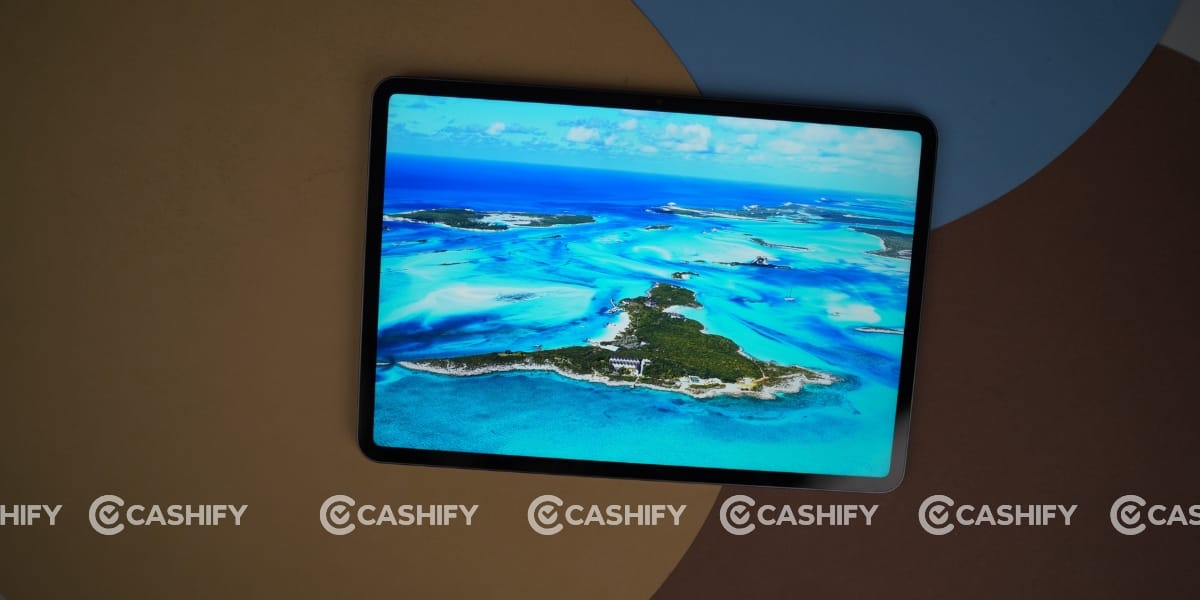
I even used it in bright daylight in a park, and everything remained quite visible thanks to its 800-nit peak brightness.
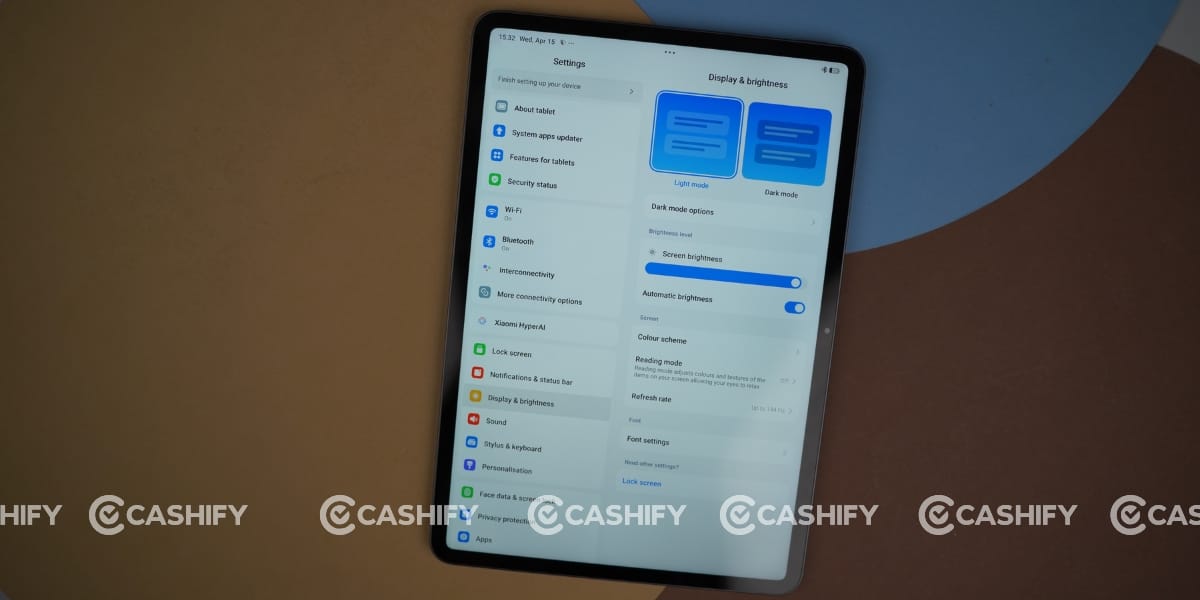
The higher refresh rate makes scrolling smoother and improves the overall fluidity while reading, browsing, or multitasking. So, if you are a student who prefers studying in open areas, this tablet is totally recommended.
Xiaomi Pad 8 Performance
One of the best things about the Xiaomi Pad 8 is that it comes with the Qualcomm SM8735 Snapdragon 8s Gen 4 (4 nm) chipset. I wouldn’t call this a typical midrange chip. It feels more like a ‘flagship-lite’ processor. Qualcomm has essentially brought flagship-level performance into a more efficient and affordable package. It’s built on a 4nm process for better power efficiency, and the Adreno 825 GPU handles gaming quite well.
Interestingly, this is the same chipset I recently saw on the OnePlus Nord 6 (which I reviewed last week), so the performance you get on this tablet is already proven in real-world usage.
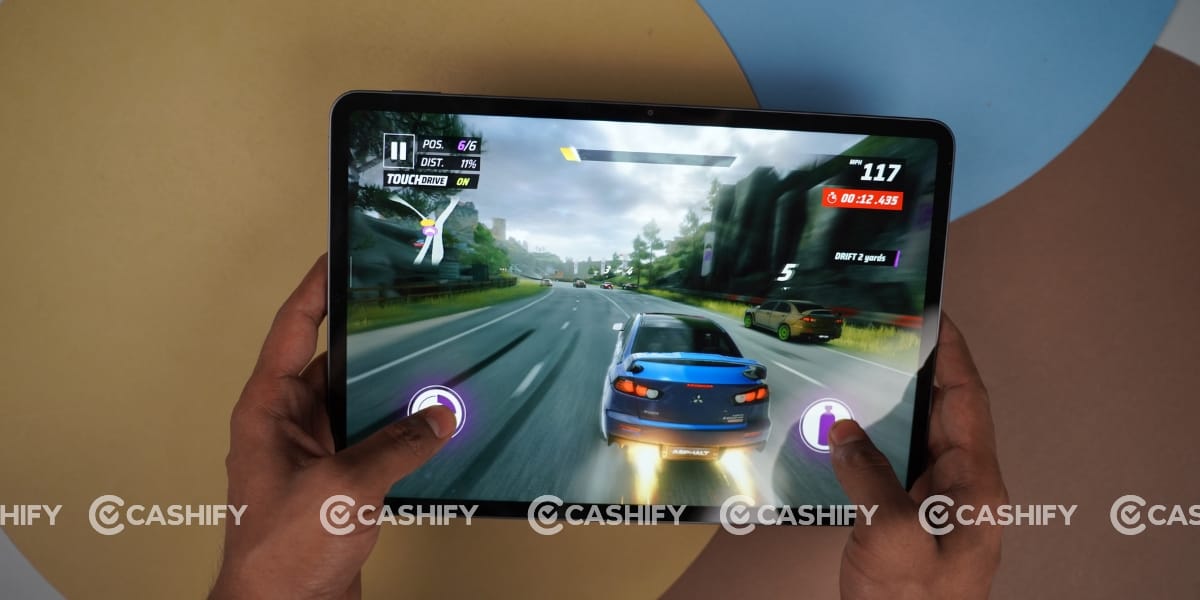
Talking about gaming, I played a lot of games like Asphalt 9: Legends, Clash of Clans, Real Cricket, and Dr. Driving, and they were running smoothly. But when I played Battlegrounds Mobile India, I noticed that performance wasn’t an issue, but because of the IPS display, the graphics felt a bit lower in standard mode, which is why the visuals looked slightly pixelated at times. So, if you are specifically looking at this tablet for gaming, especially BGMI, then I would not strongly recommend it.
Happily, there is no heating issue at all. Even after watching Indian Premier League matches for almost five hours straight, you won’t notice any significant warmth on the back, which clearly shows how well-optimised and efficient the tablet is for long usage sessions.
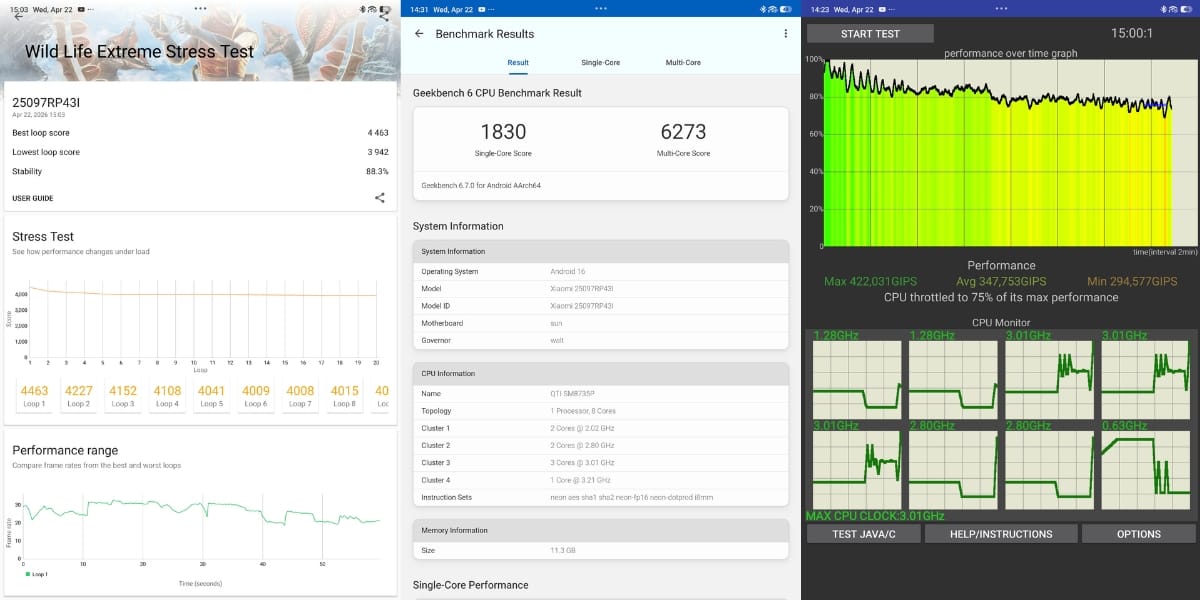
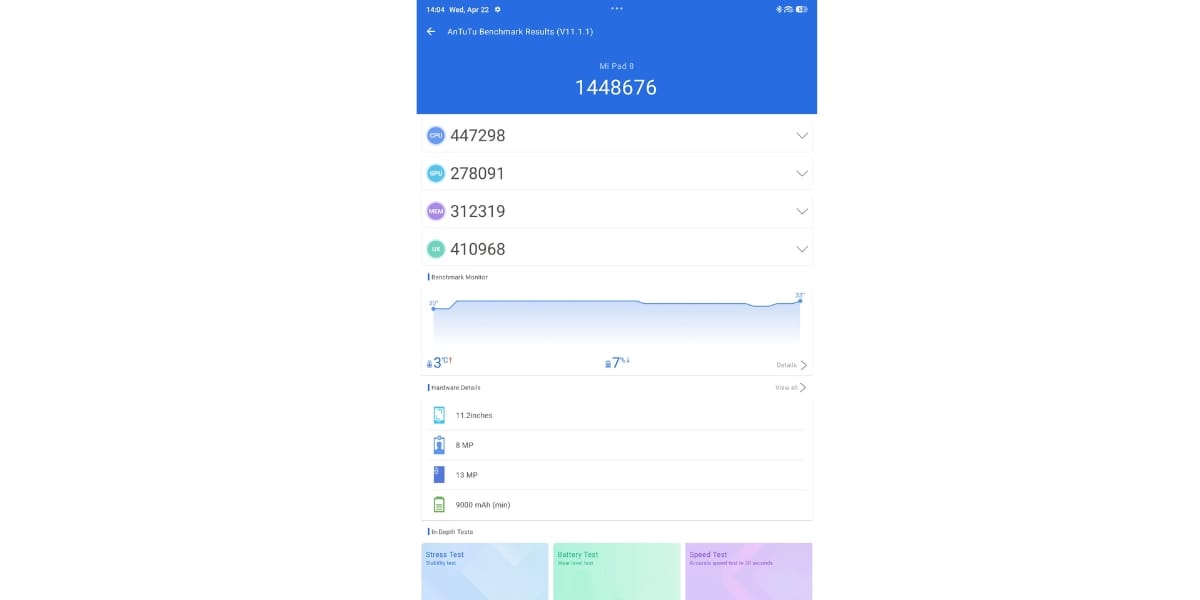
I also ran several Benchmark tests on the Xiaomi Pad 8 to assess its performance across different aspects. Its Geekbench scores are 1830 in single-core and 6273 in multi-core. The maximum in the CPU throttling test is 75 per cent. Moreover, its Antutu score is 14,48,676. The 3D Mark Wildlife Extreme Stress Test for stability has an overall score of 88.3%.
Xiaomi Pad 8 Software and UI
The Xiaomi Pad 8 runs on Android 16 and promises multiple major Android upgrades. It comes with HyperOS 3 out of the box and is likely to receive future updates, such as HyperOS 4.
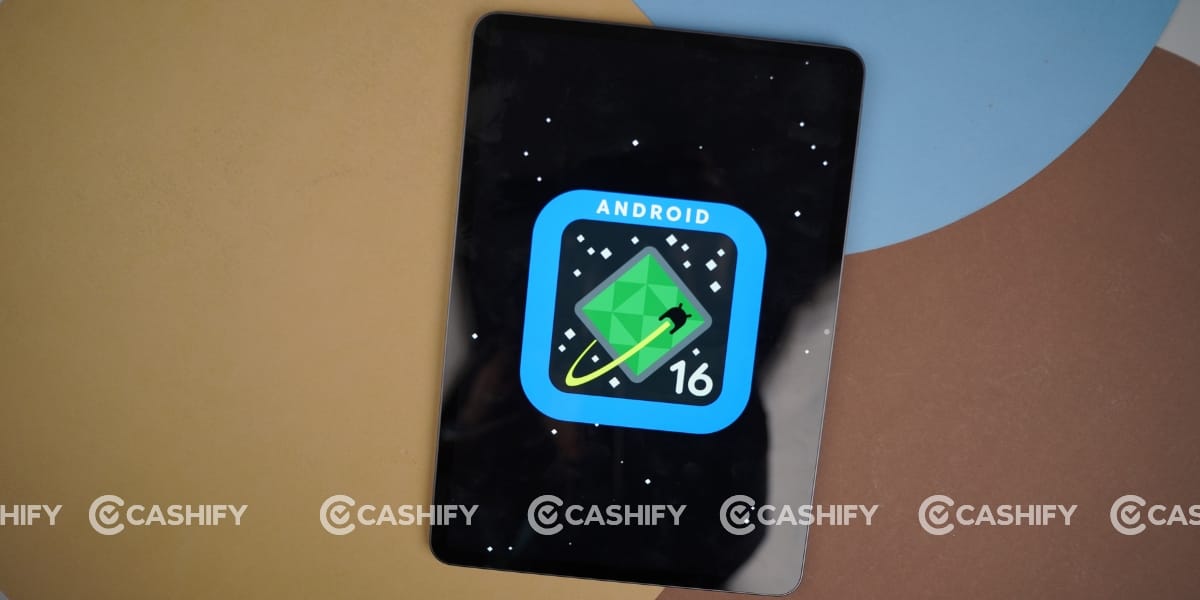
Overall, the UI experience feels smooth, clean, and well-optimised for a larger screen, especially for multitasking and media use.
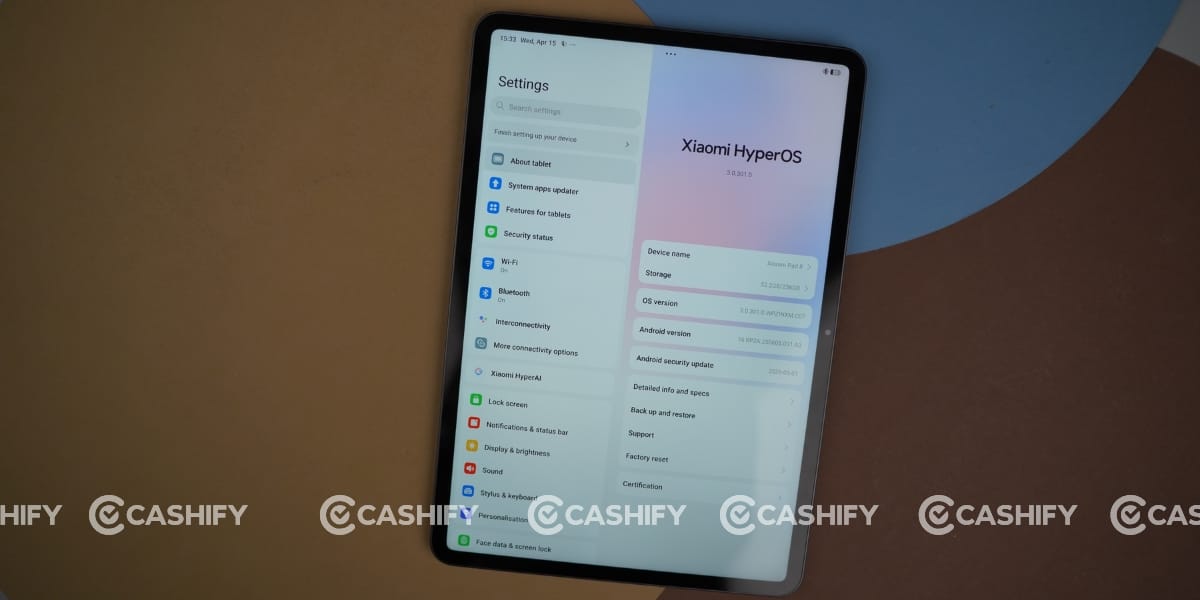
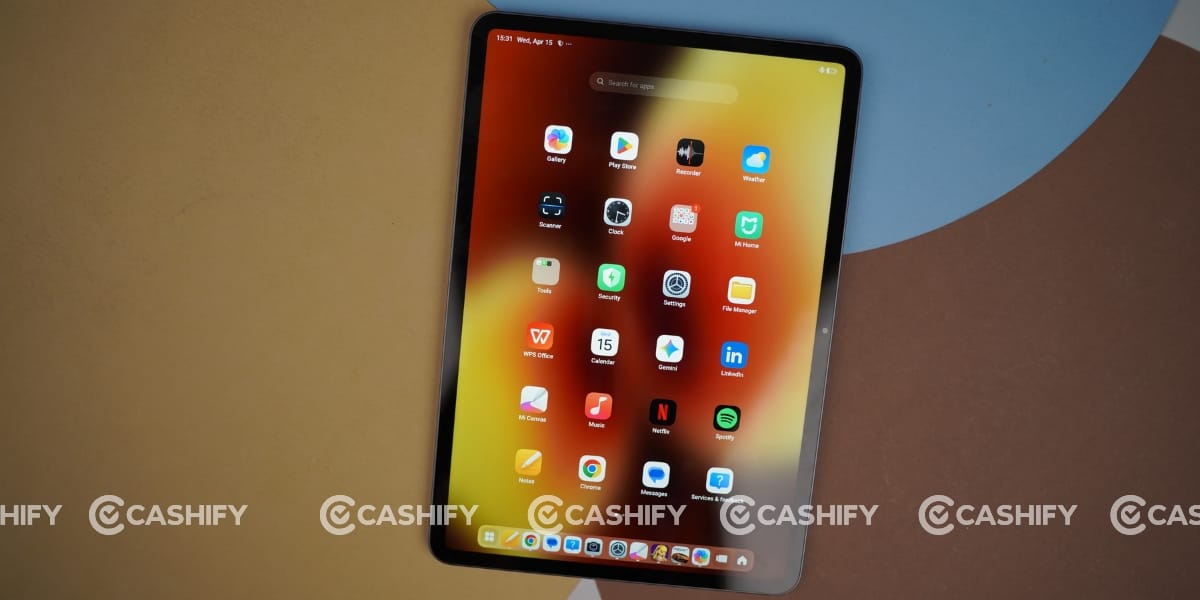
The good part is that, unlike many Xiaomi phones, the tablet has noticeably less bloatware. You still get a few pre-installed apps, but it’s not overwhelming or intrusive.
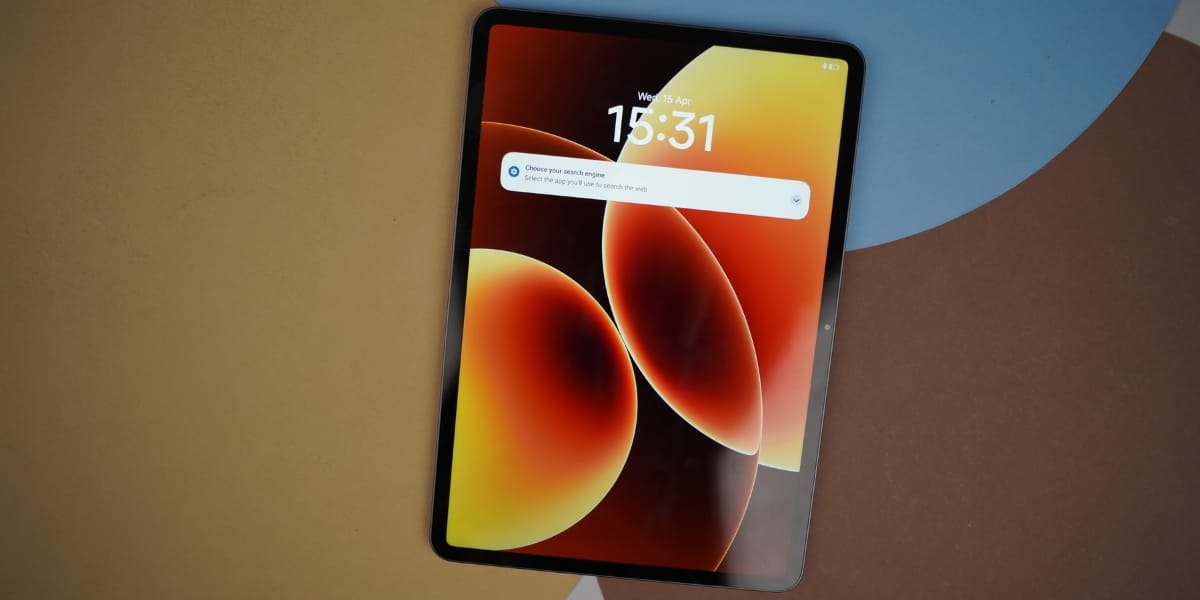
Most users won’t feel the need to clean up aggressively, though uninstalling any unnecessary apps is still a good idea to keep performance consistent over time.
The Xiaomi Pad 8 comes with many smart features thanks to Xiaomi HyperAI and its powerful Snapdragon 8s Gen 4 processor. It helps you be more productive and creative.
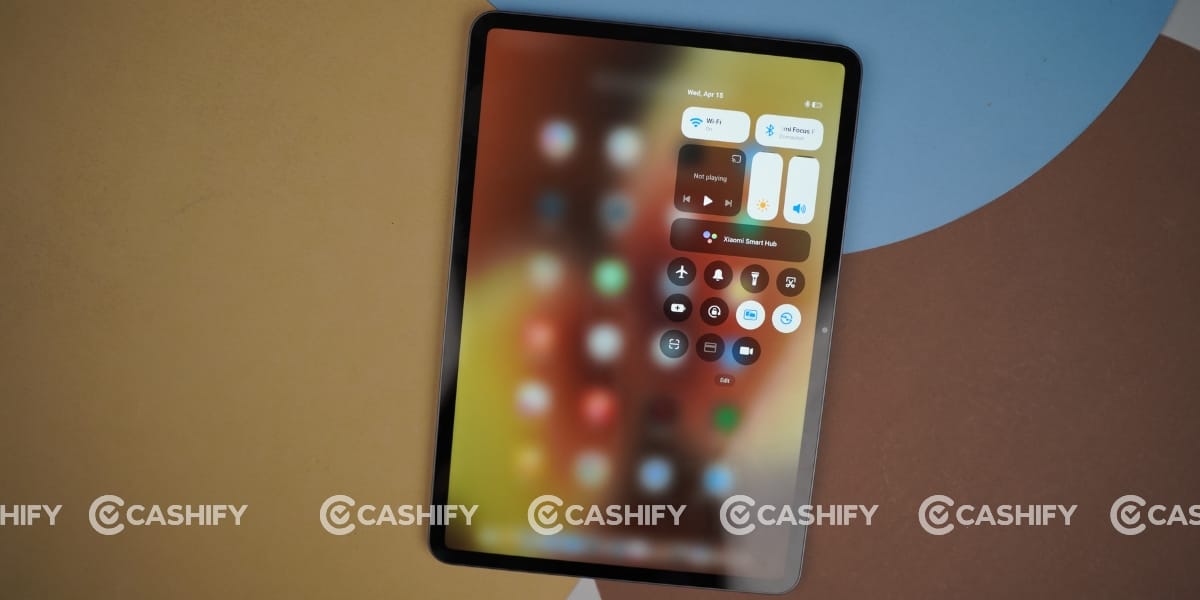
Some important features are: AI writing help, which can summarise or rephrase text for you; AI art creation, which lets you make art with the help of AI; Smart AI Calculator, which can solve complex maths problems; and stylus tools, which let you use the Xiaomi Focus Pen Pro for various smart tasks. This tablet is designed to make your work and creativity easier.
Xiaomi Pad 8 Focus Magic Keyboard & Focus Pen Pro
The Xiaomi Pad 8 comes with a Focus Magic Keyboard featuring a touchpad, like a laptop. But this optional accessory can be skipped at purchase as well.
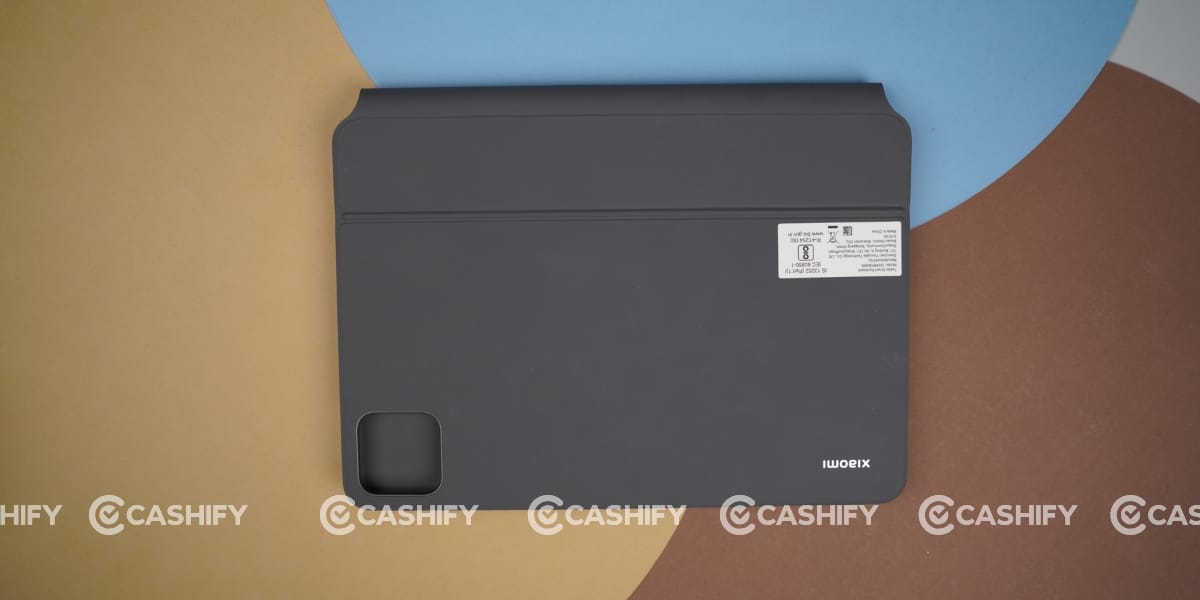
But I got this as well with the Xiaomi Pad 8 for review. Its magnetic attachment system is impressive; just bring this tab close to the keyboard in the right orientation, and it will attach firmly, turning it into a laptop “lite”.
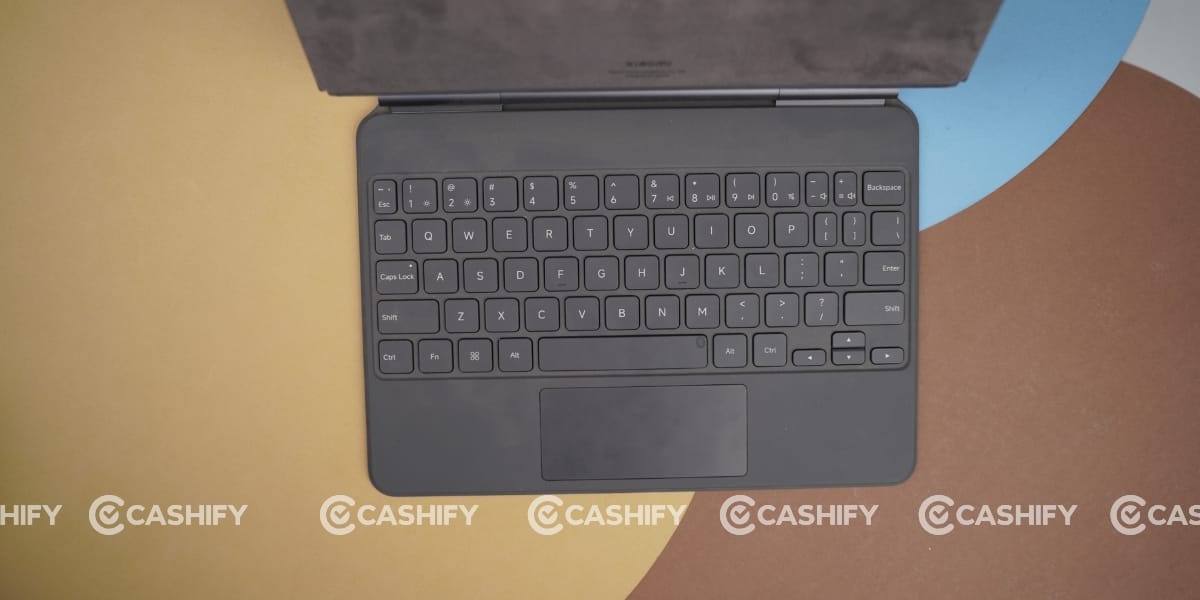
Buttons are delicate, and the touchpad is smooth as well, best suited for typing assignments and doing work. This keyboard can be adjusted from 0° to 124° without steps, making it easy to use in different settings, such as offices, cafes, or while travelling.
You can quickly change it to help you work well, no matter where you are. The keyboard has lights that can change brightness. When it’s dark, the lights will adjust to make it easier for your eyes. If you don’t use the keyboard for 15 seconds, the lights will turn off to save energy.
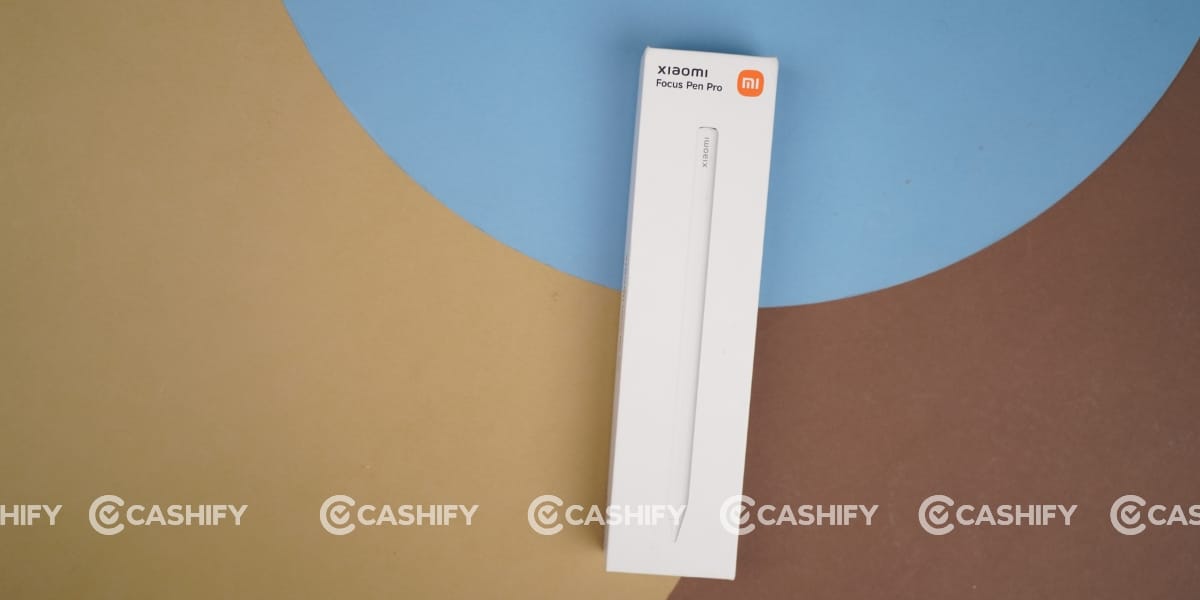
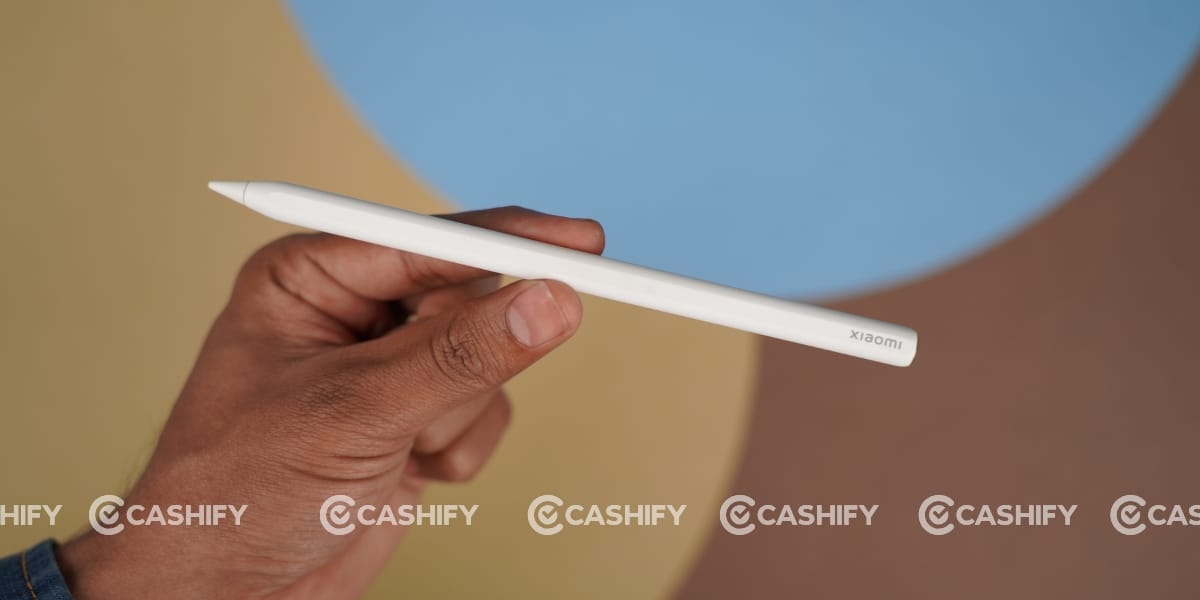
I also got the Focus Pen Pro with this tab. It offers ultra-low latency and an impressive 16,384 levels of pressure sensitivity, making writing, sketching, and note-taking feel extremely precise and natural.
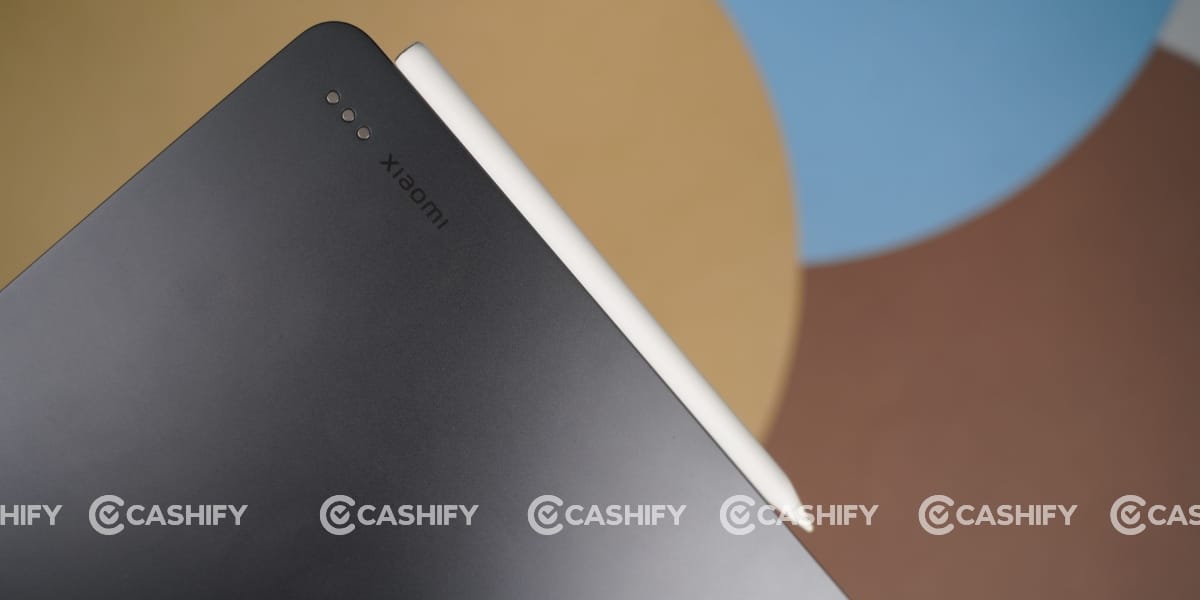
The lightweight design with a balanced grip ensures comfortable long-term use, while features like haptic feedback and gesture controls add an intuitive feel. Overall, it’s a great add-on for students and creators who want to make the most out of the tablet.
After the Xiaomi Pad 8 review, it feels like a complete package for productivity and media use. It delivers strong performance, excellent battery life, and a smooth display experience, making it ideal for students and working professionals. While the lack of an AMOLED panel and added weight with accessories may bother some users, the overall value and versatility make it a solid buy in this segment.