Let’s see what we know so far about the Windows 12 Requirements. For now, Microsoft has not officially announced or released Windows 12. The Updates to Windows 11 are still there. But it can come out in late 2026 or even 2027.
If you are planning to buy a new laptop, it’s important to know these requirements so that you can have the upgrade. Let’s check out the Windows 12 requirements because it’s going to have amazing features and UI changes:
Also Read: Windows 12 Release Date, Features: When & What To Expect?
All Details About Windows 12 Requirements
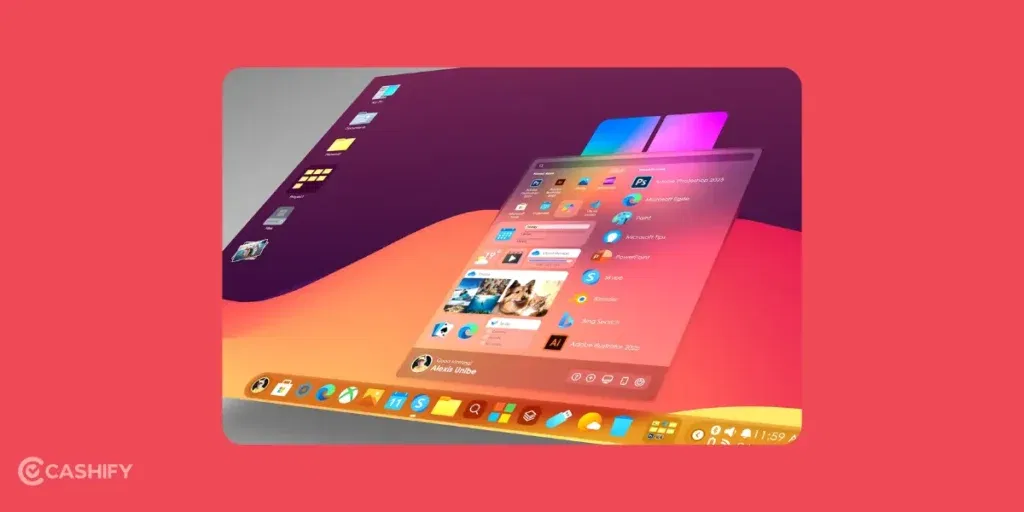
Now, let’s talk about all the things you need to run Windows 12.
CPU Processor Requirements For Windows 12
Windows 11 processors are quite modern. But the Windows 12 Processors will require:
- A 64-bit processor (Intel 8th Gen or New, AMD Ryzen 2000, 3000 or later)
- Stronger built-in AI support
- At least 1 or 2GHz speed with 2 or more cores.
It basically means that if you have a laptop that was launched recently, you’ll be upgraded to Windows 12. But, to be on the safe side, you can get a newly launched processor laptop if you want Windows 12 to run better on your laptop.
If you want to check your current CPU:
Right-click on the Start Button > Task Manager > Performance Lab > Check CPU.
Also Read: Snapdragon 8 Elite Gen 5 Vs A19 Pro: Performance & Gaming Battle
RAM Requirements For Windows 12
For Windows 11, a 4GB RAM is enough. It’s better and smoother if you have an 8GB RAM. But for Windows 12 requirements
- 8GB would be the minimum requirement
- 16GB would be recommended for better performance
More RAM is always a better option.
TPM Requirements For Windows 12
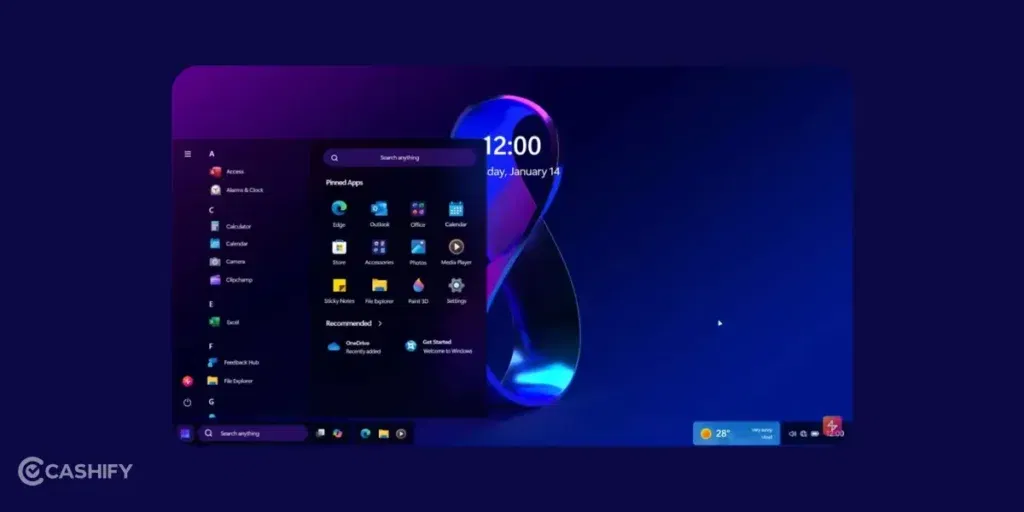
TPM is basically the Trusted Platform Module. It is like a guard that will protect all your passwords and keep hackers away. For Windows 11, it required TPM 2.0. For Windows 12, you’ll also require the TPM 2.0, but with stricter rules.
How to check if your PC has TPM?
- Press Windows Key + R.
- Type “tpm.msc” and hit Enter.
If it says, “TPM is ready for use” and version 2.0, you’re good.
Storage Requirements For Windows 12
Windows 12 will:
- At least 64GB of storage or more.
- It will work best on an SSD instead of an HDD.
If you are planning to get a laptop, make sure to go for an SSD.
Graphics & Other Requirements
- DirectX 12 compatible graphics (Most PCs have this so there’s no need to worry)
- Secure Boot is a setting in your BIOS or UEFI. It helps prevent bad software from loading at startup.
There are not many changes here.
Also Read: Xiaomi Pad 7 Vs Redmi Pad Pro: Specs, Features & Price Compared
AI Features In Windows 12
In Windows 12, Microsoft is likely to focus on smart assistance, automation tools, and better search. There is Copilot+ that is already showing huge potential.
- Get a PC to handle better AI.
- Better NPU for Advanced AI tasks.
FAQs About Windows 12 Requirements
1. Has Microsoft Announced Windows 12?
Microsoft has not released any official statement on Windows 12. The official release of this generation of software might happen around 2027.
2. Is Windows 12 coming?
Yes, Windows 12 is coming.
3. When will Windows 12 launch?
You might see the full-fledged release of Windows 12 in 2027.
4. Which PC will get Windows 12?
Microsoft hasn’t announced Windows 12 or compatibility. Official guidance suggests PCs meeting Windows 11 requirements will be eligible. This means modern CPUs, TPM 2.0, Secure Boot, etc., are safest for future Windows upgrades.
5. How much RAM does Windows 12 need?
Windows 12 requirements for the RAM will be between 8GB and 16 GB. So if you have a laptop or PC with 8GB or 16GB RAM, you are eligible.
6. Do I need an NPU to install Windows 12, or just for the AI features?
No, for installation, you don’t need. But yes, on the hardware part, an NPU with 40+ TOPS is required for the full feature set to come.
7. Is TPM 2.0 still the requirement for Windows 12, or do I need TPM 3.0?
TPM 2.0 will be eligible for the Windows 12 requirement, but still, TPM 3,0 is recommended.
8. I’m buying a laptop today; what specs should I look for to ensure it supports Windows 12 in 2027?
Go for a Windows 11–compatible PC or laptop today. Choose a modern CPU, TPM 2.0, SSD, and sufficient RAM, since future Windows compatibility requirements remain officially unannounced
9. Will older laptops support Windows 12?
If your laptop is 4 to 5 years old, it may struggle with Windows 12 requirements. Recently launched laptops with modern processors, SSD storage, and 8GB+ RAM should be compatible.
10. Will Windows 12 focus on AI features?
Yes, Windows 12 is expected to come with AI-powered features like smarter search, automation, and enhanced Copilot integration.
What’s The Bottom Line?
If your PC is not that old, let’s say you got it recently, there is no need to upgrade. But if you are using a laptop that is 4-5 years old, you can get the new one that matches these requirements. Just make sure you choose an SSD instead of HDD to make sure it runs better and faster on your laptop. Overall, there is no need to rush right now because Windows 12 hasn’t even been announced yet.
Did you know that refurbished mobile phones cost almost 50 per cent less than new phones on Cashify? You also get other discounts, No-cost EMI and more, making it the most affordable way to buy a premium phone. So, what are you waiting for? Buy refurbished mobile phones at your nearest cashify store and avail exclusive offers.