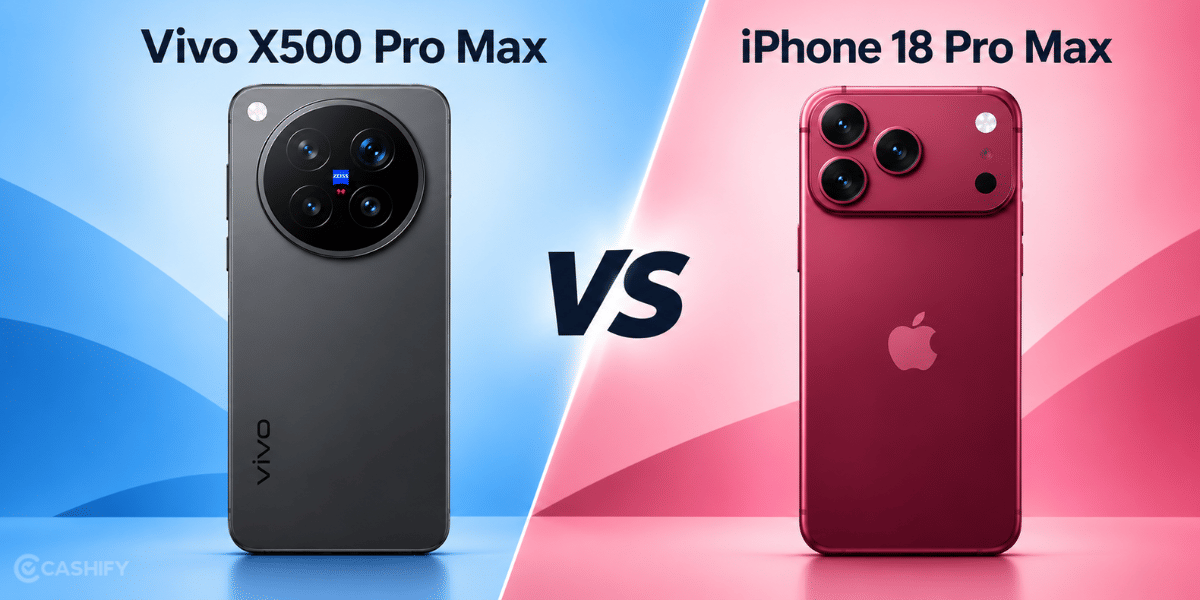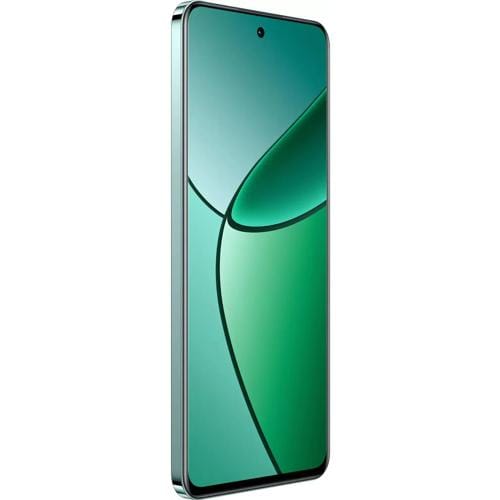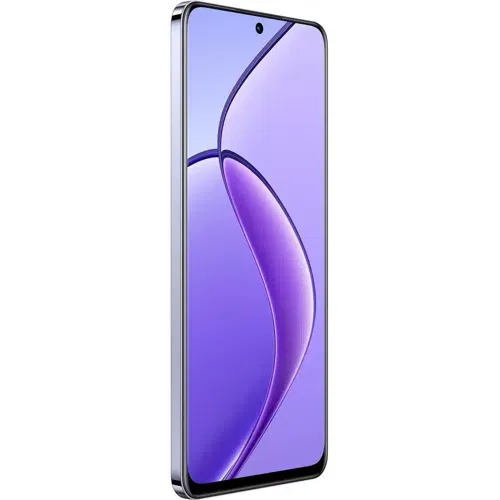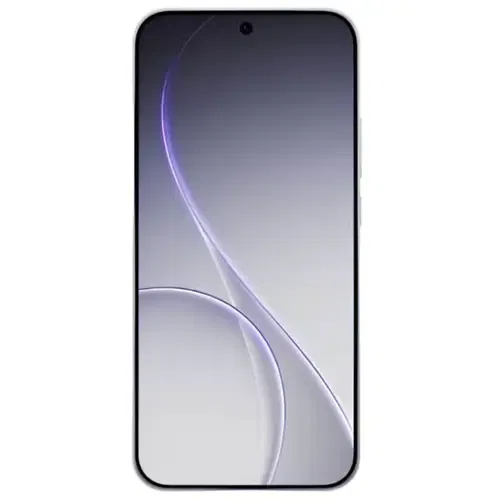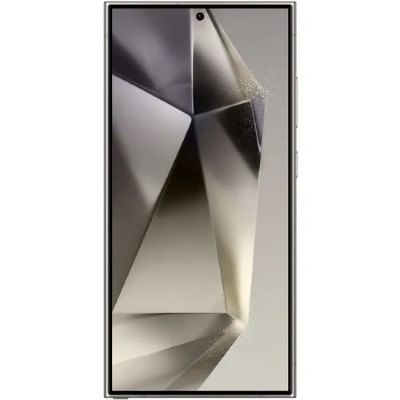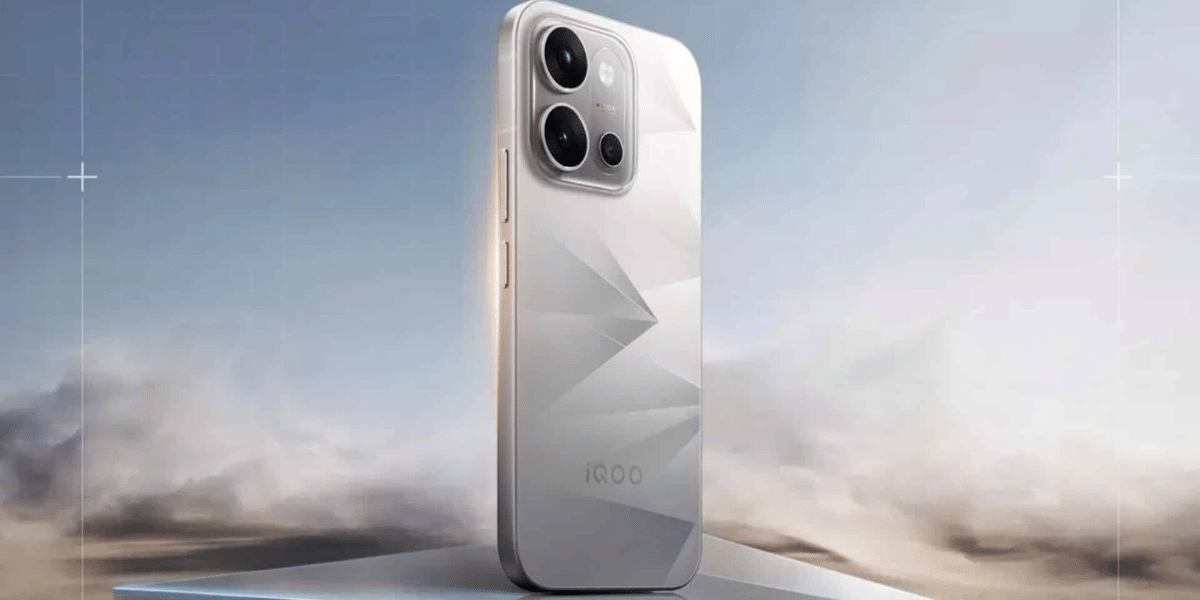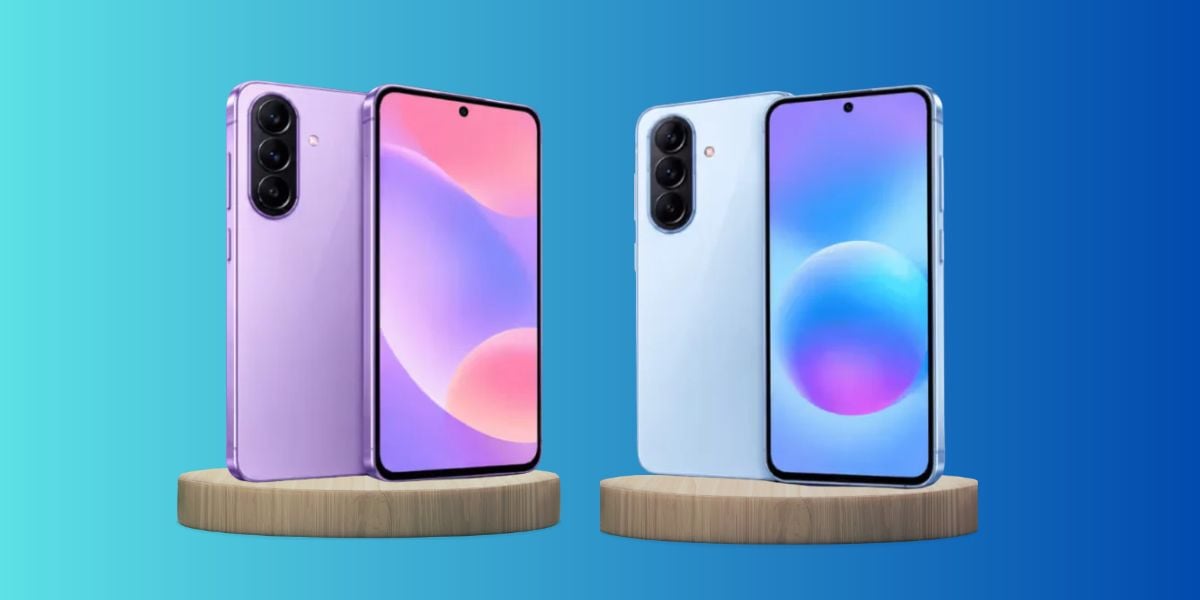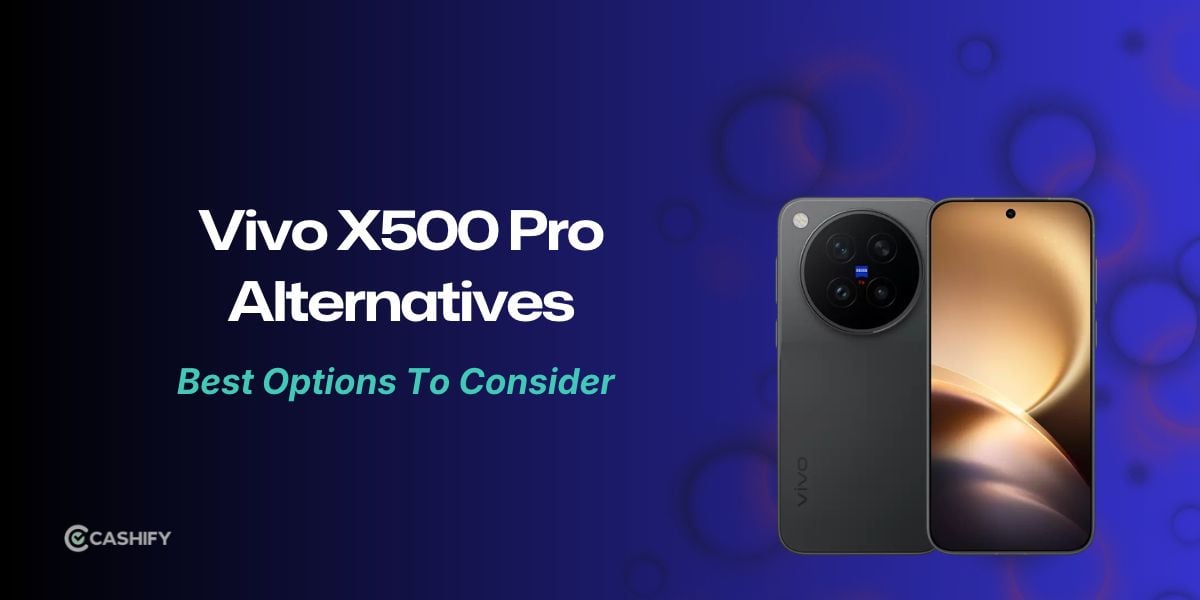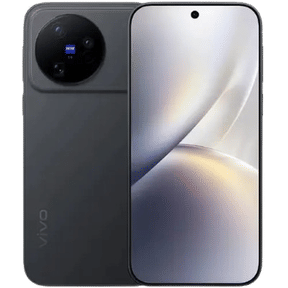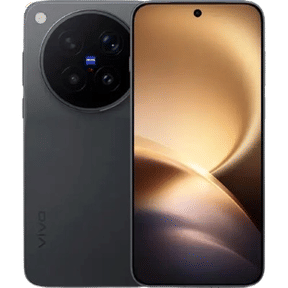


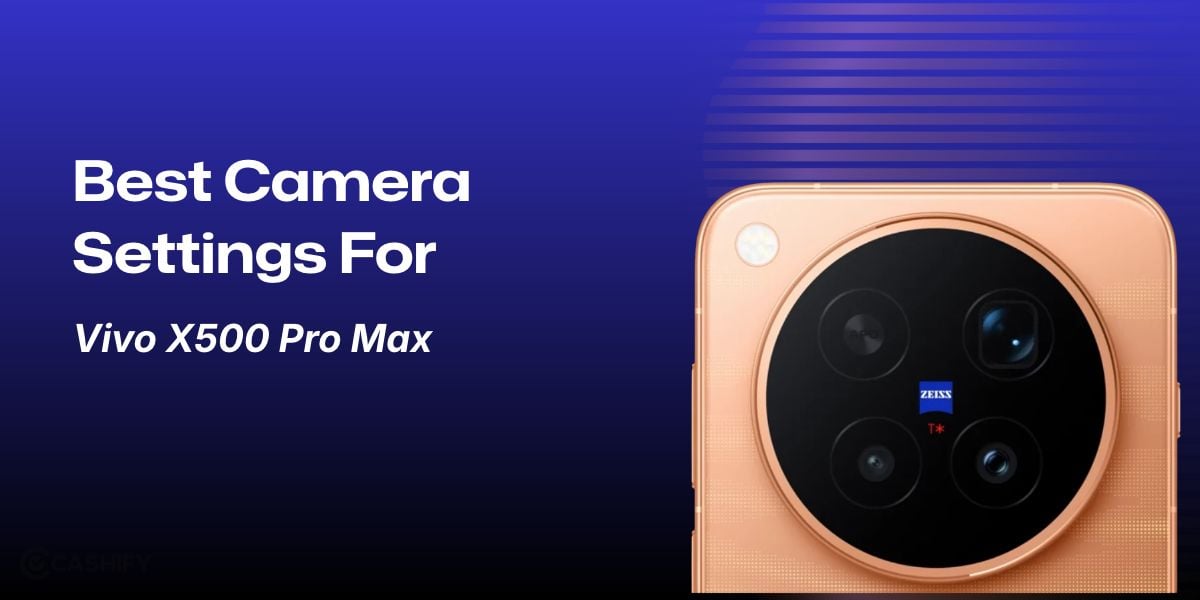
Vivo X500 Pro Max has launched in the market and almost everyone is craving to try out this latest and magnificent ZEISS camera setup that brings a triple-power USP of 200MP + 50 MP + 50 MP cameras. So, in this article, we walk you through to the camera features of the Vivo X500 Pro Max and tell you the best camera settings for the Vivo X500 Pro Max. Let us check out the top modes and the new camera specs that are a must try for you inside this article.
Best Camera Settings For The Vivo X500 Pro Max
Here are the best camera settings for the Vivo X500 Pro Max:
Also Read: Best Camera Settings For The Vivo X500 Pro
1- Use 4K at 240FPS: The Biggest Surprise For Videography
One of the most exciting features of the Vivo X500 Pro Max is its ability to record 4K videos at 240fps. This gives users the freedom to capture fast-moving subjects and turn ordinary moments into dramatic slow-motion sequences without compromising on resolution. To get the best results, open the Video or Slow Motion section of the camera app and select the 4K 240fps option, where available.
This setting works particularly well for splashing water, sporting action, moving vehicles, dancing and flying birds.
2- Set Portrait at 50mm and 85mm For Best Results
Portrait photography is another area that makes it to this list of the best camera settings for the Vivo X500 Pro Max. Its dedicated 200MP ZEISS APO telephoto camera offers an 85mm equivalent focal length, making it particularly suitable for flattering portraits with natural-looking subject separation.
For environmental portraits, group photographs and wider compositions, try the approximately 50mm framing option if available in Portrait mode. Switch to 85mm when you want tighter framing, better facial proportions and a more pronounced background separation.
Keep your subject at a comfortable distance from the background to achieve more natural-looking bokeh.
3- Use The 15mm Ultra-wide Camera For Landscapes And Architecture
The 50MP ZEISS ultra-wide camera offers a 15mm equivalent focal length, making it a useful tool for travel and landscape photography.
Switch to the ultra-wide camera when photographing expansive scenery, monuments, interiors, buildings or large groups of people. It allows you to include more of the surroundings without having to move too far away from your subject. When shooting architecture, keep the phone as level as possible to minimise perspective distortion.
Avoid placing people's faces too close to the edges of the frame, as ultra-wide lenses can stretch facial proportions. This is an excellent setting to include in your list of best camera settings for the Vivo X500 Pro Max, especially for travel enthusiasts.
Also Read: Best Camera Settings For The Apple iPhone 18 Pro Max: See The Top Modes
4- Try Moments Mode For Special Shots
If you enjoy capturing spontaneous moments, Moments mode is worth exploring on the Vivo X500 Pro Max. It is particularly useful when photographing fleeting expressions, street scenes, candid portraits and unexpected activities.
Try it during family gatherings, travel outings, festivals and outdoor activities. It is also worth experimenting with different compositions and lighting conditions to understand how the mode processes images. Remember that Moments mode is a creative shooting option, not a replacement for the dedicated 200MP telephoto camera.
5- Use 200MP Power For Special Telephoto Shots
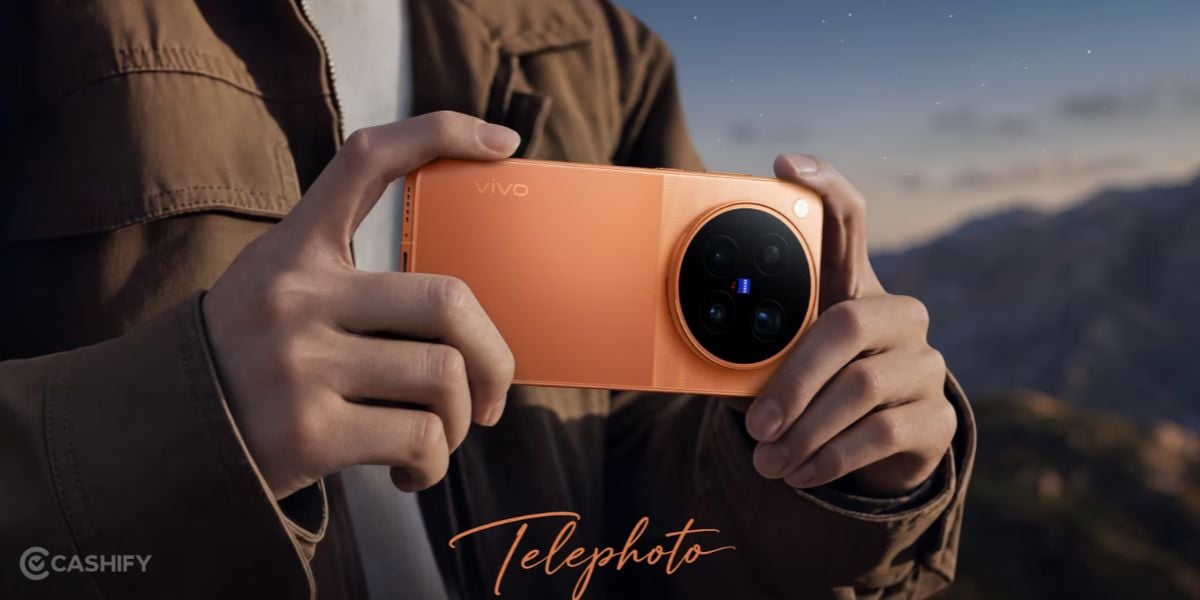
The 200MP ZEISS APO telephoto camera is arguably the biggest photography USP of the Vivo X500 Pro Max, and is one of the best camera settings for the Vivo X500 Pro Max. While its standard shooting mode is suitable for everyday photography, switching to the full-resolution 200MP option can help preserve additional detail when photographing distant architecture, wildlife, stage performances and intricate subjects. Open the camera's high-resolution shooting option and select the 200MP setting, if available for the telephoto lens. Use this mode in good lighting and keep the phone steady to maximise detail. Remember that 200MP files occupy more storage and may take longer to process. For everyday photography, the standard pixel-binned mode is generally more practical.
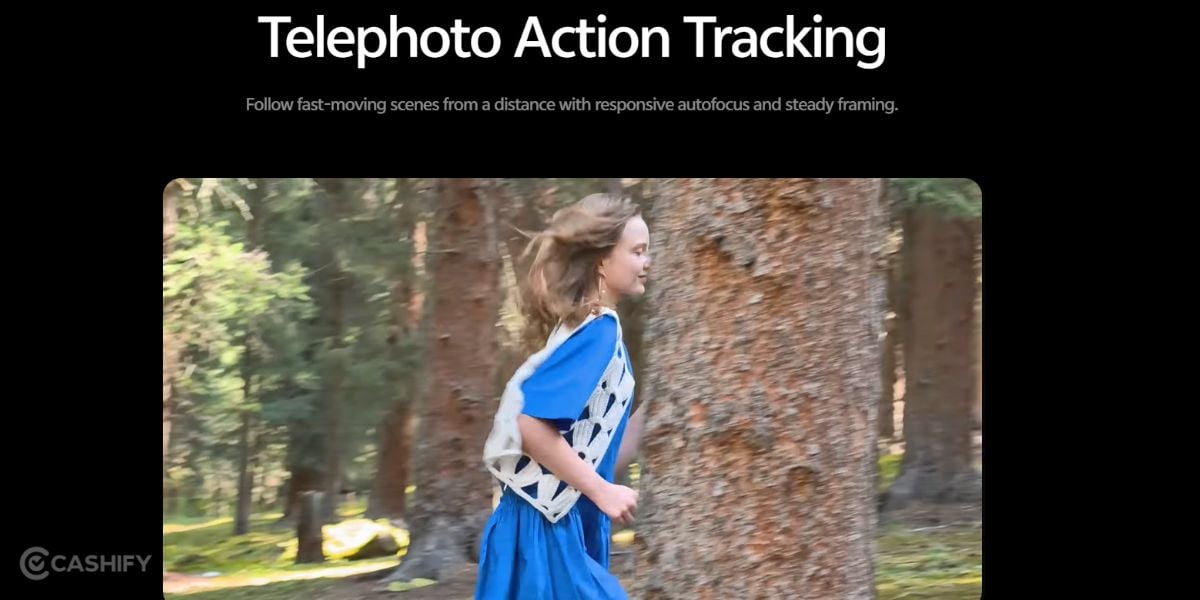
6- Enable Telephoto AF Tracking for moving subjects
The Vivo X500 Pro Max is not just designed for static photography. Its telephoto autofocus tracking capabilities make it particularly interesting for photographing moving subjects. This feature is useful when capturing birds, animals, athletes, dancers and performers from a distance. Select the telephoto camera, activate the available subject-tracking feature and keep your subject within the camera's tracking area.
7- Night Mode Always For Low-light Shots
The Vivo X500 Pro Max's large 50MP primary sensor, f/1.57 aperture and optical image stabilisation make it well-equipped for low-light photography. Open Night Mode when shooting cityscapes, illuminated buildings, evening street scenes or indoor environments with limited lighting. Keep the phone steady while the exposure is being processed, and avoid using extreme digital zoom in dark surroundings.
Also Read: Vivo X500 Pro vs Vivo X500 Pro Max Comparison
8- Try Filters And Bokeh Modes For Noisy Backgrounds
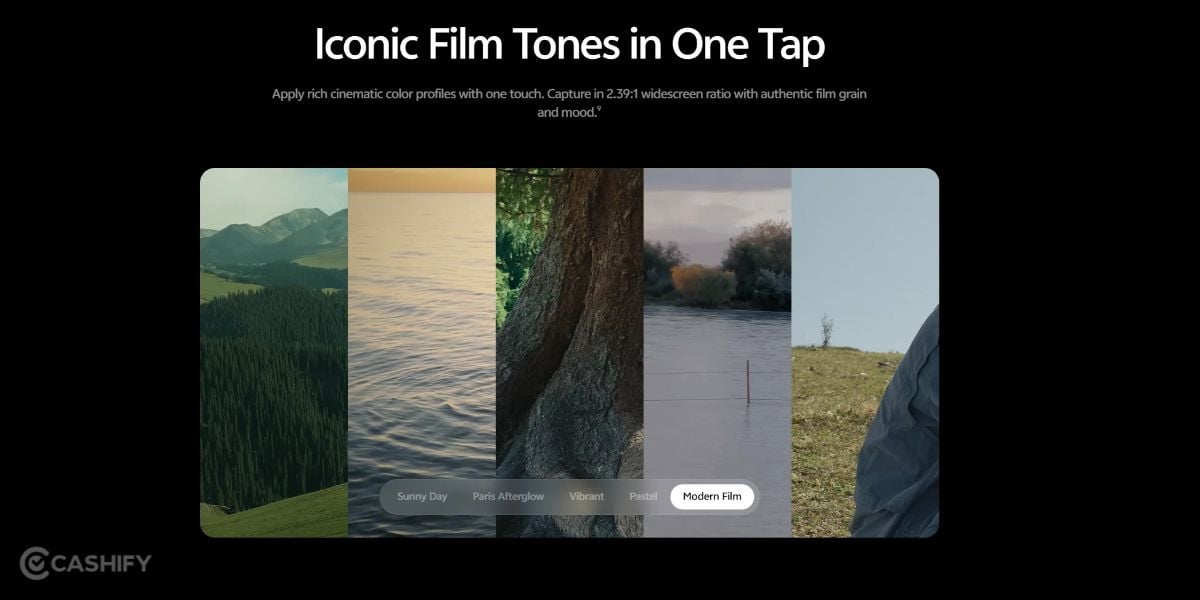
The Vivo X500 Pro Max offers several creative options to give photographs a distinctive visual character. These filters are also one of the best camera settings for the Vivo X500 Pro Max. Its ZEISS-inspired portrait effects and colour profiles can help users create images with attractive background separation, controlled highlights and different colour moods. Try the available colour styles to create warmer, cooler or more cinematic-looking photographs. For a more natural result, avoid pushing background blur to its maximum intensity, as this can make hair and subject edges look artificial.
9- Film Workshop - The In-built Studio For Vloggers
If you don’t want to experiment much with the best camera settings for the Vivo X500 Pro Max, this phone lets you sit back and relax. Yes, the built-in Movie Workshop is particularly interesting for vloggers, travel creators and smartphone filmmakers. It brings together creative video tools that make recording more engaging without requiring a complicated external setup. One feature worth trying is Auto Framing Video, which automatically keeps the subject centred while recording. Vortex Shot lets users create rotating cinematic footage, while 4K Dual-View Video records perspectives from the front and rear cameras simultaneously. This can be useful for travel vlogs, product demonstrations, reactions and behind-the-scenes content. Explore these features before recording an important video so you understand the framing and movement options. For professional colour grading, also experiment with the phone's Pro Log recording capabilities.
In A Nutshell
That’s it from the guide on the best camera settings for the Vivo X500 Pro Max. We have given you a foolproof guide to become the best vlogger among your friend circle. The Vivo X500 Pro Max is a hidden treasure and definitely one of the best Android camera phones of 2026. So, if you are hunting for some pro-level photography and videography, buying this phone is a great option, and using these modes is a perfect feather on the cap!
Also Read: Best Instant Cameras To Try In 2026
Are you still browsing through your broken screen? Don’t worry! Book at-home mobile phone screen repair with Cashify—an affordable and one-stop destination for all your mobile phone needs. In case you break your screen within 1 month of repair, we will replace your screen again—for FREE.