The Xiaomi 17 Pro offers one of the most versatile and powerful camera systems on a smartphone. With its triple 50MP Leica lenses and advanced video capabilities, it can capture everything from detailed portraits to cinematic 4K video. However, to make the most of its potential, understanding the optimal camera settings and modes is essential. In this blog, let us have a look at the best camera settings for Xiaomi 17 Pro, and how to get the best shots using your phone.
Also Read: Oppo Find N6 Launch Date, Specs, Price, And More
What Are The Camera Specs Of Xiaomi 17 Pro?
The Xiaomi 17 Pro features a triple 50MP Leica camera system:
| Lens | Specs |
| Main Camera (23mm) | 50 MP, f/1.7, dual pixel PDAF, OIS |
| Telephoto (115mm) | 50 MP, f/3.0, periscope, 5x optical zoom, PDAF, OIS |
| Ultra-Wide (17mm) | 50 MP, f/2.4, 102˚ field of view |
| Video Capabilities | 8K@30fps, 4K@30/60/120fps, LOG video in 4K@60fps across all lenses, HDR10+, Dolby Vision |
| Features | Leica lens profiles (Authentic/Vibrant), Pro mode, FastShot, RAW/Ultra RAW, focus peaking, exposure verification |
This system supports a wide range of shooting styles, from street photography to landscapes and cinematic videos, making it a versatile tool for both casual and professional users. However, you need to know the best camera settings for Xiaomi 17 Pro to ace these shots.
What Are The Best Camera Settings For Xiaomi 17 Pro?

Here, have a look at the best camera settings for Xiaomi 17 Pro:
Leica Lens Profiles
The camera offers two Leica profiles to adjust the overall look of your photos:
- Leica Authentic: High contrast and subtle vignetting for a cinematic, classic feel.
- Leica Vibrant: Brighter, more saturated colors ideal for everyday photography.
Choosing the right profile depends on the scene and the style you want to achieve.
Also Read: Samsung Galaxy S26 Vs OnePlus 15: Which Phone Should You Pick?
Pro Mode Settings
Pro mode gives you full control over your shots and is ideal for manual adjustments:
- White Balance (WB): Adjust color temperature to match lighting conditions.
- Focus: Manual focus is useful for close-ups or detailed subjects.
- Shutter Speed: Slow for light trails and motion blur, fast for freezing action.
- ISO: Keep low for daylight and increase only in low-light situations.
- Exposure Value (EV): Adjust brightness without changing other settings.
- Lens Selection: Switch between main, telephoto, and ultra-wide lenses.
- Focus Peaking & Exposure Verification: Highlights in-focus areas and indicates over/underexposed regions for precise results.
Photos can be saved in JPG, RAW, or Ultra RAW for maximum flexibility during editing using this best camera settings for Xiaomi 17 Pro.
FastShot Mode
FastShot mode is ideal for quick, spontaneous photography, especially in dynamic scenes:
- Provides focal lengths of 23mm, 28mm, 50mm, and 75mm.
- Uses a 2×3 aspect ratio, suitable for social media sharing.
- Works well with Leica Authentic for cinematic results.
The FastShot is especially useful for street photography or fast-moving subjects, where speed and responsiveness matter.
Video Settings
The Xiaomi 17 Pro camera settings also excels in video recording:
- 8K@30fps: High-resolution footage suitable for cropping or archival purposes.
- 4K@120fps: Smooth motion, ideal for action or slow-motion clips.
- 4K@60fps LOG: Enables professional color grading across all lenses.
- Stabilization (Gyro-EIS): Provides smooth video; can be turned off to maximize field of view in Pro mode.
For general use, 4K@60fps offers a balance between quality and smooth playback, while LOG video is optimal for professional editing.
Also Read: Samsung Galaxy S26 Ultra Vs Vivo X300 Pro: Best Flagship 2026?
Recommended Settings For Different Scenarios
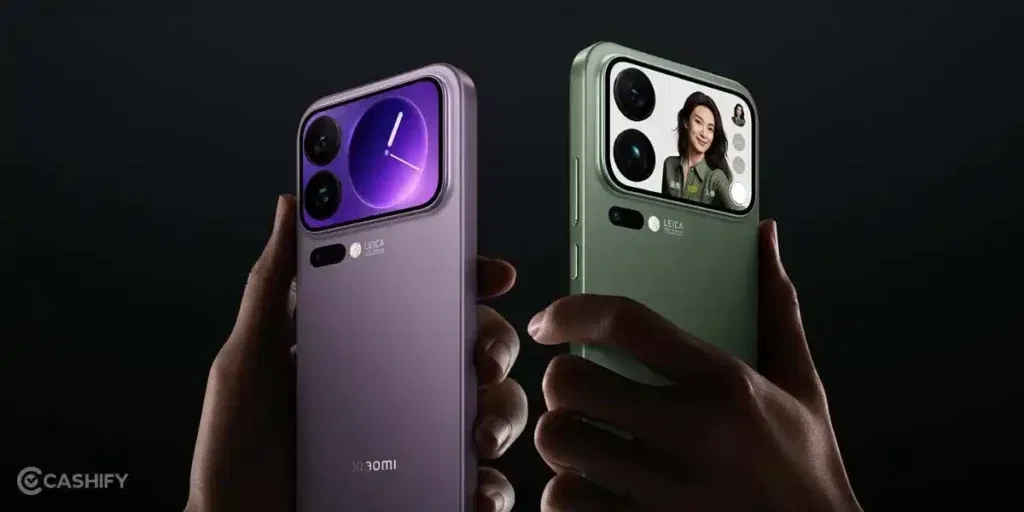
Here is how you can use the best camera settings on your Xiaomi 17 Pro:
| Scenario | Recommended Settings |
| Daily Photos | Leica Vibrant, 50MP resolution, main wide lens, HDR on |
| Portraits | Telephoto lens (2x or 5x zoom), Leica Authentic, Pro mode optional |
| Street Photography | FastShot mode, Leica Authentic, 23mm or 28mm focal lengths |
| Video | 4K@60fps Standard or LOG, Stabilization on, lens based on framing |
| Low-Light Shots | Pro mode, low ISO, slower shutter, main wide lens, night mode optional |
| Ultra-Wide Shots | Leica Vibrant, HDR on, 17mm lens, gridlines enabled |
Practical Tips For Xiaomi 17 Pro
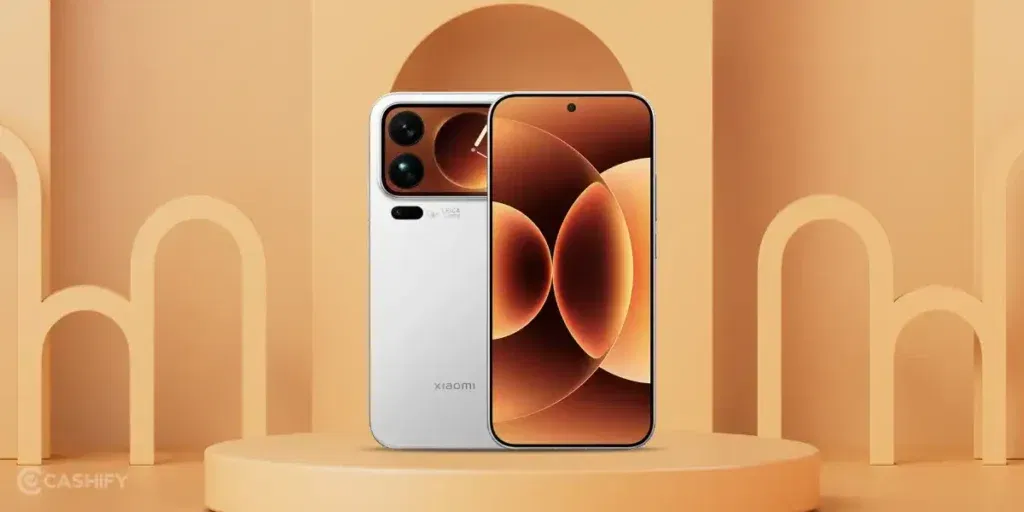
Besides experimenting with the best camera settings for Xiaomi 17 Pro, here is what else you can do to enhance your photography:
- Keep lenses clean: Dust, fingerprints, or smudges can reduce sharpness, especially when using high-resolution or telephoto lenses. Use a soft microfiber cloth or lens cleaning solution to maintain clarity.
- Use gridlines: Gridlines help with composition, allowing you to follow the rule of thirds, keep horizons straight, and position subjects effectively within the frame for balanced, professional-looking shots.
- Experiment with RAW/Ultra RAW: Shooting in RAW or Ultra RAW preserves maximum detail and dynamic range. These formats give you full control over exposure, contrast, and color during post-processing, making them ideal for challenging lighting conditions or detailed editing.
- Prioritize lighting: Even advanced sensors perform best with good lighting. Natural light produces vibrant, realistic images, so shooting near windows, outdoors, or during golden hour can significantly improve results. Night mode or Pro mode can help in low-light situations, but proper lighting is always the foundation of great photography.
- Maintain updated software: Xiaomi frequently releases updates that enhance camera performance, improve stabilization, and add new features. Keeping your device up to date ensures consistent quality and access to the latest optimizations.
Final Thoughts
That’s all about the Xiaomi 17 Pro best camera settings. The Xiaomi 17 Pro delivers exceptional flexibility and image quality, making it a powerful tool for both photography and videography. By mastering its lenses, profiles, and modes, you can confidently capture vibrant, detailed, and cinematic shots in virtually any scenario. With thoughtful use of its advanced settings, the Xiaomi 17 Pro allows you to enhance your creativity and achieve professional-level results with ease.
Also Read: 5 Best iQOO 15R Alternatives That Offer More Value For Your Money
Frequently Asked Questions
1. Can the Xiaomi 17 Pro shoot in portrait mode with the ultra-wide lens?
Yes, the ultra-wide lens can capture portrait-style shots, but it’s best for environmental portraits. The wide field of view keeps the subject in context, offering creative compositions that differ from traditional telephoto portrait shots.
2. Does the Xiaomi 17 Pro support external microphone input for videos?
Yes, the Xiaomi 17 Pro supports external microphones via USB-C adapters, allowing higher-quality audio recording for vlogs, interviews, or cinematic videos, improving clarity and reducing background noise compared to the built-in microphone.
3. Can the camera apply real-time filters while shooting video?
The Xiaomi 17 Pro offers real-time filters for video, enabling adjustments like color tones, contrast, and vibrancy during recording. This helps achieve a specific look without post-editing, especially useful for social media content creation.
4. How does the periscope telephoto lens perform in low light?
While the periscope lens excels at 5x optical zoom, low-light performance is slightly lower than the main sensor. Using a tripod, Pro mode, or night mode improves sharpness and reduces noise in zoomed shots.
If you’ve just bought a new phone and don’t know what to do with your old phone, then here’s your answer. Sell old mobile to Cashify and get the best price for it. If you are planning to buy a new phone, check out Cashify’s refurbished mobile phones. You can get your favourite phone at almost half price with six-month warranty, 15 days refund and free delivery.