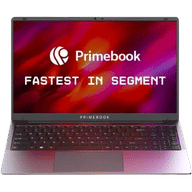
Primebook 2 Max Price in India and Variants
The Primebook 2 Max is priced at ₹27,990 in India. It is available in a single variant with 8GB LPDDR4X RAM and 256GB UFS 2.2 storage. The laptop comes in two colour options: Chill Grey and Aqua. You can purchase it from Amazon, Flipkart, or the Primebook official website.
Also Read: Apple iPhone 16 Plus Long Term Review: Great Camera, Great Battery, But…
Primebook 2 Max Box Contents
The Primebook 2 Max packs the following items inside the box:
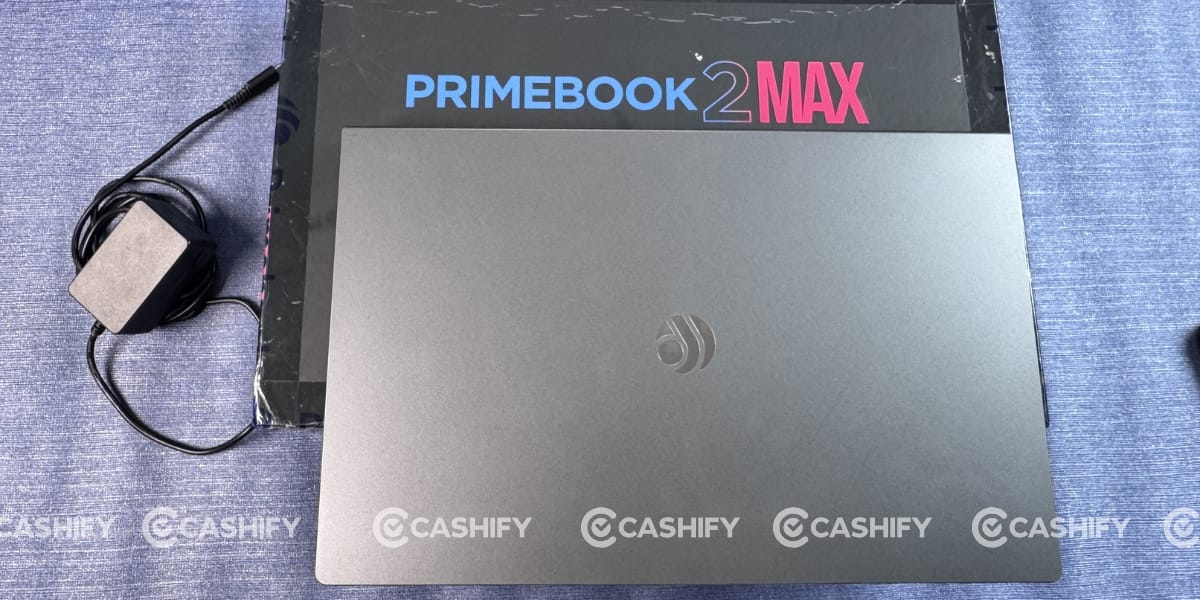
- Laptop
- 36W Charger with Type-C cable
- Documentation
Primebook 2 Max Specs at a glance
Before we talk in detail about the Primebook 2 Max, let’s see what the on-paper specs look like:
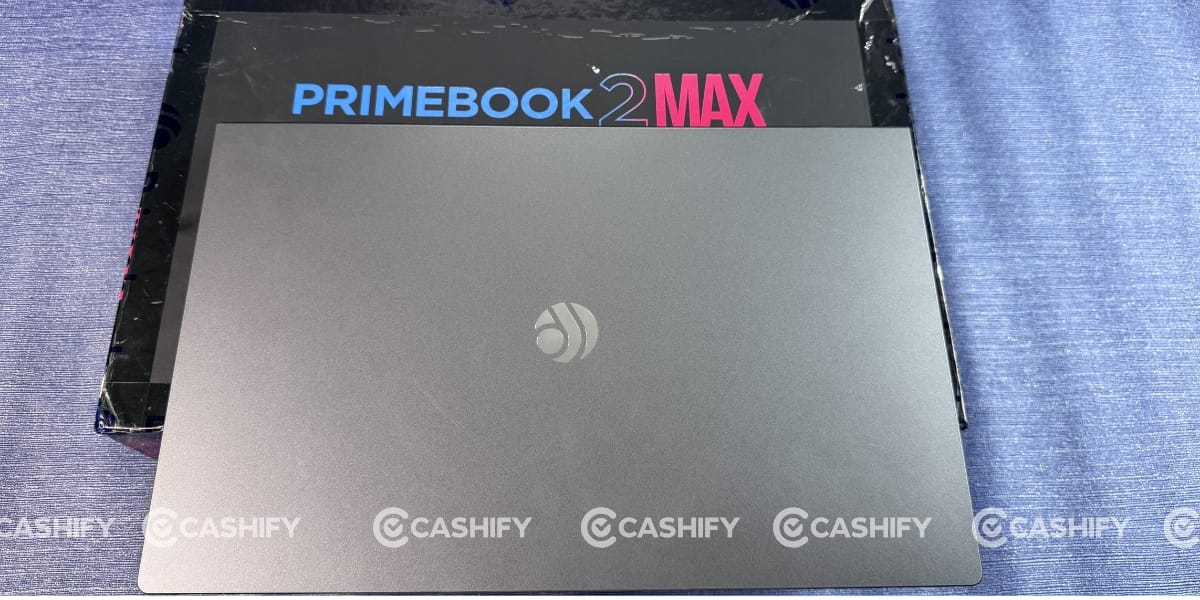
- Display: 15.6-inch Full HD IPS Anti-Glare
- Chipset: MediaTek Helio G99 (6 nm)
- RAM & ROM: 8GB LPDDR4X, 256 GB UFS 2.2
- Software: PrimeOS 3.0 (Android 15-based)
- Front camera: 1440 P Full HD
- Battery: 60.3Wh
- Weight: 1.6 Kg
- Microphones: Dual with Noise Cancellation
- Keyboard: Backlit
Primebook 2 Max Design and Build
“Jo dikhta hai woh bikta hai” (“What looks good sells”) is one of the sayings I grew up hearing. Primebook seems to have taken that seriously by offering an eye-catching design.
Last year, I visited their office, where I experienced their first-generation laptops, including the Primebook 2 Neo. It had a bigger notch, a smaller display, and a bulkier design. But with the Primebook 2 Max, the company has changed the game. It comes with a much sleeker design, weighs just 1.6kg, and features a 15.6-inch display.
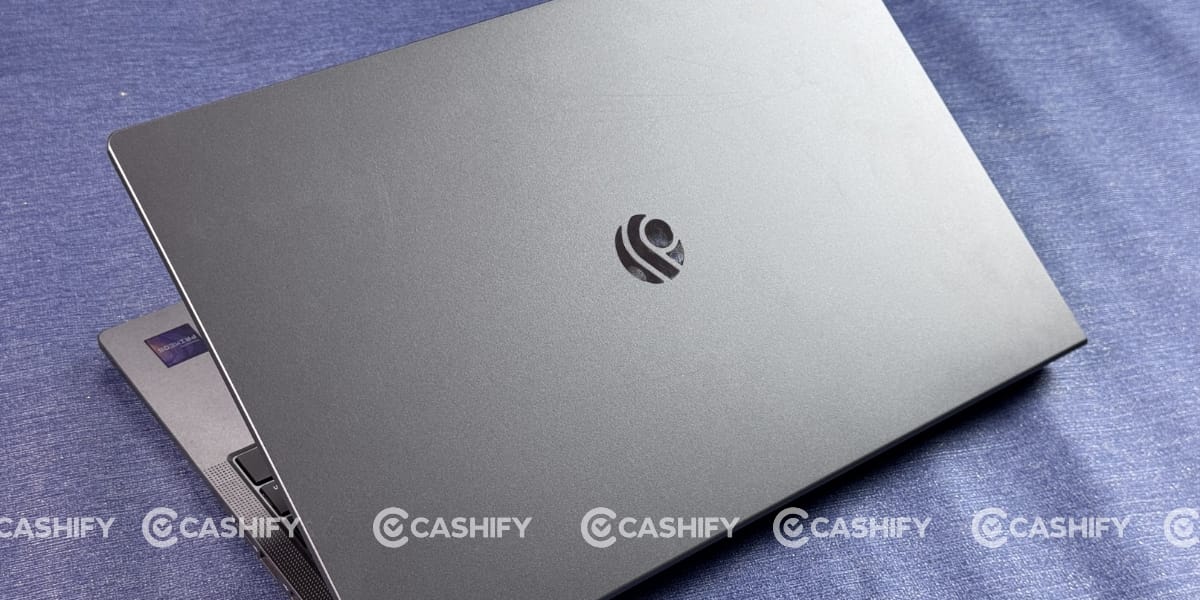
The overall body is made of polycarbonate, but the finish is much better than before, and the hinge feels smoother. It can also open up to 180 degrees. At first glance, you might even mistake it for a metal-built laptop.
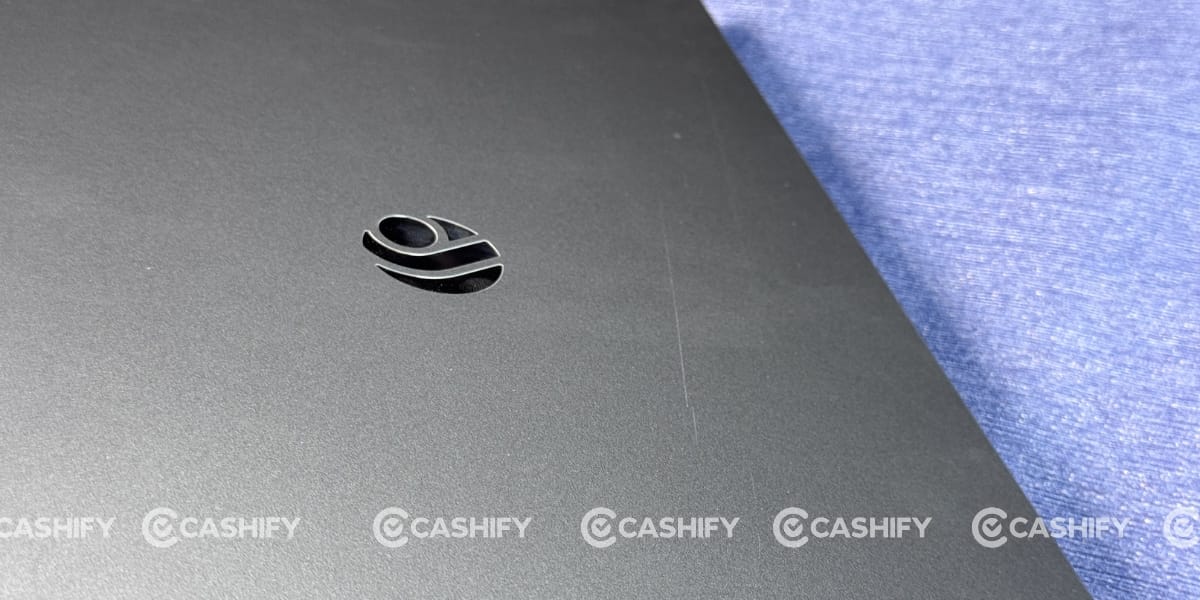
I’m using the Chill Grey colour, which I liked the most. However, I noticed that it picks up scratch marks quite easily during the Primebook 2 Max review. Even my fingernails left visible marks on the surface.
The display does wobble slightly, but not enough to create any negative impact during normal use. Similarly, I checked for flex on both the back panel and the keyboard. There is some flex, but nothing that leaves a negative impression, especially considering its price segment.
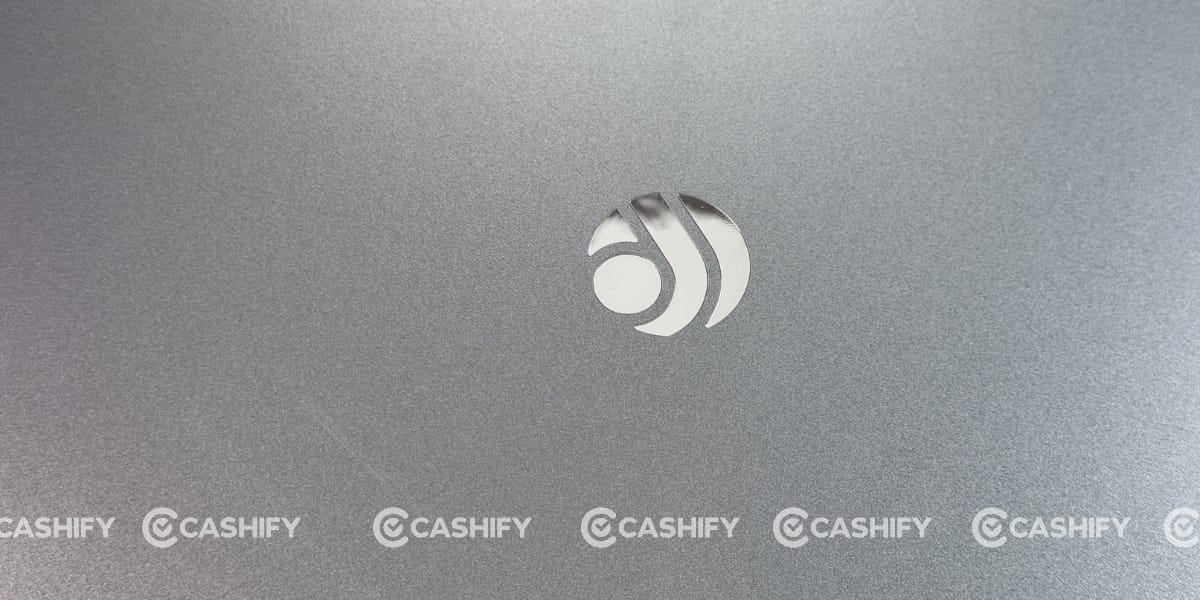
From a user’s perspective, the feature that impressed me the most was the logo placement. It gives the laptop a much more premium look. In fact, after seeing the design, most of my office colleagues guessed that the laptop would cost much more than it actually does thanks to its premium design.
Primebook 2 Max Ports and Speaker
Talking about the ports and other hardware on the Primebook 2 Max, the brand has added four rubber guards around the display. These help prevent the display from directly touching the keyboard and trackpad when the lid is closed. As someone who uses a MacBook Pro daily, I often notice keyboard stains and marks appearing on the display every morning, so this small detail immediately caught my attention.
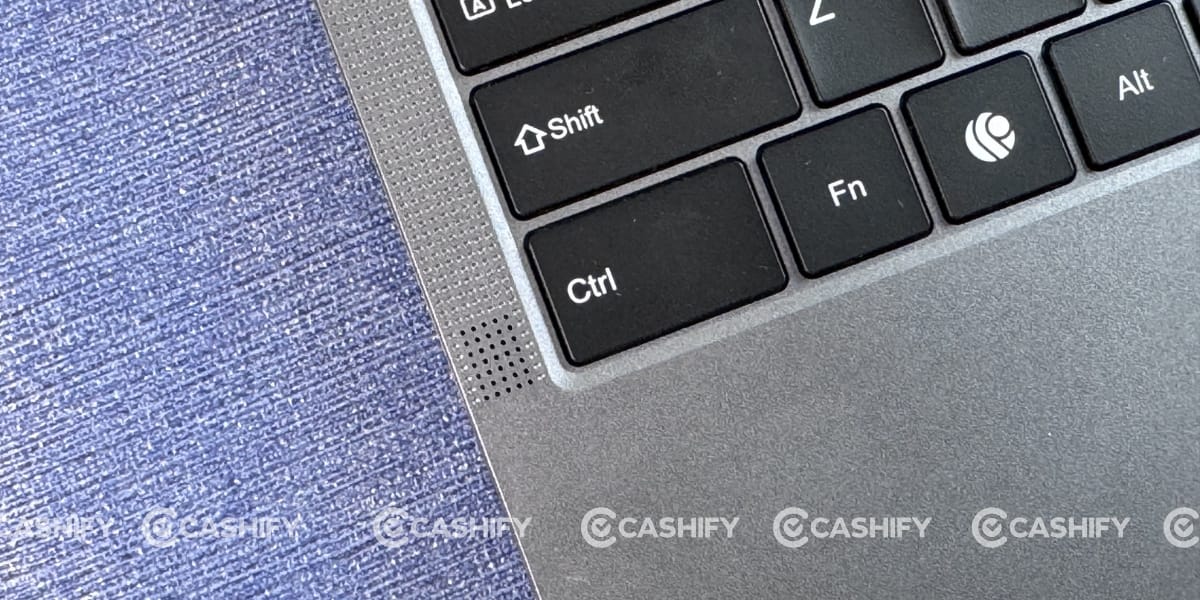
The laptop also features dual speakers on either side of the keyboard. At first glance, the entire side section looks like a speaker grille, similar to the MacBook Pro, but the actual speaker units are quite small.
Honestly, I wasn’t very impressed with the speaker quality despite it having dual stereo speakers. They get loud enough for meetings or watching movies with a group, but the sound lacks richness. The audio feels flat and can become slightly harsh at higher volumes.
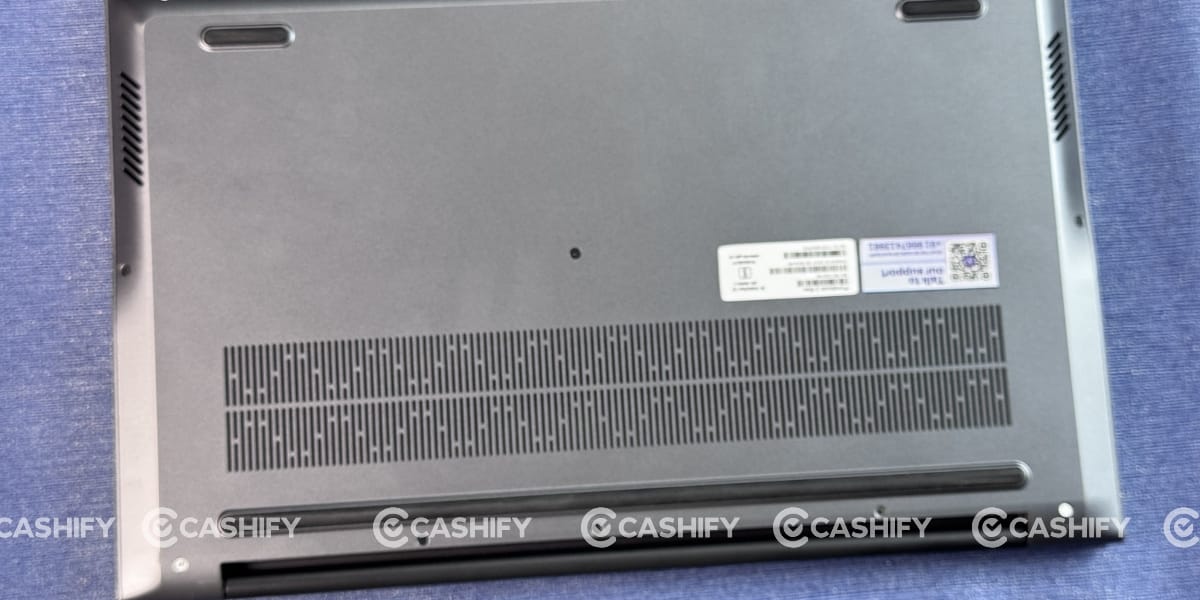
On the bottom, you’ll also notice large grille-like cutouts. At first, they look like vents for fan exhaust or additional speakers, but they’re completely sealed. I’m not sure why Primebook added them, as they don’t seem to serve any functional purpose.
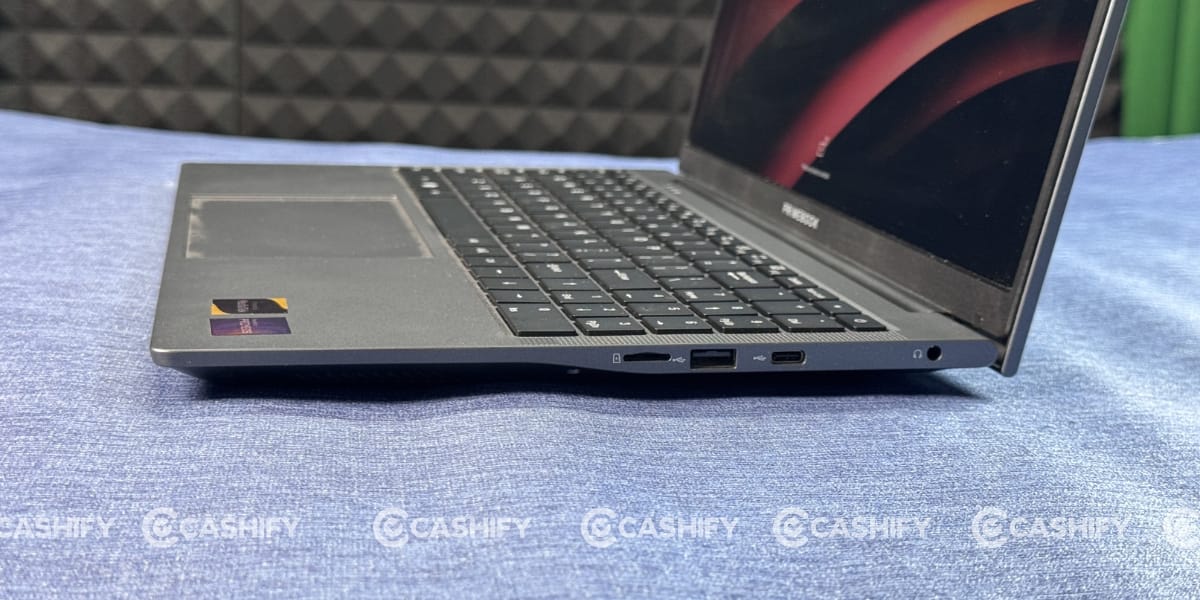
The Primebook 2 Max has several ports. It has three USB 2.0 Type-A ports, one 3.5mm headphone jack, a microSD card slot, and two USB-C ports, one for charging and one for connecting other devices.
Primebook 2 Max Keyboard and Trackpad
The Primebook 2 Max comes with a full-size keyboard along with a separate numerical keypad. Primebook has also added a few custom buttons, including a dedicated AI key. Instead of the traditional Windows key, you’ll find a Prime button that opens the app widgets. Apart from these additions, the overall keyboard layout remains familiar.
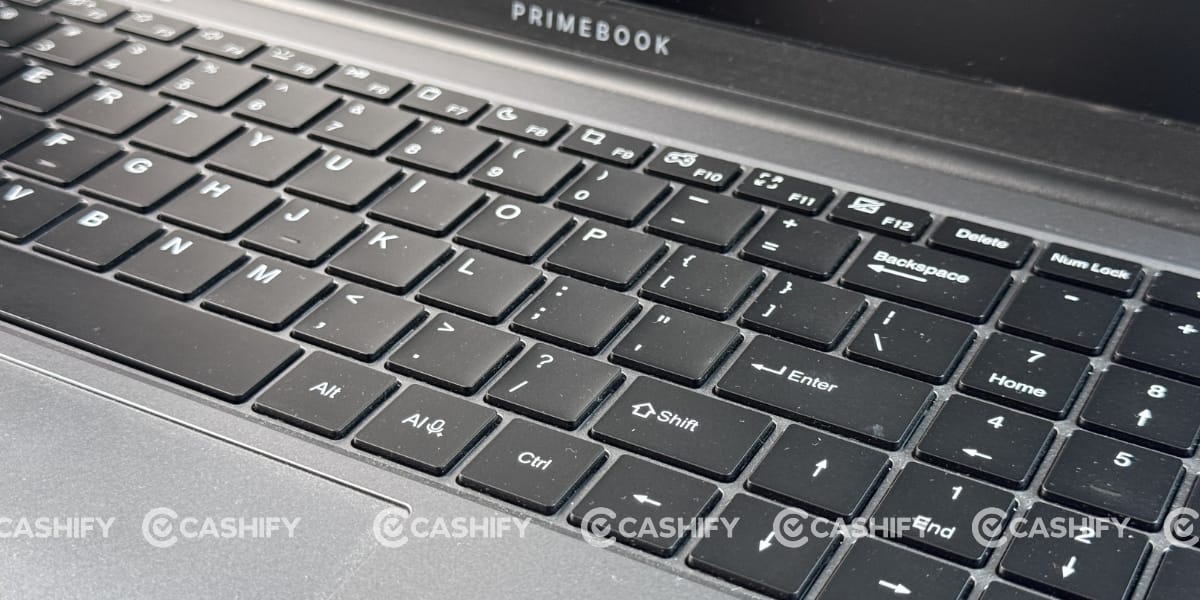
Talking about comfort, the key presses feel soft and are well suited for fast typing. I wrote a few sections of the Primebook 2 Max review itself and didn’t face any discomfort while typing. The brand has also included a two-level backlit keyboard, making it convenient for late-night use.
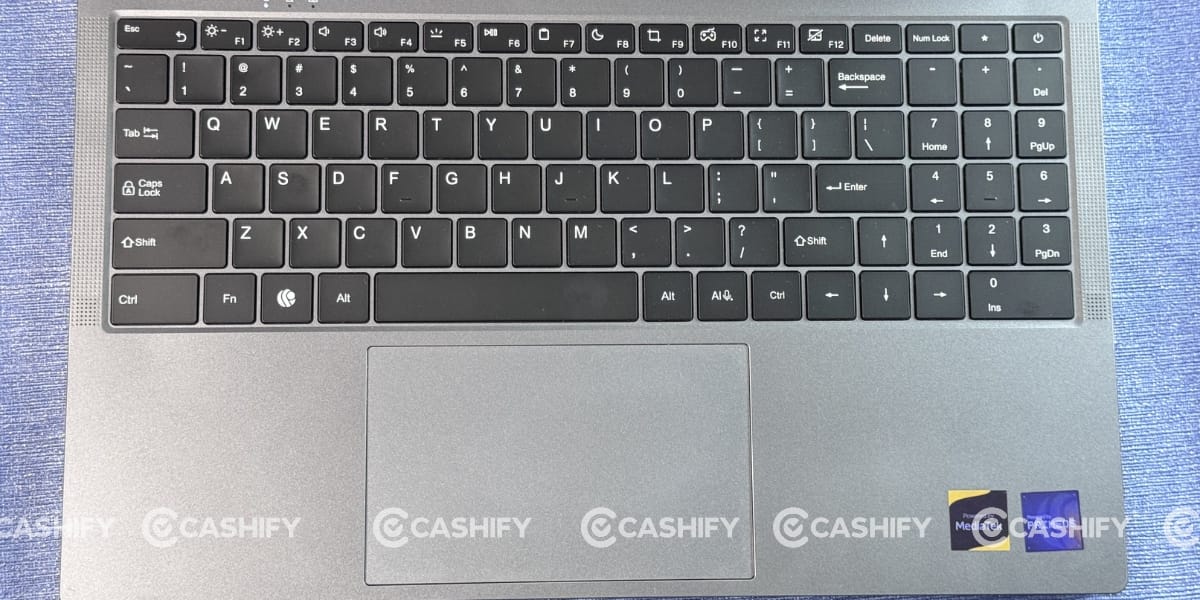
The trackpad is wide enough for comfortable navigation. Unlike the MacBook Pro, it is positioned slightly towards the left instead of being perfectly centred. You can also adjust the trackpad speed through the settings. By default, it comes set to medium, but I switched it to the fastest option for a more responsive experience.
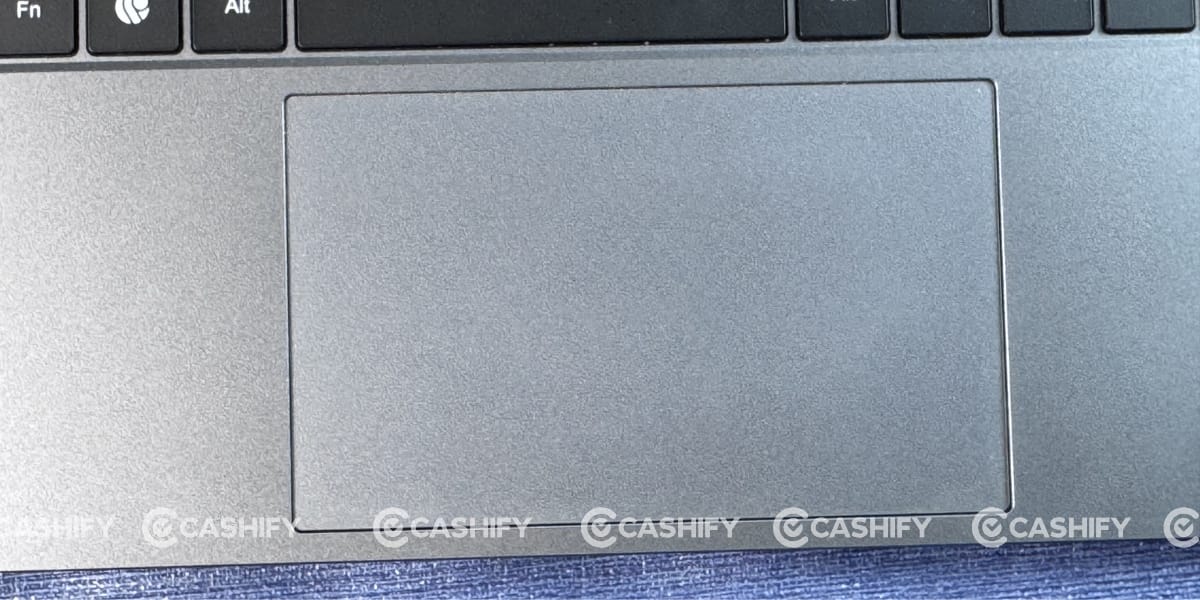
It also supports multiple touch gestures using two and three fingers, such as returning to the home screen or switching between open apps. My only suggestion to Primebook would be to further improve the gesture animations and responsiveness. Right now, there is a slight delay when switching between apps, and you sometimes have to wait a moment before selecting the window you want to move to.
Primebook 2 Max Battery and Charging
The Primebook 2 Max comes with a 60.3Wh battery, and it delivers impressive battery life. During my testing, I played a YouTube video on loop with the sound turned off and got 12 hours and 10 minutes of screen-on time. However, I was getting a lot of unskippable ads throughout the test, so I believe the battery could have easily lasted close to 13 hours without those interruptions. Either way, this is excellent battery life for a laptop in this segment.
My daily usage mostly involved watching YouTube videos, reading blogs, and doing some casual work. I also played Clash of Clans a few times, but I never noticed any sudden battery drain during gaming or regular use.
One interesting thing I observed was the battery discharge pattern during the Primebook 2 Max review. The battery drops very slowly from 100% to around 60%, then discharges at a more consistent pace between 60% and 20%. However, the last 20% drains much faster. So, I’d recommend plugging in the charger before the battery falls below 20%, especially if you’re working on something important.
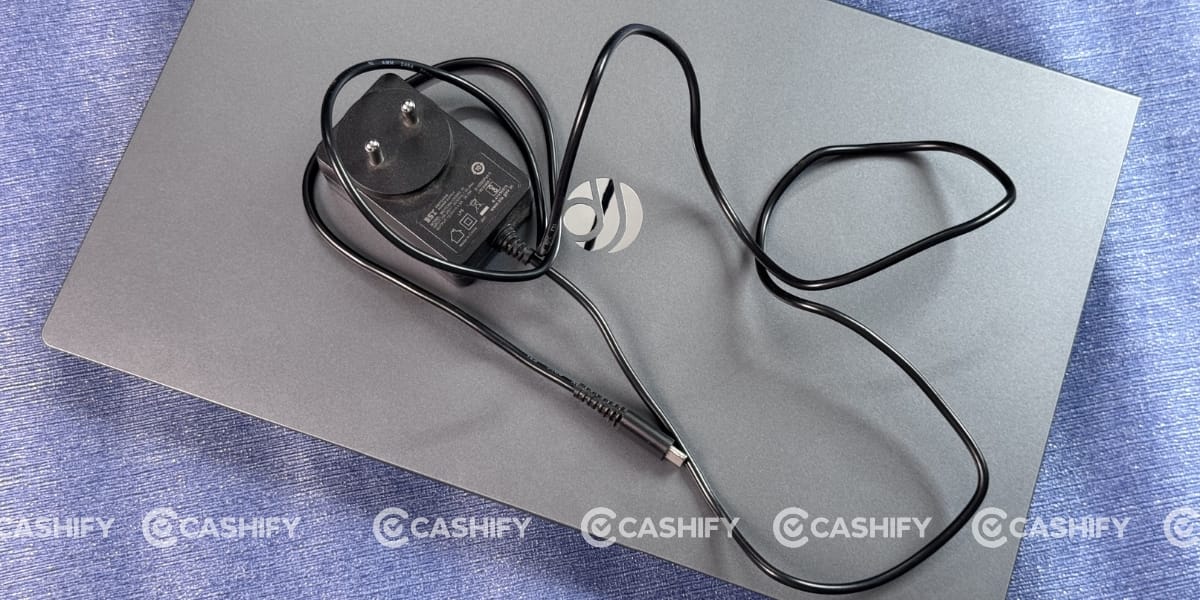
Inside the box, Primebook includes a 36W charger with a non-detachable USB Type-C cable. At first glance, the charger looks quite basic and reminded me of the chargers that used to come with older keypad phones. Despite its simple design, it took around 2 hours and 30 minutes to fully charge the laptop.
Primebook 2 Max Display
The display was also one of the biggest attractions for me. The Primebook 2 Max sports a 15.6-inch Full HD IPS anti-glare panel with nearly 180-degree viewing angles. It offers punchy colours, and the picture looks consistent from almost any angle, even when viewed from the corners. The black levels are also quite satisfactory. I wouldn’t call them OLED-like, but they are impressive enough to give the display a premium feel.
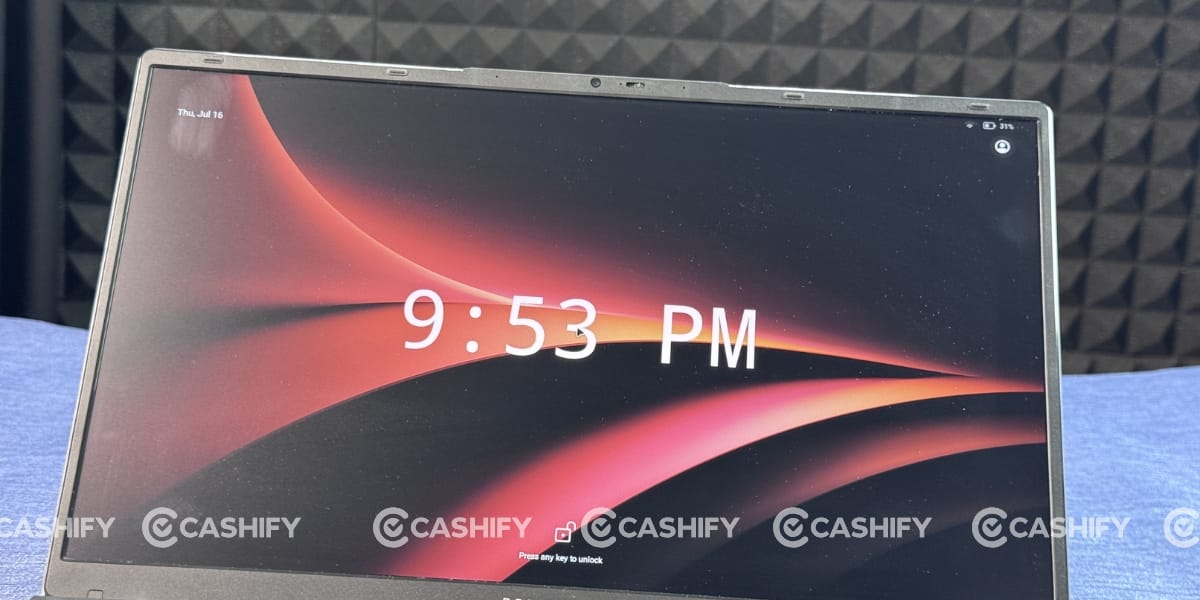
My first laptop was an Asus VivoBook X543M, which I bought for around ₹26,000 back in 2022. Compared to that, I would say the Primebook 2 Max is far, far better in terms of display quality. During my Primebook 2 Max review, I watched several YouTube videos, dark-themed documentaries, and a few movies on Netflix. At no point did I feel that the display delivered a downgraded or disappointing viewing experience.
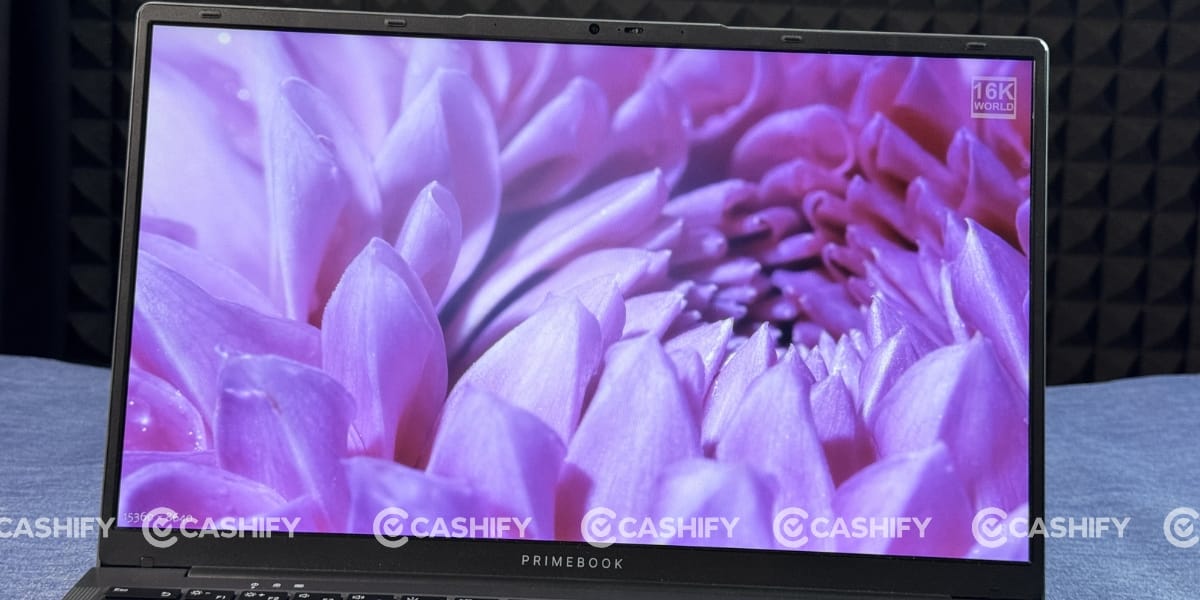
The brightness level is also good. It offers 12 brightness levels, which you can increase with the F2 shortcut key and decrease with the F1 shortcut key. The display has a peak brightness of 250 nits, making it well-suited for indoor use.
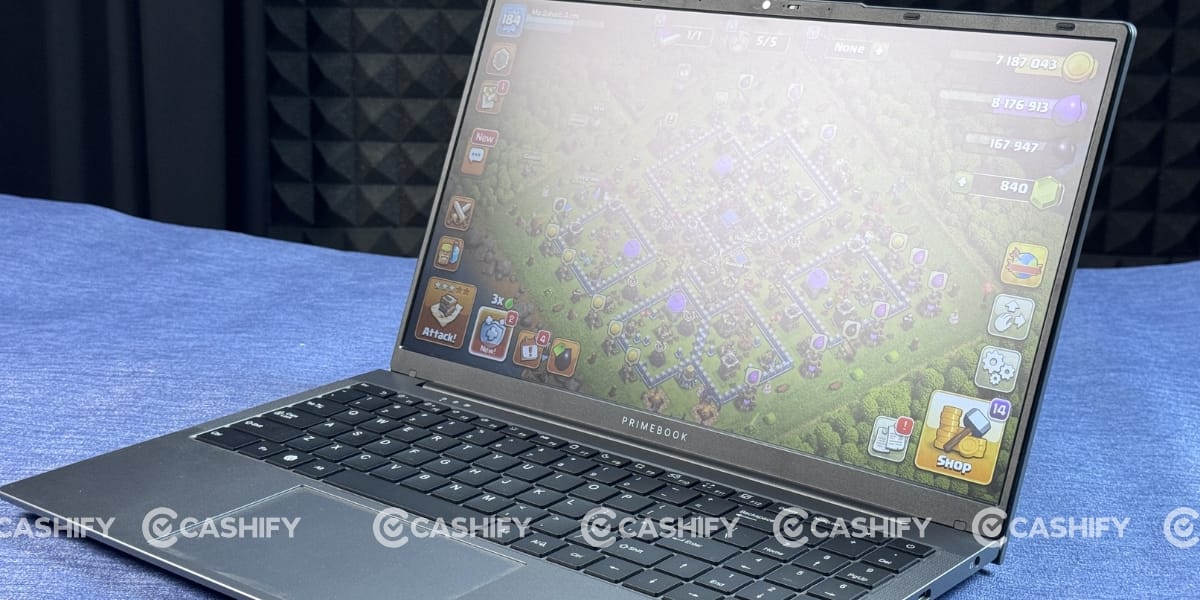
For outdoor use, Primebook has included a Super Brightness Mode in the display settings, which improves visibility in sunlight and makes the screen easier to read outdoors. Even with these features, the display struggles to remain visible under direct sunlight or in brightly lit environments.
Primebook 2 Max Camera
Primebook has also included a 1440p webcam with a physical privacy shutter. The company hasn’t mentioned the camera’s megapixel count, but in my experience, it’s more than good enough for Google Meet calls, online interviews, and regular video conferencing.
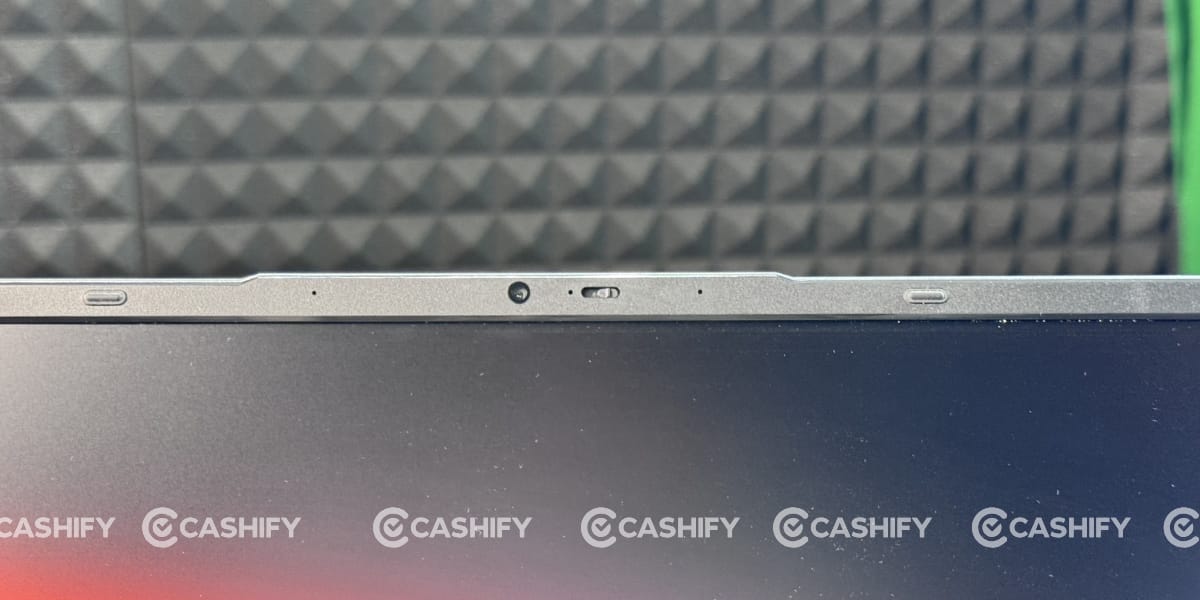
The privacy shutter is something I genuinely liked. Since I mostly work from home and sometimes join office meetings while sitting casually at home, I always find myself double-checking whether the camera is turned off. The physical shutter completely removes that concern and gives me peace of mind.
Primebook 2 Max Performance
The Primebook 2 Max is powered by the MediaTek Helio G99 (6nm) chipset, which delivers a smooth day-to-day experience. This is the same processor we usually see in smartphones priced around ₹10,000 to ₹12,000, but I was pleasantly surprised by how well it handles a much larger display and a laptop-style interface.
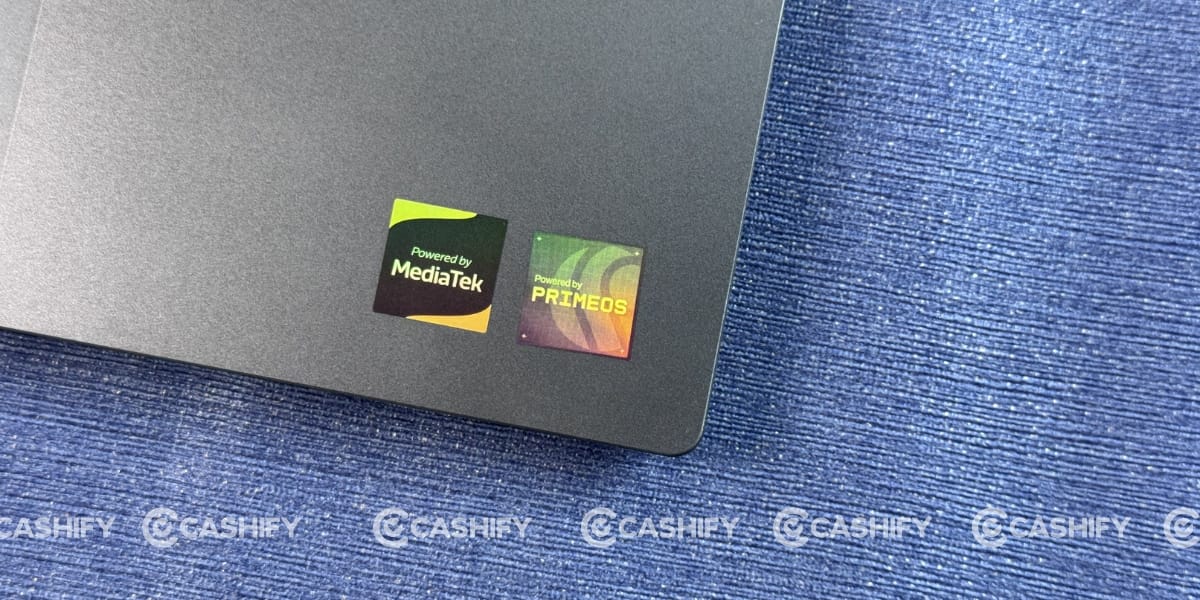
It is paired with 8GB of LPDDR4X RAM and 256GB of UFS 2.2 storage. If you need more storage, you can expand it by up to 1TB with a microSD card. However, unlike most Windows laptops, you cannot upgrade the internal SSD or RAM. In my opinion, this configuration is ideal for students, first-time laptop users, and anyone whose work primarily involves browsing, online classes, Microsoft Word, Excel, and other light productivity tasks.
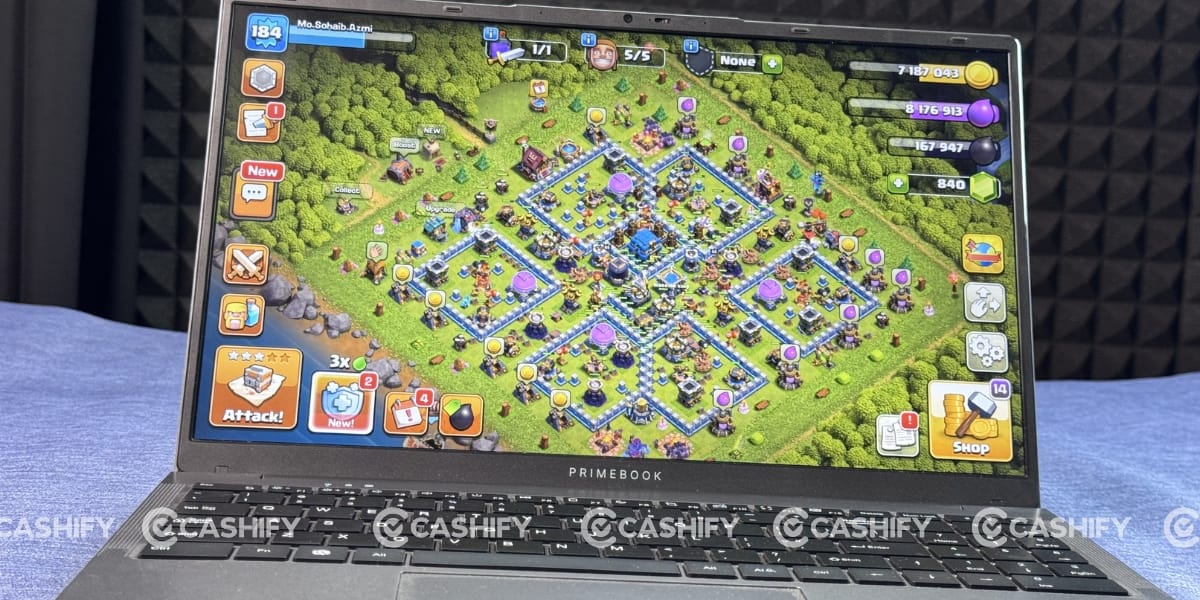
When it comes to gaming, I also played a few titles during the Primebook 2 Max review, including Subway Surfers and Clash of Clans. Throughout my gaming sessions, I never noticed any heating issues. You can also play BGMI, and Primebook has included customizable key mapping for games. However, I couldn’t properly test BGMI because I’m not used to playing mobile games using a keyboard, so controlling the game felt difficult for me.
Primebook also offers a cloud-based desktop solution for users who need access to platforms like Windows or Linux for heavier workloads such as coding, the Microsoft Office suite, or even Photoshop. Keep in mind that this service isn’t free, so you’ll need to purchase a subscription. You can check the latest pricing details on Primebook’s official website.
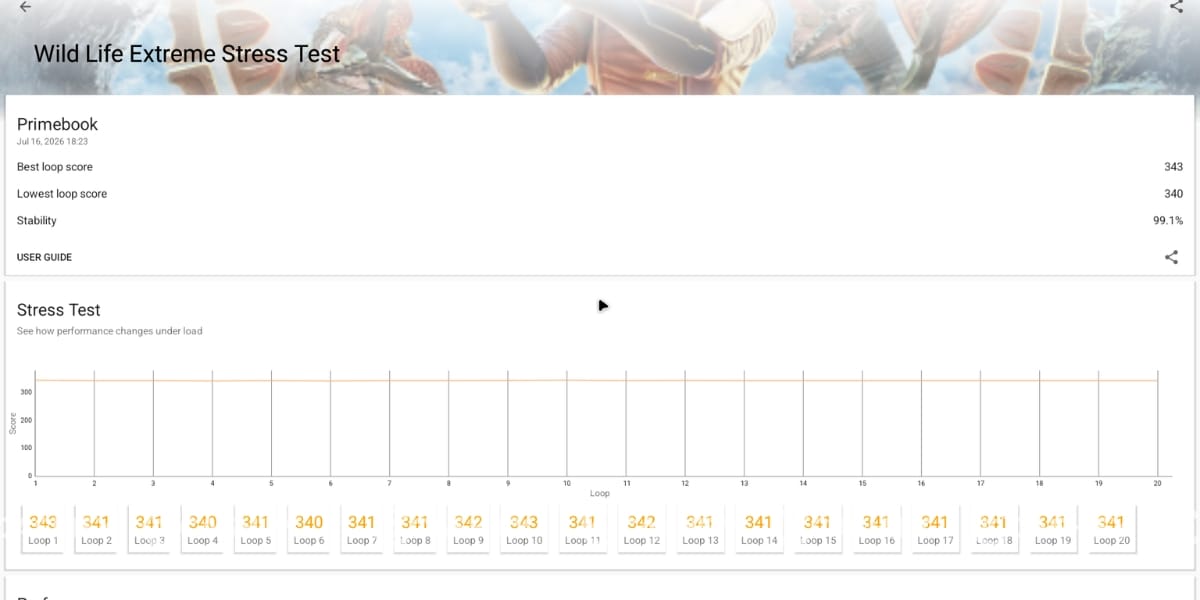
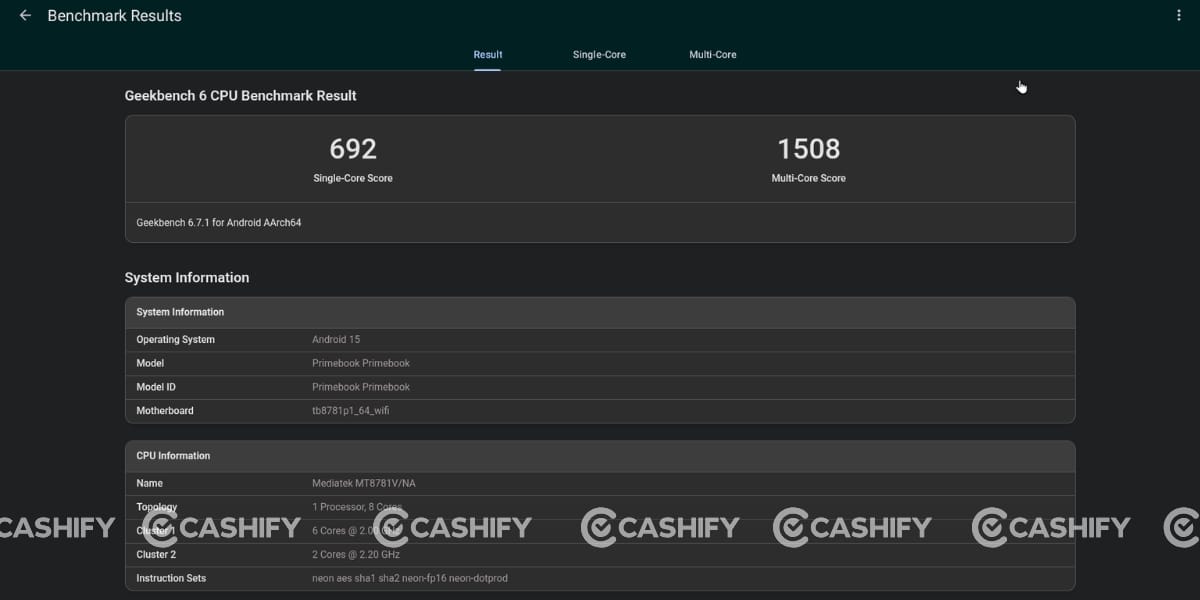
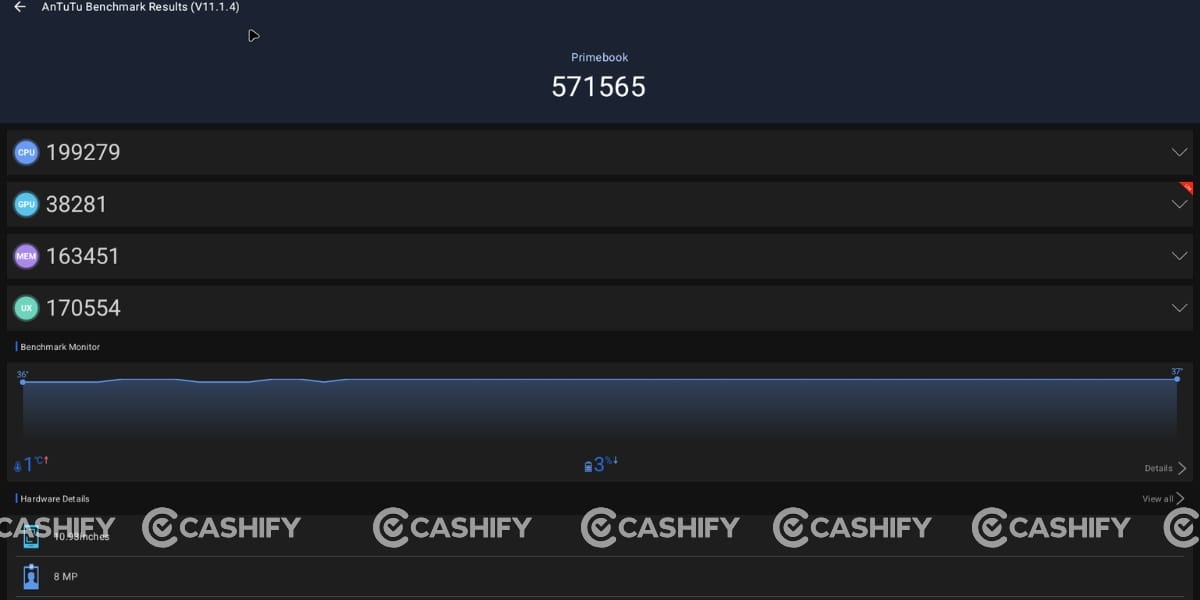
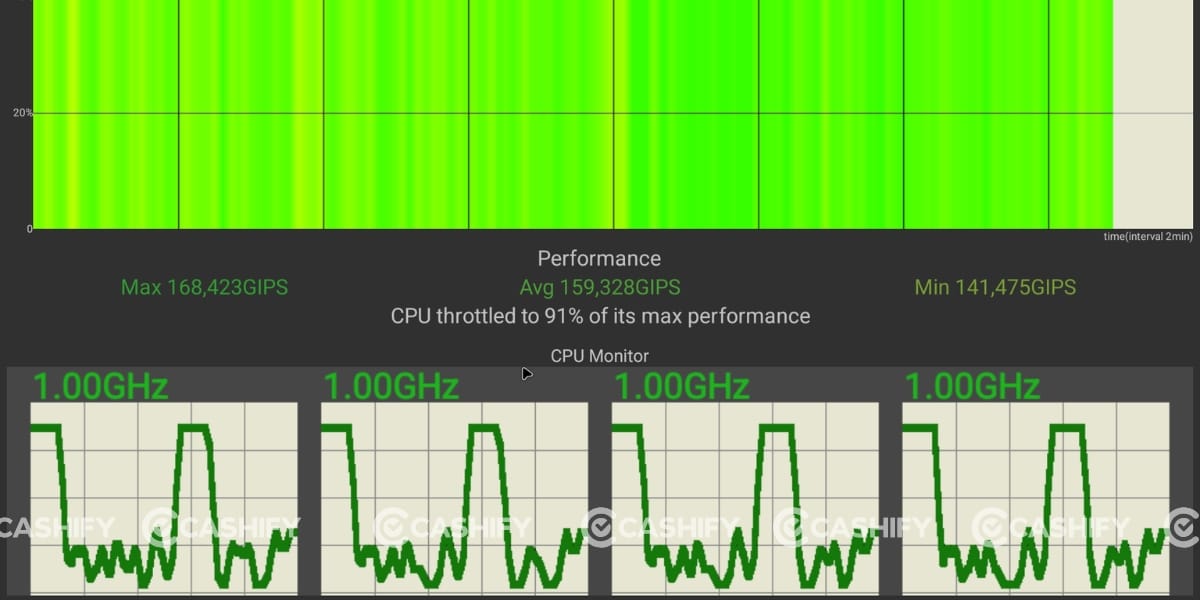
I also ran several Benchmark tests on the Primebook 2 Max to assess its performance across different aspects. Its Geekbench scores are 692 in single-core and 1508 in multi-core. The maximum in the CPU throttling test is 91 per cent. Moreover, its Antutu score is 571565. The 3D Mark Wildlife Extreme Stress Test for stability has an overall score of 99.1%.
Primebook 2 Max Software and UI
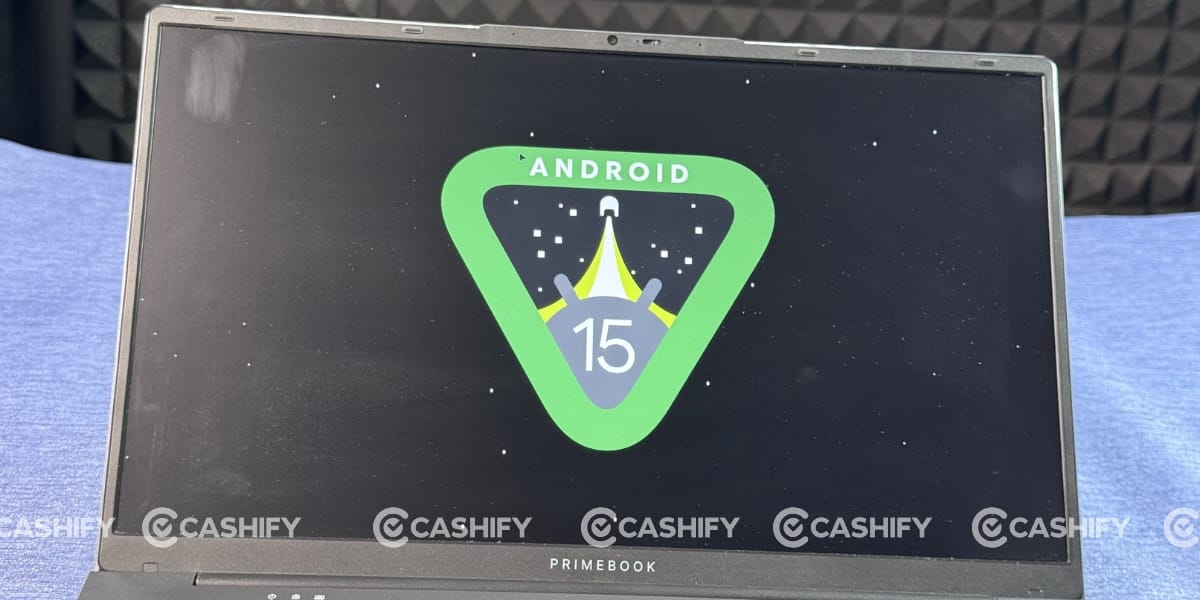
The Primebook 2 Max is not a traditional laptop that runs on Windows or Linux. Instead, it is powered by PrimeOS 3.0, which is based on Android 15, creating a different approach to the laptop experience.
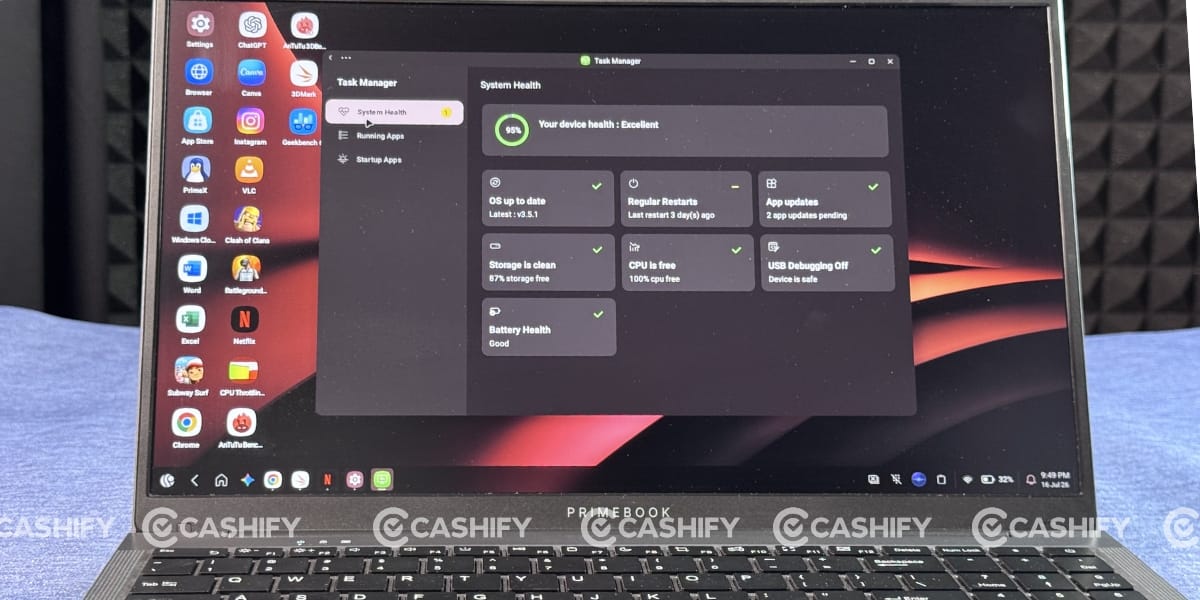
Its user interface feels quite similar to Windows. You get features like a dedicated taskbar, app widgets, window opening and closing animations, split-screen support, and the ability to minimise and maximise apps, making multitasking feel familiar.
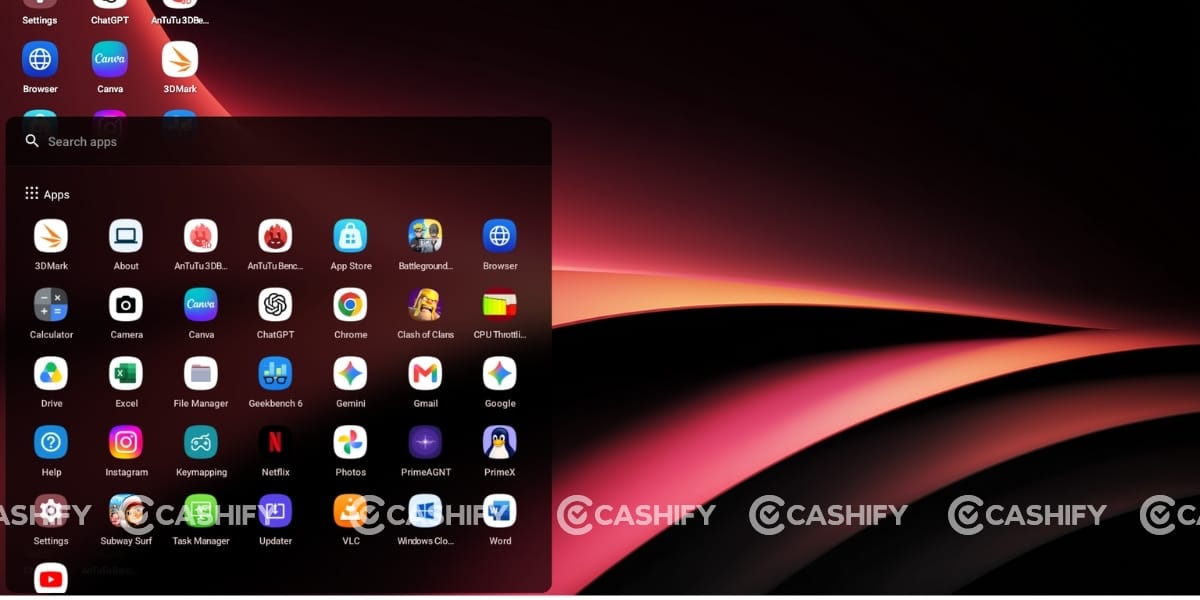
One of the best things I noticed was the absence of bloatware. The dashboard feels clean and uncluttered, unlike many Windows laptops that come preloaded with unnecessary apps. To install applications, Primebook offers its own PrimeStore, where you’ll find most of the popular apps, similar to the Google Play Store. If you can’t find a particular app, you can submit a request, and according to Primebook, the team will work on adding a solution as soon as possible.
PrimeOS 3.0 also introduces a new AI-powered feature called PrimeAGNT. It acts as a smart assistant that can open apps, perform small tasks, and even install apps directly from PrimeStore. It can also understand images and remember previous conversations to provide more contextual responses.
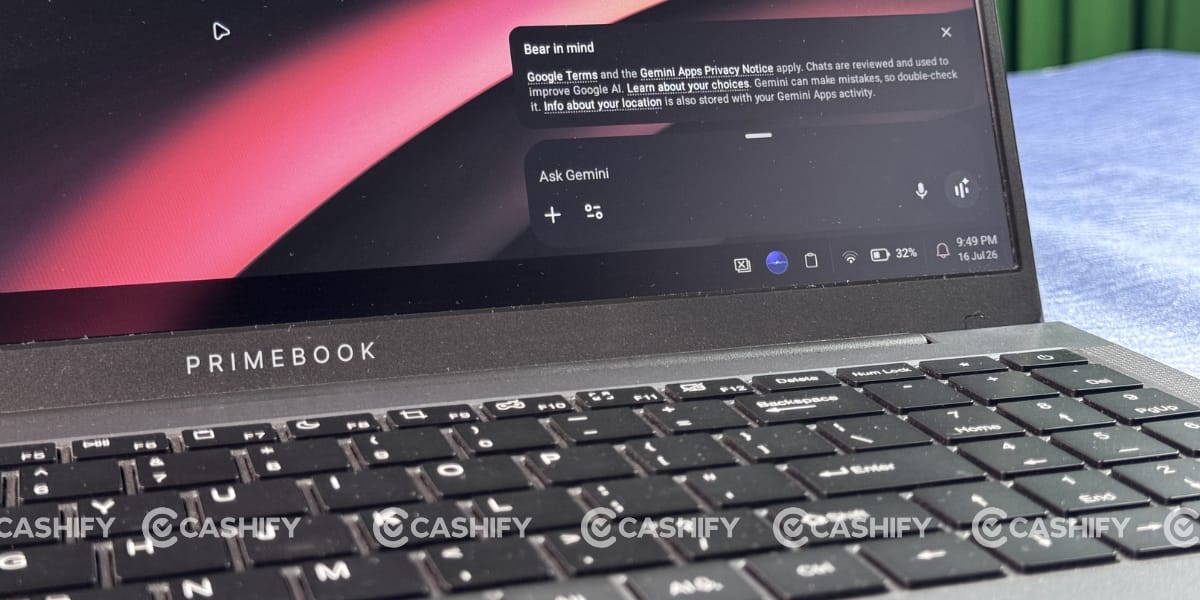
For security, PrimeAGNT asks for your permission before handling sensitive information such as passwords, PINs, or payment details.
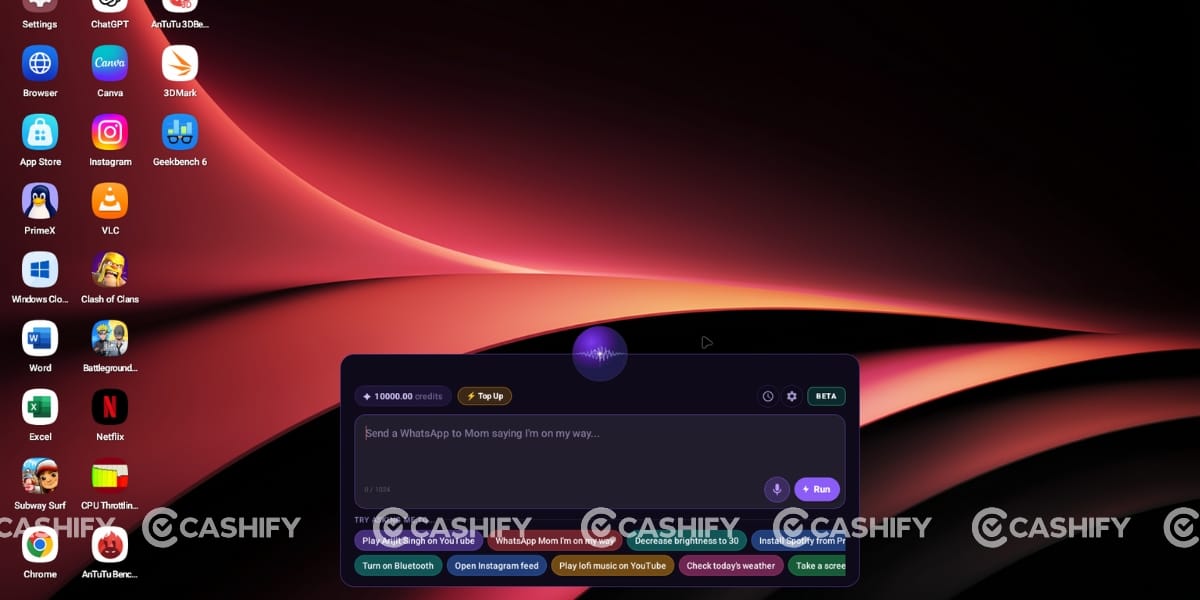
These AI features work on a credit-based system, but Primebook provides 100,000 free credits to help users get started with the experience.
Founder Words
To better understand the vision behind the Primebook 2 Max, I spoke with Chitranshu Mahant, CEO & Co-Founder of Primebook, about why the company chose Android over Windows, its long-term software plans, cloud computing, and after-sales support.
Mahant believes the biggest challenge with affordable laptops has never been the hardware but the operating system. According to him, Windows has become increasingly resource-intensive over the years, making it difficult for entry-level laptops to deliver a consistently smooth experience. Primebook’s approach was to build PrimeOS on Android, adding desktop-style features like multi-window support, keyboard shortcuts, Linux compatibility, Cloud PC integration, and AI capabilities while keeping the system lightweight and responsive.
On the hardware front, he acknowledged that the Helio G99 is aimed at students, learners, and young professionals. However, he confirmed that Primebook is already working on future devices with more powerful hardware for users with demanding workloads. Instead of focusing only on chipsets, the company wants to optimise hardware, software, and cloud services together to deliver a balanced experience.
One of the biggest announcements was software support. Mahant confirmed that Primebook 2 Max will receive three years of PrimeOS updates and security patches. Since Primebook develops both the hardware and operating system in-house, he says the company can continue improving performance, security, and features throughout the device’s lifecycle.
Discussing the future of computing, Mahant said Cloud PC is not a temporary workaround but a long-term strategy. Rather than replacing local computing, Primebook sees cloud-based Windows and Linux as a way to give users access to desktop-class software whenever required without investing in expensive hardware.
Finally, on after-sales support, Mahant highlighted Primebook’s three-layer service model, which includes a Tech Buddy onboarding program, remote troubleshooting, and an authorised service network of 450+ service centres covering over 19,000 pincodes across India. For users who cannot visit a service centre, the company also offers a free doorstep pick-up and drop-off service, ensuring customers don’t have to depend on third-party repair shops.
Honestly, the Primebook 2 Max is not trying to replace a Windows laptop. It is creating a different category altogether. If your work mainly includes online classes, web browsing, content consumption, Microsoft Office, and light productivity, it delivers a smooth experience with excellent battery life, a premium-looking design, and a clean Android-based interface. However, if your workflow depends on professional Windows software or hardware upgrades, a traditional Windows laptop will still be the better choice.
Overall, at ₹27,990, the Primebook 2 Max is a solid option for students, first-time laptop buyers, and users seeking a simple, hassle-free laptop experience. I hope you liked my experience-based Primebook 2 Max review. If you have questions, just comment below or reach out to me directly through social media.