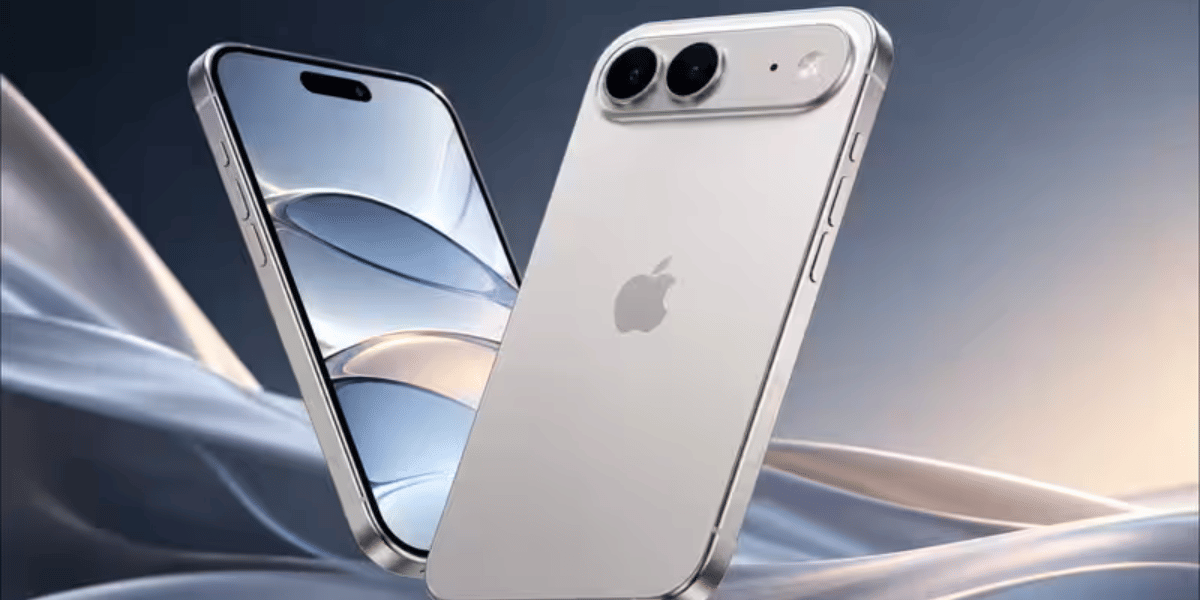
Samsung is preparing several interface improvements for its upcoming One UI 9.5 update. The first beta version has already started rolling out to eligible Samsung Galaxy S26 series devices, giving users an early look at the new features. One of the biggest changes spotted in early software builds is a redesigned Live Notification system that looks similar to Apple's Dynamic Island. The new design moves notifications around the front camera cutout, creating a more modern look. However, the Dynamic Island-style design is still under testing and is not an officially confirmed stable feature.
Samsung Tests a New Dynamic Island-Style Notification Design
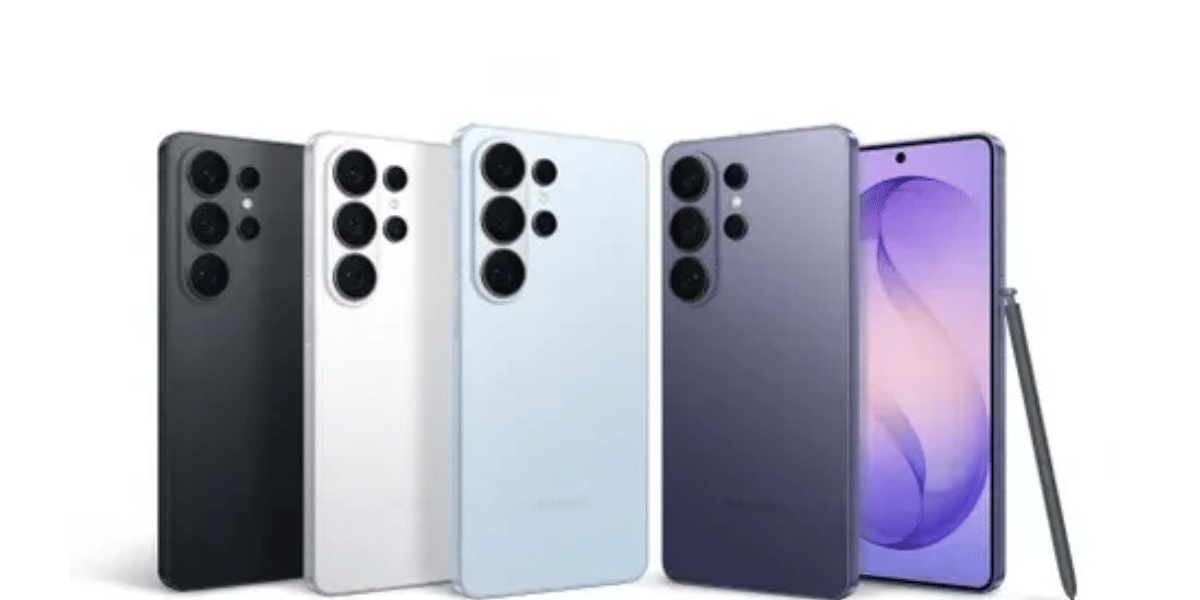
As per the Samsung Newsroom India, in the current One UI versions, the Live Notification pill appears on the left side of the status bar, next to the clock. However, Samsung is testing a new layout that places the notification pill around the front camera cutout.
The redesigned pill also looks smaller and features a refreshed appearance. Users can still tap the notification to expand it and access additional information and controls.
Samsung is also testing changes to navigation. Users may be able to switch between multiple ongoing activities using horizontal swipes instead of the vertical gestures available in the current design.
Also Read: One UI 9.5 Beta For Galaxy Devices Rolls Out: Eligible Phones And Download Steps
Key changes with the One UI 9.5 new features include:
- New placement: Live Notifications move around the front camera cutout.
- Smaller design: The notification pill gets a more compact appearance.
- Updated gestures: Horizontal swipes replace vertical swipes for switching activities.
- Quick controls: Tapping the pill expands it to show more details and controls.
The change may attract mixed reactions. Some users may appreciate the improved visibility, while others may feel Samsung is taking inspiration from Apple's Dynamic Island.
More On One UI 9.5 New Features And Expected Release
The redesigned notification system is not the only improvement coming with One UI 9.5. The first beta also introduces several interface enhancements and useful features.
Other expected additions with the One UI 9.5 new features include:
- Improved lock screen: Better wallpaper blending and visual effects.
- Glass-style Now Bar: A refreshed appearance with a more transparent design.
- Native App Lock: An additional privacy feature to protect selected applications.
- Refined camera controls: Improvements to the camera interface and controls.
- Health tools: New health-related features and enhancements.
However, the new Dynamic Island-style Live Notification design remains under development and has not been confirmed for the current public beta. Samsung may introduce it in a later beta version or the final stable release.
The stable One UI 9.5 update is expected to arrive alongside the Samsung Galaxy S27 series in early 2027. Samsung could still change the notification design, gestures and overall appearance before the official rollout.
Comparison Between One UI 9 and One Ui 9.5
Features | One UI 9.0 | One UI 9.5 Beta |
|---|---|---|
Live Notifications | Pill on the left side of the status bar | Dynamic Island-style centered pill under testing |
Now Bar | Traditional frosted glass design | More transparent, glass-like appearance |
Lock Screen | Standard wallpaper effects | Live wallpaper depth effects and more clock options |
Camera | Standard camera controls | Improved zoom bar and customizable Pro presets |
App Security | Existing privacy protections | New native App Lock |
Samsung Health | Existing health tracking | Improved sleep coaching and meal scanning |
Digital Wellbeing | Standard app usage controls | 10-second pause before selected apps open |
Samsung DeX | Existing multitasking layout | Improved window snapping and split-screen options |
My Files | Basic document support | Native DOCX and PPTX file support |
Are you still browsing through your broken screen? Don’t worry! Book at-home mobile phone screen repair with Cashify—an affordable and one-stop destination for all your mobile phone needs. In case you break your screen within 1 month of repair, we will replace your screen again—for FREE.