Sometimes, your Xiaomi Redmi K20 charges fine one day, and the next day the cable barely fits in the port. It’s easy to ignore at first, but a loose charging jack can slowly turn into a bigger problem. You might notice your phone stops charging unless the cable is at just the right angle, or it disconnects randomly. These issues usually happen because the port wears down over time, or small particles get trapped inside. Let’s explore why this happens and how you can fix Xiaomi Redmi K20 charging jack.
Also read: 8 Signs That Your Android Phone Motherboard Needs Repair!
Why Your Xiaomi Redmi K20 Charging Jack Feels Loose?
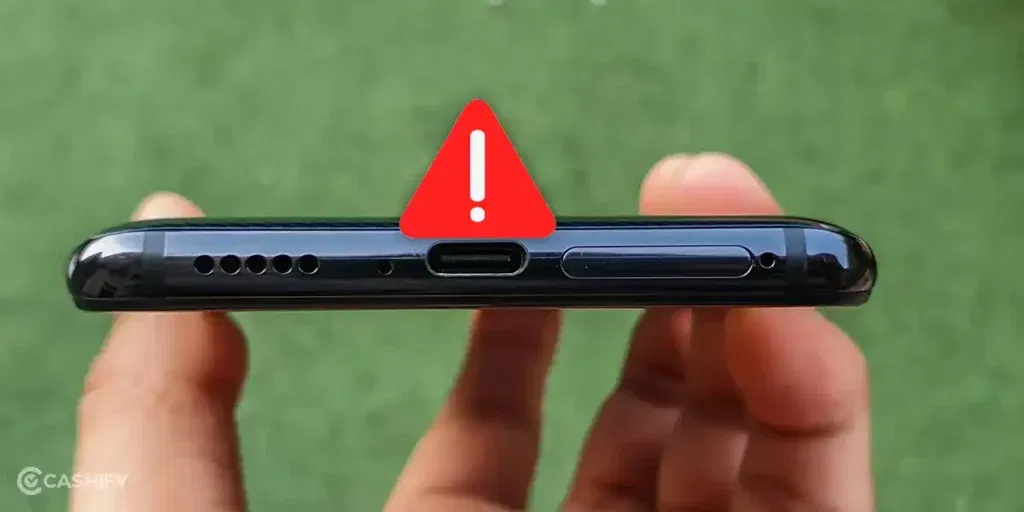
Before learning how to fix Xiaomi Redmi K20 charging jack, let’s check what usually makes it feel loose:
Tiny Bends from Everyday Pressure
Carrying your phone in a tight pocket or bag can put pressure on the charging port. Over time, this may bend the metal frame slightly. You might not see it, but the cable will not fit tightly anymore.
Pins Losing Strength
Each time you plug and unplug the cable, the pins inside the port lose a little strength. Some pins may not press firmly on the cable, which makes the connection feel loose.
Sweat or Water Residue
Daily use can leave small amounts of sweat or moisture inside the Xiaomi Redmi K20 port. You may not notice it, but it stops the cable from holding properly.
Small Shifts in the Port Frame
Drops or bumps can move the tiny frame that holds the port inside the phone. The port may look fine from the outside, but the cable will not sit straight.
Worn Cable Tips
Some cables, especially third-party ones, get rounded or compressed at the tip over time. Even a good port can feel loose if the cable tip does not fit correctly.
Also read: Vivo Y83 Pro Aux Jack Not Working? Repair It Fast With Cashify
Easy Ways To Fix Xiaomi Redmi K20 Charging Jack At Home
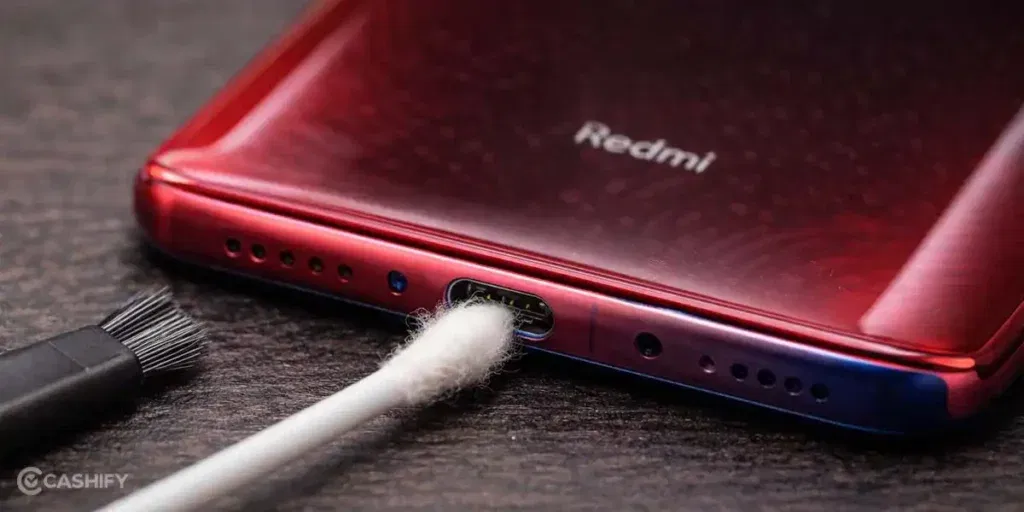
So you have seen the reason behind the loose charging jack. Now here are some precise ways you can fix Xiaomi Redmi K20 charging jack at home:
Use A Toothpick To Remove Dust
Take a wooden or plastic toothpick. Gently clean inside the port. Focus on the corners where dust or lint can hide. Blow a little air afterwards to remove loose dirt.
Straighten Pins With A Plastic Tool
Look at the pins inside the port. If any are bent or pressed down, use a small plastic tool or toothpick tip to lift them a little. Make small movements so the cable fits better.
Try A Working Cable And Charger
Use a fully working Xiaomi cable and charger. Plug it in and see if it fits tightly. Sometimes the problem is the old cable, not the port.
Use A Small Paper Strip For A Tighter Fit
Fold a tiny piece of paper around the cable tip. Insert it carefully into the port. This can make the connection tighter if the port feels loose. Make sure it’s thin so it doesn’t block the pins.
Hold The Cable Steady While Charging
Hold the cable at the right angle while charging. You can tape it lightly to the back of the phone. This keeps the cable from moving and losing connection.
Also read: 8 Signs That Your Android Phone Motherboard Needs Repair!
Signs You Should Get Professional Help
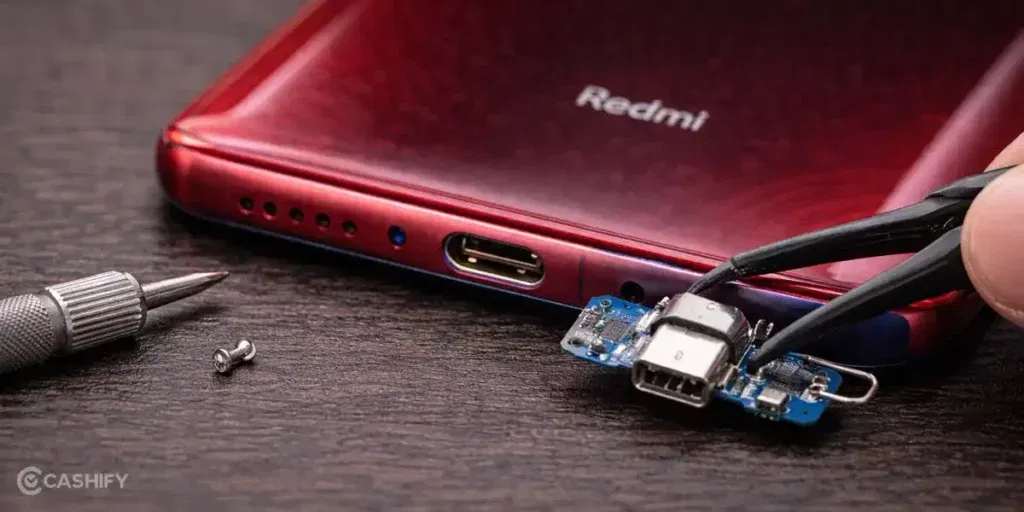
So you have tried all the home solutions, but the problem is still there. If this is the case, you may need professional help to fix Xiaomi Redmi K20 charging jack. Finding the right Xiaomi mobile repair option can be tricky, but Cashify can help. Here is how:
Certified Technicians
Experienced technicians handle your phone carefully. They make sure your charging port is repaired or replaced properly. This keeps your phone working like new without causing extra damage.
Transparent Pricing
You’ll know the cost of the repair upfront. There are no hidden charges. You only pay once the repair is fully completed.
High-Quality Compatible Parts
Cashify uses quality compatible parts that fit your phone perfectly. This ensures your charging port works smoothly and lasts longer after the phone repair.
Convenience
You can book a mobile repair online or visit one of Cashify’s 200+ stores across India. Doorstep service is available if you prefer not to travel.
Also Read: Do You Lose Data When Replacing LCD Screen?
How To Book A Charging Jack Repair With Cashfy?
Here is how you can book a repair to fix Xiaomi Redmi K20 charging jack with Cashify:
- Visit the Cashify website or open the Cashify app.
- Go to the Mobile Repair section.
- Select Xiaomi as your phone brand.
- Choose Xiaomi Redmi K20 from the list of models.
- Select Charging Jack as the issue.
- Enter your address to book a doorstep repair service.
- Pick a date and time that works for you.
- Confirm the booking. A technician will visit your location and complete the mobile phone repair.
Also Read:What Is The Difference Between Screen Repair And Screen Replacement?
Final Thoughts
To sum up, a loose charging jack on your Xiaomi Redmi K20 can happen for different reasons. We have shared all the easy fixes you can try at home to fix Xiaomi Redmi K20 charging jack. If the problem still doesn’t go away, Cashify can help you get it repaired professionally.
If you have any questions or need help, leave a comment below. I’ll be happy to guide you so your phone charges properly again.
Use code: TECH25 to avail of a discount of up to Rs. 300 by using the (on the minimum order value of Rs. 2499).
Use code: RPR50 to avail up to 50 per cent off on a minimum spend value of Rs. 1000 (limited offer).
Are you still browsing through your broken screen? Don’t worry! Book at-home mobile phone screen repair with Cashify, an affordable and one-stop destination for all your mobile phone needs. In case you break your screen within 1 month of repair, we will replace your screen again for FREE.