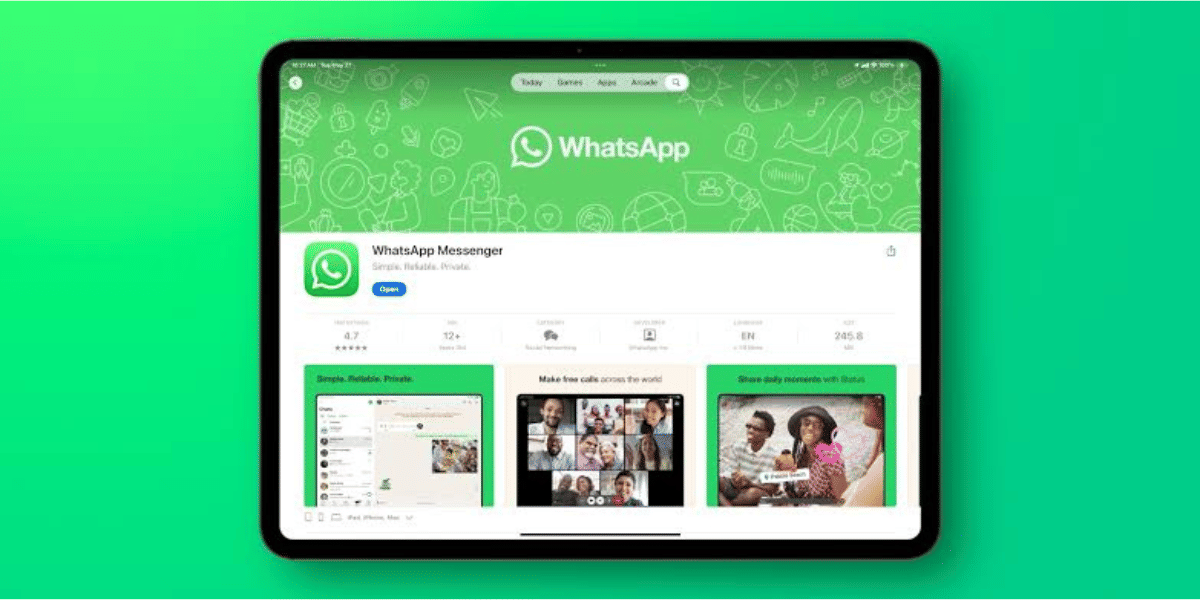
WhatsApp is getting a major upgrade on iPad that makes the messaging app much more useful for tablet users. Meta has reportedly started rolling out a new update that allows users to register WhatsApp directly on an iPad as their primary device. Until now, iPad users had to connect the app to an existing WhatsApp account on an iPhone or Android phone using companion mode.
The new feature removes several restrictions that came with companion mode and gives iPad users a standalone WhatsApp experience. According to WABetaInfo, the feature is gradually rolling out with the latest WhatsApp update for iPadOS.
WhatsApp On iPad Can Now Work As A Standalone Device
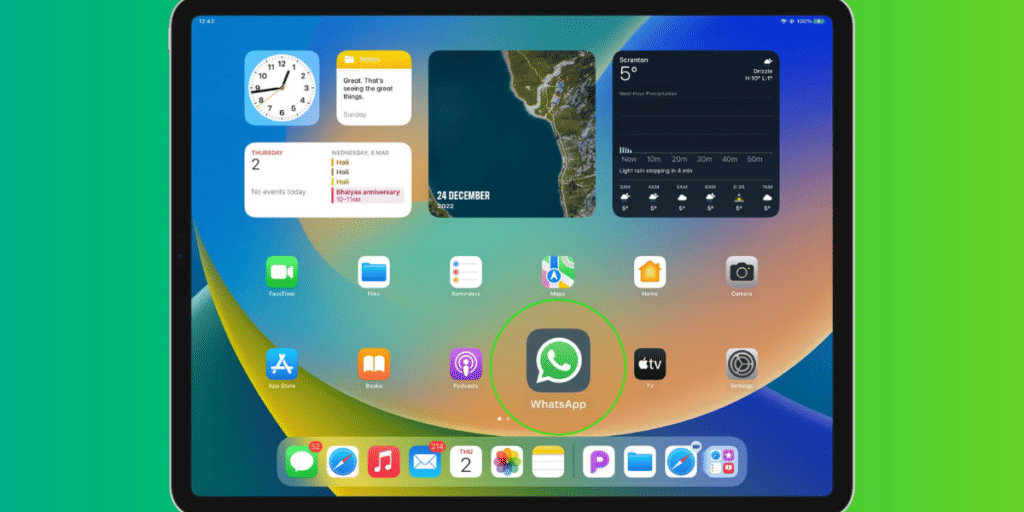
Previously, WhatsApp on iPad only worked in companion mode. Users had to scan a QR code from their primary smartphone to access their chats on the tablet. While this setup worked for many people, it came with a number of limitations.
With the latest update, users can now create or register their WhatsApp account directly on an iPad, just like they would on a smartphone.
Also Read: WhatsApp Username Feature Release Date And All Details!
How to set up WhatsApp on iPad:
The setup process is simple and follows the same steps as a phone:
- Enter your country code and phone number.
- Receive a six digit verification code.
- Verify the account and start using WhatsApp.
- Users with a registered passkey can sign in using it for faster and more secure access.
The feature is currently rolling out with WhatsApp for iPadOS version 26.25.74 and may not be available to everyone immediately.
Primary Device Support Removes Companion Mode Restrictions
Using WhatsApp on iPad as a primary device unlocks features that were previously unavailable in companion mode.
Features available with primary device support:
- Share live location.
- Create and manage broadcast lists.
- Access business messaging features, including Flows.
- No automatic logout after 14 days of inactivity on another phone.
Earlier, if users did not open WhatsApp on their primary smartphone for 14 consecutive days, all linked devices, including the iPad, were automatically logged out. That limitation no longer applies when the iPad is the primary device.
Meta is not removing companion mode. Users who prefer to keep their smartphone as the main device can continue using the existing setup. During the initial setup, WhatsApp will allow users to choose whether they want the iPad to function as a primary device or remain a companion device.
The rollout is currently gradual, and more users are expected to receive the WhatsApp on iPad primary device support over the coming weeks.
Are you still browsing through your broken screen? Don’t worry! Book at-home mobile phone screen repair with Cashify—an affordable and one-stop destination for all your mobile phone needs. In case you break your screen within 1 month of repair, we will replace your screen again—for FREE.