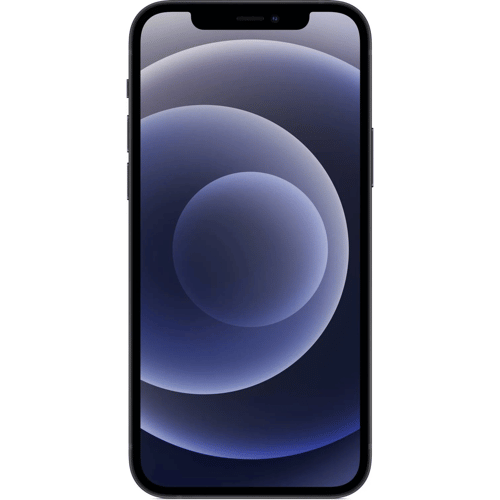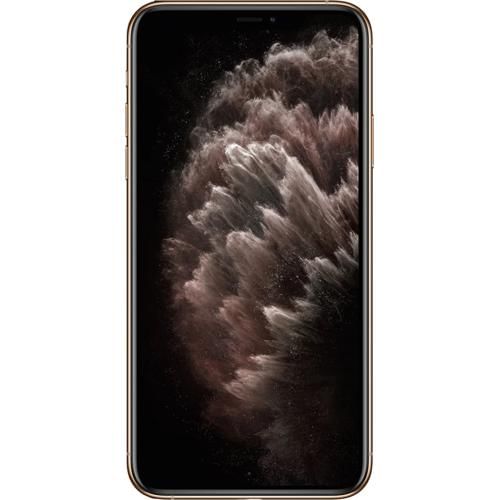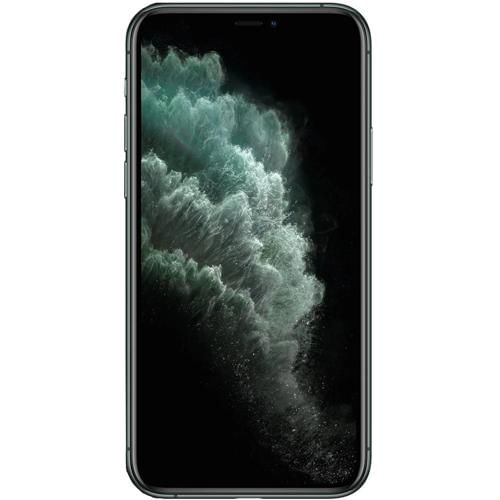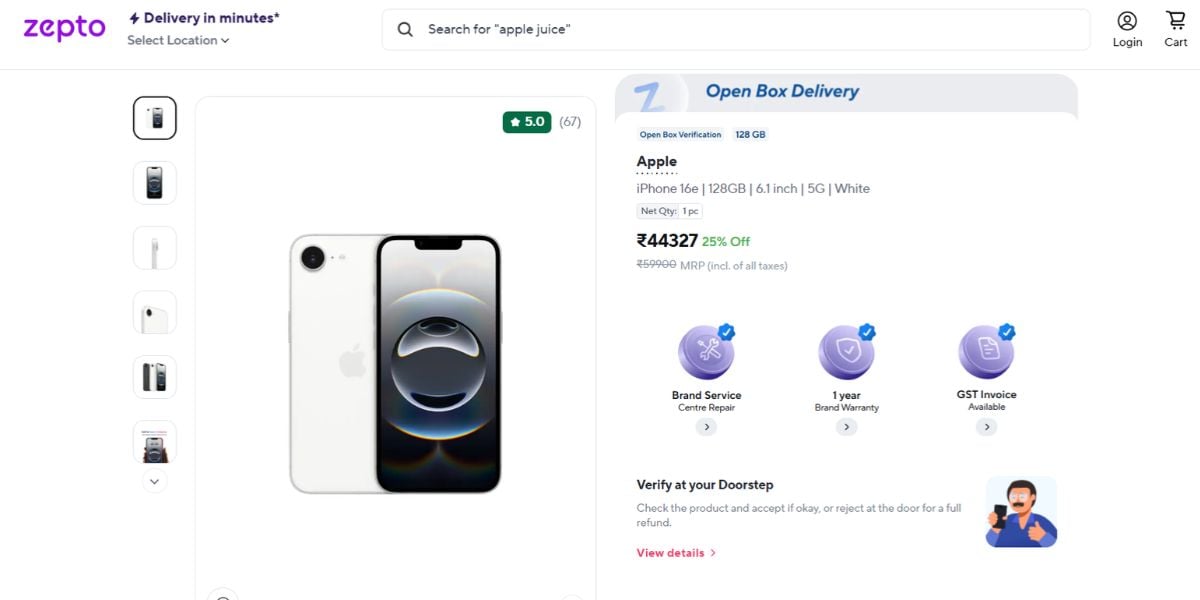
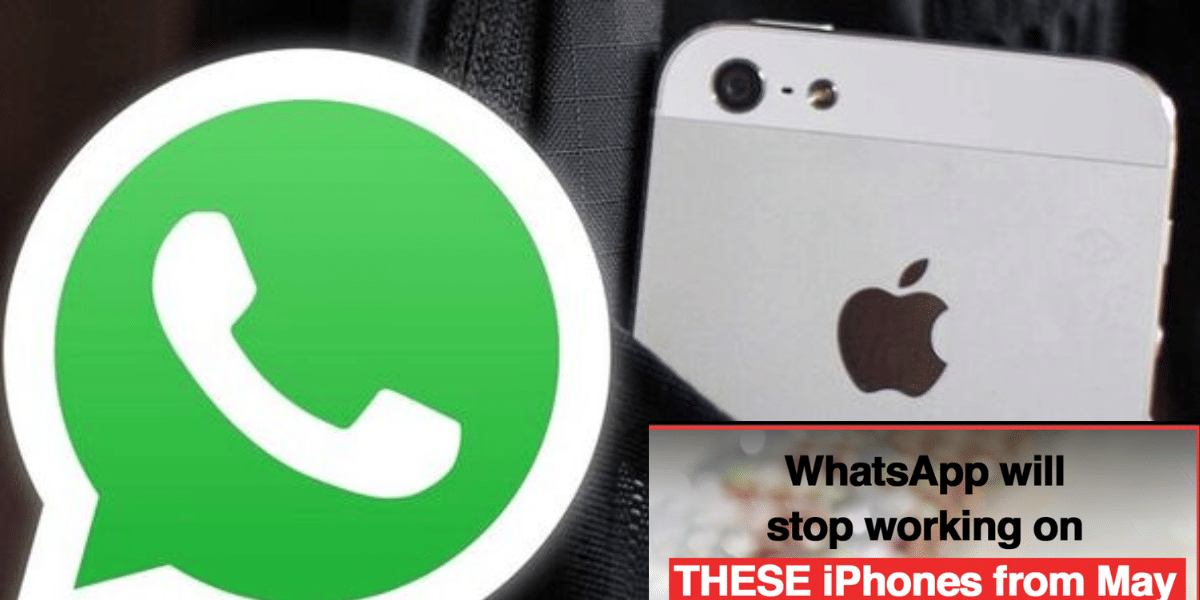
Starting May 5, 2025, WhatsApp will no longer work on certain older iPhone models. The popular messaging app, owned by Meta, is dropping support for devices running iOS 15.1 or earlier. This change affects users of the iPhone 5s, iPhone 6, and iPhone 6 Plus. If you use one of these phones, you may lose access to chats, calls, and updates. Here’s what you need to know to stay connected.
CshComponent type=”adSlotSquareComponent” slotId=’5991860688′]
WhatsApp Stops Working On These iPhones
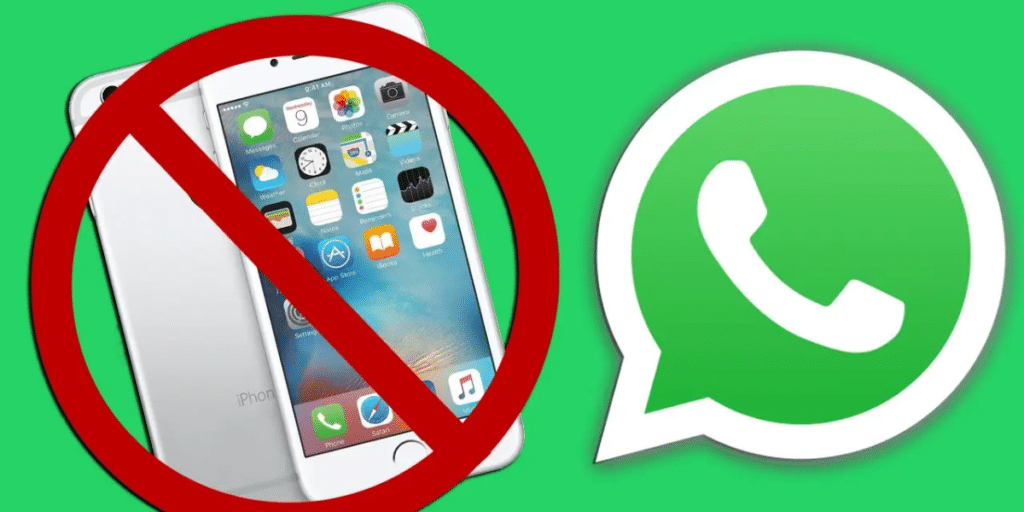
WhatsApp’s decision impacts the Apple iPhone 5s, Apple iPhone 6, and Apple iPhone 6 Plus. These models, once very popular, can’t support the app’s latest features. The exact number of affected users is unclear, but if you own one of these phones, you’ll need to act soon. Without a compatible device, you won’t be able to use WhatsApp after May 5, 2025. Android users don’t need to worry, as this change only affects iPhones.
WhatsApp is making this move to improve its app. New features, better security, and smoother performance require modern systems. Older iOS versions, like those on the affected iPhones, lack the tools to handle these updates. By ending support for outdated devices, WhatsApp ensures a better experience for most users.
Also Read: 50+ Best WhatsApp About Quotes To Suit All Mood
What You Should Do Now?
WhatsApp Stops Working On These iPhones, check if yours is in the list. Go to Settings, tap General, and select Software Update to see your iOS version. If your phone runs iOS 15.1 or earlier, you’ll need to upgrade to keep using WhatsApp. Newer iPhones running iOS 15.2 or later are safe, so update your device if possible.
If you’re using an iPhone 5s, iPhone 6, or iPhone 6 Plus, consider buying a newer model. These phones can’t update beyond iOS 15.1, so upgrading is the only way to stay connected. Back up your chats before May 5 to avoid losing important messages.
CshComponent type=”adSlotSquareComponent” slotId=’5991860688′]
This change shows how apps evolve with technology. To keep using WhatsApp, make sure your device meets the new requirements. Act now to avoid disruptions.
Also Read: Explore The Best Mobile Phones Under Rs. 35000 in April 2025: Expert List
If you’re looking to sell your old mobile phone then you use Cashify to do this, you will get a valuable price compared to others. You can also buy a refurbished mobile phone at a cheap price with a six-month warranty.