Vivo just launched its camera phone series, the Vivo V80, with amazing camera features and pre-loaded filters. Vivo collaborated with ZEISS, bringing a lot of pre-loaded filters and custom editing options to adjust your colour tone. I’ve been using the Vivo V80 for the last week and have clicked photos in different environments.
So, I decoded a few Vivo V80 camera settings to get the best-quality images in every condition. I particularly liked its Portrait mode, which comes in handy during normal usage. A few distinct features have also been added for professional-grade photography, such as Pro mode, Astro mode, Fisheye, and Underwater photography mode. But before going into the details, let’s go over the Vivo V80’s camera specs.
Also Read: Google Pixel 11 Quick Review: Better Specs, Same Pixel DNA?
Vivo V80 Camera Specs
- Rear Camera Setup: Triple-camera system co-developed and tuned with ZEISS.
- Main Camera: 50MP Sony LYTIA 700V sensor, f/1.88, 84° FoV, 6P lens, autofocus and OIS.
- Telephoto Camera: 50MP Sony IMX882 sensor, f/2.65, 33° FoV, 4P lens, autofocus and OIS.
- Optical Zoom: 3x via the telephoto camera.
- Digital Zoom: Up to 100x zoom.
- Ultra-Wide Camera: 8MP, f/2.2, 115° FoV, fixed focus, 5P lens.
- Front Camera: 50MP ZEISS Group Selfie Camera with autofocus, f/2.0 aperture, 92° FoV, and 5P lens.
- Front Camera Zoom: Supports 0.8x–2x free zoom.
- Video Recording: Rear main camera supports 4K video at up to 60fps.
- 4K Cinematic Video: Includes cinematic video styles and widescreen formats.
- Portrait Photography: Supports ZEISS Multifocal Portrait with 23mm, 35mm, 50mm, 85mm, and 100mm focal lengths.
- Camera Features: AI Creative Camera, Night, Portrait, Supermoon, Astro, Pro, Film Camera, High Resolution, Slo-mo, and Time-lapse modes.
- India-exclusive Feature: AI Diwali Portrait 2.0 is included on the Indian version.
- Flash: Rear flash with dual-colour-temperature support according to vivo’s parameter page.
Camera Settings
Before going into the modes, let’s discuss a few basic but important settings that are not part of the default configuration. If you feel it’s hard to keep the phone balanced because it is a bit tilted while shooting, open the camera, click on Settings, and turn on Level. It will tell you whether your phone is straight or not with a line in the centre of the viewfinder. In the same settings, you can activate the Grid; it helps you keep the subject in the centre.
While there are a few other settings that you can explore, such as Shake Reminder and TrustMark, which adds information to your clicked images, you can also activate Eye Autofocus to track the eyes in every mode.
Portrait Photography
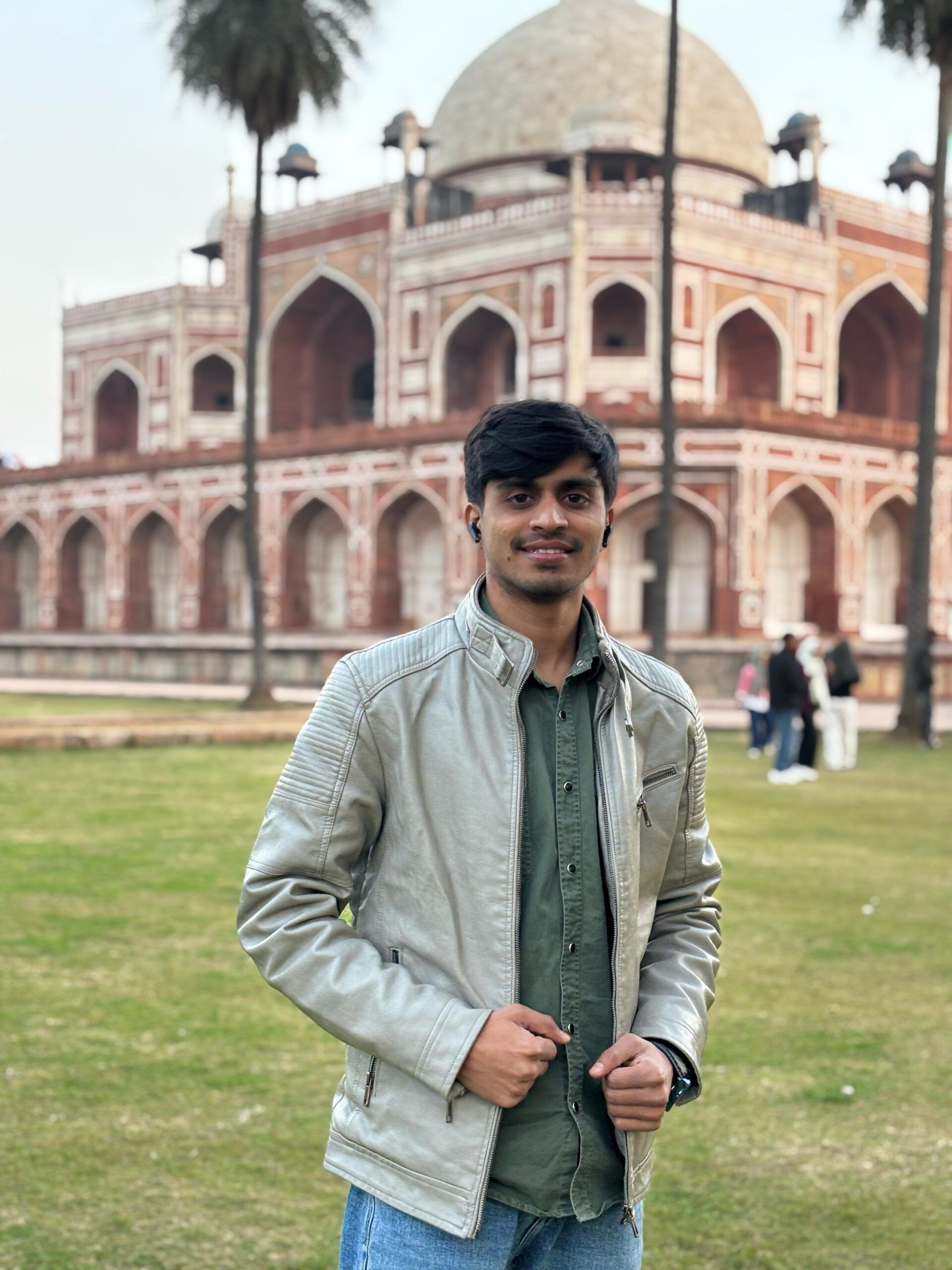
Portrait mode is my favourite part of the Vivo V80 camera. I clicked a lot of images in Portrait mode, especially at the 50mm focal length. At this focal length, it gives you a perfect focus on the subject while keeping the surrounding environment in the frame. Use 23mm and 35mm when you have two or more people in the frame. You can use 85mm and 100mm focal lengths for close-up portraits or to capture facial expressions or the subject.
Honestly, there is no rocket science in Portrait mode; Vivo has integrated AI enhancements that improve the images after the shot.
Also Read: Samsung Galaxy Z Flip8 Quick Review: The Flip Phone Gets Better
Pro Mode Vs ZEISS Filters
Pro Mode is basically a camera in manual mode where you can customise settings such as ISO, aperture, shutter speed, and more. This mode is a great choice for photographers who want to fine-tune their results by manually adjusting settings based on the scene.
ZEISS Filters are for those who want presets to make images look more aesthetic without spending much time on post-production. You can also adjust ZEISS Filters manually according to your liking.
Few Camera Modes You Should Explore
Vivo has added a few features that you can explore, including the best Vivo V80 camera settings for high-quality images. Vivo has added an Underwater photography mode that you can use while scuba diving or at a pool party. I found the Fisheye mode a bit unique, but I could not find much that was attractive. In this mode, you will get a few image effects, such as convex parking mirrors or door mirrors.
There is also a Stage mode for wider captures and an Astro mode for capturing galaxy images.
Also Read: Vivo X300 Pro Review: The Phone That Changed Camera Standards
Verdict
The Vivo V80 offers a versatile camera experience with plenty of options for both casual users and photography enthusiasts. I particularly liked the Portrait mode and the 50mm focal length, which worked well for capturing subjects while keeping some of the surroundings in the frame.
The ZEISS filters are also useful if you want to give your photos a different look without spending much time editing them. For users who like experimenting, Pro, Astro, Fisheye, and Underwater modes add more flexibility. So, you can achieve the best phone by following the best Vivo V80 camera settings.
Are you still browsing through your broken screen? Don’t worry! Book an at-home mobile phone screen repair with Cashify—an affordable and one-stop destination for all your mobile phone needs. In case you break your screen within 1 month of repair, we will replace your screen again—for FREE.